
MetaTrader 5 Instant App
Self-hosted MetaTrader 5 VPS hosting
MetaTrader 5 is MetaQuotes' trading terminal for charts, orders and Expert Advisors. Compare live VPS prices, CPU, RAM, disk and regions, launch with a prepared noVNC password on the plan you choose, and keep root access.

MetaTrader 5
Instant App on marketplace VPS
Live marketplace offers
Compare MetaTrader 5 VPS plans
Choose billing and size, compare providers side by side, pick a location, then launch.
Inside MetaTrader 5
MetaTrader 5 is a trading terminal for charts, market depth, orders and Expert Advisors. Use it instead of paying for a managed Forex VPS seat. After boot, open /vnc.html, enter the VNC password, then sign into your broker inside MT5. No Instant App form fields are required at create time.
Terminal after VNC login
Open the noVNC session and use MetaTrader 5 in the browser after the VNC password.
Charts
Candlestick charts open in the terminal once quotes are available.
Market Watch and Navigator
Use Market Watch and Navigator for symbols, indicators and Expert Advisors on your VPS.
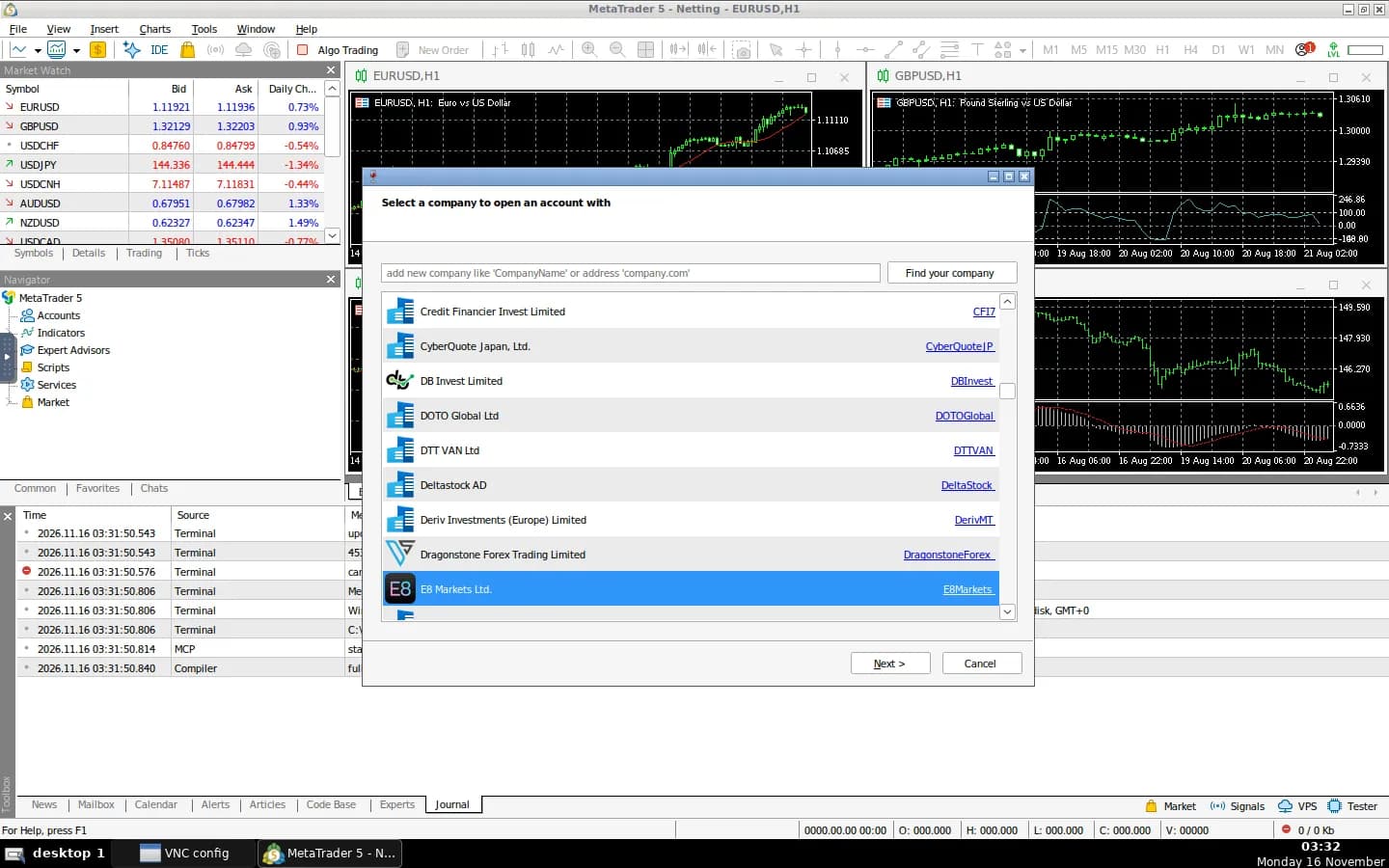
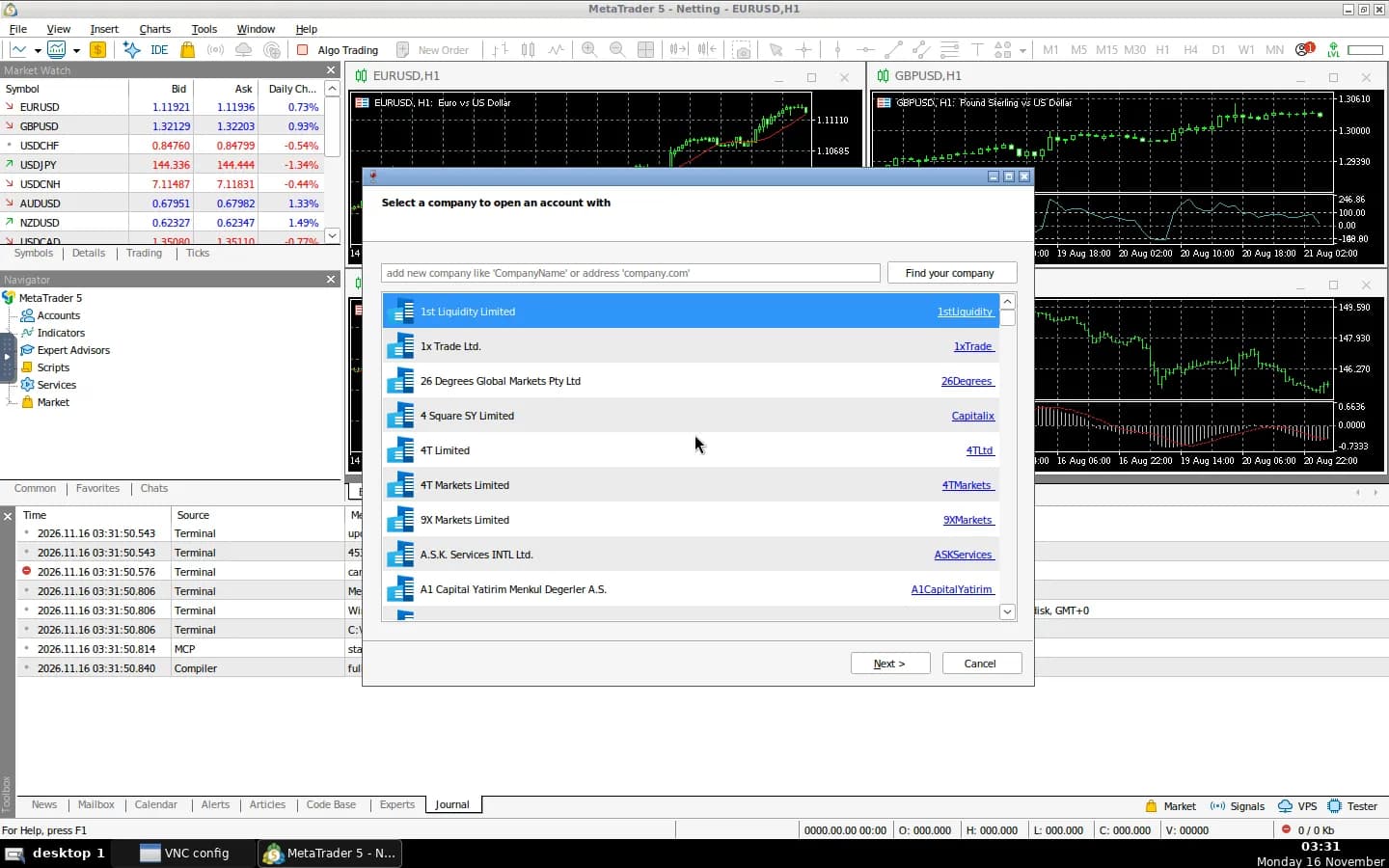
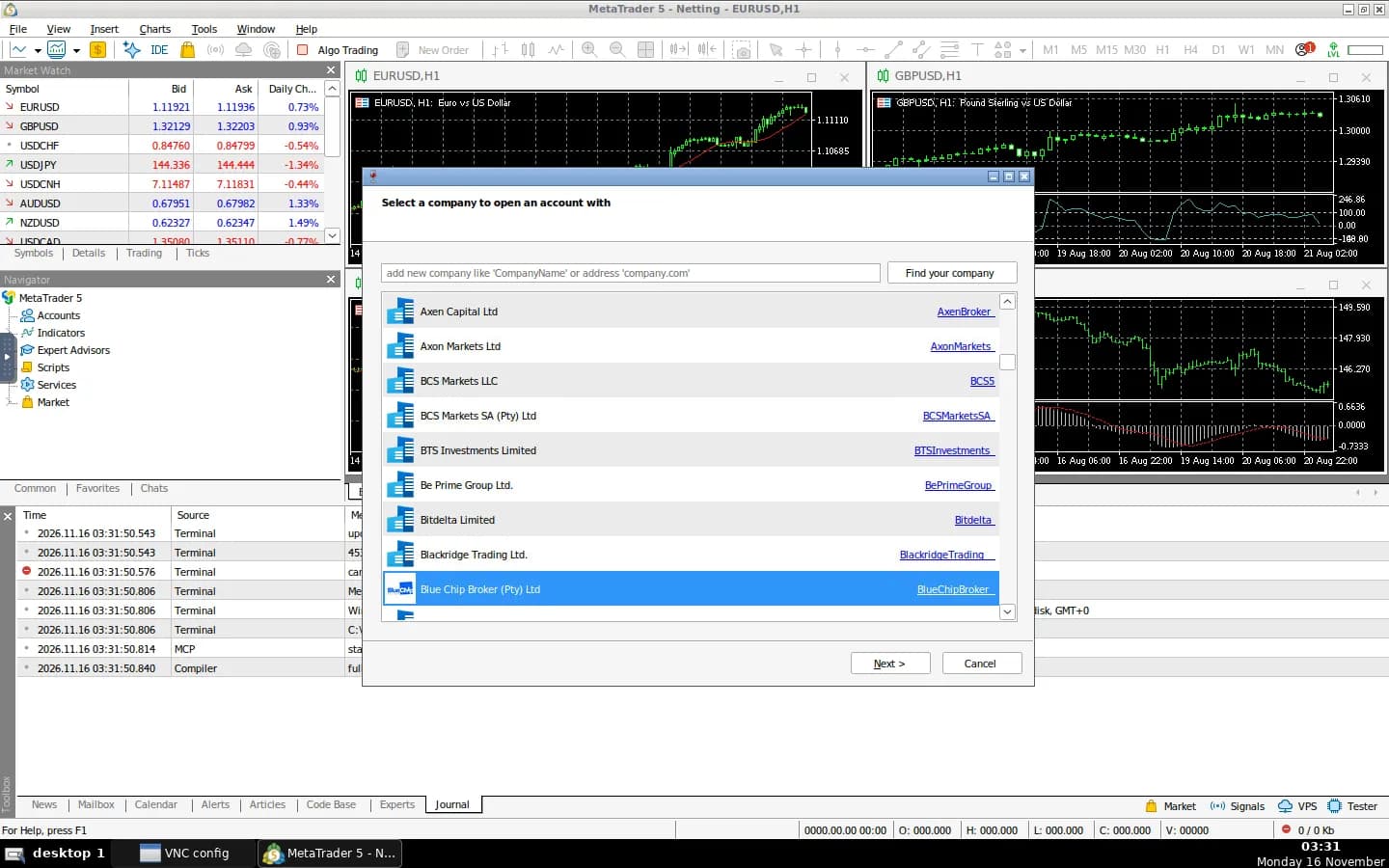
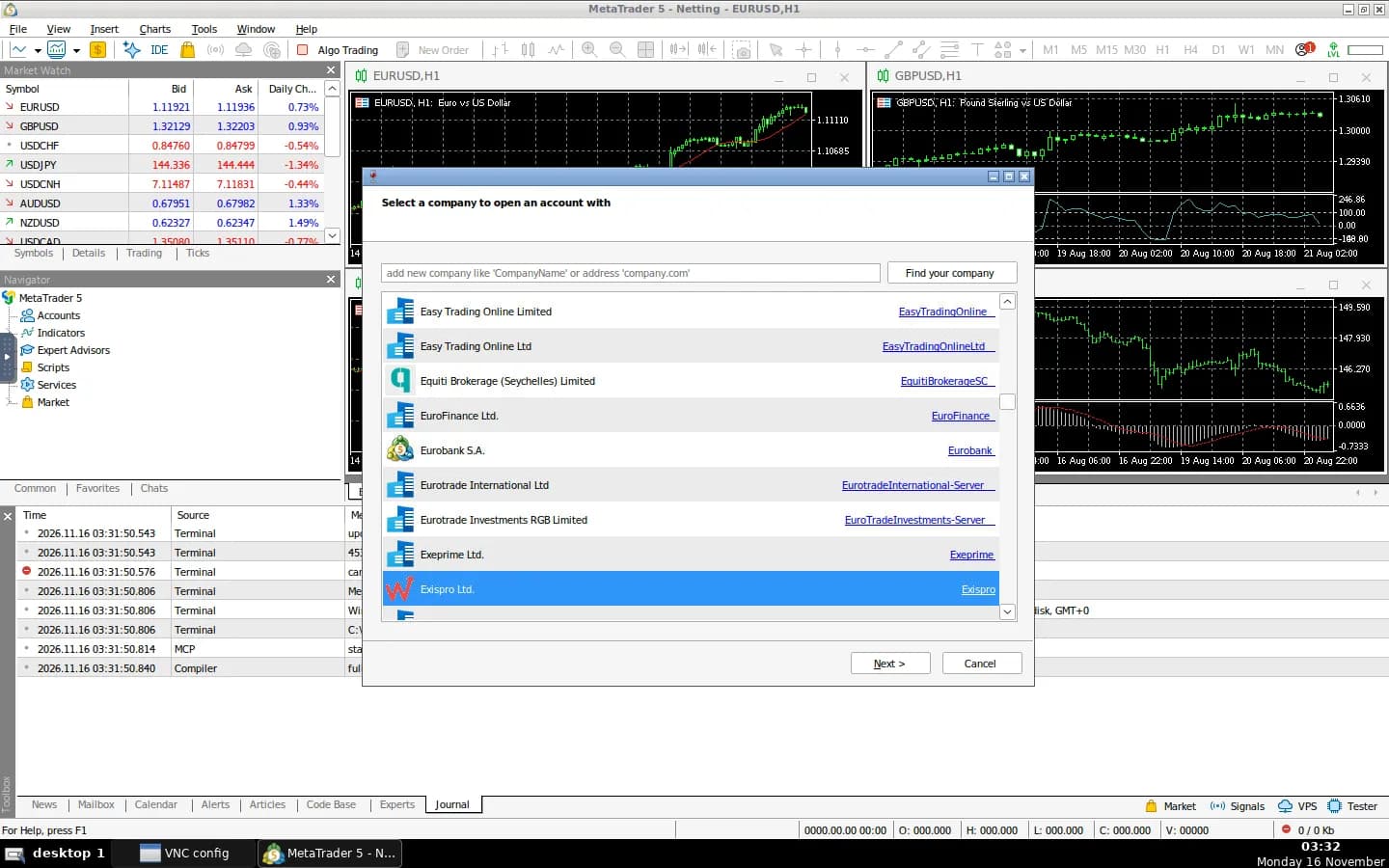
Broker account dialog
Connect a broker account from inside MetaTrader 5 after the VNC session is open.
Why use the NodeRings marketplace?
Compare live MetaTrader 5 VPS plans from independent providers, then self-host an MT5 terminal in the browser on the offer you pick. Use it instead of paying for a managed Forex VPS.
Compare MetaTrader 5 VPS offers in one place
See live prices, regions and plan sizes before you buy. Shop Forex VPS hosts across independent providers, including 4 GB boxes that fit Wine + MT5 well.
Self-host MT5 without a manual Wine install
Pick a plan and MetaTrader 5 is prepared in a browser VNC session for you, including a VNC password. You still get root access.
Keep the terminal nearer your broker or desk
Compatible offers list cities and countries. Latency for charts and order tickets follows the region you pick.
Own the terminal and MQL5 files
Charts, EAs and MQL5 files live on your VPS volume. You control SSH, DNS and who can open the VNC session.
MetaTrader 5 hosting as a marketplace, not a single hoster
Most MetaTrader 5 VPS pages sell one company's Forex VPS. NodeRings lists Compute Instance plans from independent providers so you can compare self-hosted MT5 offers by price, size and region, then launch on the one that fits.
MetaTrader 5 Instant App prepares the terminal on the provider VPS you selected. NodeRings does not operate that hardware or sell its own VPS fleet.
Single-provider MetaTrader 5 hosting
- One company catalogue and renewal pricing
- One set of regions and support paths
- One vendor panel for that host only
NodeRings marketplace
- MetaTrader 5 VPS offers from independent providers
- Compare resources, prices and regions side by side
- Deploy MetaTrader 5 on the plan you pick
How it works
Compare plans, pick a provider offer, and launch MetaTrader 5 on that server.
01
Compare MetaTrader 5 VPS plans
Browse live offers below. A 4 GB / 40 GB plan is a solid start for Wine + MT5. Sort by provider, size, price and region.
02
Pick the offer that fits
Choose the provider plan and region. There are no Instant App form fields to fill for MetaTrader 5.
03
Deploy and sign in
Confirm checkout and wait for the server. Then open http://YOUR_IP/vnc.html and enter metatrader5_vnc_pass from your server notes. You keep root SSH.
On the VPS after MetaTrader 5 deploys
NodeRings Instant App brings MetaTrader 5 up with Docker and prepares first-boot access for you. Use the sections below to reach the UI, find passwords, and operate the stack.
Open the web UI
- In a browser, go to http://YOUR_SERVER_IP/vnc.html using the IPv4 from your order.
- Enter metatrader5_vnc_pass from the credentials file when noVNC asks for a password.
- When the desktop loads, use MetaTrader 5 and sign into your broker from File → Login to Trade Account.
Where the password is
Credentials are written on first boot to:
/root/.noderings_passwordRead them over SSH:
cat /root/.noderings_password- Keys in that file include metatrader5_vnc_pass and site_url.
- SSH in as root with the create-flow password or key, then run the command above.
- Change VNC_PW in the compose .env and recreate the container after first login.
Where files live
Compose project directory
/opt/noderings/metatrader5
/opt/noderings/metatrader5/docker-compose.yml
/opt/noderings/metatrader5/.env
Working directory for compose, the stack file, and generated secrets.
Credentials file
/root/.noderings_passwordWritten once on first boot.
Boot unit
/etc/systemd/system/noderings-metatrader5.serviceBrings compose up after Docker is ready.
What runs in Docker
Compose runs a single MetaTrader 5 + noVNC container. The UI is on HTTP port 80 (container port 6901). Raw VNC port 5901 is not published.
metatrader5noVNC desktop and MetaTrader 5 under Wine on HTTP port 80.
Container status
cd /opt/noderings/metatrader5 && docker compose psLive logs
cd /opt/noderings/metatrader5 && docker compose logs -fRestart containers
cd /opt/noderings/metatrader5 && docker compose restartsystemd unit status
systemctl status noderings-metatrader5Add HTTPS with Cloudflare
Your MetaTrader 5 app starts on http://. Cloudflare can give visitors a padlock without installing anything on the VPS.
Add your domain
Sign up at Cloudflare and add the domain you want to use.
Point it at your VPS
Create an A record to your server IP and leave the orange cloud on.
Open the https site
Visit https://your-domain/vnc.html and enter the VNC password from your server notes.
Only allow Cloudflare
Optional. With SSH (port 22) already allowed and everything else blocked by default, open only Cloudflare to ports 80 and 443:
curl -s https://www.cloudflare.com/ips-v4 | while read ip; do sudo ufw allow from "$ip" to any port 80,443 proto tcp; done
Keep port 22 allowed for SSH.
More detail
- NodeRings does not sell MetaTrader 5 as a product and is not affiliated with MetaQuotes.
MetaTrader 5 VPS requirements and sizing
This Instant App runs MT5 under Wine with a browser VNC session. The image is large and first boot downloads the terminal. These are starting points, not guarantees.
| Workload | Illustrative starting point | Note |
|---|---|---|
| Single terminal in the browser | 2 vCPU / 4 GB RAM / 40+ GB disk | Suggested Instant App floor for hudsonventura/mt5:2.2. |
| Several charts and EAs | 2–4 vCPU / 4–8 GB RAM | More headroom when many charts, indicators or testers run together. |
| MQL5 files and history | Disk sized to experts and history | Experts, indicators and tester data grow the config volume. Keep copies off-box. |
| Low-latency trading | Same size; region near the broker | Pick a region close to your broker's trade servers when latency matters. |
These are starting points, not guarantees. Needs depend on charts, EAs and how long the VPS stays online.
Root access and who does what
This is self-hosted MetaTrader 5 on a provider VPS, not a managed Forex VPS product. You pick the plan. MT5 is prepared on that server. Day-to-day care stays with you.
What you get ready
MetaTrader 5 is prepared on the VPS with no Instant App form variables. The noVNC password is written for you on first boot.
What you keep
Root SSH on the VPS. You own broker logins, EAs, DNS, TLS, OS updates and backups unless a provider product says otherwise.
What is not included
Broker accounts, signal subscriptions, automatic TLS and a Windows desktop outside the VNC session are not bundled in. Finish broker login inside MT5 after the server is up.
Support boundaries
NodeRings helps with marketplace, billing and console. Provider hardware issues go to that provider. Looking after MetaTrader 5 and Wine on the server is yours.
MetaTrader 5 VPS FAQs
What is MetaTrader 5?
MetaTrader 5 is MetaQuotes' multi-asset trading terminal. People use it for charts, orders, Market Depth and Expert Advisors.
Do I need to fill Instant App variables for MetaTrader 5?
No. MetaTrader 5 Instant App asks for no form variables at create time. After the VPS is ready, open /vnc.html and enter the VNC password from your server notes.
Does NodeRings run the MetaTrader 5 server?
No. NodeRings is a marketplace. Independent providers list VPS plans. You pick a plan, MetaTrader 5 is prepared on that provider server, and you manage the terminal from there.
Is this managed Forex VPS hosting?
No. You get a virtual machine with MetaTrader 5 prepared for you, plus root access. That is different from a managed Forex VPS that owns updates and support for you.
What is MetaTrader 5 Instant App?
It prepares a noVNC + Wine MetaTrader 5 stack on the VPS you choose so you skip hunting through install guides by hand. It is still your self-hosted server, not a separate managed hosting brand.
How do I sign in after deploy?
Open http://YOUR_IP/vnc.html and enter metatrader5_vnc_pass from /root/.noderings_password when noVNC asks for a password. Then log into your broker inside MetaTrader 5.
Is MetaTrader 5 open source?
No. The terminal is proprietary MetaQuotes software. This Instant App uses a community Docker image that runs MT5 under Wine with browser noVNC.
What size MetaTrader 5 VPS do I need?
A common starting point is about 2 vCPU, 4 GB RAM and 40 GB disk. Heavier chart and EA loads usually need more RAM. Use the sizing guide above and compare plans in the list.
What happens after I click Deploy MetaTrader 5?
You confirm the plan and finish checkout. When the server is ready, open /vnc.html, enter the VNC password, then connect your broker inside MT5.
Can I choose the server region?
Yes. Each compatible plan lists available regions. Pick the city or country that matches latency and compliance needs.