
Direct every query to the origin you meant
GeoDNS is location-based routing at the DNS layer, also called a traffic director. NodeRings hosts the zone, answers from anycast nameservers, and returns a different address by continent, country, or region. Included free with your account.
$0
Hosted DNS + GeoDNS
2
Anycast nameservers
ECS
Visitor-prefix steering
DNSSEC
Spoof-resistant answers
What it is
Geographic DNS, not a second product
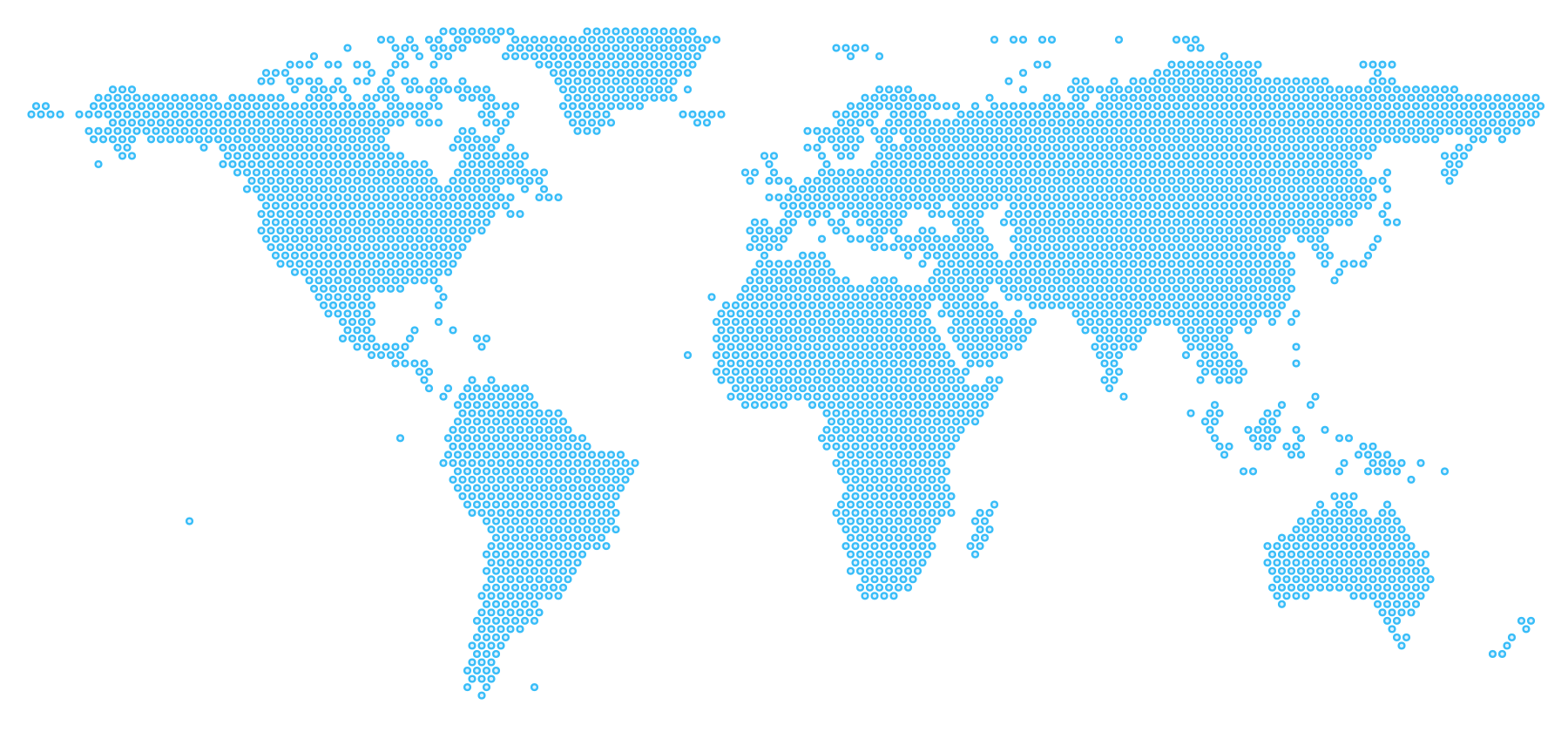
GeoDNS (geographical domain name system) distributes traffic from the location of the request. International products use it so one hostname, such as api.example.com, can send California to one origin, Tokyo to another, and everyone else to a default. You configure the map; we serve the answers.
Classic records stay in the same zone: A, AAAA, CNAME, apex ALIAS, MX, TXT, SRV, CAA. Geo records support A, AAAA, CNAME, NAPTR, and SRV. Import what is already published; export BIND when you need a copy.
Anycast DNS
How the lookup reaches us. Resolvers talk to a nearby NodeRings nameserver. That shortens DNS time. It does not pick which of your application servers to use.
GeoDNS
Which origin IP we return. That is the traffic director: the answer changes with the visitor, using the locations you attached to the record.
How the service works
Three decisions between the click and the origin
The query hits anycast
The resolver reaches ans1.nrings.io or ans2.nrings.io, whichever nameserver is closest to that lookup. Fast DNS is the floor, not the product.
We locate the visitor
When the resolver sends EDNS Client Subnet, we use the visitor prefix. Otherwise we use the resolver’s own address. You never write Lua.
They get the origin you set
The most specific geo match wins: region or region group, then country, then continent, then the required default. Same hostname, different answer.
Multiple geolocation targets
Segment traffic as tightly as your footprint
Target United States and Canadian regions, whole countries, or continents. Mix them on one record: California can beat United States, the Netherlands can beat Europe. Check answers on the map in the console before you cut the nameservers over.
Match 1
Region
US and Canadian regions, plus region groups when you want several states together.
Match 2
Country
Send Japan, Brazil, or the Netherlands to a local origin, or keep them off one.
Match 3
Continent
A wider net when you have one server per continent, not one per country.
Match 4
Default
Required on every geo record. Anyone who does not match a more specific rule still gets an answer.
Advantages
Why operators pay for GeoDNS elsewhere
Lower latency, on purpose
Users land on the origin you placed near them. GeoDNS is the steering; your VMs are the destinations.
Geo-aware load, not round-robin
Split traffic by place instead of hoping a single anycast IP is the right application server.
Real visitor, not just the resolver
EDNS Client Subnet support means Google Public DNS and similar resolvers can still steer by the user’s prefix.
Signed zones still geo-route
DNSSEC and GeoDNS live in the same zone. Location answers keep working after you publish DS.
Search and speed in the same breath
Faster first byte starts with a nearby origin. Anycast shortens the lookup; GeoDNS shortens the rest of the trip.
No extra GeoDNS SKU
Typical geographic DNS products charge a monthly add-on. Here the traffic director ships with hosted DNS.
Who benefits
Built for anything that already has more than one origin
Multi-origin sites and APIs
Build your own origin steering: North America to one instance, Europe to another, everyone else to a default. Useful in front of a CDN or instead of one.
SaaS and online products
Keep a single hostname for the app while data residency and round-trip time follow the customer, not a random US-East box.
Stores that sell worldwide
Checkout and catalog pages feel local when the origin is local. GeoDNS is the DNS half of that story.
Games and real-time rooms
Match players to the community or game server you actually run in their region. The client still uses one hostname.
Cost
Geographic routing without a GeoDNS invoice
Specialist GeoDNS plans commonly start around ten dollars a month for a single zone, with query caps and add-on failover. NodeRings includes the traffic director with hosted DNS. There is no separate SKU and no per-query surprise on this page.
Typical add-on
~$10/mo
NodeRings
$0
How to start
Live after you delegate, not after you pick a plan
Add a zone
Create the domain in the DNS console, or import the records already published for it.
Attach geo answers
Pick A, AAAA, CNAME, NAPTR, or SRV. Set a default, then override by continent, country, or region.
Point nameservers
At the registrar, use only ans1.nrings.io and ans2.nrings.io. Confirm delegation, then cut traffic.
FAQ
Questions operators actually ask
What is GeoDNS?
GeoDNS is a traffic director at the DNS layer: authoritative DNS that returns a different answer based on where the visitor is. The same hostname can send California to one origin, the Netherlands to another, and everyone else to a default. NodeRings matches the most specific rule first: region or region group, then country, then continent, then default.
What are the advantages of GeoDNS?
You steer users to a nearby origin, split load by geography, and keep one public hostname. NodeRings also uses EDNS Client Subnet when resolvers send it, supports DNSSEC on geo zones, and includes the feature with hosted DNS instead of a separate monthly add-on.
How do I start using GeoDNS?
Create a zone in the DNS console, add a geo record with a required default plus optional continent, country, or region answers, then point the registrar at ans1.nrings.io and ans2.nrings.io. Check answers on the map in the console before you cut traffic over.
How is Anycast DNS different from GeoDNS?
Anycast is how resolvers reach our nameservers: a nearby NodeRings NS answers the lookup. GeoDNS is which origin IP we return for your hostname. They work together: anycast shortens the DNS hop; GeoDNS chooses the application server you configured for that visitor.
What locations can I target?
United States and Canadian regions (and region groups), whole countries, and continents. Every geo record still needs a default for visitors who do not match a more specific rule.
Is NodeRings DNS free?
Yes. Hosted DNS and GeoDNS are included with your NodeRings account at no extra cost. You add a zone, import or create records, and point your registrar at our nameservers. There is no separate GeoDNS add-on to buy.
What nameservers do I use?
At your registrar, set only ans1.nrings.io and ans2.nrings.io. Do not mix them with leftover nameservers from another host. Unicast ns1 and ns2 exist for diagnostics only and should not be pasted at the registrar.
Does GeoDNS work with DNSSEC?
Yes. Sign the zone with algorithm 13 (ECDSA P-256) and NSEC3 after nameservers already point at NodeRings, then publish the DS record at your registrar. Location-based answers keep working on a signed zone.
What records can I create?
Standard records include A, AAAA, CNAME, ALIAS (apex-friendly), MX, TXT, SRV, CAA, and more. GeoDNS supports A, AAAA, CNAME, NAPTR, and SRV, each with a required default plus optional continent, country, and region answers.
Put a traffic director on the hostname you already use
Create an account, add a zone, attach geo answers, point nameservers. GeoDNS is in the same editor as the rest of the records.