
Managed WordPress hosting and a plain VPS both end with a browser tab that says WordPress. The invoice buys different work. Managed plans sell a WordPress-tuned platform, staging, often CDN and backups, and a support desk that answers stack questions. A plain VPS sells CPU, RAM, disk, and an address. You install the stack yourself, or you use a marketplace Instant App and still own what happens after first boot.
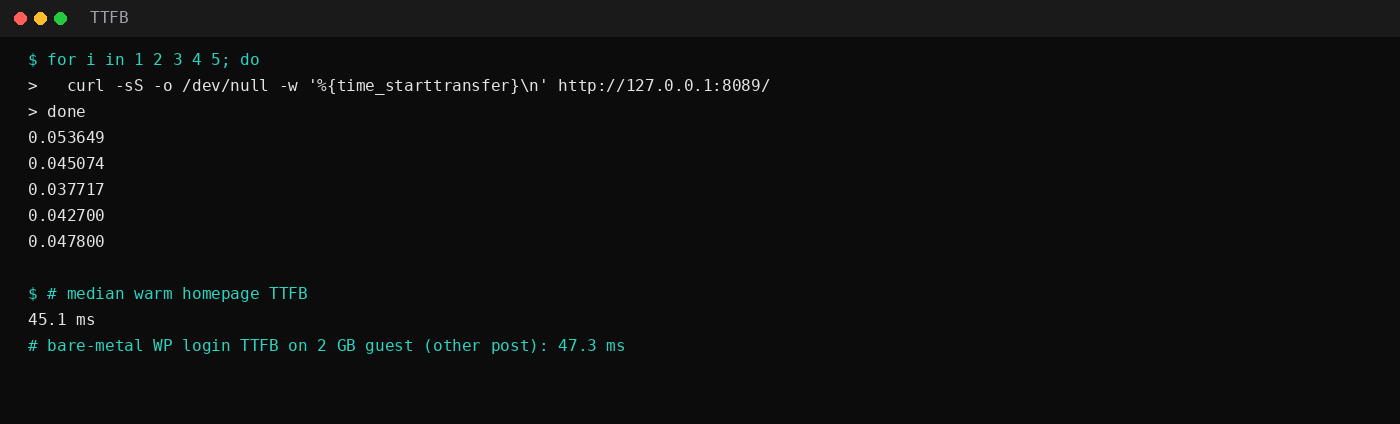
This lab's Docker Compose WordPress stack (WordPress 7.1.4 + MariaDB 11.4) sat near 107 MiB + 90 MiB in docker stats after a quiet window, about 197 MiB together. Warm homepage time_starttransfer median was 45.1 ms over five samples on loopback. The companion Compose post measured 98.4 + 89.7 MiB (188.1 MiB) right after install; the bare-metal Nginx WordPress post measured warm /wp-login.php TTFB at 47.3 ms on a 2 GB guest. The timings are for a quiet loopback stack. On a VPS, patching PHP at 2am is still your job.
| Managed WordPress hosting | Plain VPS | |
|---|---|---|
| Sticker | Higher; labor folded in | Lower compute line |
| Who patches OS / PHP / DB | Host (within plan scope) | You |
| Root / non-WP apps | Rarely | Yes |
| Staging / WP tooling | Usually in the SKU | You build or skip |
| Plugins / content / malware from plugins | Still you | Still you |
| 2am outage | Their on-call (scope varies) | Yours or a contractor |
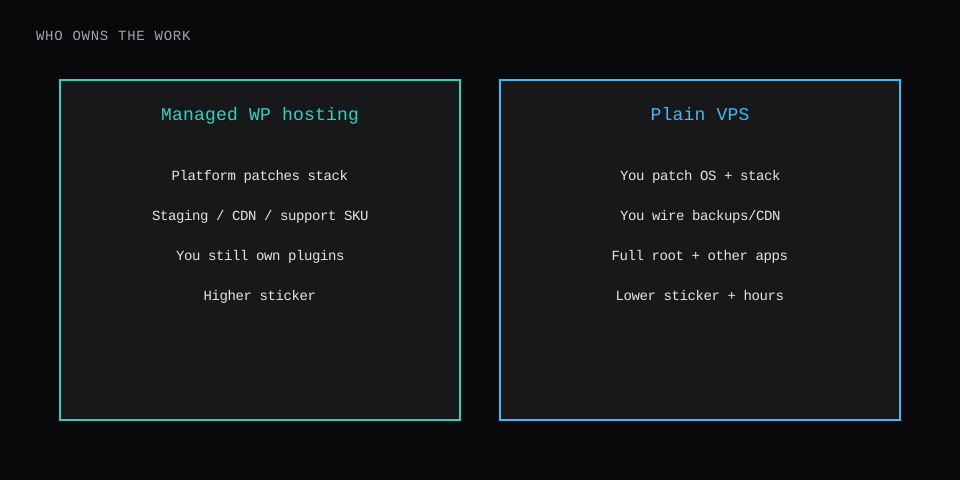
How to read the two invoices
A $5–15 VPS looks cheaper than a $25–100 managed WordPress plan until you count hours. A rough check:
(managed_monthly - vps_monthly) / your_hourly_rate
≈ hours per month where the VPS savings disappear
At $50/hour, a $40 premium is under one hour of labor. If you already live in SSH, or you run cron workers and sidecars beside WordPress, the VPS invoice wins. If a store checkout that pays for itself goes down while you sleep, the managed premium is insurance with a phone number.
Public managed stickers often sit from the low tens of dollars per site upward; VPS compute starts lower. Treat price pages as ranges that move. Renewal pricing, visit caps, and overage matter more than the launch coupon. Off-site backups, object storage, and a CDN are often extra on a VPS; managed SKUs usually bundle a version of each.
What a plain VPS path looks like here
Three posts on this site are the VPS toolbox:
- LEMP: Nginx, MariaDB, PHP-FPM, Certbot on Ubuntu
- WordPress on Nginx and MariaDB: permalinks, login TTFB on 2 GB / 4 GB
- WordPress on Docker Compose: pinned digests,
.env, loopback publish
From the Compose lab still running for this comparison:
docker compose ps
docker stats --no-stream
# wordpress ~107 MiB, db ~90 MiB in this quiet window

for i in 1 2 3 4 5; do
  curl -sS -o /dev/null -w '%{time_starttransfer}\n' http://127.0.0.1:8089/
done
# median 45.1 ms warm homepage TTFB on loopback
Publish only on loopback until a reverse proxy owns TLS. The Compose file in the companion post binds like this:
ports:
  - "127.0.0.1:8089:80"
# after Caddy or Nginx terminates TLS for blog.example.com
# proxy_pass / reverse_proxy to 127.0.0.1:8089
ufw allow OpenSSH
ufw allow 80/tcp
ufw allow 443/tcp
ufw --force enable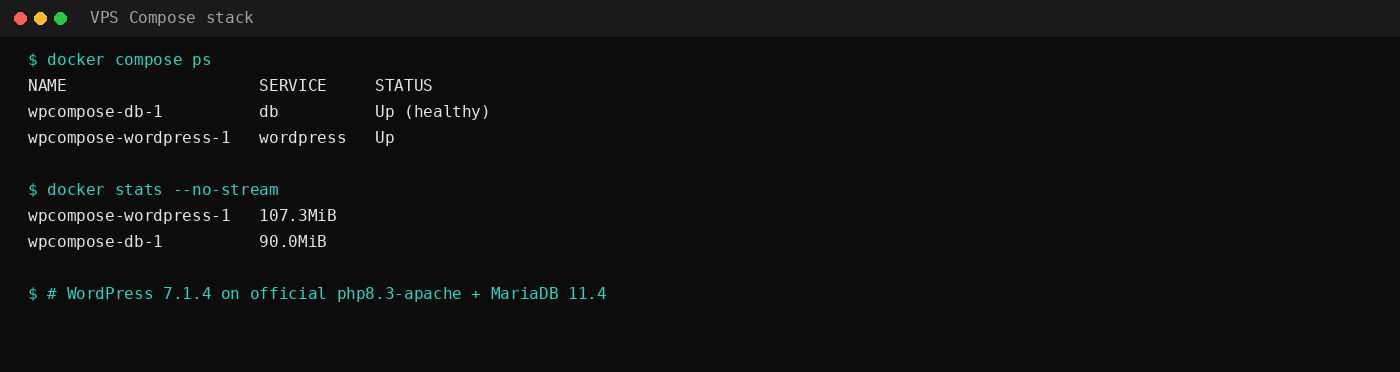
A control panel on the same VPS (CyberPanel / Hestia / aaPanel) is another shape: more UI, more idle RAM, still your OS upgrades.
Marketplace Instant Apps can drop WordPress on a fresh image so day one skips the installer ritual. After that, patching and backups behave like any other VPS you own.
What managed WordPress usually buys
Expect a platform that already chose PHP workers, caching defaults, and often a CDN edge. Staging sites, one-click restores, and ticketed help with server errors are the product. Limits show up as visit caps, PHP worker caps, or disallowed plugins.
You still update plugins, themes, and content. An abandoned plugin can still own the site. Managed rarely means the host maintains your page builder for free. Read the support boundary before you treat the plan as a full-time sysadmin.
Responsibilities you inherit on a VPS
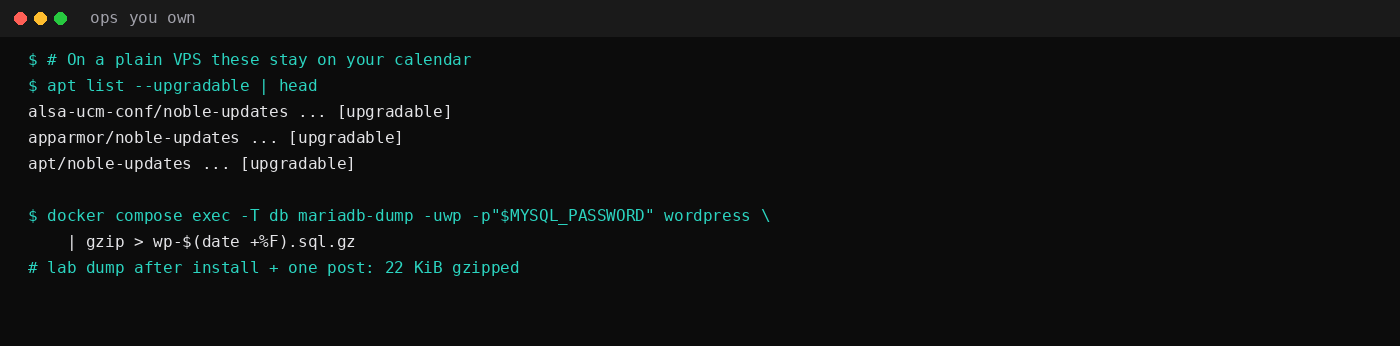
On this host, the calendar items look like package updates, container health, and dumps:
apt list --upgradable | head
docker compose exec -T db \
  mariadb-dump -uwp -p"$MYSQL_PASSWORD" wordpress | gzip > wp-$(date +%F).sql.gz
The Compose lab's dump after install and one post was 22 KiB gzipped. Off-box copies still need a destination (restic). Add SSH hardening, firewall rules, certificate renewals, and disk alerts. That list is the part the sticker price leaves out.
| Skip this | Better read |
|---|---|
| Cheapest VPS with no backup plan | Price restore drills before launch |
| Managed hosting for a hobby box you enjoy tuning | VPS matches the hobby |
| Assuming managed means zero WordPress work | Plugins and content stay yours |
| Assuming VPS TTFB lab numbers equal production CDN | Lab was loopback, minimal plugins |
When to pick which
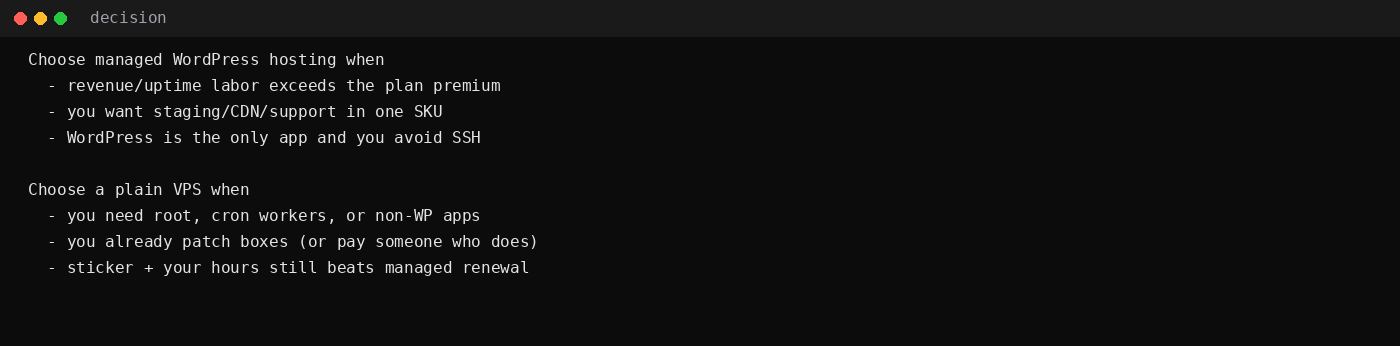
Managed WordPress hosting fits when revenue depends on uptime you will not personally cover, when you want staging and support in one SKU, and when WordPress is the only app.
A plain VPS fits when you need root, Redis, queues, or other apps beside WordPress, when you (or a retainer) already patch Linux, and when sticker plus hours still beats managed renewal.
A useful sanity check is hours, not logos. Baseline VPS ownership (updates, backup checks, certificate renewal, one small fire) often lands around a couple of hours a month when nothing is broken, and more when something is. Divide the managed premium by your hourly rate: if the premium buys back more hours than you actually spend keeping the VPS honest, managed wins on money as well as sleep. WooCommerce or any site where an hour of downtime during a sale costs more than a year of the premium tilts the same way. A quiet brochure site you enjoy tuning does not.
Agencies often mix both: managed for client brochure sites, VPS or Compose for builds that need custom daemons.
FAQ
Is WooCommerce a reason to go managed?
High checkout traffic and peak events favor platforms that already sized PHP workers and caching. A tuned VPS can do the same job; the question is who stays online during the sale.
Can I migrate either direction?
Yes. Dump the database, copy wp-content, fix WP_HOME / WP_SITEURL, then cut DNS. Managed hosts often offer migration services; VPS moves are the same files with more SSH.
What about shared hosting, not managed WordPress?
Shared is cheaper still and shares noisy neighbors. When you outgrow it, the fork is managed WordPress vs a VPS (this post), not "stay on shared forever."