
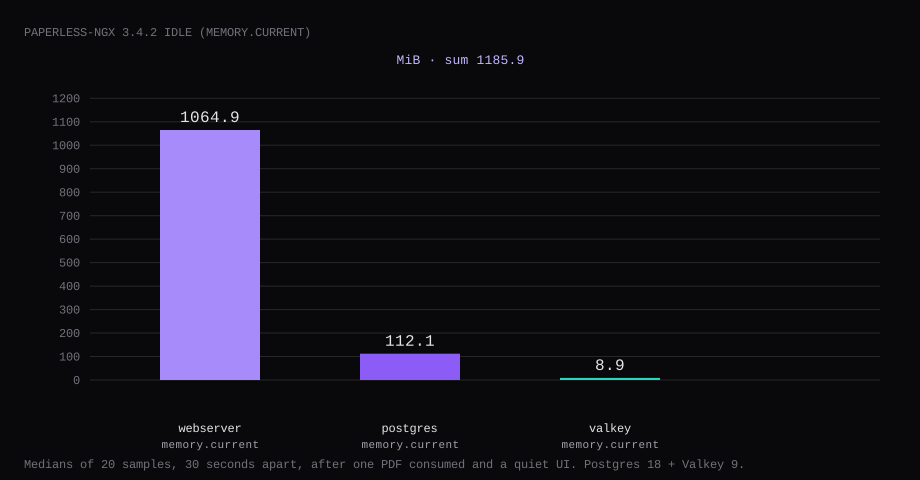
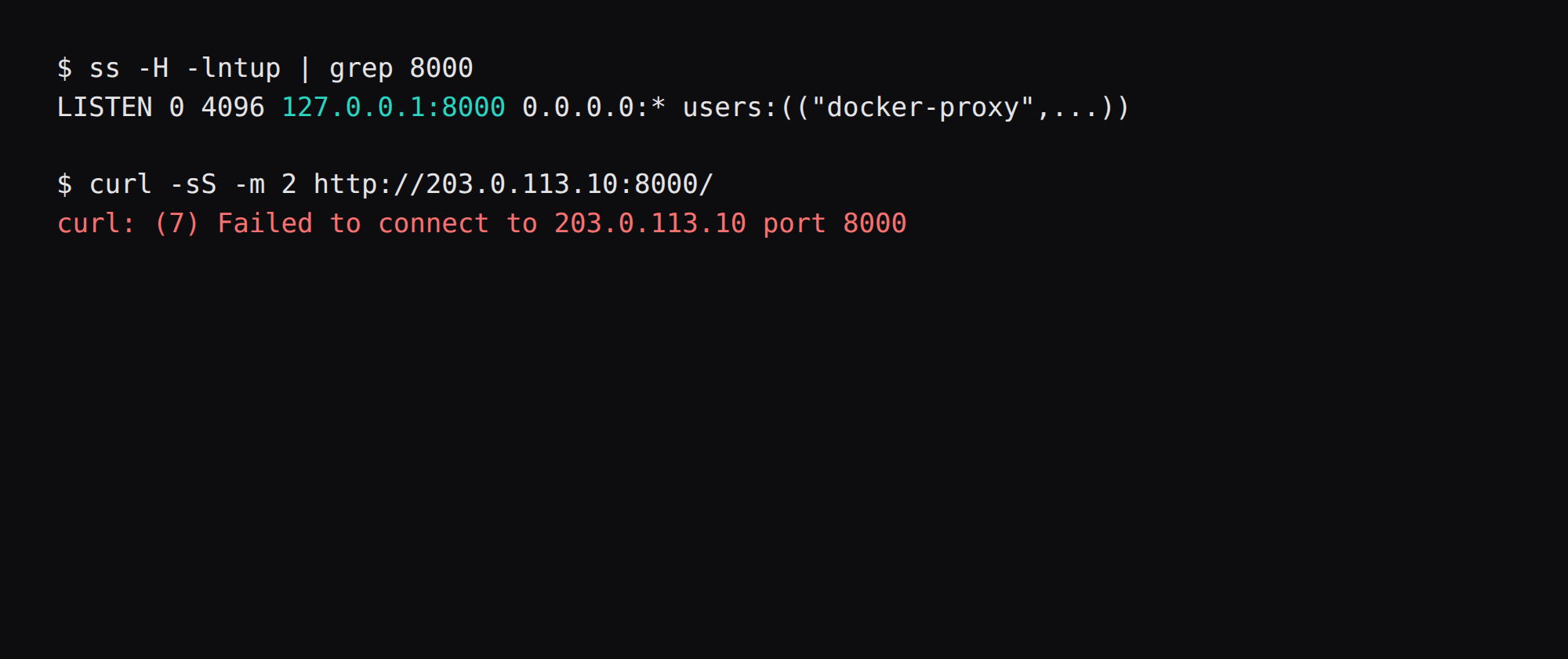
Paperless-ngx 3.4.2 on Postgres 18 held 1185.9 MiB idle across three containers on this lab host. That is the sum of cgroup memory.current medians: webserver 1064.9 MiB, db 112.1 MiB, broker 8.9 MiB, each from twenty samples taken 30 seconds apart after one PDF was consumed and the UI was quiet. docker stats printed 619.7 MiB, 43.0 MiB, and 8.7 MiB. Port 8000 listened on 127.0.0.1 only. A curl to the public address was refused.
Paperless-ngx is a document management system that consumes PDFs and images, OCRs them, extracts metadata, and makes the archive searchable. Drop files in a consume folder (or mail them in), and the pipeline classifies with tags, correspondents, and document types. It replaces a shoebox of scans with a web UI and tight access control.
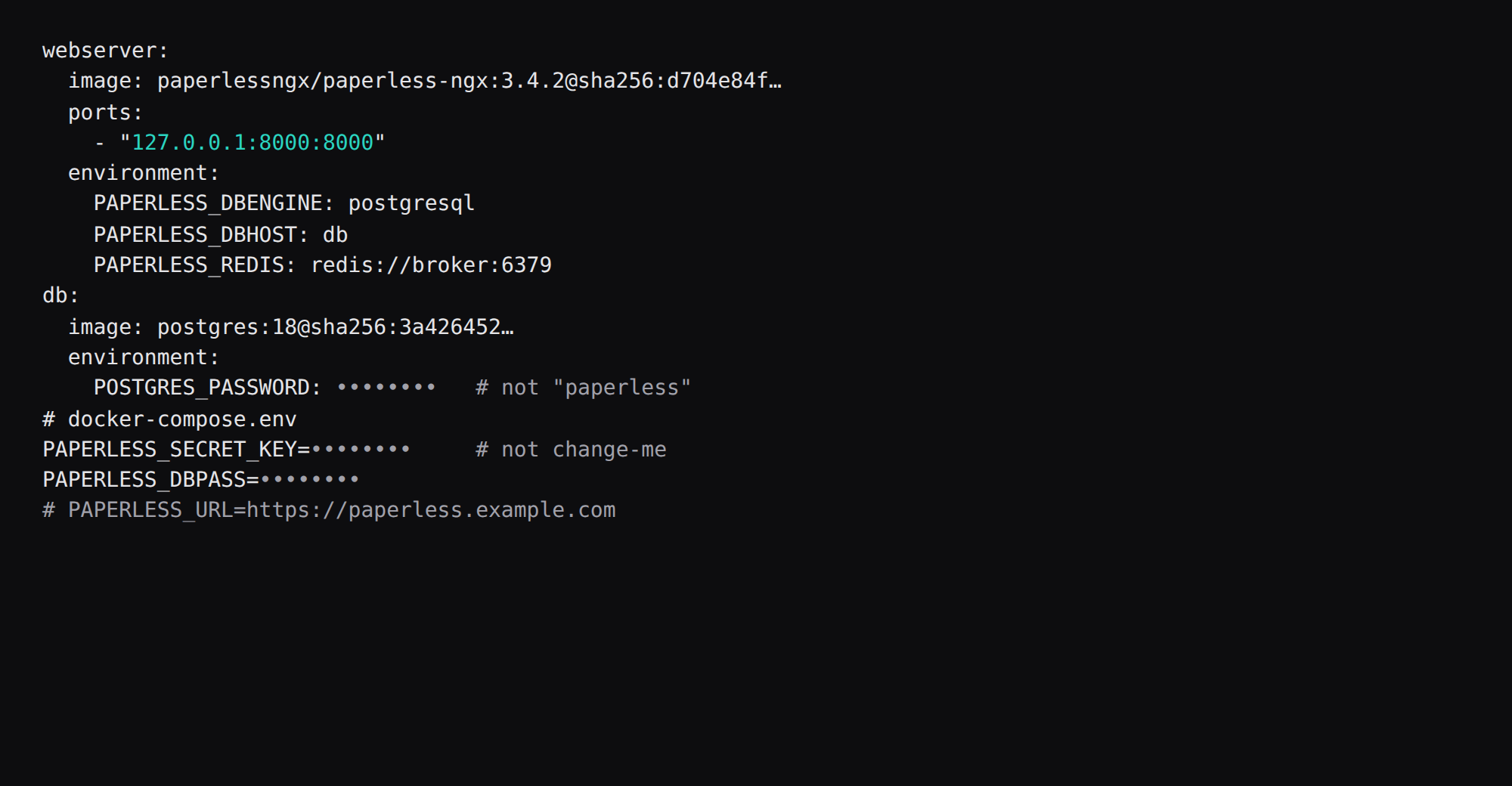
The setup docs recommend PostgreSQL for new installs. The official postgres compose publishes 8000:8000 and sets the database password to paperless. Pin 3.4.2 and publish 127.0.0.1:8000:8000. Replace the example secrets and drop one PDF through ./consume.
| Container | cgroup memory.current | docker stats | CPU % |
|---|---|---|---|
| webserver | 1064.9 MiB, median of 20 | 619.7 MiB | 0.23 |
| db (Postgres 18) | 112.1 MiB | 43.0 MiB | 0.00 |
| broker (Valkey 9) | 8.9 MiB | 8.7 MiB | 0.15 |
| Sum | 1185.9 MiB |
| Skip this | What this run did |
|---|---|
paperless-ngx:latest without a digest | Pinned 3.4.2 by digest |
-p 8000:8000 on every interface | Published 127.0.0.1:8000:8000 |
POSTGRES_PASSWORD=paperless | Generated password shared with PAPERLESS_DBPASS |
PAPERLESS_SECRET_KEY=change-me | secrets.token_urlsafe(64) in a mode 600 env file |
| SQLite for a long-lived VPS | PAPERLESS_DBENGINE=postgresql |
How do you install Paperless-ngx with Postgres?
The Hub name paperlessngx/paperless-ngx matches the setup page when GHCR is slow. Skip floating latest in the file you keep.
| Service | Image | Digest |
|---|---|---|
| webserver | paperlessngx/paperless-ngx:3.4.2 | sha256:d704e84f88300eb6ab001ab15720a2330ff99169cf9f94d6b8fcc44b63a84c84 |
| db | postgres:18 | sha256:3a4264520e121176619f54ff867d12774bc81e95e7b84db58d63bccdb6144b81 |
| broker | valkey/valkey:9-alpine | sha256:bf09d58e96d6b4524a15396b65b242bbe18beebbcc15a04d8ee75ddac62fae0b |
mkdir -p ~/paperless/{consume,export}
cd ~/paperless
python3 -c "import secrets; print(secrets.token_urlsafe(64))" > .secret
python3 -c "import secrets; print(secrets.token_urlsafe(24))" > .dbpass
chmod 600 .secret .dbpass
Put the secret and DB password into docker-compose.env (mode 600):
PAPERLESS_SECRET_KEY=<from .secret>
PAPERLESS_DBPASS=<from .dbpass>
PAPERLESS_OCR_LANGUAGE=eng
# PAPERLESS_URL=https://paperless.example.com
Passwords stay in that env file.
services:
  broker:
    image: docker.io/valkey/valkey:9-alpine@sha256:bf09d58e96d6b4524a15396b65b242bbe18beebbcc15a04d8ee75ddac62fae0b
    restart: unless-stopped
    volumes:
      - redisdata:/data
  db:
    image: docker.io/library/postgres:18@sha256:3a4264520e121176619f54ff867d12774bc81e95e7b84db58d63bccdb6144b81
    restart: unless-stopped
    volumes:
      - pgdata:/var/lib/postgresql
    environment:
      POSTGRES_DB: paperless
      POSTGRES_USER: paperless
      POSTGRES_PASSWORD: ${PAPERLESS_DBPASS}
  webserver:
    image: docker.io/paperlessngx/paperless-ngx:3.4.2@sha256:d704e84f88300eb6ab001ab15720a2330ff99169cf9f94d6b8fcc44b63a84c84
    restart: unless-stopped
    depends_on:
      - db
      - broker
    ports:
      - "127.0.0.1:8000:8000"
    volumes:
      - data:/usr/src/paperless/data
      - media:/usr/src/paperless/media
      - ./export:/usr/src/paperless/export
      - ./consume:/usr/src/paperless/consume
    env_file: docker-compose.env
    environment:
      PAPERLESS_REDIS: redis://broker:6379
      PAPERLESS_DBHOST: db
      PAPERLESS_DBENGINE: postgresql
      PAPERLESS_DBNAME: paperless
      PAPERLESS_DBUSER: paperless
      PAPERLESS_DBPASS: ${PAPERLESS_DBPASS}
volumes:
  data:
  media:
  pgdata:
  redisdata:
docker compose up -dPAPERLESS_DBPASS must match POSTGRES_PASSWORD. Leaving the default paperless on one side and a new password on the other fails the webserver connection. The broker speaks Redis protocol; the URL stays redis://broker:6379 with Valkey. Log rotation matches the Compose checklist.
How do you tune consume, OCR, and permissions?
Replace default Postgres and secret passwords on first boot. Set PAPERLESS_URL to the public HTTPS origin and PAPERLESS_OCR_LANGUAGE to the language most of your scans use (deu+eng style codes; wrong language is the usual cause of bad OCR) (setup docs, selfhost.computer). Languages missing from the image need PAPERLESS_OCR_LANGUAGES as well, or the container loops on start (DeployLark). Drop one PDF into ./consume to prove the pipeline before automating scanners; the consumer deletes the file from that folder after import (SSD Nodes walkthrough). PAPERLESS_CONSUMER_RECURSIVE plus PAPERLESS_CONSUMER_SUBDIRS_AS_TAGS turns folder names into tags. If consume lives on NFS/SMB, set a positive PAPERLESS_CONSUMER_POLLING_INTERVAL because inotify is unreliable there. Prefer document_exporter with --passphrase so mail passwords in the manifest are not plaintext; API tokens are not exported and must be recreated after import (admin docs). Redis/broker and webserver dominate RAM; plan 2–4 GB for OCR spikes.
Keep the UI on loopback with Caddy in front; paper documents are sensitive even when the PDF feels boring.
Why must 8000 stay on loopback?
The stock compose opens 8000 on every interface. Publish the host side on loopback and put HTTPS in front.
ss -H -lntup | grep 8000On this host that printed 127.0.0.1:8000. Curl to the public address failed. Leave 8000 closed in the panel firewall. Open 80 and 443 for Caddy. Docker published ports often bypass UFW inside the guest, so the loopback bind is what kept the public address quiet. The public-address case is in provider-side firewall.
How do you sign in the first time?
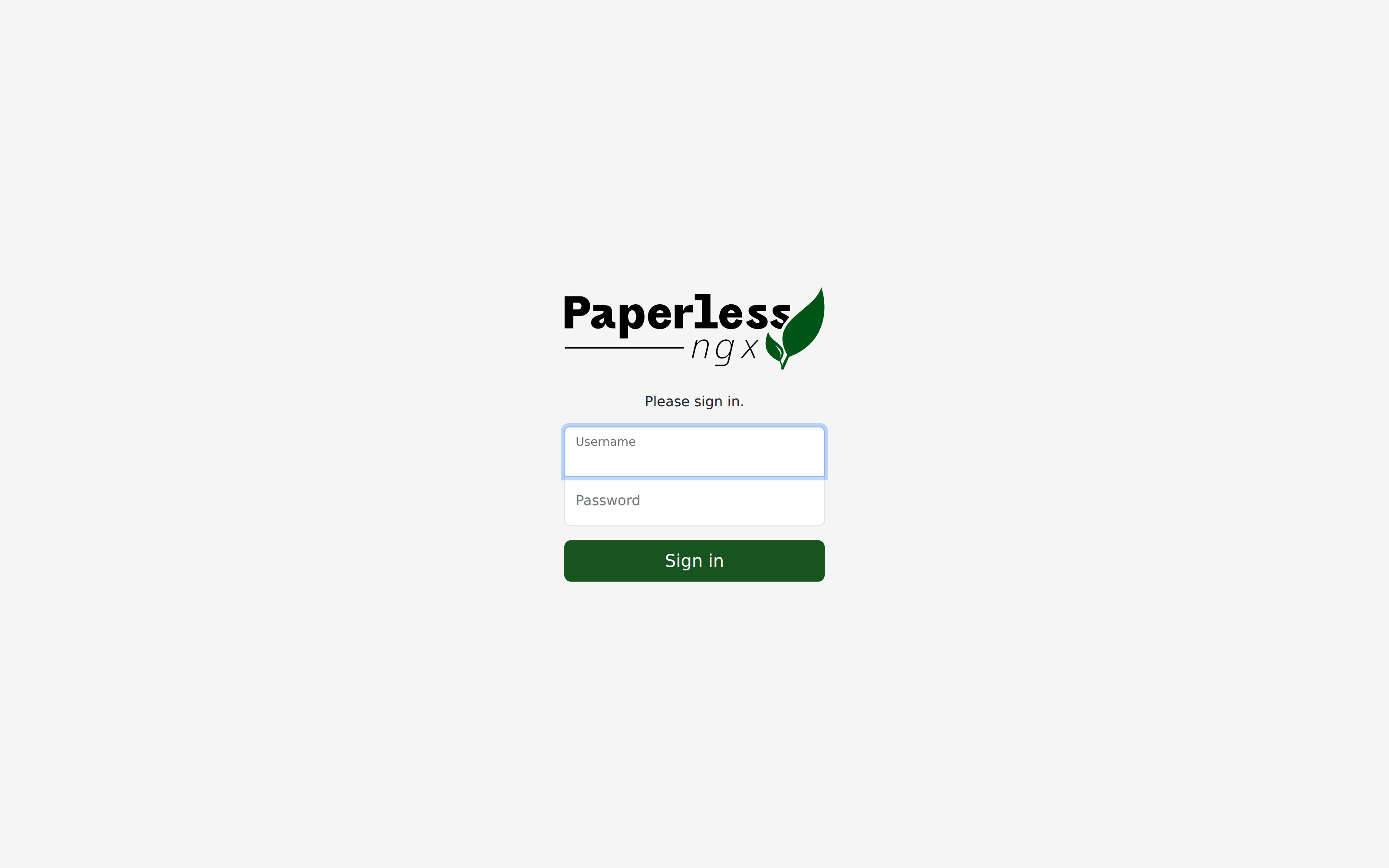
Open http://127.0.0.1:8000 on the guest, or tunnel with ssh -L 18000:127.0.0.1:8000 user@VPS. The compose path asks you to create a superuser in the browser. This lab used createsuperuser and then signed in as labadmin. Crop the password from screenshots.
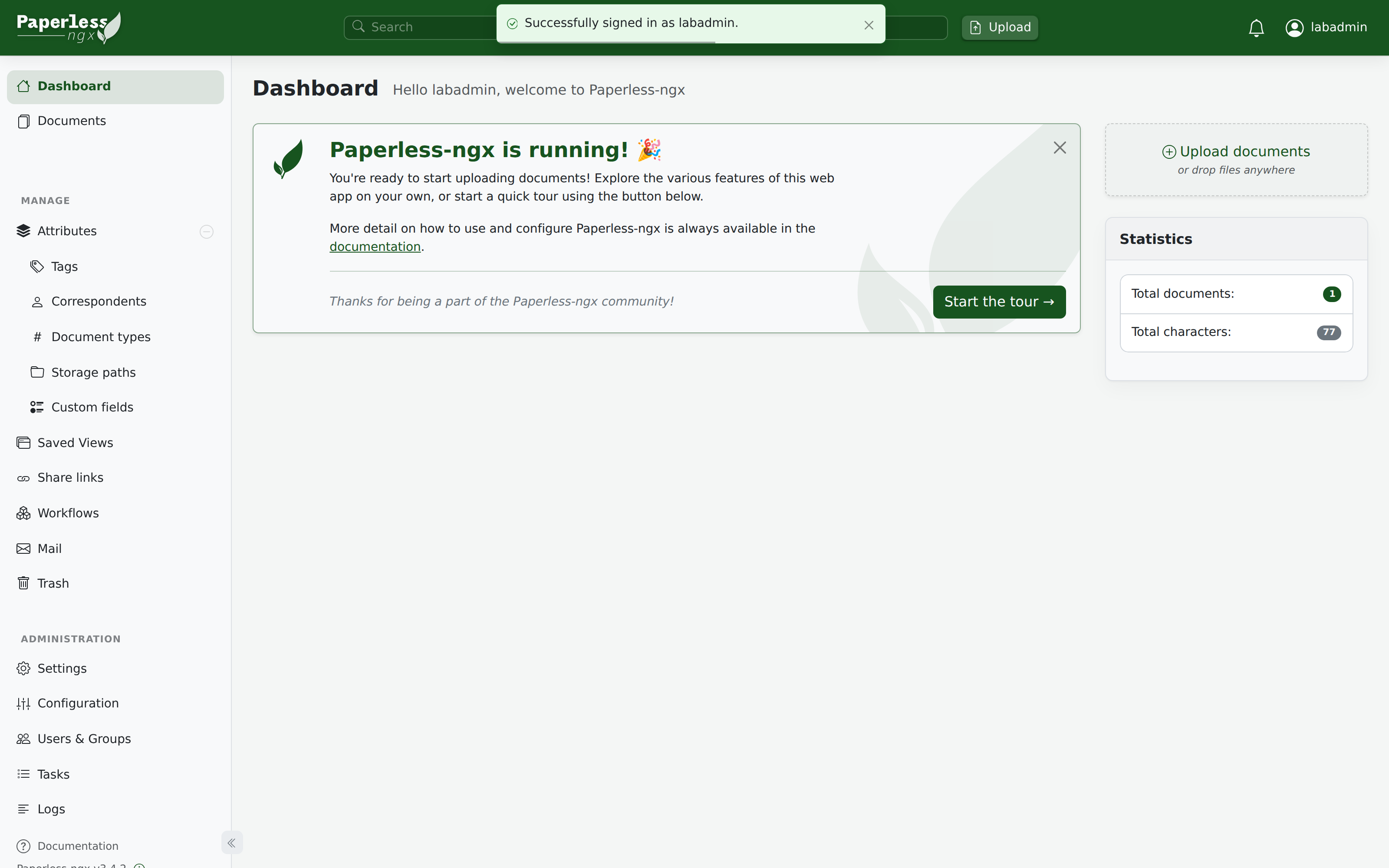
After login, the dashboard showed Paperless-ngx v3.4.2. The document total appears once consume finishes.
How do you prove consume with one PDF?
Drop a PDF into ./consume on the host. Paperless picks it up and runs OCR. The file leaves the folder when the job finishes. This lab invoice was 1501 bytes. After a short wait, the document list showed one file (lab-invoice) and the dashboard reported 1 document / 77 characters.
Keep PAPERLESS_OCR_LANGUAGE=eng unless most of your scans use another language. Office conversion adds Tika and Gotenberg through the upstream -tika file, separate from this Postgres compose.
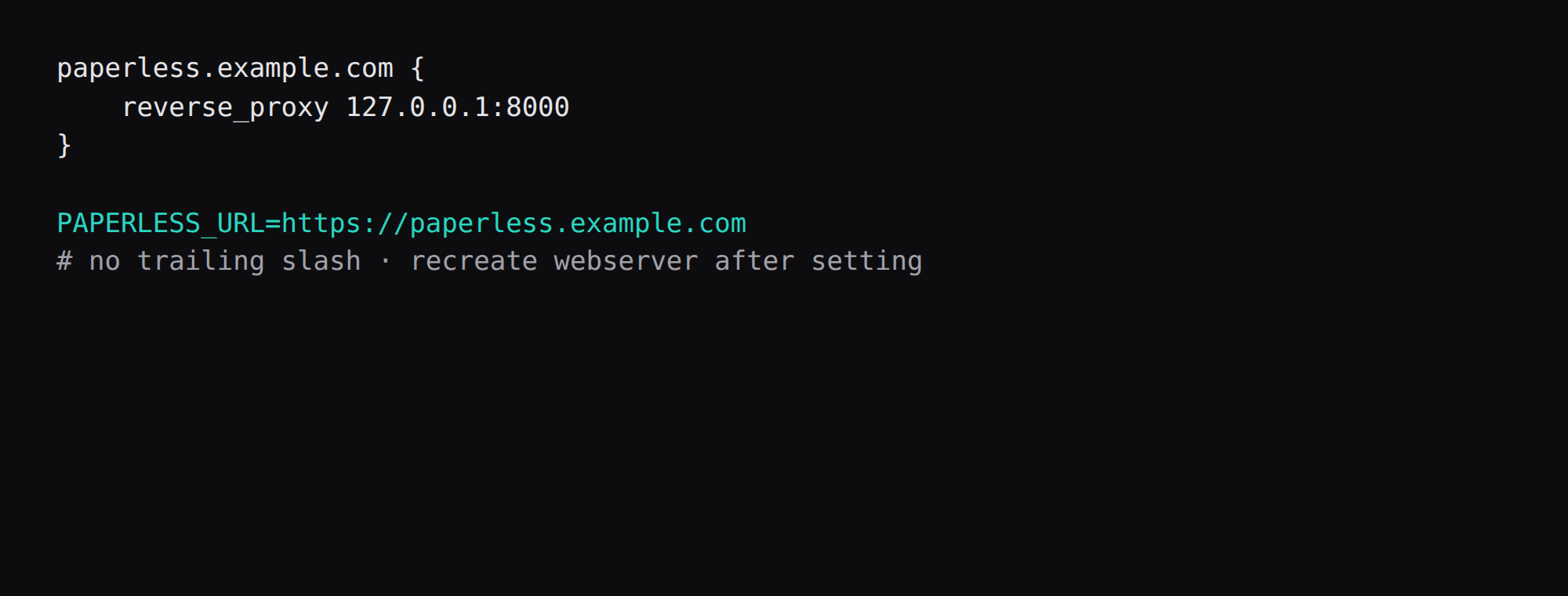
Where does Caddy go, and what is PAPERLESS_URL?
paperless.example.com {
    reverse_proxy 127.0.0.1:8000
}
Set PAPERLESS_URL=https://paperless.example.com with no trailing slash, then recreate the webserver. Paperless uses that value for allowed hosts, CORS, and CSRF trusted origins. An empty CSRF list rejects the login POST from the public hostname. TLS setup is in the Caddy HTTPS post.
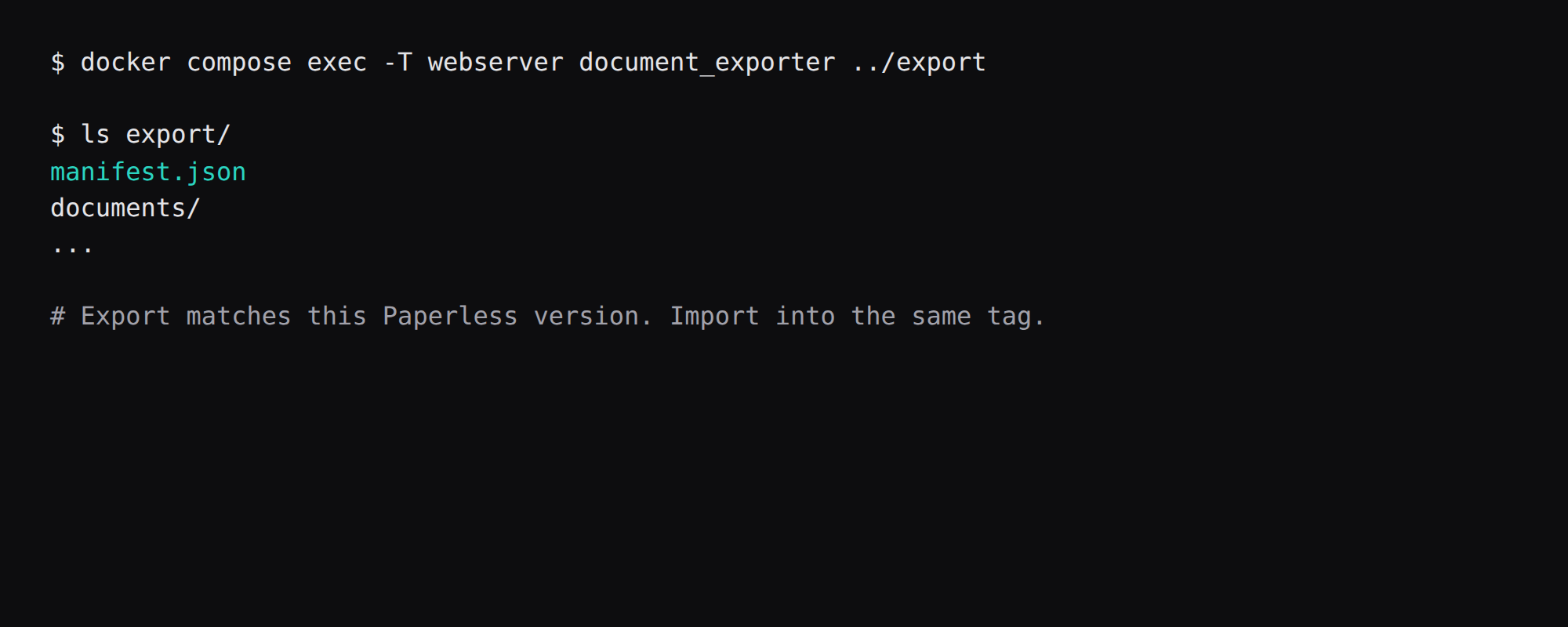
What do you keep so a restore works?
docker compose exec -T webserver document_exporter ../exportThe export directory held manifest.json, the PDF, and a thumbnail for this single document. Import into the same Paperless version. Off-box copies of that tree belong in restic. The webserver connects to Postgres directly. A PgBouncer in front of a small Django pool is covered in Postgres with PgBouncer.
How do you feed the archive daily?
Scanner to SMB/NFS drop into consume, or email-in if configured. Confirm OCR language packs for your documents. Use correspondent and tag matching rules so invoices file themselves. Permissions and private tags matter when more than one person logs in. Bulk import overnight; watch worker RAM. Never expose the consume directory on the public internet.
FAQ
Is 2 GB enough? Idle here was about 1.2 GiB of cgroup memory across the three containers before a heavy OCR job. A 2 GB guest works for light use; prefer 4 GB if you scan large multipage PDFs.
SQLite or Postgres? SQLite is the engine default. The setup docs recommend Postgres for a new VPS install, and the compose sets PAPERLESS_DBENGINE=postgresql.
Why Valkey with a redis:// URL? The compose broker is Valkey. It speaks the Redis protocol, so PAPERLESS_REDIS=redis://broker:6379 stays correct.
Paperless or Stirling-PDF? Stirling-PDF edits PDFs in the browser. Paperless files the PDFs and OCRs them into a searchable archive.
Do published ports bypass UFW? Often yes inside the guest. Bind 127.0.0.1:8000:8000 and leave 8000 closed on the panel firewall.