
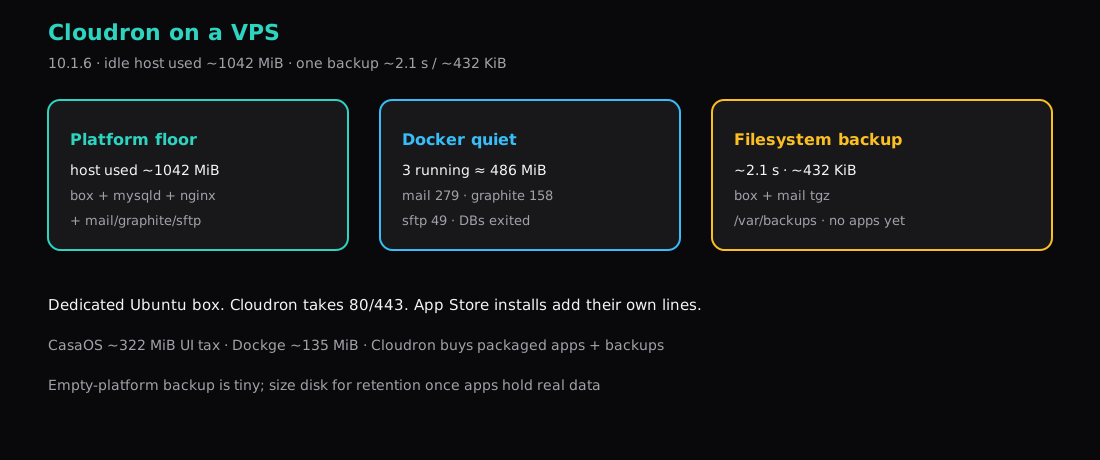
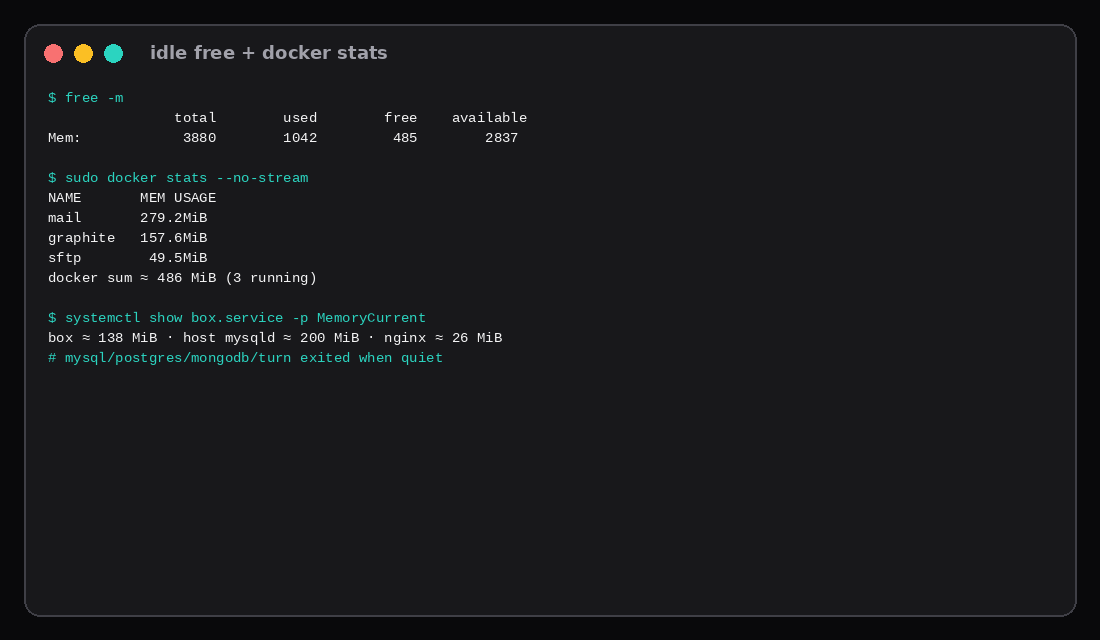
Cloudron 10.1.6 on a quiet Ubuntu 24.04 guest settled near 1042 MiB of host RAM used (free -m) on a 3880 MiB box, with about 2837 MiB still available. Three platform containers stayed up: mail ~279 MiB, graphite ~158 MiB, sftp ~49 MiB (~486 MiB combined). The box service held ~138 MiB, host MySQL ~200 MiB, nginx ~26 MiB. Addon database containers (mysql, postgresql, mongodb) and turn had exited once the host went quiet. A stock filesystem backup of the empty platform finished in about 2.1 seconds of aggregated upload and wrote roughly 432 KiB (box 22.9 KiB + mail 409 KiB) under /var/backups.
Apps you install later add their own containers, disk, and backup size on top of that floor.
| Reading | Value |
|---|---|
| Version | Cloudron 10.1.6 |
Host used (free -m) | ~1042 MiB |
| Host available | ~2837 MiB (of 3880) |
| Running platform containers | 3 (mail, graphite, sftp) |
| Docker mem sum (those three) | ~486 MiB |
| First filesystem backup | ~2.1 s · ~432 KiB |
| App Store apps in lab | none |
What Cloudron is buying you
A dedicated Ubuntu box that installs packaged apps from Cloudron’s catalog, with TLS, users, and scheduled backups wired into the product. CasaOS is the lighter homelab App Store UI (~322 MiB panel tax in that lab). Dockge is Compose-in-a-browser (~135 MiB). Coolify / Dokploy / CapRover are git-deploy panels. Cloudron’s pitch is apps you click to install plus backups without writing your own restic job on day one.
It wants ports 80 and 443. Plan one VPS for Cloudron; keep any other reverse proxy that already owns those ports on a different guest.
Install
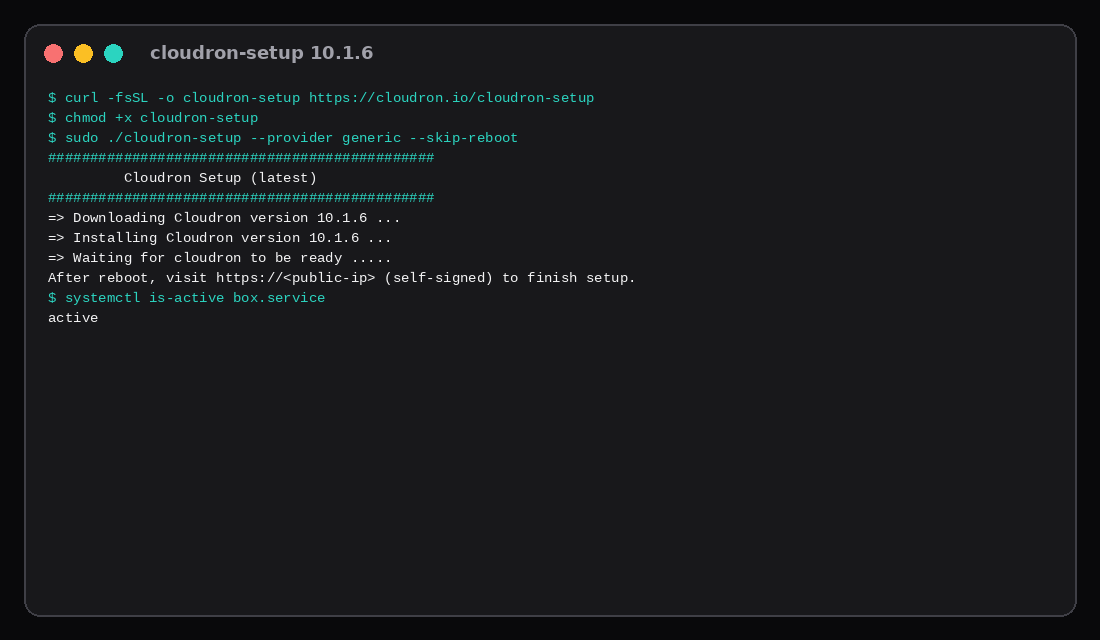
Fresh Ubuntu 24.04. Official path is cloudron-setup from docs.cloudron.io:
curl -fsSL -o cloudron-setup https://cloudron.io/cloudron-setup
chmod +x cloudron-setup
sudo ./cloudron-setup --provider generic --skip-reboot
--provider generic fits a normal VPS. --skip-reboot kept the SSH session alive in this lab so we could finish without waiting on a forced reboot; follow the banner if your host needs one.
systemctl is-active box.service
# active

curl -sk -o /dev/null -w '%{http_code}\n' https://127.0.0.1/api/v1/cloudron/status
# 200  (after domain + admin activation)
Finish setup in the browser: domain (DNS provider or manual/noop for lab), then create the owner account. Production wants a real DNS zone and Let’s Encrypt. This lab used a noop DNS provider with a fallback certificate so we could measure idle and backup without waiting on public DNS.
Idle breakdown
After activation and a quiet window:
| Piece | ~MiB |
|---|---|
| mail (docker) | 279 |
| host mysqld (box DB) | 200 |
| graphite (docker) | 158 |
| box.service cgroup | 138 |
| sftp (docker) | 49 |
| nginx (host) | 26 |
Host used (free) | 1042 |
docker ps -a still listed mysql, postgresql, mongodb, and turn as exited. Cloudron starts those when something needs them; the quiet floor is mail + metrics + sftp plus the host box / MySQL / nginx stack.
One backup, timed
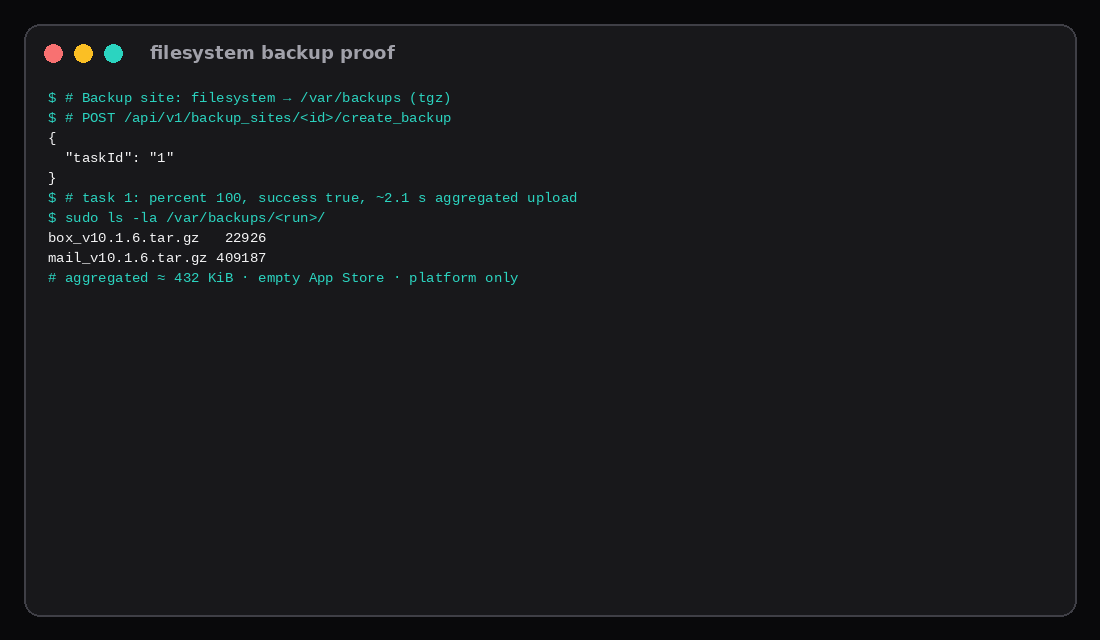
Default backup site: filesystem, directory /var/backups, format tgz, schedule 00 00 23 * * *, retention keep-within 172800 seconds (48 h) on this install.
Triggering create_backup on that site returned task 1. The task hit percent 100 with success: true. Aggregated upload stats reported duration 2085 ms and size 432113 bytes. On disk:
box_v10.1.6.tar.gz    22926
mail_v10.1.6.tar.gz  409187
Zero App Store apps were installed, so this is the platform-only snapshot. A real app with user data will dominate size and time. The useful part of the number is the lower bound: the backup machinery works, and an empty box finishes in a couple of seconds to local disk.
For off-box copies, add a second backup site (S3-compatible, SSH, etc.) or pipe retention off-host the way restic to a storage box does. Same-disk /var/backups survives app mistakes; a dead VPS disk takes those copies with it.
What a Cloudron backup actually stores
Cloudron’s model is app data, not a full container image dump. Official packaging docs keep the app filesystem read-only except /app/data, /run, and /tmp, and backups are built around that persistent data plus addons. The CLI path is the same idea (cloudron backup create --app …, cloudron restore --app …): you restore data against an image that still has to be pullable from the registry or Docker Hub. Forum threads about custom apps make that boundary explicit: if the image tag is gone, the backup alone will not rebuild the binary.
That is why the empty-box filesystem job in this lab finished in about 2.1 seconds and wrote only a few hundred KiB: there was almost no app data. Nightly backups and per-app restore are still the product differentiator versus a plain Docker host. Just plan an off-box site for the same reason any other VPS needs one. Clone-from-backup in the CLI is useful when you want a second subdomain with the same data shape without rebuilding the stack by hand.
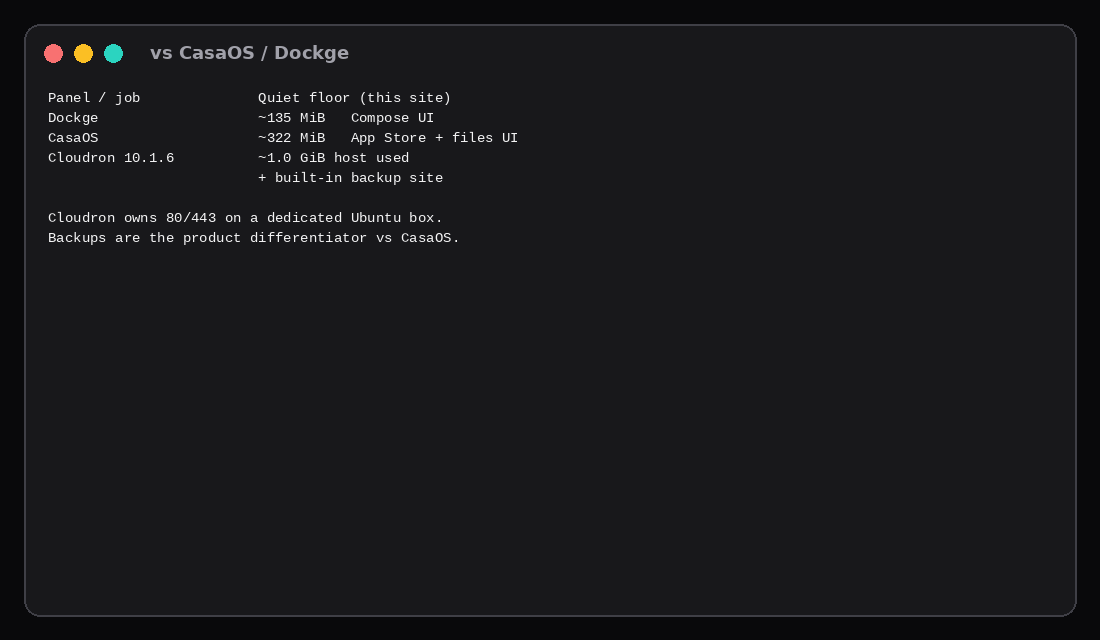
Compared to thinner panels
| Panel | Rough quiet floor (this site’s labs) | Job |
|---|---|---|
| Dockge | ~135 MiB | Edit/start Compose stacks |
| CasaOS | ~322 MiB | Homelab App Store + files UI |
| Cloudron | ~1.0 GiB host used | Packaged apps + built-in backups |
If you only need Compose from a browser, Dockge is cheaper on RAM. If you want click-install apps and platform backups without writing your own job, Cloudron’s floor is the price of that product.
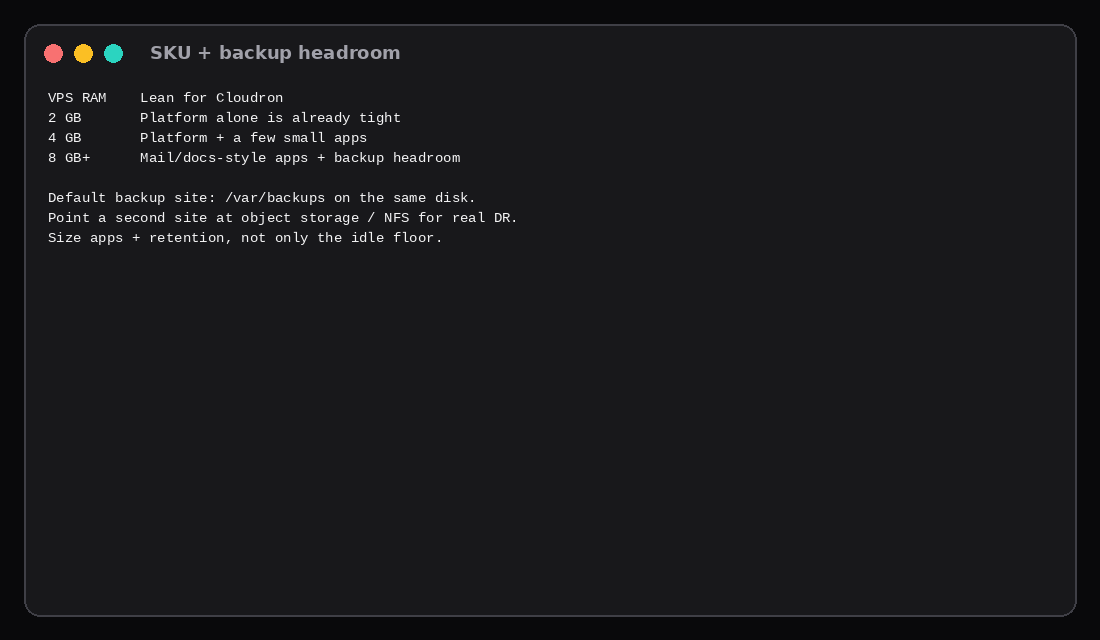
SKU pick
| VPS RAM | Lean |
|---|---|
| 2 GB | Platform alone is already tight once the OS and buffers count |
| 4 GB | Platform plus a few small apps is plausible |
| 8 GB+ | Room for mail/docs-style apps and backup churn |
Cloudron’s own docs lean toward a dedicated machine with enough disk for images, app data, and backup retention. Budget the App Store apps you actually open on top of this idle number.
| Skip this | What this lab did |
|---|---|
| Sharing 80/443 with another reverse proxy | Dedicated Ubuntu guest for Cloudron |
Treating /var/backups on the same disk as DR | Measured local backup; called out off-box sites |
Reading only docker stats and ignoring host MySQL/box | Reported free used plus docker and host services |
| Installing five apps before measuring the floor | Zero App Store apps for idle and backup size |
| Assuming addon DB containers always stay up | Recorded mysql/postgres/mongodb/turn exited when quiet |
FAQ
Does Cloudron need its own VPS? Practically yes. It configures the host for its reverse proxy and takes 80/443. Put other workloads on another guest.
Is the free plan enough? Cloudron has a free tier with limits and paid plans for more apps/users. Check current pricing on cloudron.io; this post only measured the platform floor.
Can I backup to S3? Yes. Add another backup site in the UI/API with an S3-compatible provider. This lab timed the default filesystem site only.
How do I uninstall? Cloudron is meant as the OS of the box. Reinstall the VPS, or restore a pre-install snapshot, instead of peeling packages off by hand.
What to run on the VPS
Plan a Compute Instance from about 1 GiB of quiet host use for Cloudron itself, then add whatever the App Store will pull and enough disk for retention. Prefer 4 GB and up if apps are the point. Finish DNS and the owner account before the hostname is public, point a second backup site off the VPS disk, and use CasaOS or Dockge instead when you want a thinner panel without Cloudron’s backup product. Plain stack habits live in Docker Compose on a VPS.