
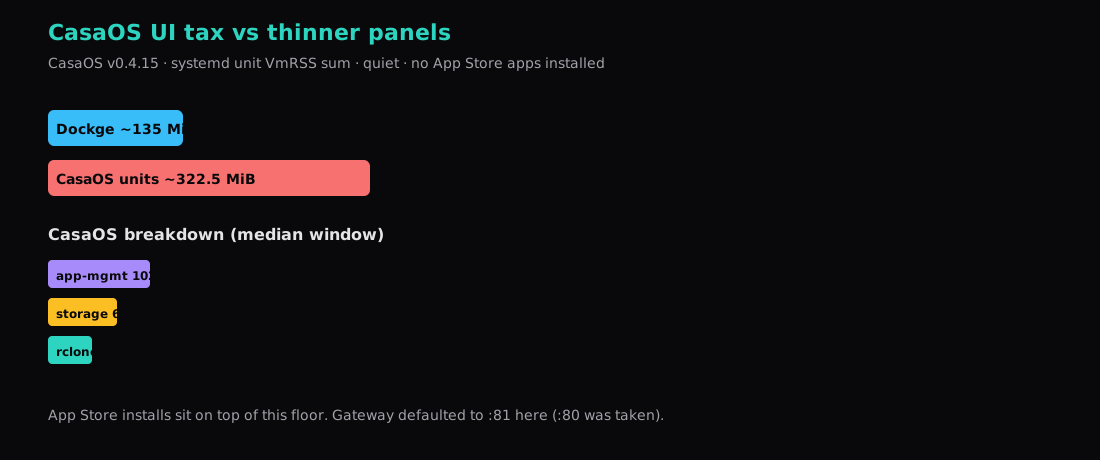
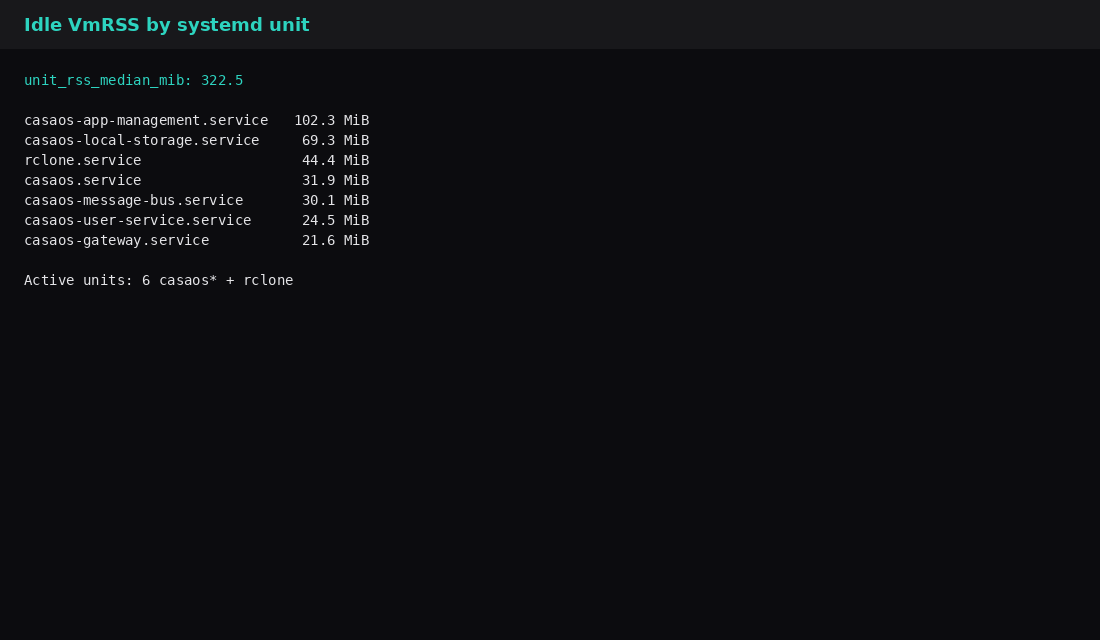
CasaOS v0.4.15 from the official get.casaos.io installer settled at about 322.5 MiB of combined VmRSS across its systemd units on a quiet host: app-management ~102 MiB, local-storage ~69 MiB, rclone ~44 MiB, plus gateway, message-bus, user-service, and the main casaos process. Six casaos* units plus rclone were active. No App Store apps were installed. The UI answered HTTP 200 on port 81 (the installer skipped 80 because nginx already held it) and listened on *:81. Quiet CPU for those processes summed to roughly 4.5–5%.
That floor is the homelab UI tax. Everything you click in later sits on top.
| Reading | Value |
|---|---|
| Version | CasaOS v0.4.15 (installer script banner v0.4.16) |
| Idle unit VmRSS sum (median) | ~322.5 MiB |
| Active units | 6× casaos* + rclone |
| Gateway | port 81 → HTTP 200 |
| App Store apps in lab | none |
What CasaOS is buying you
A browser dashboard, App Store installs, file/storage helpers, and rclone wired in by the installer. Dockge is the thinner Compose-in-browser tool on this site (~135 MiB idle in that lab). Coolify / Dokploy / CapRover are deploy panels with a heavier footprint. CasaOS aims at the “personal cloud / NAS UI” feeling on a single Linux box.
Install
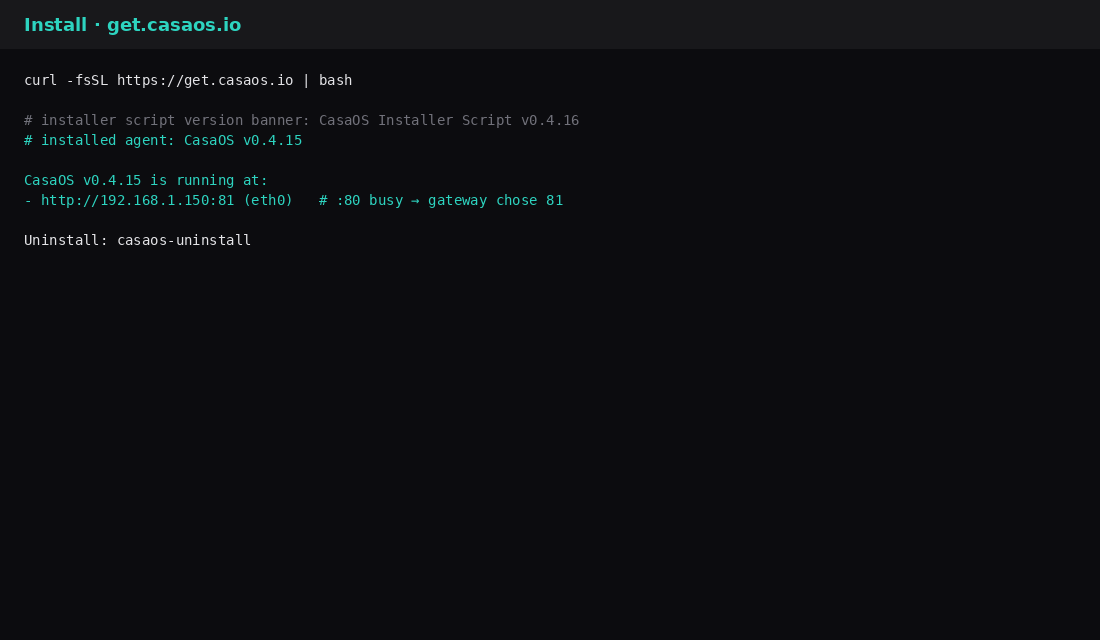
curl -fsSL https://get.casaos.io | bash
casaos -v
# v0.4.15
The script checks disk/RAM, installs dependencies (samba, mergerfs, smartmontools, …), drops systemd units, and prints a URL. Uninstall is casaos-uninstall if you want the panel gone.
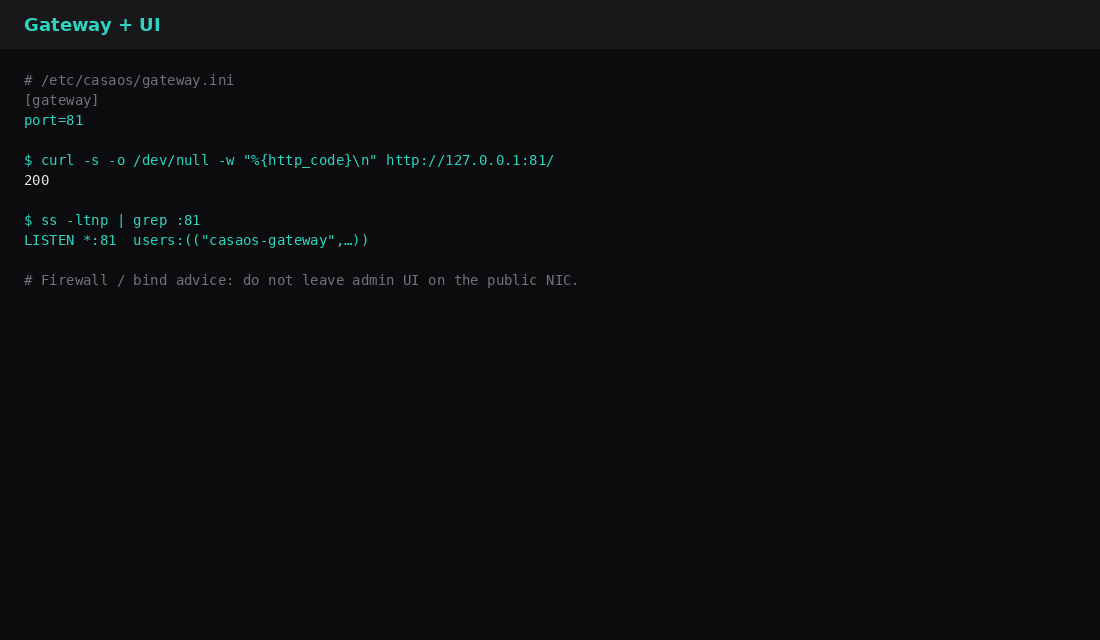
# /etc/casaos/gateway.ini (lab)
[gateway]
port=81
curl -s -o /dev/null -w '%{http_code}\n' http://127.0.0.1:81/
# 200
ss -ltnp | grep ':81'
# LISTEN *:81 users:(("casaos-gateway",…))Default docs often show port 80. Here 80 was taken, so the gateway landed on 81 and bound all interfaces. Put a firewall or reverse proxy in front before the hostname is public. Finish the first-run admin the same way you would lock down any new panel.
Idle breakdown
Fifteen samples, two seconds apart, VmRSS of each unit’s main PID:
| Unit | ~MiB |
|---|---|
| casaos-app-management | 102.3 |
| casaos-local-storage | 69.3 |
| rclone | 44.4 |
| casaos | 31.9 |
| casaos-message-bus | 30.1 |
| casaos-user-service | 24.5 |
| casaos-gateway | 21.6 |
| Sum (median window) | 322.5 |
Docker held no CasaOS panel containers on this install; the tax showed up as host systemd processes. Store apps you add later typically appear as Compose/Docker stacks and add their own lines to docker stats.
Compared to thinner panels
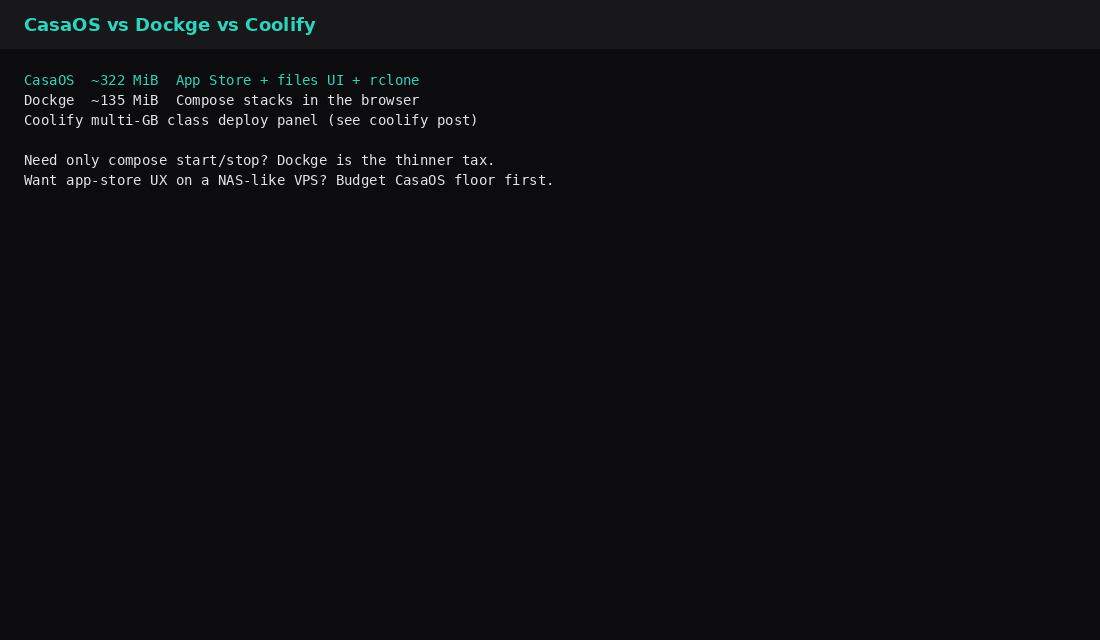
| Panel | Rough quiet floor (this site’s labs) | Job |
|---|---|---|
| Dockge | ~135 MiB | Edit/start Compose stacks |
| CasaOS | ~322 MiB | App Store + files UI + rclone |
| Coolify-class | multi-GB class | Git deploy / PaaS-like |
If you only need Compose from a browser, Dockge is the smaller bill. If you want the store UX, budget ~0.3 GiB before the first app.
What the installer actually changes
The script at get.casaos.io is not a single binary drop. On a clean Ubuntu/Debian guest it pulls Docker when missing, starts a gateway (port 80 when free, otherwise the first free port in 81–89 or 8080–8089), and leaves Samba, mergerfs, udevil, and a pinned rclone helper on the host. Guide write-ups that re-run the script on boxes that already run Docker also note an override under /etc/systemd/system/docker.service.d/ and a Docker restart that bounces every container. Treat a VPS that already hosts production stacks as a bad place for a first CasaOS experiment.
Upstream hardware docs still quote a 2 GB recommended floor for real use even though the installer only refuses below about 400 MB. That gap matches this lab: the panel alone sat near 322 MiB of process RSS, and every App Store container adds its own docker stats line. Community 2026 hardware notes that put CasaOS itself around 200–300 MB are talking about a slice of the UI, not the sum of gateway + app-management + local-storage + rclone you saw in the table above.
Official support targets Debian 12, Ubuntu Server 20.04+, and Raspberry Pi OS on amd64/arm64/armv7. ZimaBoard-class hardware is the product’s home turf; a generic cloud VPS works, but you inherit the Samba ports and the gateway on a public interface unless you firewall them. If port 80 was already taken, read the install banner and gateway.ini for the port that actually bound (81 in this lab) before you open DNS.
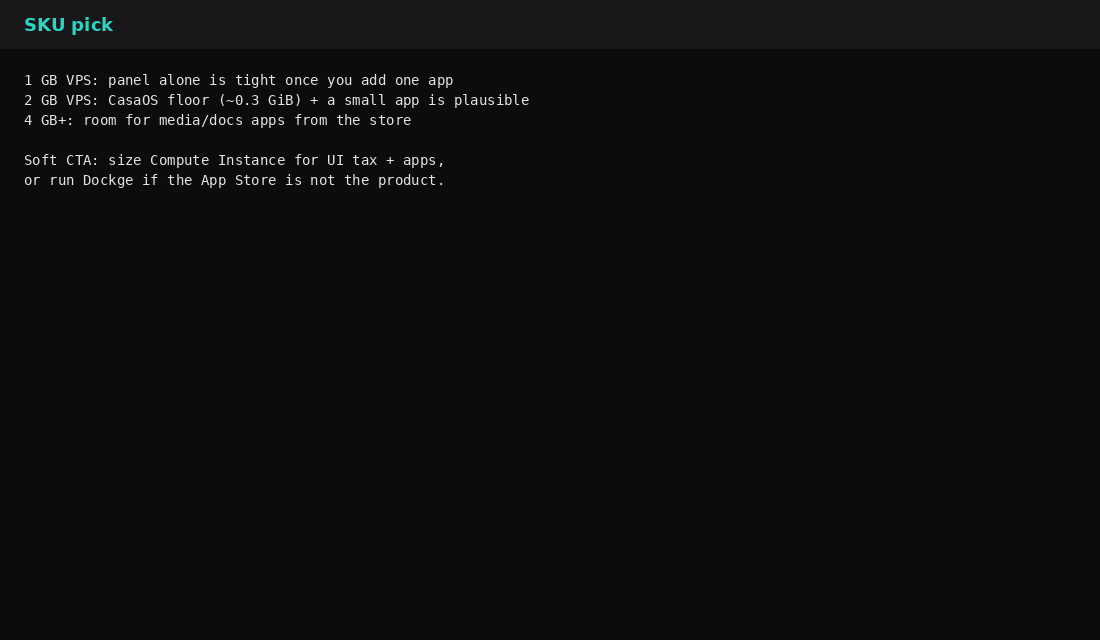
SKU pick
| VPS RAM | Lean |
|---|---|
| 1 GB | Panel alone is tight once you install anything useful |
| 2 GB | CasaOS floor plus one small app is plausible |
| 4 GB+ | Room for media/docs-style store apps |
| Skip this | What this lab did |
|---|---|
| Publishing the gateway on a public NIC without a firewall | Documented *:81 listen; advise lockdown |
| Counting only “Docker is empty” as zero cost | Measured systemd VmRSS |
| Installing five store apps before reading the floor | Zero store apps for the idle number |
| Assuming port 80 always works | Recorded fallback to 81 |
| Treating CasaOS as a drop-in for Dockge | Compared jobs and RAM |
FAQ
Can I change the gateway port? Yes. Edit /etc/casaos/gateway.ini, then restart casaos-gateway.service. Confirm with ss and a curl.
Does it need Docker? The installer expects a working Docker engine for App Store stacks. The panel processes themselves ran under systemd here.
Will uninstall clean everything? casaos-uninstall is the official path. Review leftover packages (samba, mergerfs, …) if you care about a minimal host afterward.
ZimaBoard / ZimaOS? Hardware and OS images from the same ecosystem. This post is CasaOS on a generic Ubuntu VPS via get.casaos.io.
What to run on the VPS
Plan a Compute Instance from ~0.3 GiB for CasaOS itself plus whatever the App Store will pull. Prefer 2 GB and up if the store is the point. Firewall or Caddy in front of the gateway port, finish the first-run admin before the hostname is public, and use Dockge instead when you only need Compose. Plain stack habits live in Docker Compose on a VPS.