


Enzonix
Shared Compute - General Compute
$5.00/mo
1 vCPU · 1 GB · 20 GB
Choose location
Amsterdam, Netherlands
| Provider | Plan | vCPU | RAM | Disk | Regions | Billing | Price |
|---|---|---|---|---|---|---|---|
| Enzonix | Shared Compute - General Compute | 1 | 1 GB | 20 GB | Amsterdam, Netherlands | Fixed price | $5.00/mo |
| Enzonix | Shared Compute - General Compute | 1 | 1 GB | 20 GB | Ashburn, United States | Fixed price | $5.00/mo |
| Enzonix | Shared Compute - General Compute | 2 | 4 GB | 80 GB | Amsterdam, Netherlands | Fixed price | $9.00/mo |
| Enzonix | Shared Compute - General Compute | 2 | 4 GB | 80 GB | Ashburn, United States | Fixed price | $9.00/mo |
| Enzonix | Shared Compute - General Compute | 4 | 8 GB | 160 GB | Amsterdam, Netherlands | Fixed price | $16.00/mo |
| Enzonix | Shared Compute - General Compute | 4 | 8 GB | 160 GB | Ashburn, United States | Fixed price | $16.00/mo |
| Enzonix | Shared Compute - General Compute | 8 | 16 GB | 320 GB | Amsterdam, Netherlands | Fixed price | $32.00/mo |
| Enzonix | Shared Compute - General Compute | 8 | 16 GB | 320 GB | Ashburn, United States | Fixed price | $32.00/mo |
| Enzonix | Shared Compute - General Compute | 1 | 1 GB | 20 GB | Ashburn, United States | Hourly | $0.007/hr |
| Enzonix | Shared Compute - General Compute | 1 | 2 GB | 40 GB | Ashburn, United States | Hourly | $0.01/hr |
| Enzonix | Shared Compute - General Compute | 2 | 4 GB | 80 GB | Ashburn, United States | Hourly | $0.015/hr |
| Virtualized | Shared Compute - General Compute | 2 | 4 GB | 40 GB | Phoenix, United States | Fixed price | $12.49/mo |
| Virtualized | Shared Compute - General Compute | 3 | 6 GB | 60 GB | Phoenix, United States | Fixed price | $17.49/mo |
| Virtualized | Shared Compute - General Compute | 4 | 8 GB | 80 GB | Phoenix, United States | Fixed price | $22.99/mo |
| Virtualized | Shared Compute - General Compute | 8 | 16 GB | 160 GB | Phoenix, United States | Fixed price | $44.99/mo |
| Virtualized | Shared Compute - General Compute | 16 | 32 GB | 320 GB | Phoenix, United States | Fixed price | $79.99/mo |
| Virtualized | Shared Compute - General Compute | 32 | 64 GB | 640 GB | Phoenix, United States | Fixed price | $139.99/mo |
Live marketplace offers
Choose billing and size, compare providers side by side, pick a location, then launch.
Shared Compute - General Compute
$5.00/mo
1 vCPU · 1 GB · 20 GB
Choose location
Amsterdam, Netherlands
1 provider
Nextcloud is self-hosted software for a private cloud. Desktop and mobile clients sync folders to the VPS, and the web UI opens the same files in a browser. You add apps such as calendars or document editing after the server is up.
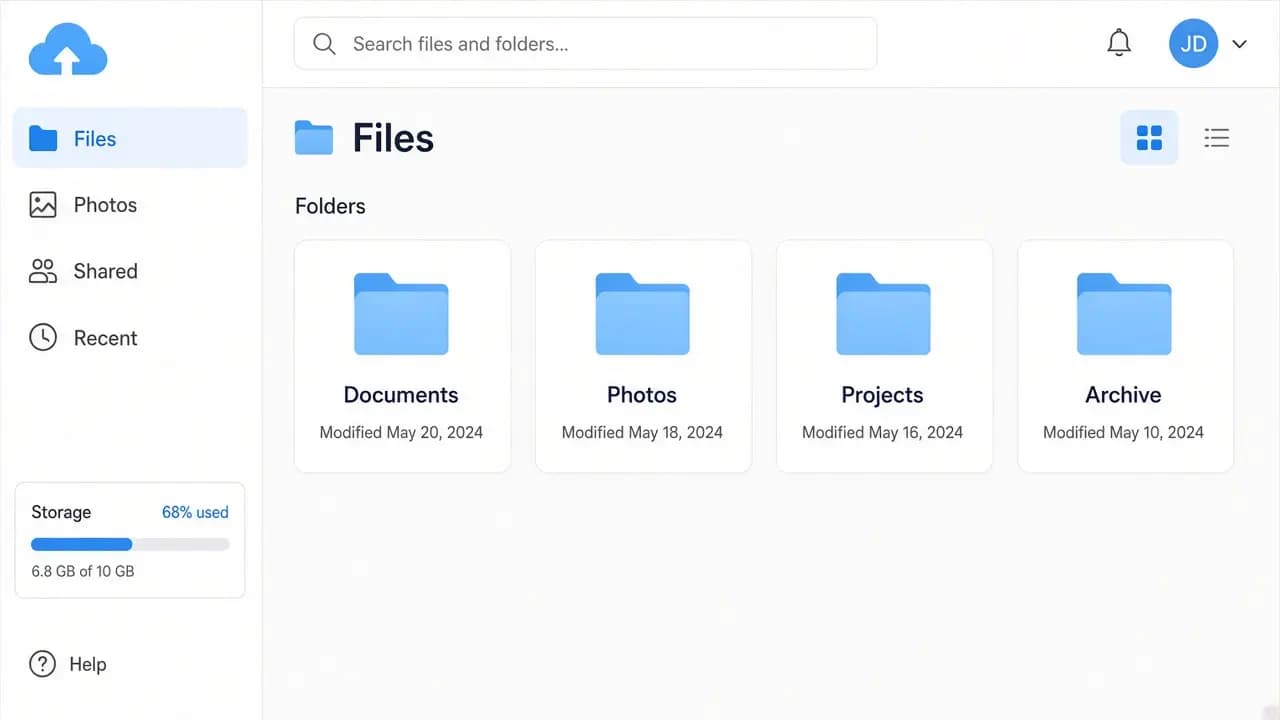
Keep documents and photos in a private cloud you administer. The desktop and phone clients sync the folders you choose. The web UI is that same library in a browser.
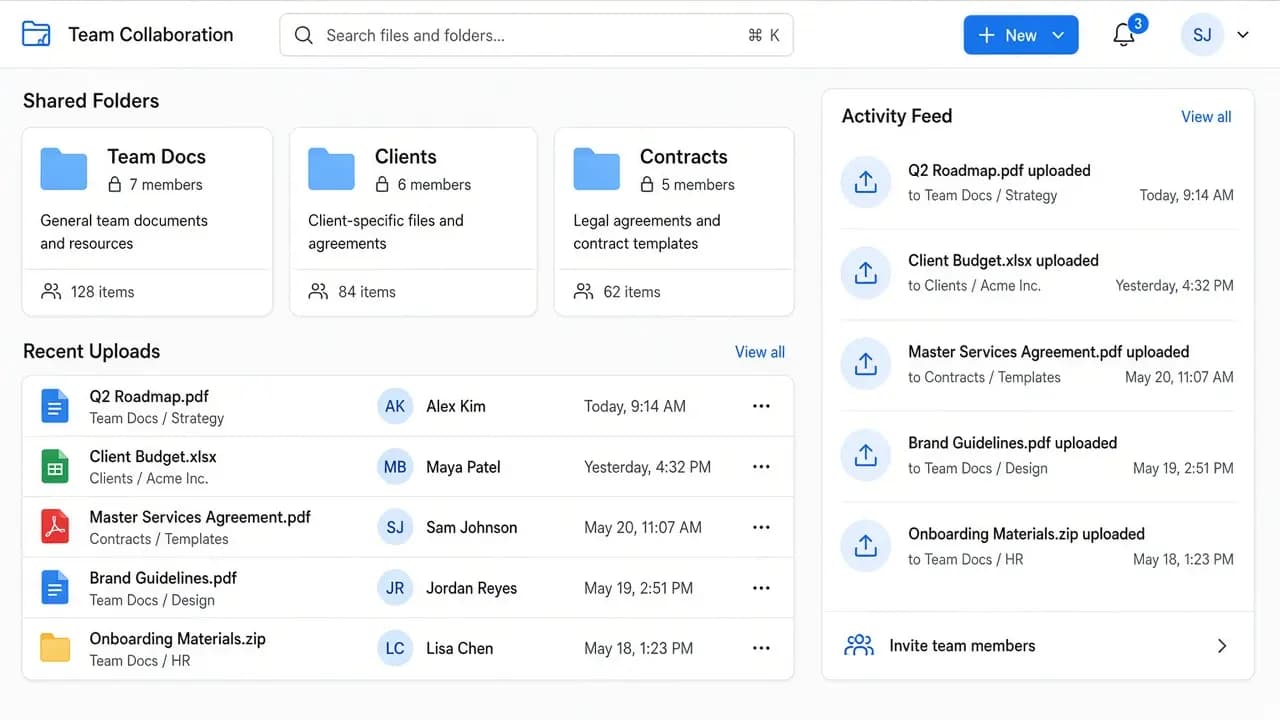
Shared folders for a household or a small group, on a VPS in a region close to them. A few people syncing at once is a different load from one account with a large disk.
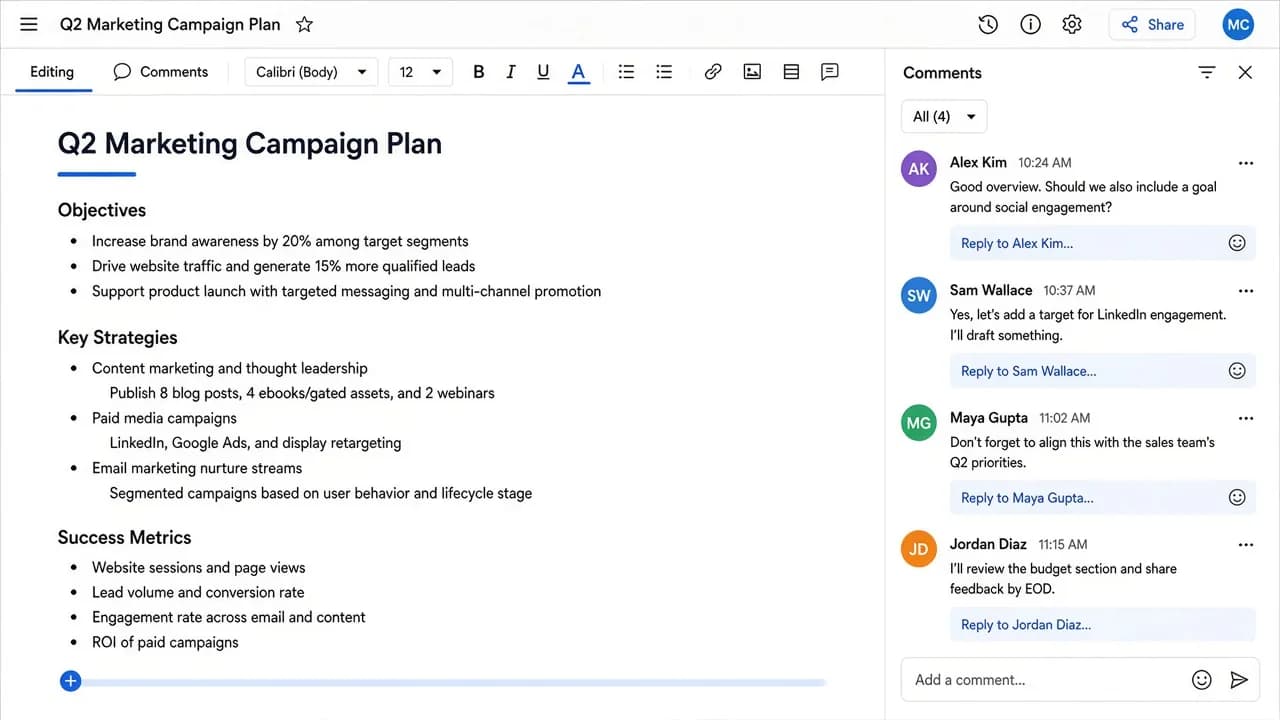
Company files on a provider and region that match your policy. You keep root access, so you decide who has accounts and how long old versions stay.
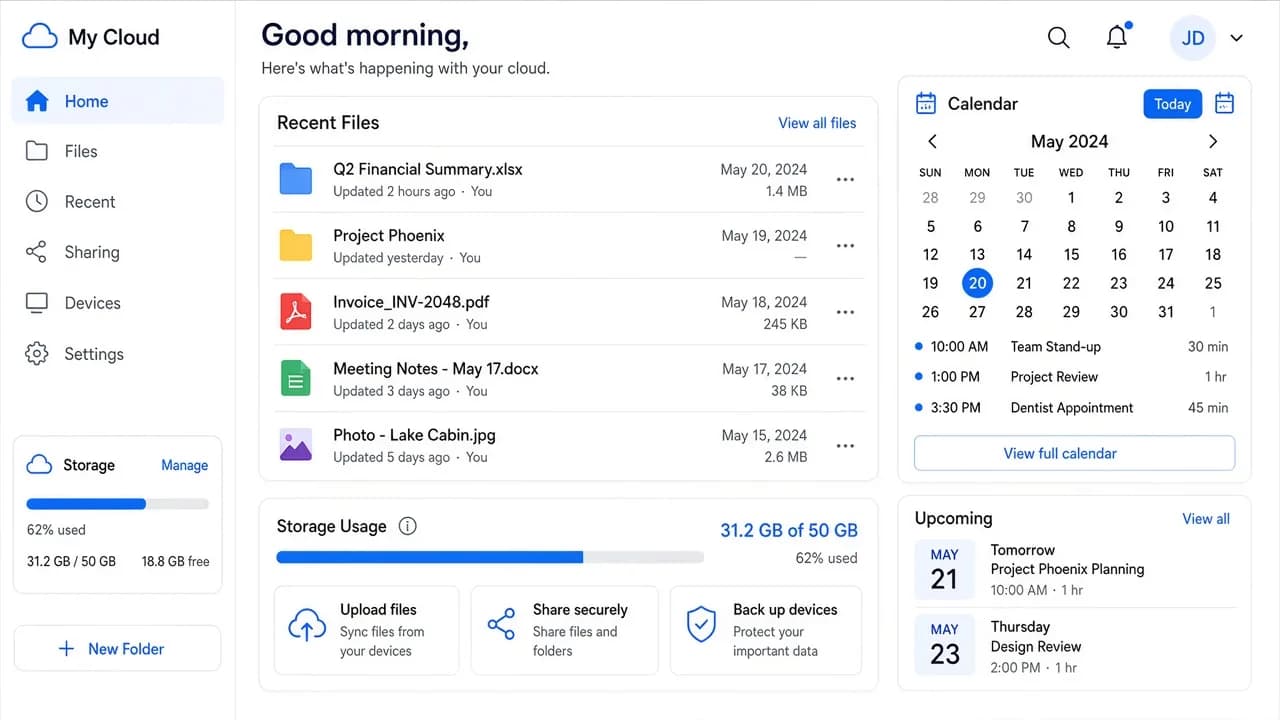
Libraries grow through the files themselves, plus versions, trash and previews. Disk is the first limit. Previews and indexing are what push CPU and RAM later.
Compare live Nextcloud VPS plans from independent providers, then self-host a Nextcloud private cloud for file sync on the offer you pick.
See live prices, regions and plan sizes before you buy. Independent providers publish the offers. Pick the Nextcloud VPS that fits how much you sync and where the files should live.
Pick a plan and Nextcloud is prepared on that VPS for you, with a database alongside it. You still get root access when you want to add apps, change PHP or script your own backups.
Compatible offers list cities and countries. Desktop and phone clients feel the distance. Put the private cloud nearer the household or team that syncs to it.
Files, shares and accounts live on your VPS. You control SSH, updates, TLS and how backups leave the machine.
NodeRings lists Compute Instance plans from independent providers. You compare Nextcloud VPS offers by price, size and region, then launch on the one that fits.
Nextcloud Instant App prepares Nextcloud on the provider VPS you selected. NodeRings does not operate that hardware or sell its own VPS fleet.
Compare plans, pick a provider offer, and launch Nextcloud on that server.
01
Browse live offers below. Every general-compute plan is listed — pick the size you want. Sort by provider, size, price and region the way you would for any production VPS.
02
Choose the provider plan. Admin login details are created for you on the server.
03
Confirm checkout, wait for the VPS, then open Nextcloud with the admin login from your server notes. You keep root SSH. Point a domain and add TLS when you are ready for clients outside your own network.
Nextcloud's admin manual does not publish one RAM total for every install. It asks for at least 128 MB per PHP process, recommends 512 MB per process, and wants 256 MB available if you use the built-in updater. The project's home-user notes put a basic single-user server around 512 MB. Concurrent file sync, extra apps and preview generation move the real number. A common starting point is about 2 vCPU, 2 GB RAM and 40 GB disk so the server and database have room for a small private cloud. Disk holds files, versions, trash and previews.
| Workload | Illustrative starting point | Note |
|---|---|---|
| Personal file sync | 2 vCPU / 2 GB RAM / 40+ GB disk | Suggested start. One person, documents and client sync, few extra apps. |
| Family or small team | 2 vCPU / 4 GB RAM | Room for a few people syncing, shared folders and background jobs. |
| Editors, calls or heavy previews | 2 to 4 vCPU / 4 to 8 GB RAM | Those apps are optional and you add them later. They raise memory and CPU once enabled. |
| Large libraries or many active people | Often 4+ vCPU / 8+ GB RAM and more disk | Count people who sync at the same time. Idle accounts add little. There is no universal user count. |
These are starting points, not guarantees. Needs depend on concurrent sync, apps, previews, file volume and the database on the same VPS.
This is self-hosted Nextcloud on a provider VPS. A managed Nextcloud seat is a different product. You pick the plan. Nextcloud is prepared on that server. Day-to-day care of the private cloud stays with you.
Nextcloud and a database are set up on the server. When install succeeds, you get admin login details and can open the cloud at the server address.
Root SSH on the VPS. You own DNS, TLS, Nextcloud updates, apps, content, hardening and backups unless a provider product says otherwise.
Automatic HTTPS, managed backups and email delivery are not bundled in. The prepared install is the server, the database and file sync. You enable extra apps in Nextcloud after the VPS is up.
NodeRings helps with marketplace, billing and console. Provider hardware issues go to that provider. Looking after Nextcloud on the server is yours.
Nextcloud is self-hosted private cloud software. It stores files on a server you control and syncs them with desktop and mobile clients. A web UI covers browsing, sharing and accounts. Further apps are added inside Nextcloud when you want them.
A VPS stays online for file sync when your own PC sleeps, and it gives you root access to the disk the files sit on. You choose the provider, the region and the plan size. Updates, TLS and backups are part of running that server.
No. NodeRings is a marketplace. Independent providers list VPS plans. You pick a plan, Nextcloud is prepared on that provider server, and you manage the private cloud from there.
No. You get a virtual machine with Nextcloud prepared for you, plus root access. App updates, backups, HTTPS, domain setup and day-to-day care remain yours unless a provider product says otherwise.
It prepares the Nextcloud server and a database on the VPS you choose so you skip a manual install. You keep a self-hosted private cloud on the provider plan you picked.
The Nextcloud server, a database, the web UI and admin login details. Use the official desktop and mobile clients against that server for file sync. Calendars, office editors, calls and similar apps are separate installs you choose later in Nextcloud.
Nextcloud cites about 512 MB for a basic single-user box. This install also runs a database, so plan higher than that. A starting point is about 2 vCPU, 2 GB RAM and 40 GB disk. A few people syncing, or preview-heavy photo libraries, usually want 4 GB RAM or more. Use the guide above and compare plans when the server stays busy.
Start from the 40 GB floor and add room for the files, old versions, trash and previews. Photos fill a small disk quickly. The plan you pick is the ceiling until you move to a larger one.
Yes. Each compatible plan lists available regions. Pick the city or country closest to the people who sync files.
You do, unless you add backup tooling yourself or a provider product explicitly includes it. The Instant App does not issue a certificate or edit your DNS. Point a domain at the VPS and add TLS before you share logins widely. This path does not include managed OS patching or managed Nextcloud backups.
Yes, the way you would onto any VPS you control. You get a fresh Nextcloud install. Moving files, users and app data is a normal Nextcloud migration after the server is up.
You can move to a larger plan from the same or another marketplace provider when storage or concurrent sync grows. Exact options depend on the provider. Compare Nextcloud VPS offers again when you need more capacity.