
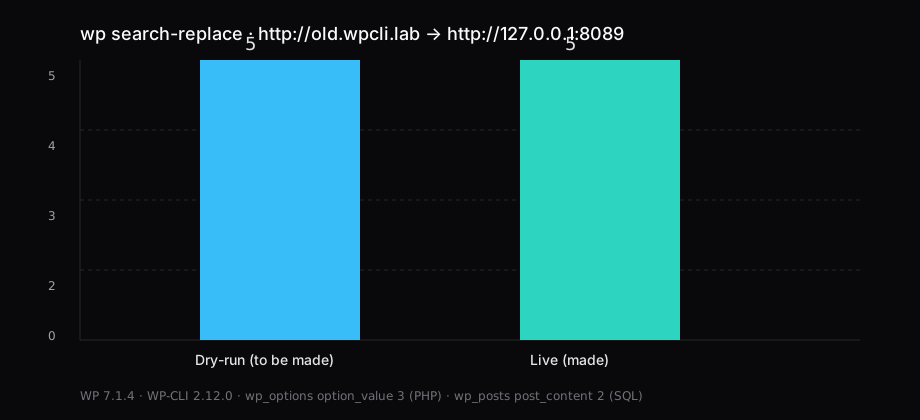
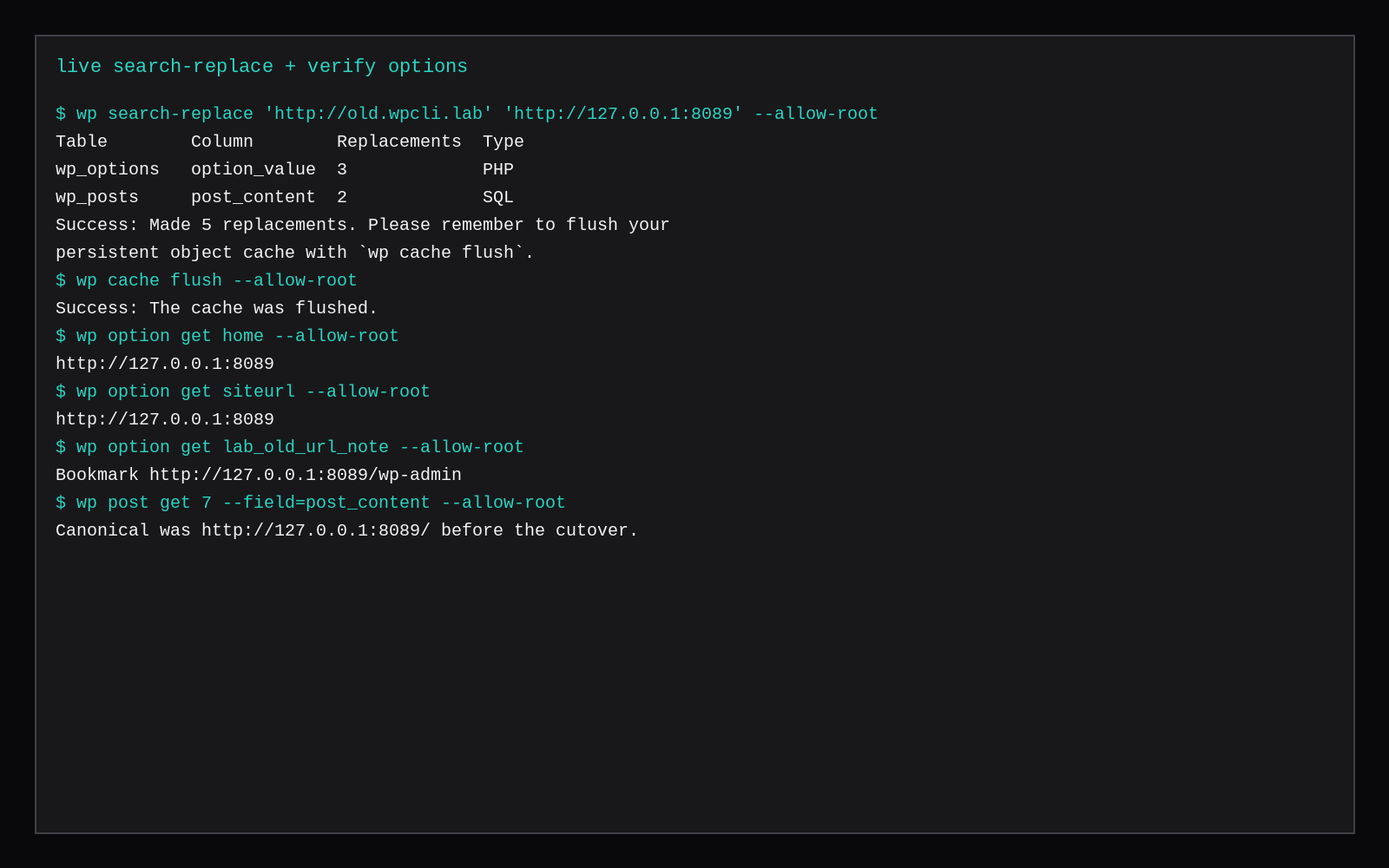
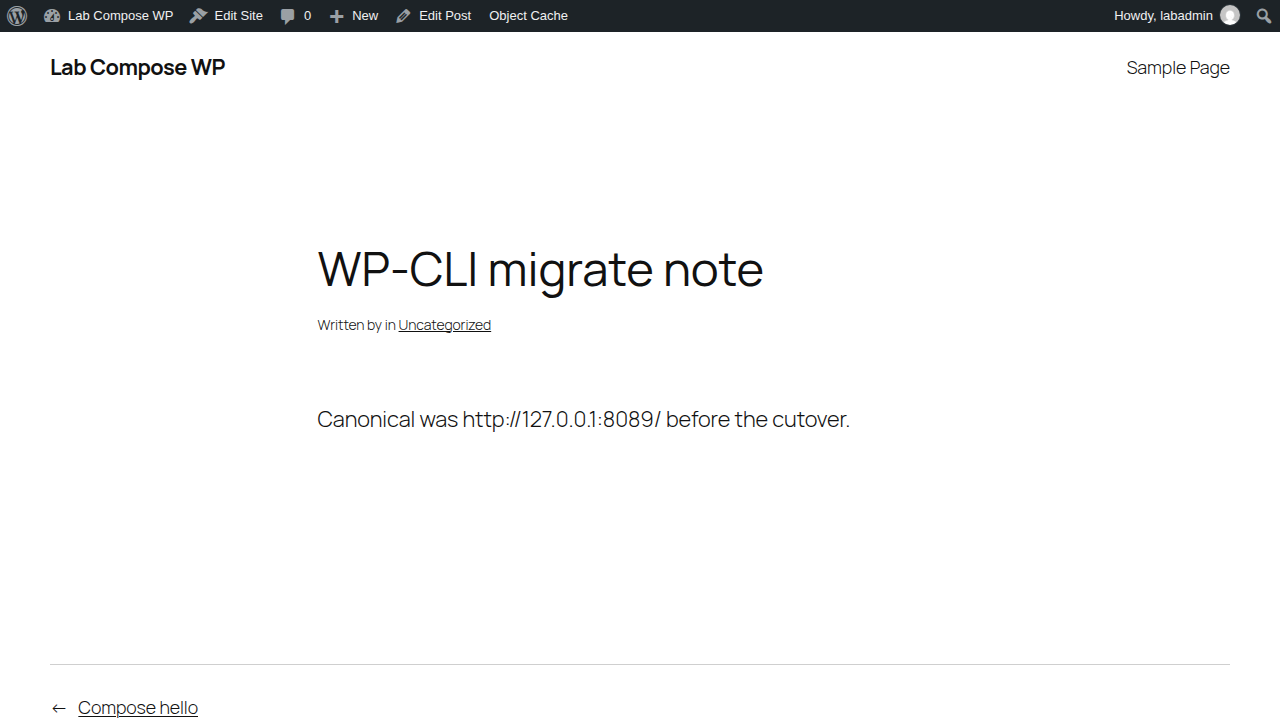
wp search-replace 'http://old.wpcli.lab' 'http://127.0.0.1:8089' --dry-run reported 5 replacements to be made on this lab WordPress 7.1.4 database. The same command without --dry-run made 5 replacements: 3 in wp_options.option_value (PHP-serialized) and 2 in wp_posts.post_content. After wp cache flush, home and siteurl read http://127.0.0.1:8089, a custom option and the migrate post body carried the new host, and the post rendered on loopback. WP-CLI was 2.12.0.
That is the job people actually open a ticket for: a domain move that leaves serialized options intact. phpMyAdmin find-and-replace on raw SQL is how you corrupt a length-prefixed PHP string. WP-CLI walks the tables and rewrites those values correctly.
| Before | Dry-run | After (live) | |
|---|---|---|---|
home / siteurl | http://old.wpcli.lab | — | http://127.0.0.1:8089 |
| Replacements | — | 5 to be made | 5 made |
wp_options.option_value | old host in 3 values | 3 (PHP) | 3 |
wp_posts.post_content | old host in post (+ revision) | 2 (SQL) | 2 |
| WordPress | 7.1.4 | 7.1.4 | 7.1.4 |
| WP-CLI | 2.12.0 | 2.12.0 | 2.12.0 |
Install WP-CLI (phar + checksum)
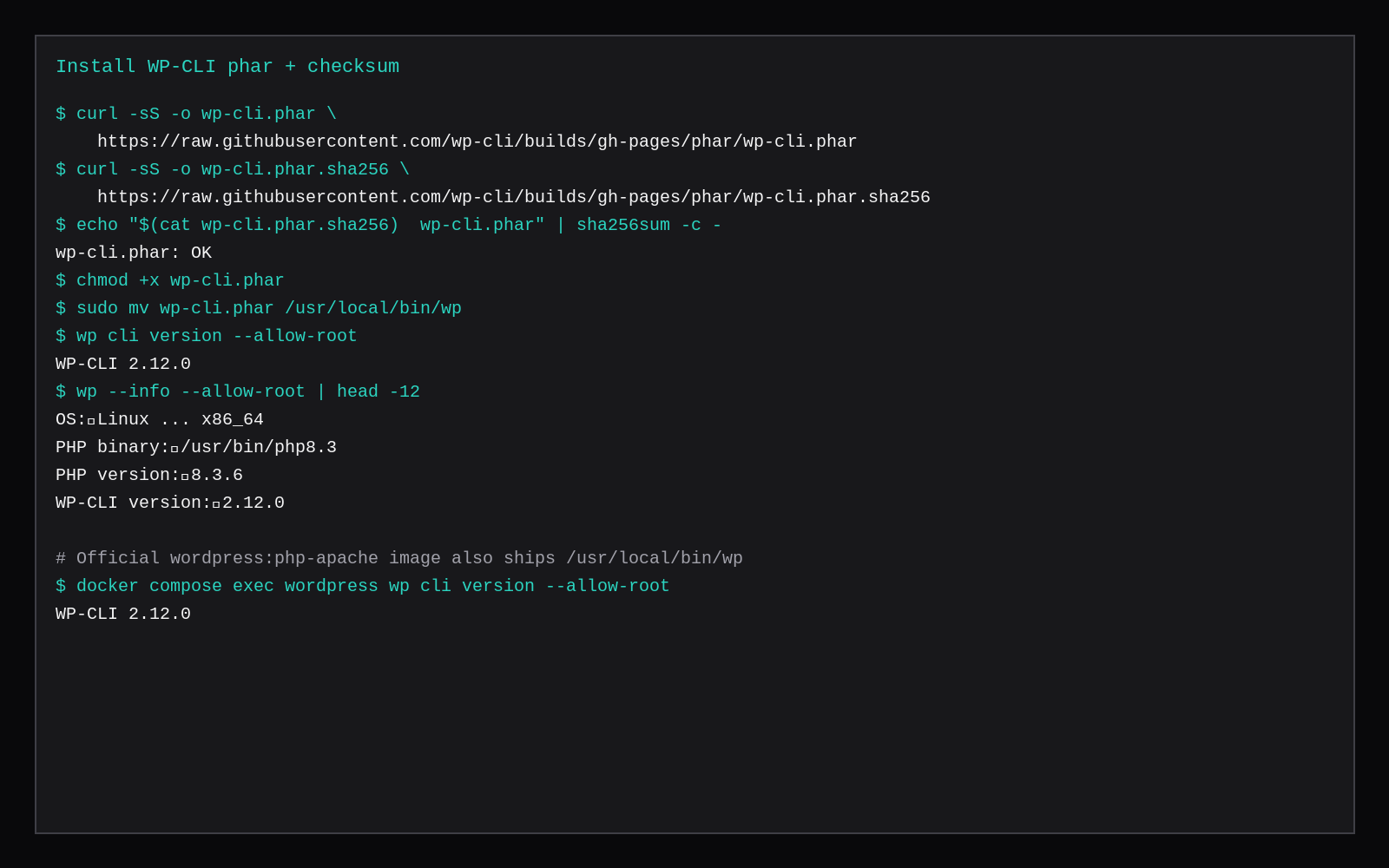
On Ubuntu with PHP CLI available:
curl -sS -o wp-cli.phar \
  https://raw.githubusercontent.com/wp-cli/builds/gh-pages/phar/wp-cli.phar
curl -sS -o wp-cli.phar.sha256 \
  https://raw.githubusercontent.com/wp-cli/builds/gh-pages/phar/wp-cli.phar.sha256

echo "$(cat wp-cli.phar.sha256)  wp-cli.phar" | sha256sum -c -
# wp-cli.phar: OK

chmod +x wp-cli.phar
sudo mv wp-cli.phar /usr/local/bin/wp
wp cli version
# WP-CLI 2.12.0
This lab’s checksum was ce34ddd838f7351d6759068d09793f26755463b4a4610a5a5c0a97b68220d85c. Re-fetch the .sha256 file when you install; do not copy an old digest from a blog post months later.
The official wordpress:php-apache image already ships /usr/local/bin/wp. On Compose WordPress you run:
docker compose exec wordpress wp cli version --allow-root--allow-root is for containers and root shells. On a normal VPS, install the phar as root, then run wp as the user that owns the site files (sudo -u www-data -i -- wp … or your vhost user).
Update core, plugins, and themes
cd /var/www/html   # or your docroot / compose exec path

wp core version
# 7.1.4

wp core check-update
# Success: WordPress is at the latest version.

wp plugin list
wp plugin update --all --dry-run
# Success: No plugin updates available.   # this lab

wp theme update --all --dry-run
When an update exists, drop --dry-run:
wp core update
wp plugin update --all
wp theme update --all
Take a database dump before you update production. Compose:
docker compose exec db mariadb-dump -uwp -p"$MYSQL_PASSWORD" wordpress | gzip > wp-before-update.sql.gz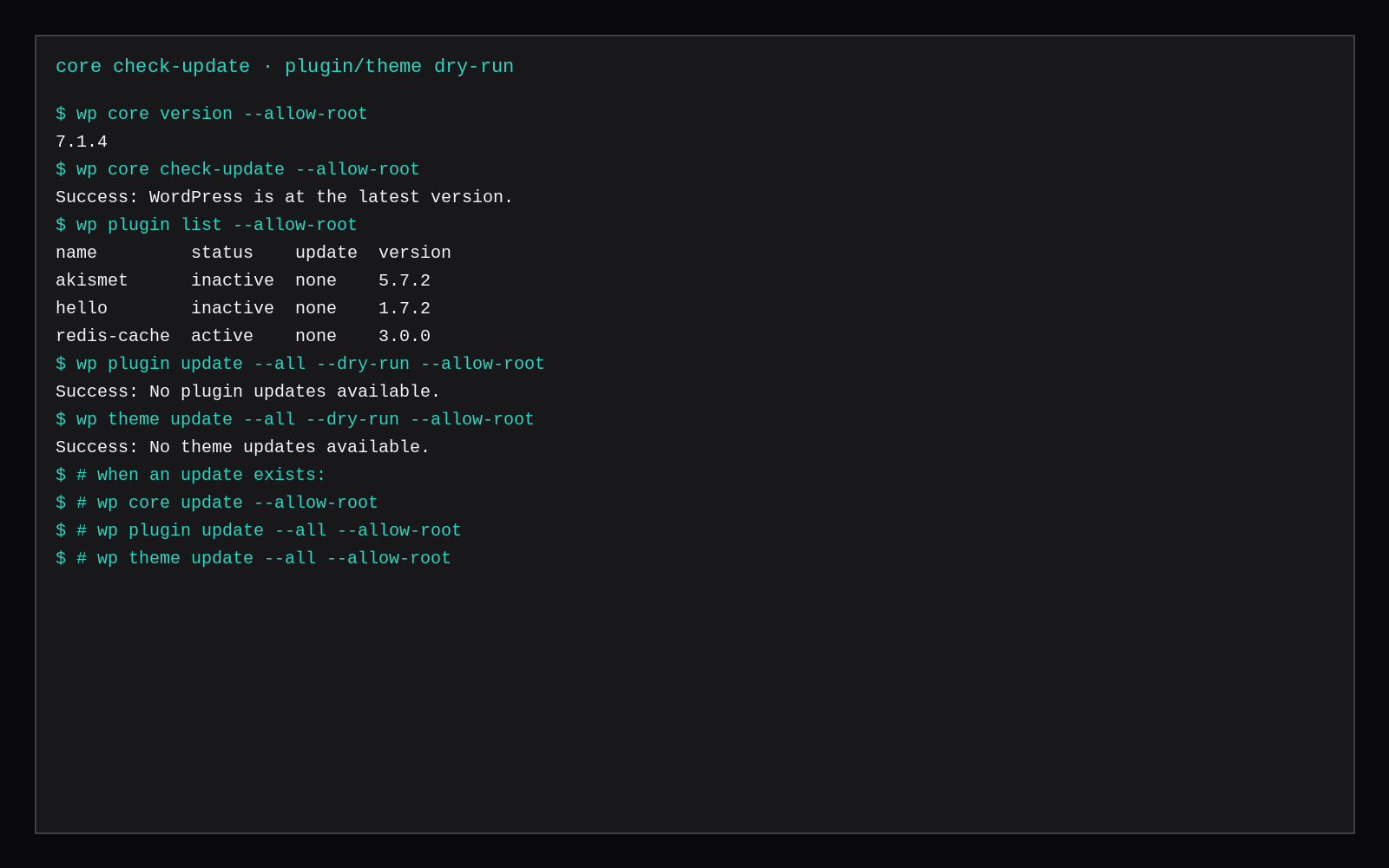
A real search-replace
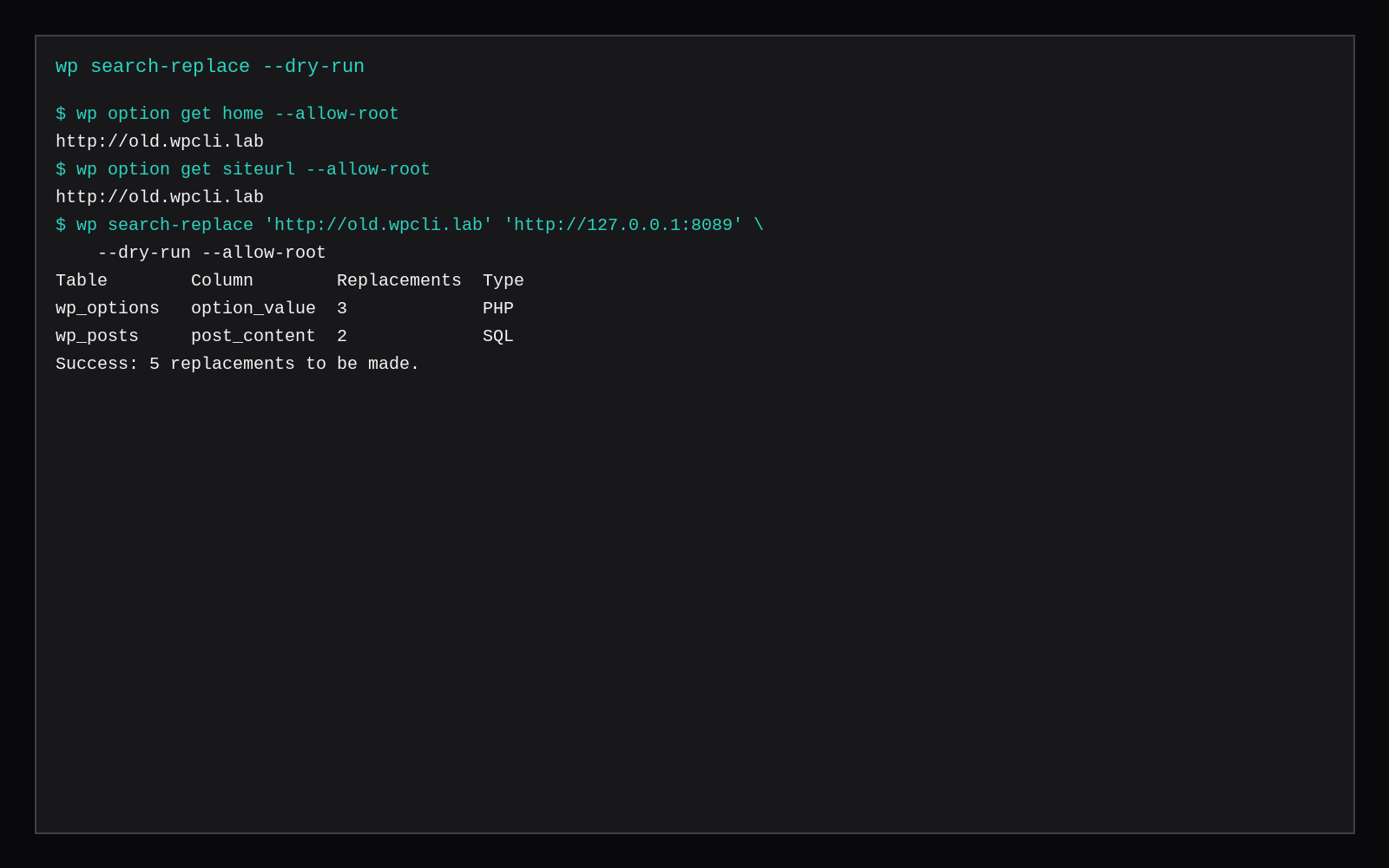
Seed or inherit an old hostname in the database (home, siteurl, post bodies, theme mods). Then:
wp option get home
# http://old.wpcli.lab

wp search-replace 'http://old.wpcli.lab' 'http://127.0.0.1:8089' --dry-run
# Success: 5 replacements to be made.

wp search-replace 'http://old.wpcli.lab' 'http://127.0.0.1:8089'
# Success: Made 5 replacements. Please remember to flush your
# persistent object cache with `wp cache flush`.

wp cache flush

wp option get home
# http://127.0.0.1:8089
wp option get siteurl
# http://127.0.0.1:8089
Match the scheme and trailing slash style you actually stored. http://old.example and https://old.example are different strings; run both if the dump mixed them. For multisite, read wp help search-replace before you add --network. --all-tables reaches custom plugin tables the default set skips.
If Redis Object Cache or another persistent object cache is on, flush after the replace or you will keep reading the old host from memory.
Skip these
| Skip this | What to do |
|---|---|
phpMyAdmin REPLACE on wp_options | wp search-replace so PHP-serialized lengths stay valid |
Skipping --dry-run | Read the count, then run live |
| Leaving object cache dirty | wp cache flush (and your Redis/Valkey flush if needed) |
Running every wp as root on a shared docroot | Prefer the site owner (www-data / vhost user) |
| One replace for http and https mixed dumps | Run both schemes (and www / bare domain) as separate passes |
Blind --network on multisite | Confirm sites and domains in the help text first |
Where this fits on a VPS
A marketplace Compute Instance at 2 GB is enough for WordPress plus WP-CLI. Use it on Compose, Nginx + MariaDB, or LEMP. Panels can install WordPress; domain moves and scripted updates still want SSH and these commands.
Why WP-CLI belongs on the VPS before the panel
Official WP-CLI installs as a Phar with a SHA-256 check, then lives next to the WordPress tree so wp core, wp plugin, and wp search-replace run as the same user PHP-FPM uses. That matters on a migrated cPanel box: search-replace across serialized options is the step GUI search tools still get wrong. Keep the Phar out of the web root, run commands as the site user, and prefer --dry-run on destructive ops. Panels can wrap some of this; the CLI is what you keep when the panel is gone and the site still has to move.
FAQ
Do I need WP-CLI if I have a panel? Panel one-click updates cover day-to-day bumps. A repeatable URL change across options and posts still wants these commands.
Cron updates? wp cron event run is separate from OS cron. Many hosts still schedule wp core update / wp plugin update from cron as the site user; test on staging first.
What is --precise? A slower, more careful replace mode for edge cases in serialized data. Start without it; add it if a dry-run looks wrong.
Compose vs apt PHP? Same wp binary idea. Compose: docker compose exec wordpress wp … --allow-root. Bare metal: phar in /usr/local/bin/wp and the site user.
The dashboard still works for writing posts. Keep WP-CLI for the jobs where a wrong SQL edit breaks the site: updates you can script, and search-replace you can dry-run.