
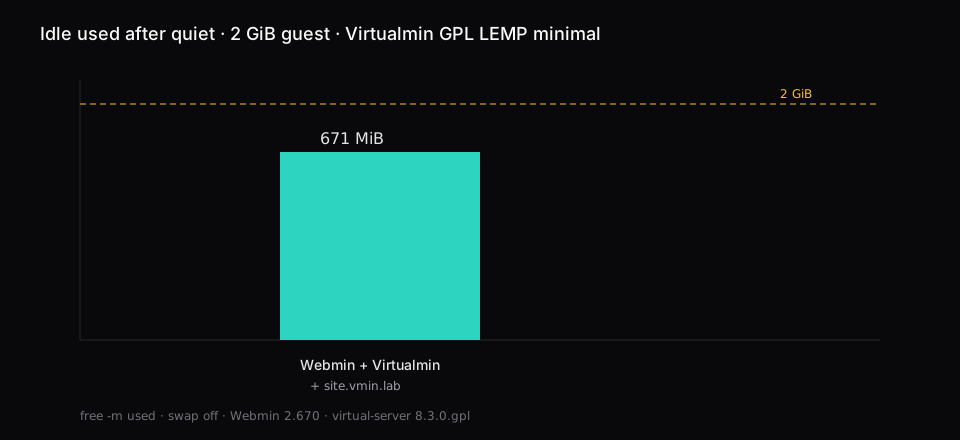
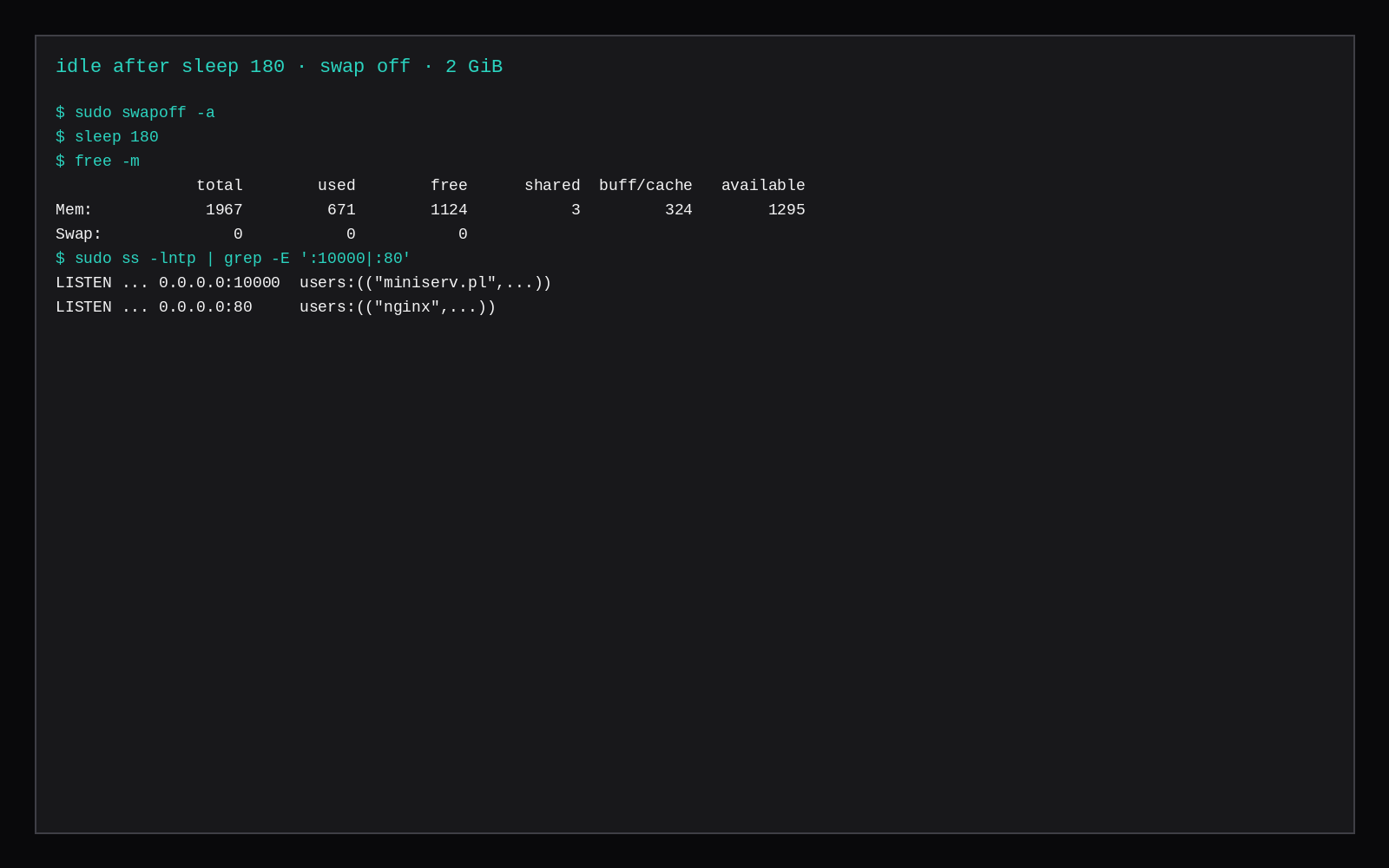
Virtualmin GPL on a fresh Ubuntu 24.04 guest, swap off, with one virtual server (site.vmin.lab) already created, sat at 671 MiB used in free -m on a 2 GiB guest after the panel answered on https://IP:10000 and the box sat quiet for three minutes. The LEMP minimal install left Webmin 2.670 and the virtual-server module at 8.3.0.gpl, with Nginx, MariaDB 10.11.14, PHP-FPM 8.3, Postfix, Dovecot, and BIND running.
Webmin is the system toolbox. Virtualmin is the hosting layer that creates Unix users, DNS zones, Nginx vhosts, and databases for domains you add in the browser. Kernel work, Docker, WireGuard, packages Virtualmin did not install, and restores that did not come from Virtualmin's backup tools stay on the shell.
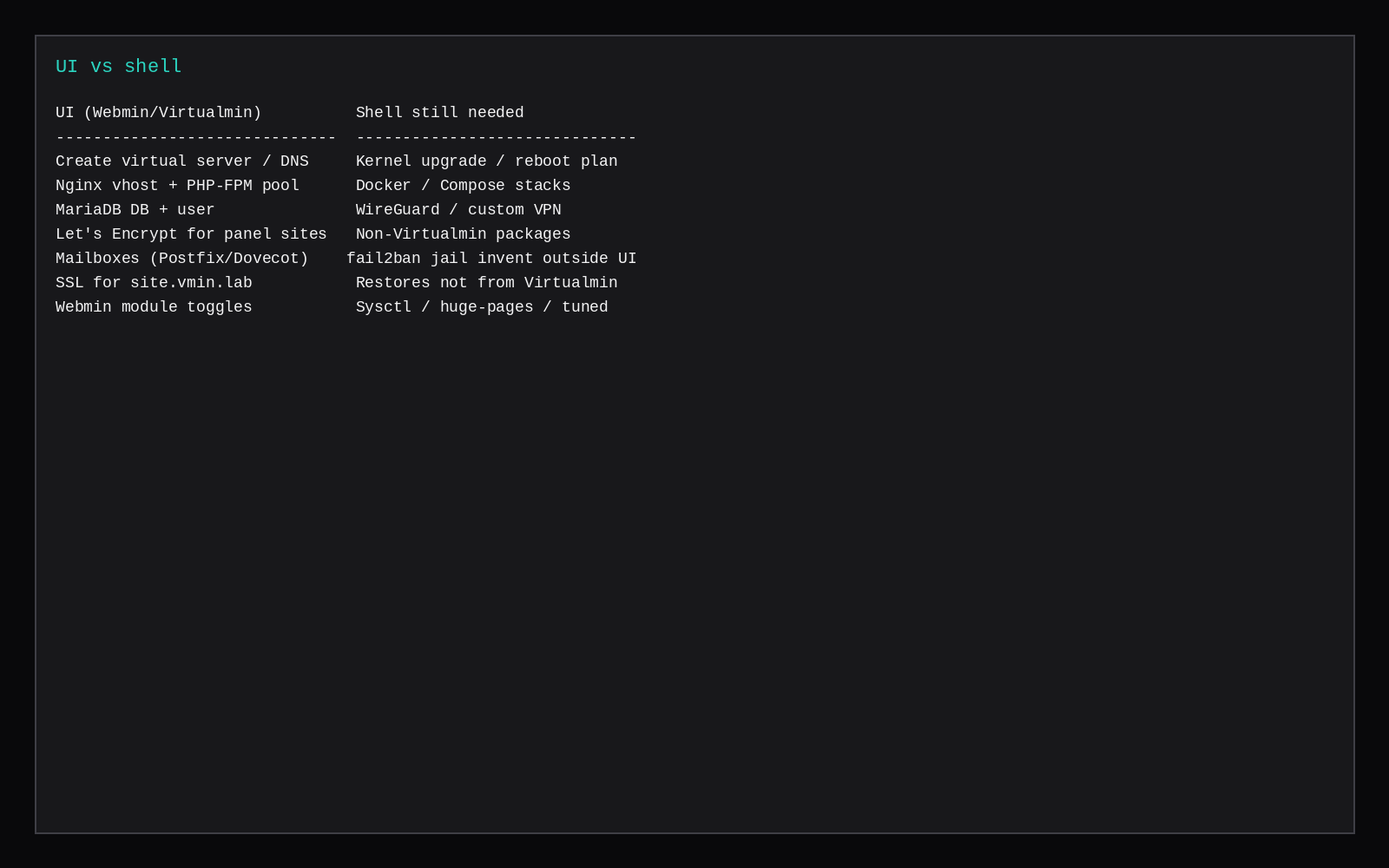
| Job | Where it lives |
|---|---|
| Create a virtual server (DNS, Nginx, PHP-FPM, MariaDB, SSL) | Virtualmin UI or virtualmin create-domain |
| Edit that site's Nginx server block / PHP pool | Virtualmin (or the files it wrote under /etc/nginx and /home) |
| Issue Let's Encrypt for a Virtualmin domain | Virtualmin |
| Mailboxes for that domain | Virtualmin / Usermin |
| Kernel upgrade, reboot timing, sysctl | Shell |
| Docker Compose / non-Virtualmin daemons | Shell |
| WireGuard or other VPN | Shell (WireGuard on Ubuntu) |
| Restoring a tarball that is not a Virtualmin backup | Shell |
| fail2ban jails beyond what you configure in Webmin | Shell (or Webmin's firewall modules if you stay inside them) |
Install Virtualmin GPL (LEMP minimal)
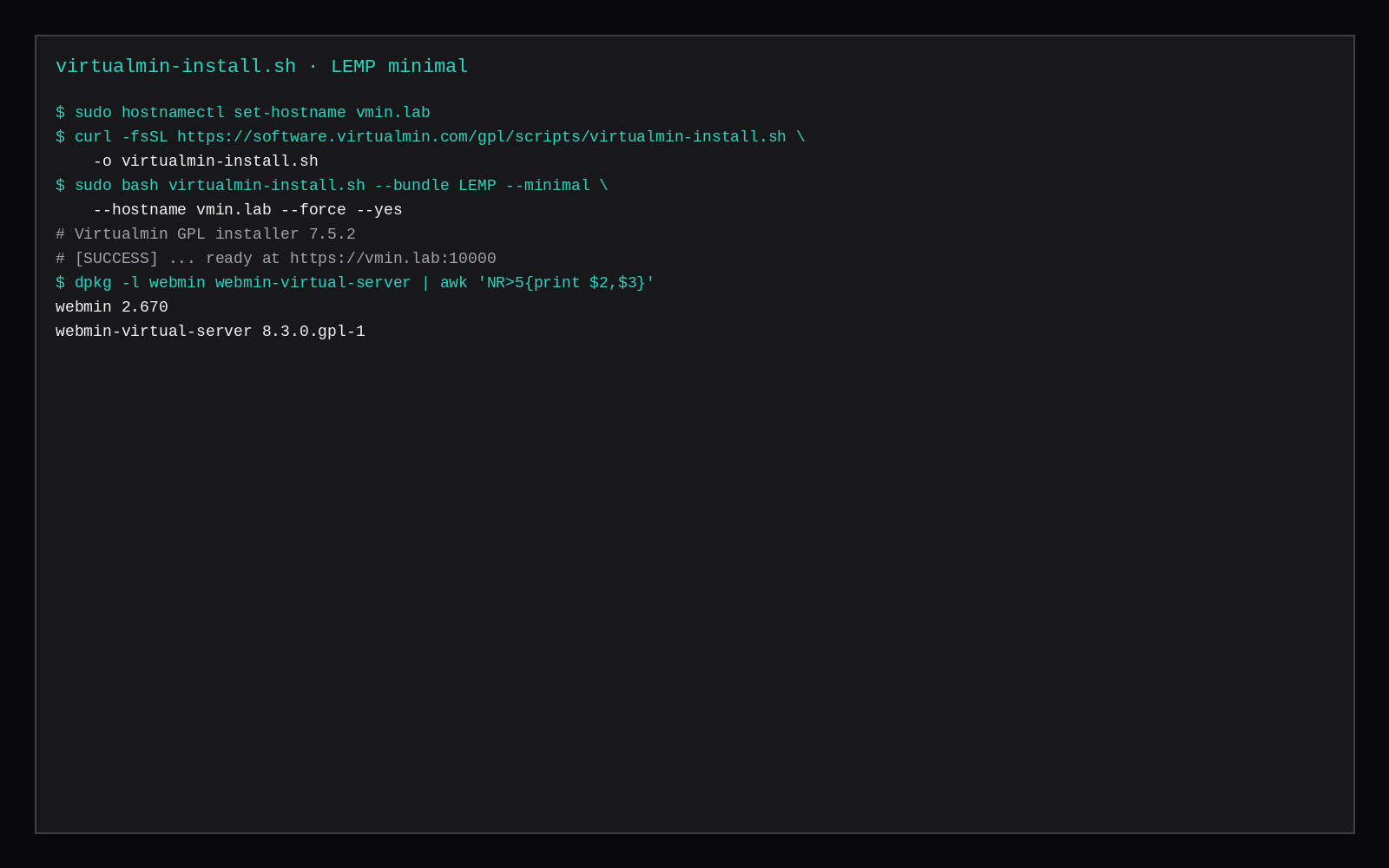
Use a clean OS. The Virtualmin installer is blunt about that. This lab used Ubuntu 24.04, hostname vmin.lab, and the LEMP bundle with --minimal so the package set fits a small VPS.
sudo hostnamectl set-hostname vmin.lab
echo '127.0.0.1 vmin.lab' | sudo tee -a /etc/hosts

curl -fsSL https://software.virtualmin.com/gpl/scripts/virtualmin-install.sh \
  -o virtualmin-install.sh

sudo bash virtualmin-install.sh --bundle LEMP --minimal \
  --hostname vmin.lab --force --yes
Installer version in this run was 7.5.2. It created a 2 GiB swap file during the check phase on the first attempt, and for the idle sample swap was turned off again with swapoff -a. The success banner pointed at https://vmin.lab:10000. On a nested guest the install was happier with 3 GiB RAM during package install, and the idle reading below is after reboot at 2 GiB.
Packages that mattered afterward:
webmin 2.670
webmin-virtual-server 8.3.0.gpl-1
virtualmin-lemp-stack-minimal 7.0.6-1
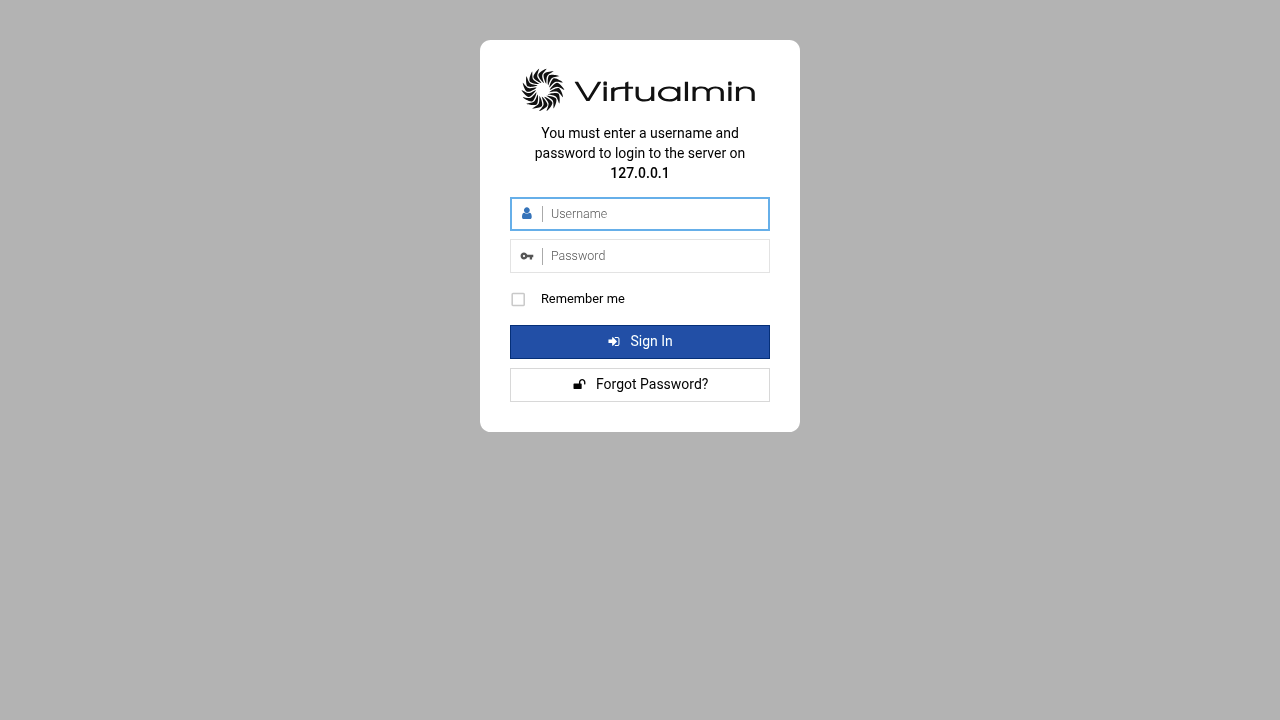
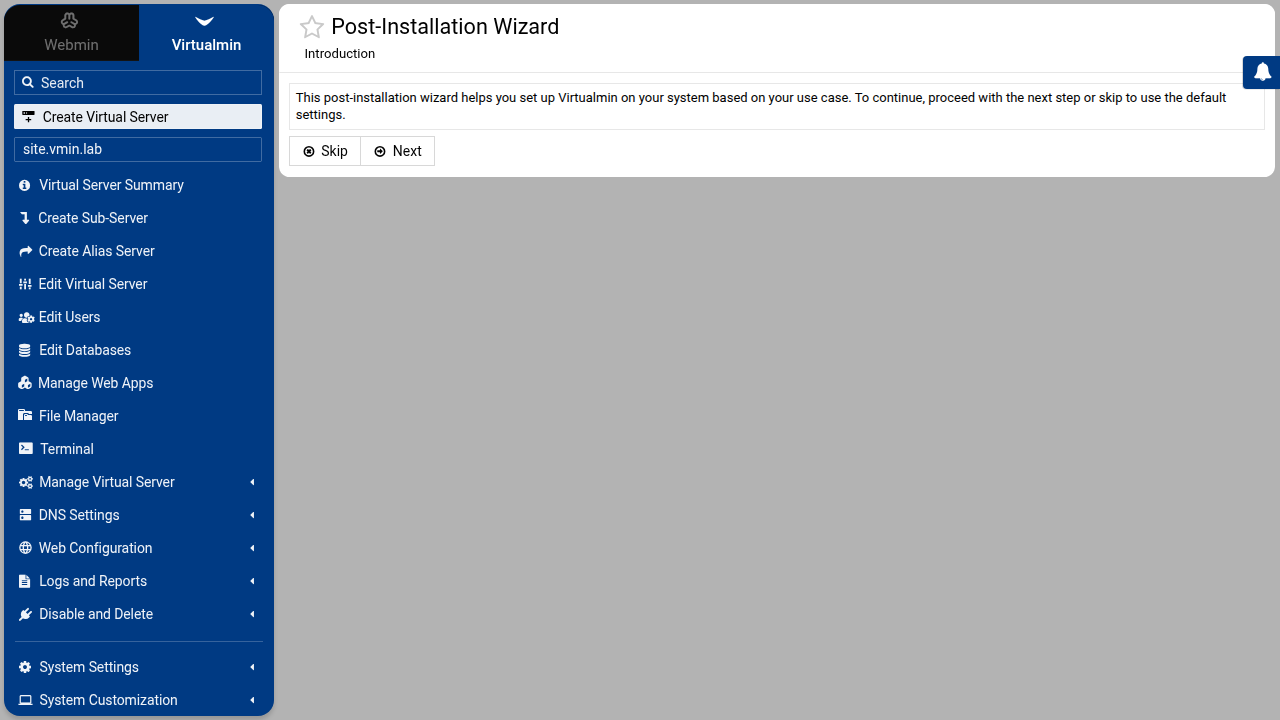
Log in as root (or a user Webmin accepts). The first visit may show a certificate warning and the post-installation wizard.
Idle RAM and what stays up
sudo swapoff -a
# wait until :10000 answers, then quiet
sleep 180
free -m
ss -lntp | grep -E ':10000|:80'| Reading | Value |
|---|---|
Idle used (free -m) | 671 MiB |
| Available | 1295 MiB |
| Swap | 0 |
| Top RSS | mariadbd ~102 MiB, Webmin miniserv.pl ~101 MiB |
| Panel | :10000 (MiniServ) |
| Web | Nginx :80 |
Active services in this run included webmin, nginx, mariadb, php8.3-fpm, postfix, dovecot, named, and proftpd. Postfix, Dovecot, and BIND are why Virtualmin sits above a single-app Compose stack on the same 2 GiB plan. Idle numbers for free panels without Virtualmin's mail defaults are in CyberPanel vs Hestia vs aaPanel and CloudPanel on 2 GB.
One virtual server from the CLI
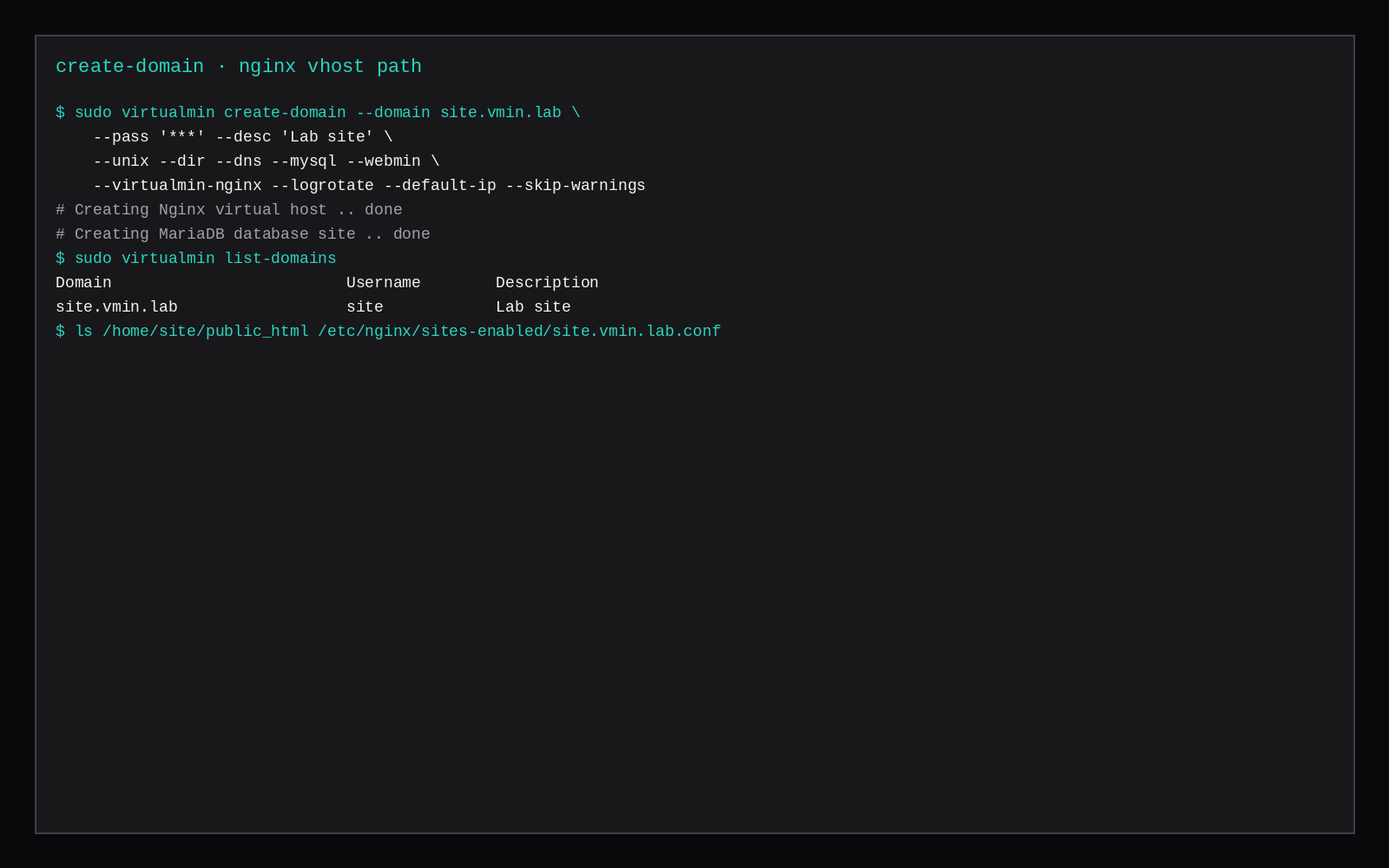
sudo virtualmin create-domain --domain site.vmin.lab \
  --pass 'choose-a-long-secret' --desc 'Lab site' \
  --unix --dir --dns --mysql --webmin \
  --virtualmin-nginx --logrotate --default-ip --skip-warnings
On LEMP, use --virtualmin-nginx (not --web). The command created /home/site/public_html, site.vmin.lab.conf under /etc/nginx/sites-enabled/, a MariaDB database site, DNS for the zone, and an SSL certificate for the vhost.
sudo virtualmin list-domains
ls /home/site/public_html
ls /etc/nginx/sites-enabled/site.vmin.lab.conf
The command covers the same work as the UI for the domain, the web files, the database, and DNS. A Compose app on another port, a WireGuard interface, or a custom sysctl does not show up as a Virtualmin feature.
Skip this
| Skip this | Do this instead |
|---|---|
| Installing on a half-used VPS | Fresh Ubuntu 24.04 (or another supported OS) |
Opening :10000 to the world | Firewall allowlist, VPN, or SSH tunnel |
| Expecting Docker management inside Virtualmin GPL | Run Compose on the shell; Virtualmin owns its own sites |
| Treating Virtualmin as a game panel | Use a game stack or marketplace game servers |
Quoting "lightweight" without free -m | Measure after quiet with swap off |
What the panel still cannot replace
Webmin and Virtualmin cover DNS, mail, databases, and virtual hosts for many hosts who would rather not live in Nginx configs. Shell still wins for one-off debug (journalctl, ss, package pins), for Compose stacks the panel does not own, and for emergency recovery when the UI is down. Keep SSH keys as the break-glass path, restrict Webmin to an admin IP or VPN, and treat panel updates as carefully as distro upgrades. Idle RSS on this lab is the UI tax; the sites you click into are the rest of the bill.
FAQ
Webmin vs Virtualmin? Webmin alone manages the OS (users, Apache/Nginx modules, firewall). Virtualmin adds virtual hosting, with per-domain Unix accounts, DNS, mail, and databases. This lab installed both through the GPL script.
GPL vs Pro? GPL covers the core hosting features used here. Pro adds extras (resellers, some automation, support channels). GPL has no cPanel-style per-account metre. Paid panel metres are in DirectAdmin vs cPanel vs Plesk licence cost.
Can you skip mail? Minimal LEMP still pulled Postfix and Dovecot in this run. You can disable mail features per domain. Removing the MTAs entirely is a shell-level choice that can fight the panel's assumptions.
Usermin? End-user panel for mail and files, separate from the admin Webmin on 10000. The idle reading left it out.
If you only need one app and no multi-tenant hosting UI, a marketplace Compute Instance without Virtualmin is enough. Use Virtualmin when the product is many domains with DNS, mail, and Nginx under one admin login, and keep SSH for host work outside those virtual servers.