
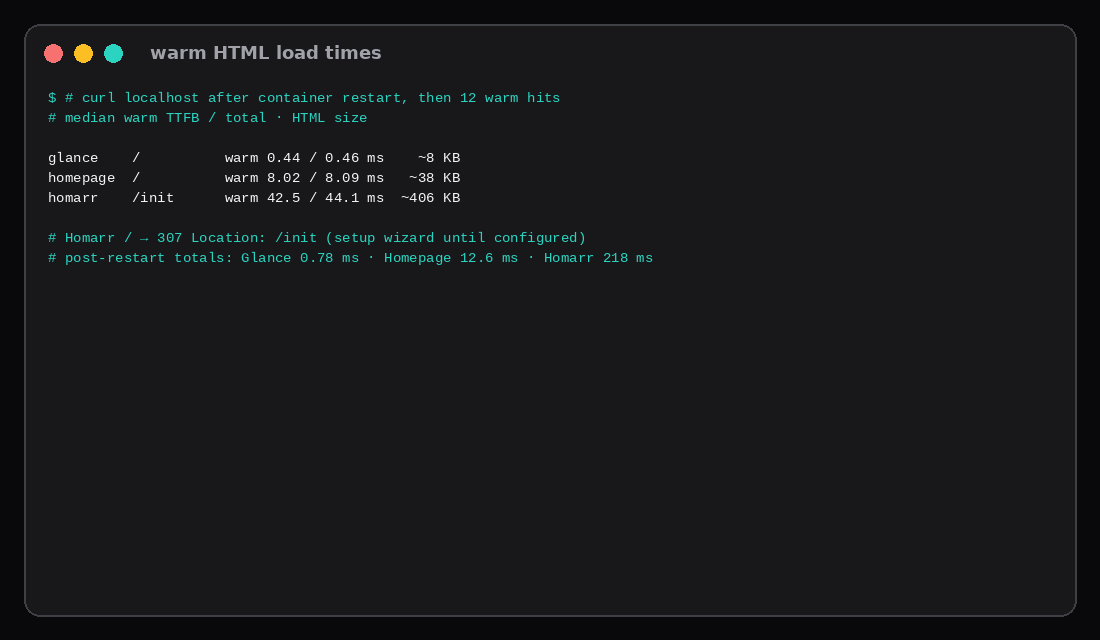
Three start pages on one Ubuntu 24.04 guest (2 GB RAM, 2 vCPU, swap off), each published on loopback only. After a quiet window with a minimal config, docker stats read about 6 MiB for Glance v0.8.7, 173 MiB for Homepage v2.7.0, and 206 MiB for Homarr v2.11.1. Warm HTML load times on localhost (median of twelve curls after a restart settle) were about 0.46 ms total for Glance /, 8.1 ms for Homepage /, and 44 ms for Homarr’s first-run /init page (~406 KB). Post-restart first hits were 0.78 ms, 12.6 ms, and 218 ms respectively.
| Glance v0.8.7 | Homepage v2.7.0 | Homarr v2.11.1 | |
|---|---|---|---|
Idle docker stats | ~6 MiB | ~173 MiB | ~206 MiB |
| Port (loopback) | 127.0.0.1:8081 | 127.0.0.1:3001 | 127.0.0.1:7575 |
| Warm TTFB / total (median) | 0.44 / 0.46 ms | 8.0 / 8.1 ms | 42.5 / 44.1 ms |
| HTML size (warm) | ~8 KB | ~38 KB | ~406 KB (/init) |
| Image | glanceapp/glance:v0.8.7 | ghcr.io/gethomepage/homepage:v2.7.0 | ghcr.io/homarr-labs/homarr:v2.11.1 |
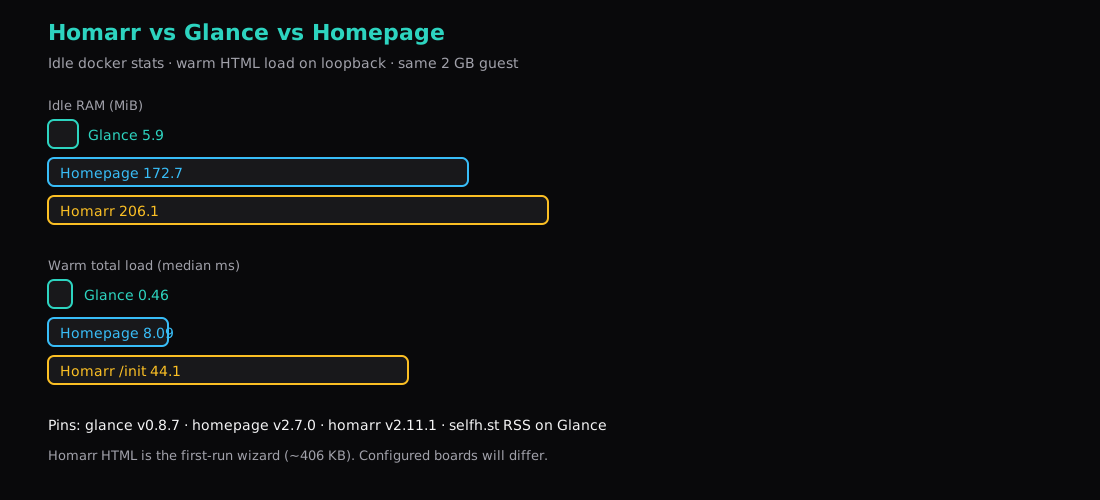
Glance is the feed-first page (RSS, HN, bookmarks). Homepage is YAML services, widgets, and optional Docker label discovery. Homarr is the fuller integrations dashboard with a browser setup flow. A standalone Glance how-to can sit elsewhere; this post is the three-way number check.
Compose on one VPS
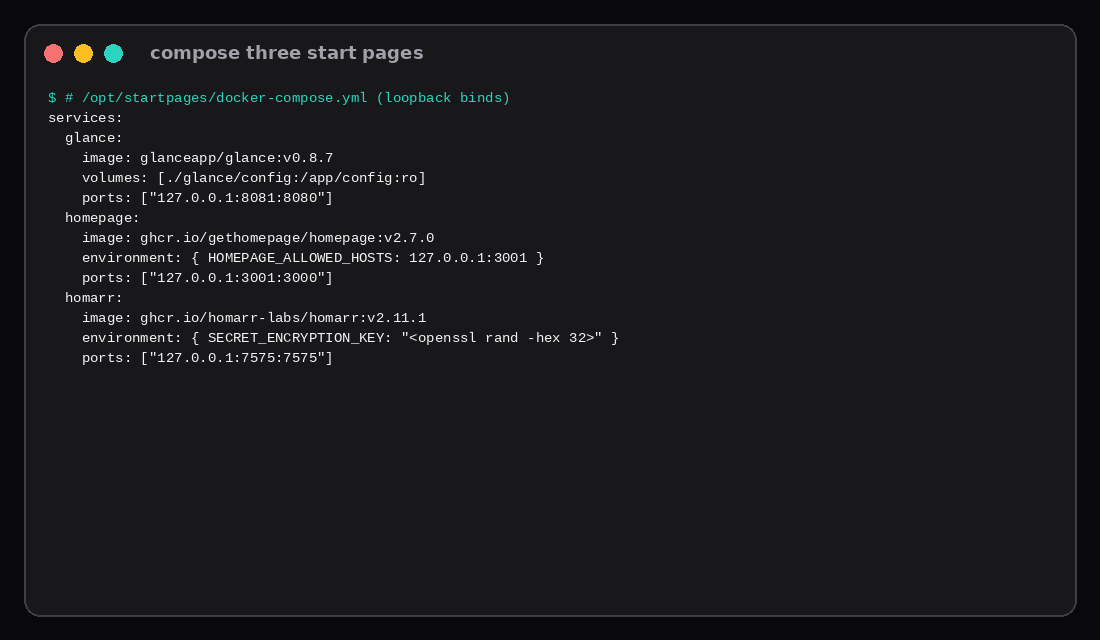
services:
  glance:
    image: glanceapp/glance:v0.8.7
    volumes:
      - ./glance/config:/app/config:ro
    ports:
      - "127.0.0.1:8081:8080"

  homepage:
    image: ghcr.io/gethomepage/homepage:v2.7.0
    environment:
      HOMEPAGE_ALLOWED_HOSTS: 127.0.0.1:3001,localhost:3001
    volumes:
      - ./homepage/config:/app/config
    ports:
      - "127.0.0.1:3001:3000"

  homarr:
    image: ghcr.io/homarr-labs/homarr:v2.11.1
    volumes:
      - ./homarr/appdata:/appdata
    environment:
      SECRET_ENCRYPTION_KEY: "<openssl rand -hex 32>"
    ports:
      - "127.0.0.1:7575:7575"
openssl rand -hex 32
docker compose up -dFrom Glance v0.7 onward the config directory mounts at /app/config (file glance.yml inside). An old bind of ./glance.yml:/app/glance.yml serves an update notice instead of your page.
HOMEPAGE_ALLOWED_HOSTS is required on current Homepage tags; without it the UI refuses the Host header.
Minimal configs
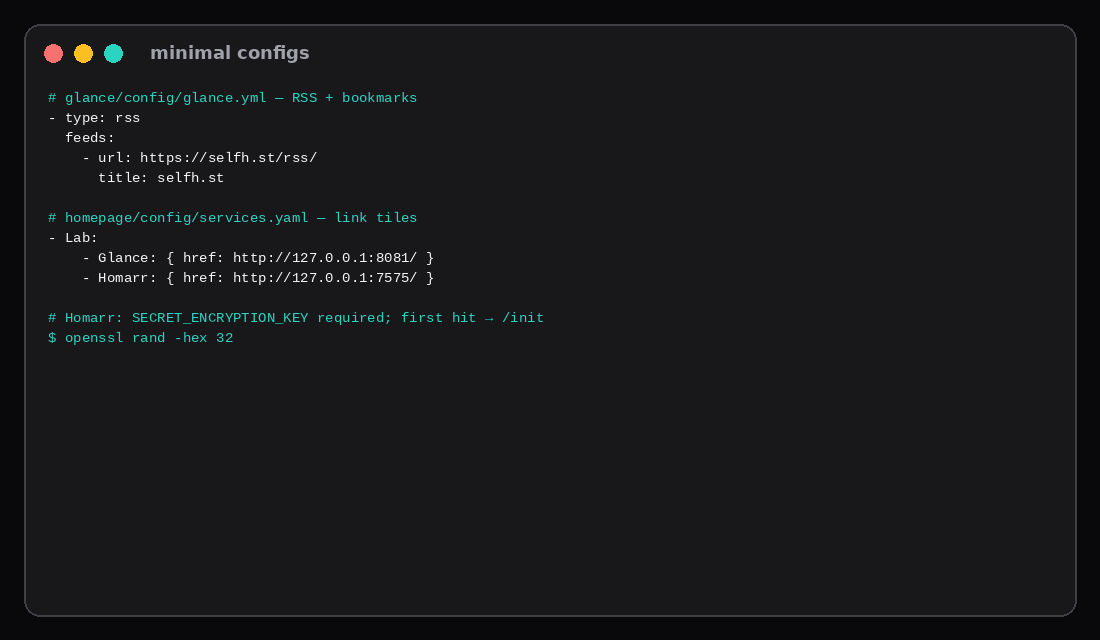
Glance (RSS + a few bookmarks):
# glance/config/glance.yml
pages:
  - name: Home
    columns:
      - size: small
        widgets:
          - type: rss
            limit: 8
            feeds:
              - url: https://selfh.st/rss/
                title: selfh.st
                limit: 5
          - type: bookmarks
            groups:
              - title: Lab
                links:
                  - title: Homepage
                    url: http://127.0.0.1:3001/
                  - title: Homarr
                    url: http://127.0.0.1:7575/
      - size: full
        widgets:
          - type: hacker-news
            limit: 8
Homepage (services.yaml excerpt):
- Lab:
    - Glance:
        href: http://127.0.0.1:8081/
        description: Feed start page
    - Homarr:
        href: http://127.0.0.1:7575/
        description: App dashboard
Homarr needs SECRET_ENCRYPTION_KEY and opens /init until the owner account exists (/ returns 307 to /init). Load times below use that first-run HTML so the comparison is a real page body instead of a five-byte redirect.
Idle RAM
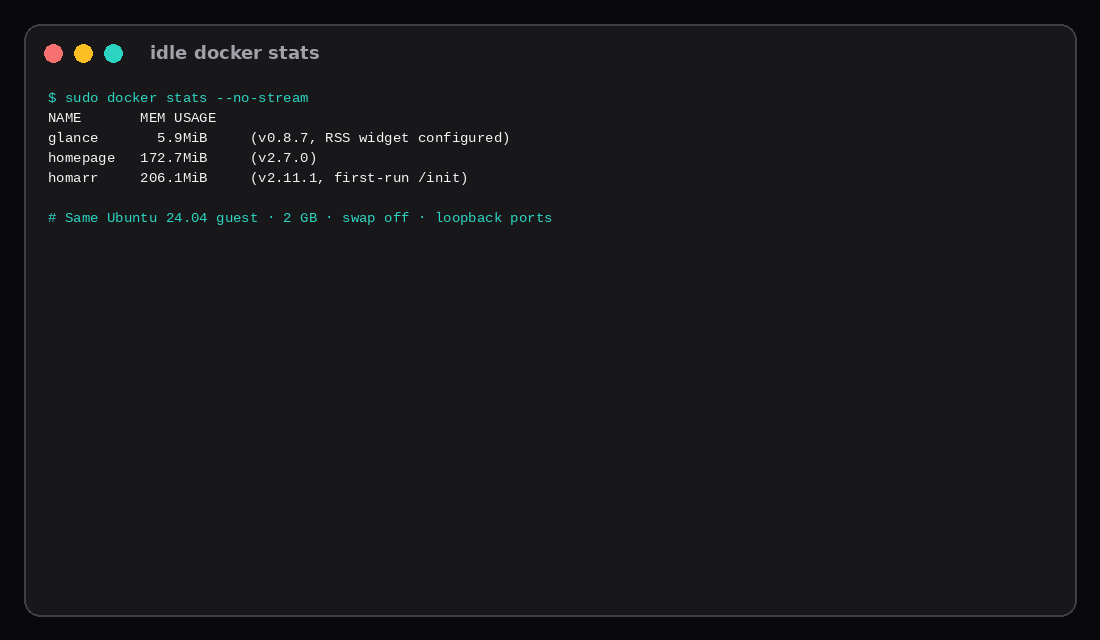
| Container | ~MiB (docker stats) |
|---|---|
| glance | 6 |
| homepage | 173 |
| homarr | 206 |
Glance stays in single-digit MiB with an RSS widget and HN block configured. Homepage’s Node app lands around the high 100s. Homarr’s stack sits a little above that before you finish onboarding. Digests in this lab: Glance sha256:bc5a3926…, Homepage sha256:19c5c091…, Homarr sha256:f7b31d2d….
Load time
Method: docker restart each container, wait until HTTP 200 with a non-trivial body, take one post-restart sample, then twelve warm curls on localhost. Report median TTFB (time_starttransfer) and total.
| App | Path | Warm total (median) | Post-restart total | Body |
|---|---|---|---|---|
| Glance | / | 0.46 ms | 0.78 ms | ~8 KB |
| Homepage | / | 8.1 ms | 12.6 ms | ~38 KB |
| Homarr | /init | 44 ms | 218 ms | ~406 KB |
All three answer in well under a tenth of a second when warm on loopback. The spread is payload and runtime: Glance’s tiny Go HTML, Homepage’s Next-ish shell, Homarr’s large setup document. A finished Homarr board will change size and timing. Use /init as the first-run floor; time the configured board separately if you need that number.
When to pick which
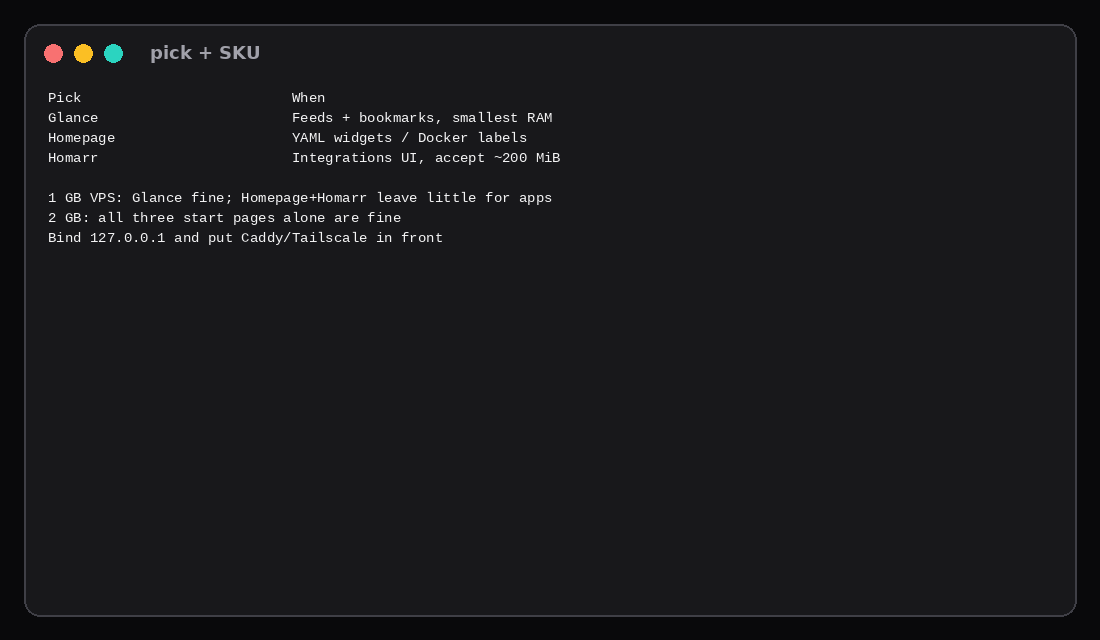
Pick Glance when the start page is feeds and bookmarks and you want the smallest RAM bill.
Pick Homepage when you want YAML services/widgets and Docker label discovery without Homarr’s setup weight.
Pick Homarr when integrations and a guided UI matter more than ~200 MiB idle.
For Compose editing in a browser, Dockge is a different job. Deploy panels live in Easypanel vs Coolify and Coolify vs Dokploy vs CapRover.
What other 2026 write-ups get right
Independent Glance vs Homepage vs Homarr roundups in 2026 line up with the idle table above even when their absolute MiB numbers differ. Glance is treated as the feed-first Go page (RSS, HN, Reddit-style widgets, YAML only, no built-in multi-user auth). Homepage stays the YAML service-widget hub with the widest self-hosted integrations. Homarr is the portal with a visual editor, built-in auth, and OIDC/LDAP-shaped access when a household or small team shares boards.
Those posts often quote Glance under ~25–30 MiB and Homepage/Homarr in the low hundreds. Our pinned tags on one guest landed Glance ~6 MiB, Homepage ~173 MiB, Homarr ~206 MiB with empty boards. The ordering is the useful part: if the start page is mostly feeds, Glance’s warm curl (~0.5 ms, ~8 KB body here) matches the “briefing page” framing. If you need Homarr’s wizard and integrations, budget the ~200 MiB floor and accept a larger first HTML document (/init ~406 KB in this lab). Glance’s own FAQ notes that widgets refresh on page load with per-widget cache, which is why it stays light instead of polling everything in the background.
SKU pick
| VPS RAM | Lean |
|---|---|
| 1 GB | Glance alone is easy; Homepage or Homarr leave little for the apps they link to |
| 2 GB | Any one of these start pages is fine |
| 4 GB+ | Start page plus the services behind the tiles |
| Skip this | What this lab did |
|---|---|
Publishing :8080/:3000/:7575 on every interface | Bound 127.0.0.1 only |
Mounting Glance yaml at /app/glance.yml on v0.8 | Used /app/config |
| Timing Homarr’s 307 redirect as “load” | Followed to /init and timed the HTML |
Floating latest tags | Pinned v0.8.7 / v2.7.0 / v2.11.1 |
| Comparing screenshot beauty without RAM | Measured docker stats and curl |
FAQ
Does Glance need a database? No. Config is YAML; state is light.
Why is Homepage heavier than Glance? Different stack (Node) and a larger default document. Widgets and Docker socket discovery add work on top.
Can I run all three at once? Yes for a bake-off. For daily use pick one start page so you maintain a single config.
Homarr without /init? Finish the wizard once; later loads hit the configured board. Re-measure if you care about that path specifically.
What to run on the VPS
Plan a Compute Instance with headroom for the start page (~6 MiB, ~170 MiB, or ~200 MiB) plus the services those tiles open. Keep the UI on loopback, terminate TLS on Caddy or reach it over Tailscale/WireGuard, and pin image tags in Compose the way Docker Compose on a VPS recommends.