
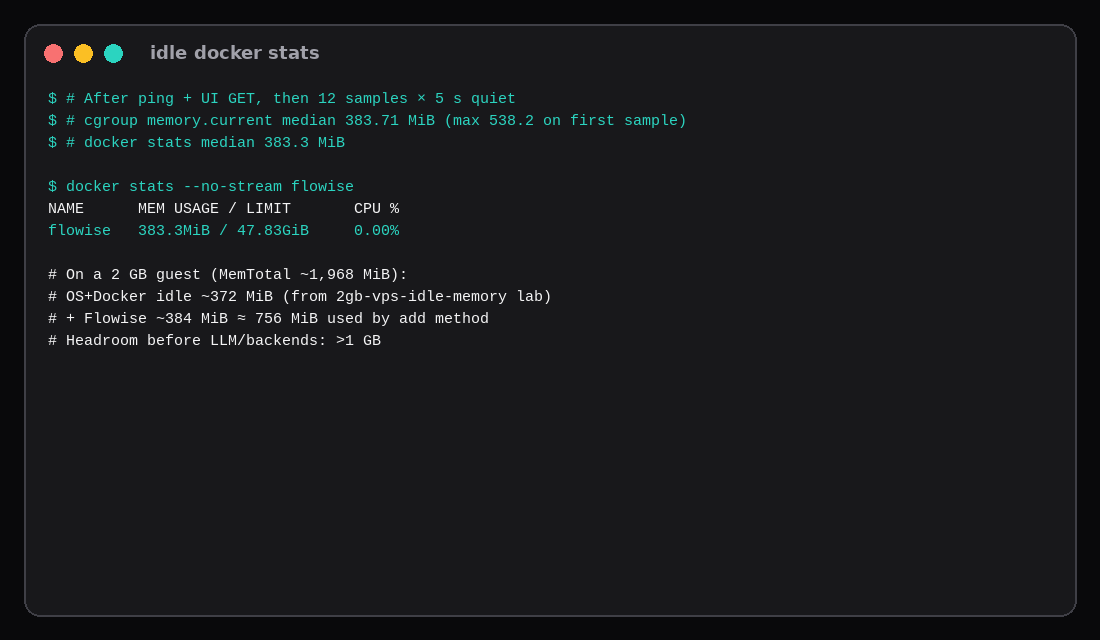
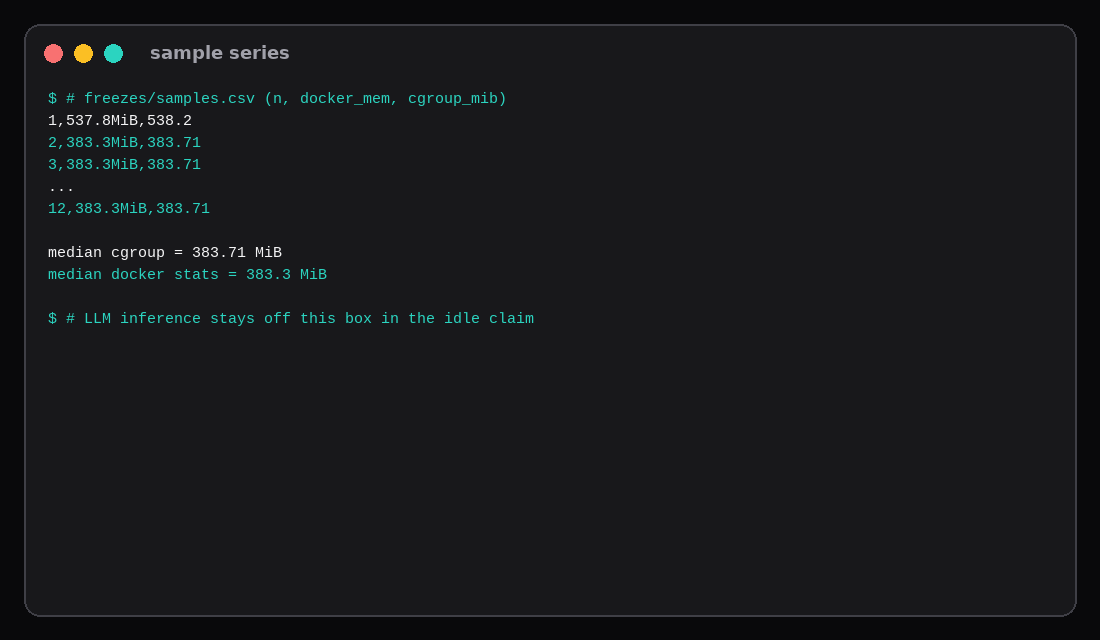
Flowise 3.0.13 answered pong on /api/v1/ping and served the UI over 127.0.0.1:3010. After that warm-up, twelve quiet samples five seconds apart put cgroup memory.current at a median of 383.7 MiB (first sample 538.2 MiB, then flat). docker stats median matched at 383.3 MiB. CPU sat at 0.00%. SQLite only: no Postgres sidecar, no model weights in the container.
On the 2 GB idle lab, Ubuntu with Docker and zero containers used about 372.5 MiB of a ~1,968 MiB MemTotal. Add Flowise’s 384 MiB and you are near 756 MiB before any LLM. The canvas fits a 2 GB VPS at idle; the model that powers it should live elsewhere (LiteLLM, Ollama, or a hosted API).
| Reading | Value |
|---|---|
| Image | flowiseai/flowise:3.0.13 (sha256:5fa98cd5…3dbd23) |
| Version string | flowise/3.0.13 linux-x64 node-v20.20.0 |
| Database | SQLite under /home/node/.flowise |
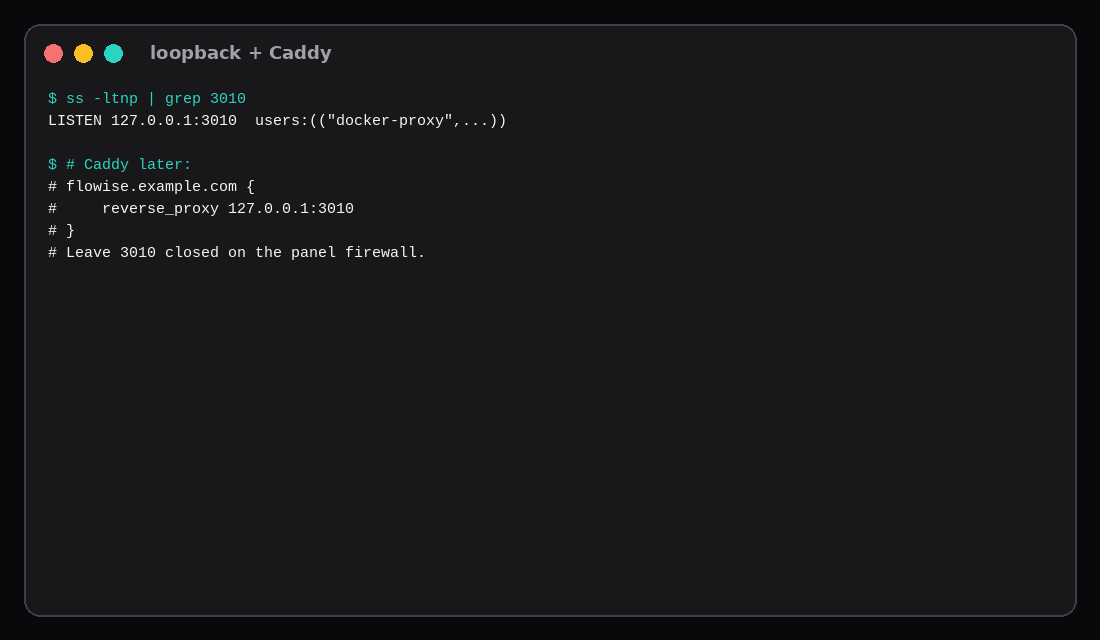
| Listen | 127.0.0.1:3010 |
| Ping | HTTP 200 pong |
| Idle median (cgroup) | 383.7 MiB |
Idle median (docker stats) | 383.3 MiB |
| Idle max in window | 538.2 MiB |
| n8n idle (sibling table) | ~609.8 MiB |
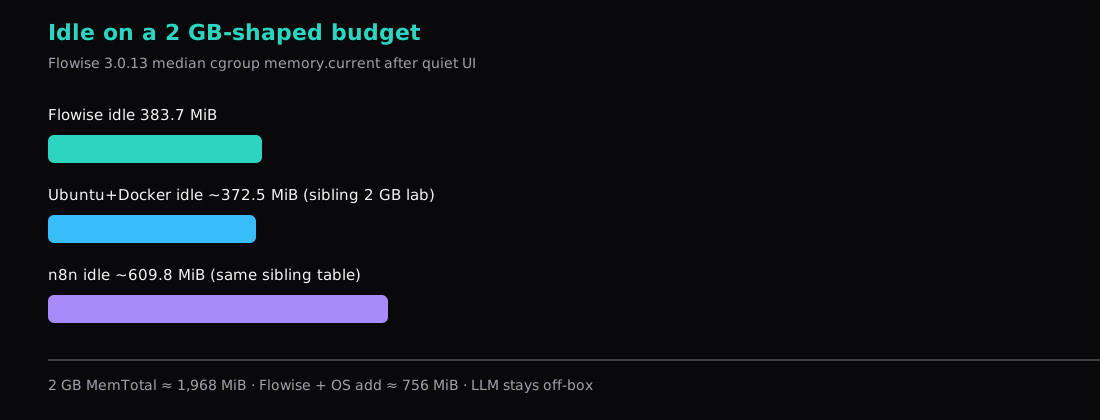
What “survives idle” means here
Idle means: container up, migrations done, ping and one UI GET completed, then no chatflow running and no LLM process on the same guest. Vendors quoting “2 GB+” usually mean that floor for the UI stack. They do not mean 7B weights plus the UI on one 2 GB plan.
Flowise sits under n8n’s idle row in the multi-app table (~610 MiB) and well under Paperless. It is heavier than Uptime Kuma. Co-locate carefully: Flowise + n8n on 2 GB leaves little for spikes.
Install with Compose and SQLite
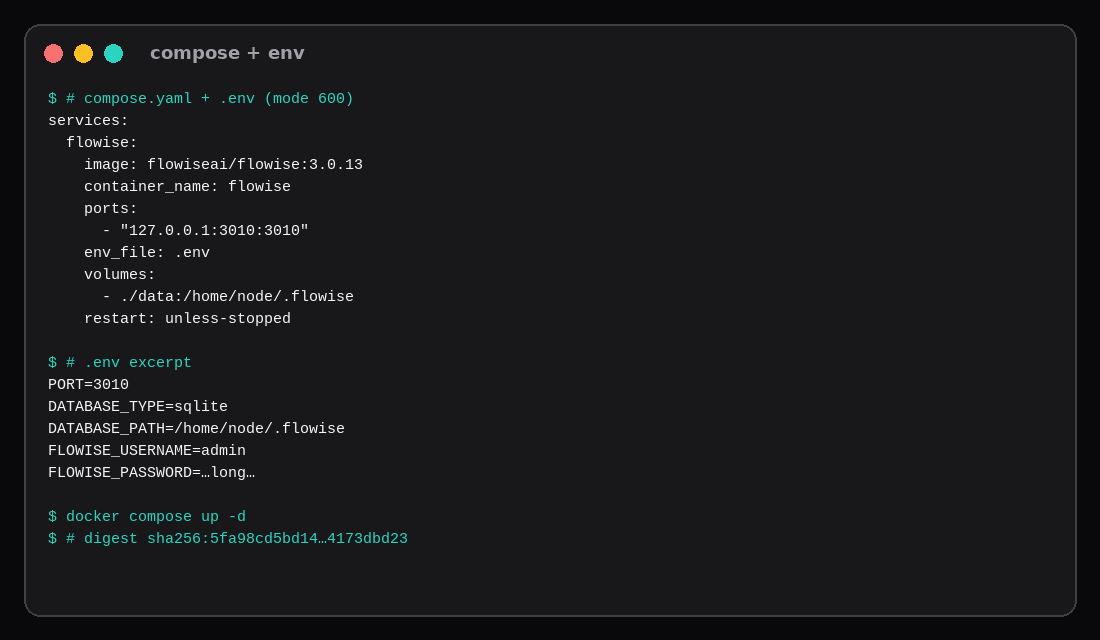
services:
  flowise:
    image: flowiseai/flowise:3.0.13
    container_name: flowise
    restart: unless-stopped
    ports:
      - "127.0.0.1:3010:3010"
    env_file: .env
    environment:
      - PORT=3010
    volumes:
      - ./data:/home/node/.flowise
    entrypoint: /bin/sh -c "sleep 2; flowise start"
# .env (mode 600)
PORT=3010
DATABASE_TYPE=sqlite
DATABASE_PATH=/home/node/.flowise
SECRETKEY_PATH=/home/node/.flowise
LOG_PATH=/home/node/.flowise/logs
BLOB_STORAGE_PATH=/home/node/.flowise/storage
APIKEY_PATH=/home/node/.flowise
FLOWISE_USERNAME=admin
FLOWISE_PASSWORD='choose-a-long-secret'mkdir -p data && chown -R 1000:1000 data
docker compose up -d
curl -s http://127.0.0.1:3010/api/v1/ping
# pongThe image runs as uid 1000 (node). Host bind mounts need that ownership. Pin 3.0.13 (or newer) by digest when you ship. Postgres is the right move for multi-user concurrency; SQLite is enough to measure the UI footprint and for a single-operator lab.
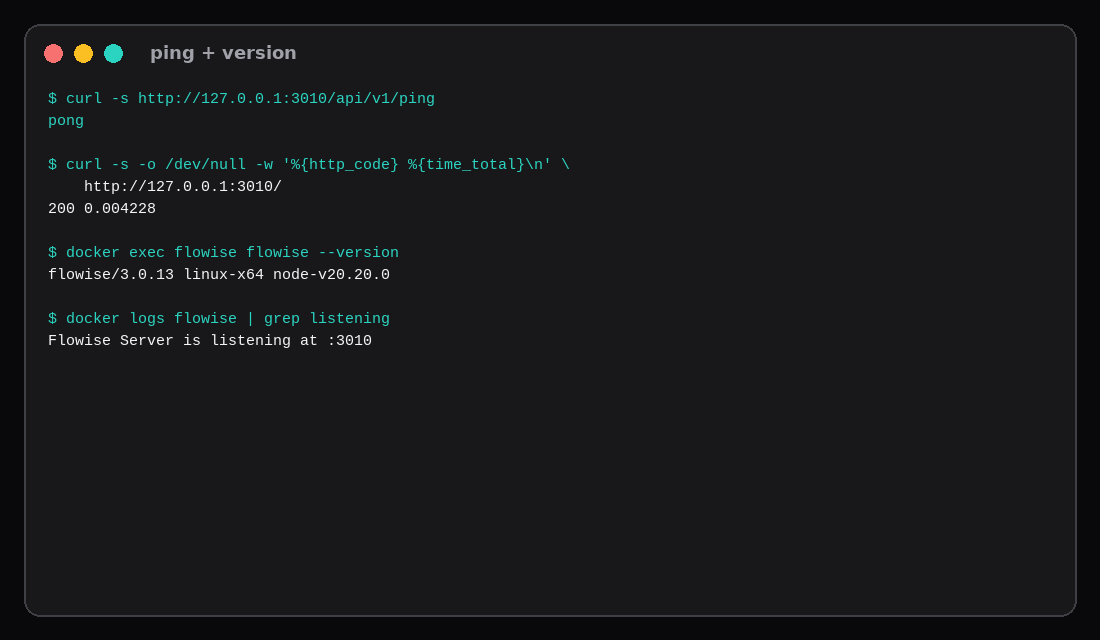
Prove it is up
curl -s http://127.0.0.1:3010/api/v1/ping
docker exec flowise flowise --version
# flowise/3.0.13 linux-x64 node-v20.20.0
curl -s -o /dev/null -w '%{http_code}\n' http://127.0.0.1:3010/
# 200
Logs should show Flowise Server is listening at :3010 after data source and identity init. Set both FLOWISE_USERNAME and FLOWISE_PASSWORD or auth stays off.
How the idle number was taken
Warm /api/v1/ping and GET /. Wait fifteen seconds. Then twelve rounds, five seconds apart: docker stats --no-stream and cgroup v2 memory.current for the container scope. Median of those twelve is the headline. The first sample caught post-start cache (538 MiB); samples 2–12 sat at 383.7 MiB.
CID=$(docker inspect -f '{{.Id}}' flowise)
cat /sys/fs/cgroup/system.slice/docker-${CID}.scope/memory.current
docker stats --no-stream --format '{{.MemUsage}}' flowise
On a real 2 GB marketplace guest, repeat with swapoff -a and compare against MemTotal from free -m, same method as the sibling 2 GB post.
What else fits on the same 2 GB
| Piece | Approx idle |
|---|---|
| OS + Docker (sibling lab) | ~372 MiB |
| Flowise (this lab) | ~384 MiB |
| Sum (conservative add) | ~756 MiB |
| MemTotal on 2 GB guest | ~1,968 MiB |
| Left before LLM | >1 GB |
Put OpenAI/Anthropic keys in Flowise credentials, or point nodes at a LiteLLM gateway on another host. Running Ollama on the same 2 GB guest fights the canvas for RAM; the Ollama tok/s post assumes more room for weights.
Publish TLS with Caddy to 127.0.0.1:3010. Leave 3010 closed on the panel firewall.
| Skip this | What this lab did |
|---|---|
latest without a digest | Pinned 3.0.13 / sha256:5fa98cd5… |
| Measuring during a chat run | Quiet samples after ping/UI only |
Binding 0.0.0.0:3000 | 127.0.0.1:3010 |
| Empty password (auth off) | Username + password in .env |
| Counting LLM RAM as “Flowise” | LLM off-box in the idle claim |
Production docs vs a quiet 2 GB guest
Flowise’s production notes push Queue mode with multi-gigabyte mains and workers (on the order of 4 vCPU / 8 GB each) when you outgrow a single process. Community self-host guides still treat a plain Docker image as a ~200–500 MB Node app, with Postgres optional for anything beyond SQLite tinkering, and they remind you that LLM tokens burn API credit or a separate Ollama box, not the Flowise heap. Large document splits and in-memory vector work are the spikes that blow a 1 GB container limit. Persist /home/node/.flowise (and related paths) owned by uid 1000. Some 2026 hosting write-ups also report the upstream project entering maintenance or archive; if that is still true when you read this, pin the last known image, keep port 3000 on loopback, and plan an exit to a maintained agent UI before you bet a public product on an unpatched tree. Our idle number remains the quiet floor on this VPS; Queue mode is a different SKU conversation.
FAQ
Postgres instead of SQLite? Use it when several editors hit the DB. Idle will rise by the Postgres container’s own footprint (often ~30–80 MiB alpine).
Why not port 3000? This host already had something on 3000. Any free high port on loopback is fine.
Image size on disk? The Hub layer set is large; plan several GB free before docker pull.
n8n or Flowise? n8n is the general automation canvas (~610 MiB idle in the sibling table). Flowise is the LangChain-shaped chatflow UI (~384 MiB here). Pick by workflow type, then check RAM.
What to run on the VPS
A 2 GB Compute Instance holds Flowise at ~384 MiB idle plus the OS line with headroom left, when model inference stays on another box or an API. Compose up, set auth, prove pong, sample idle once, then put Caddy in front.