
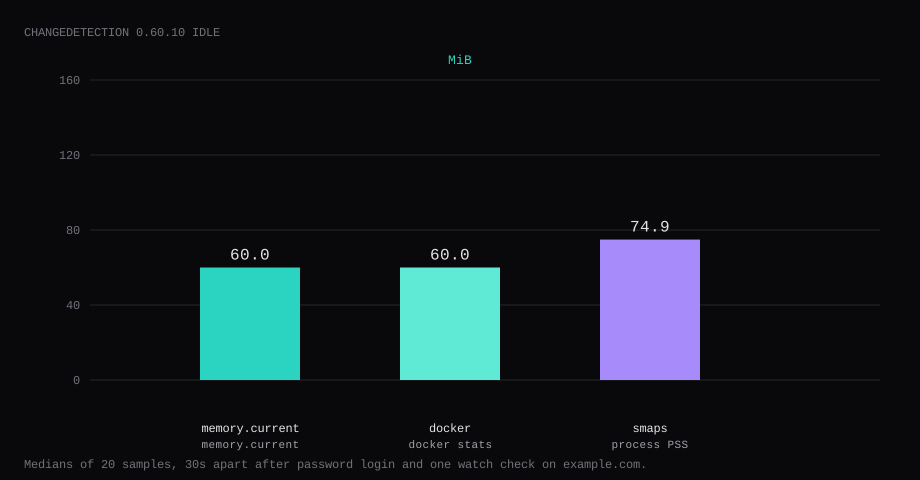
Changedetection 0.60.10 held 60.0 MiB idle on this lab host after a password login and one completed check of https://example.com/. That is cgroup memory.current, the median of twenty samples taken 30 seconds apart with a quiet UI. docker stats printed 60.0 MiB. Process PSS from /proc/…/smaps was 74.9 MiB, and CPU sat at 0.21 percent. Port 5000 listened on 127.0.0.1 only. A curl to the guest's LAN address on 5000 was refused. An anonymous GET of / returned HTTP 302 to /login.
changedetection.io watches web pages and notifies you when the text (or a CSS/JSON selector) changes. Use it for price drops, status pages, procurement notices, or docs that never send RSS. The core fetchers cover simple HTTP; Playwright/sockpuppet browsers handle heavier JS sites at a higher RAM cost.
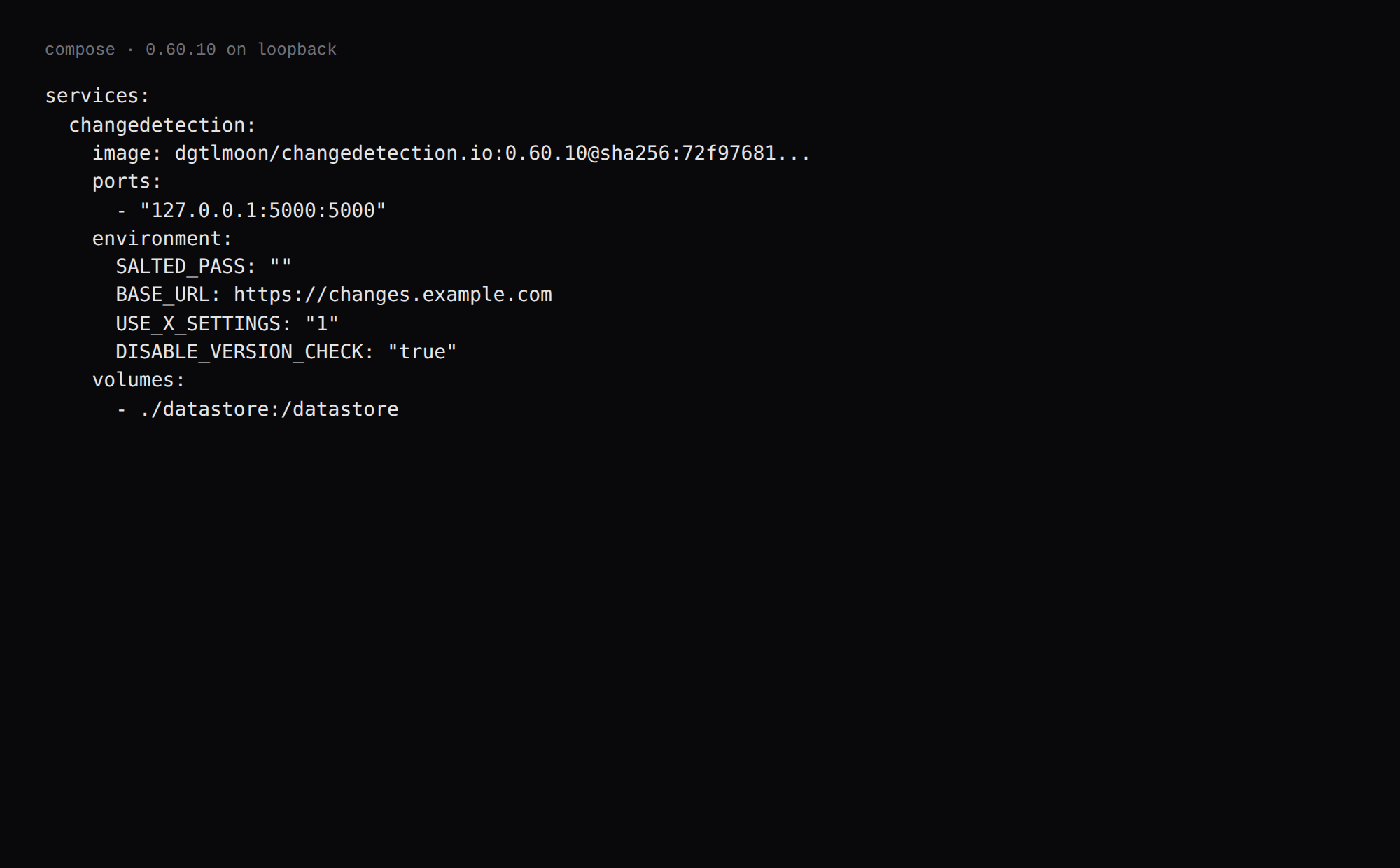
The upstream compose already shows 127.0.0.1:5000:5000, followed by a long comment block. Competing guides still publish 5000:5000 and leave the UI open. Pin 0.60.10 by digest. Set SALTED_PASS before the hostname is public, create one watch, and keep Caddy as the only public path. Playwright and the sockpuppet browser stayed out of this idle run.
| Reading | Value |
|---|---|
cgroup memory.current | 60.0 MiB, median of 20 |
docker stats | 60.0 MiB |
process PSS (smaps) | 74.9 MiB |
| CPU percent | 0.21, median |
| Host listener | 127.0.0.1:5000 → container :5000 |
Anonymous / | HTTP 302 → /login |
| One watch | example.com lab, first check stored |
| Skip this | What this run did |
|---|---|
5000:5000 on every interface | Published 127.0.0.1:5000:5000 |
| No password until "later" | SALTED_PASS from day one |
Floating latest without a digest | Pinned 0.60.10 by digest |
| Opening 5000 on the panel firewall | Left 5000 closed; Caddy on 80/443 |
| Counting a Chrome sidecar in idle | Left Playwright out of this stack |
How do you install Changedetection on Docker?
The image is dgtlmoon/changedetection.io:0.60.10, digest sha256:72f97681f390e4d6ae3e6585e1e0036449910f347144b766fc23910458566a1a. On this pull, latest pointed at the same digest. Pin 0.60.10 in Compose. ghcr.io/dgtlmoon/changedetection.io is the same project if you prefer GHCR.
Generate the password hash the app expects. SALTED_PASS is the salt plus the pbkdf2 key, encoded in base64.
python3 - <<'PY'
import base64, hashlib, os
password = "YOUR_LONG_PASSWORD"
salt = os.urandom(32)
key = hashlib.pbkdf2_hmac("sha256", password.encode(), salt, 100000)
print(base64.b64encode(salt + key).decode())
PY
mkdir -p ~/changedetection/datastore && cd ~/changedetectionservices:
changedetection:
image: dgtlmoon/changedetection.io:0.60.10@sha256:72f97681f390e4d6ae3e6585e1e0036449910f347144b766fc23910458566a1a
container_name: changedetection
hostname: changedetection
restart: unless-stopped
ports:
- "127.0.0.1:5000:5000"
environment:
SALTED_PASS: "PASTE_THE_BASE64_OUTPUT_HERE"
BASE_URL: https://changes.example.com
USE_X_SETTINGS: "1"
DISABLE_VERSION_CHECK: "true"
HIDE_REFERER: "true"
TZ: UTC
volumes:
- ./datastore:/datastore
logging:
driver: json-file
options:
max-size: "10m"
max-file: "3"Put the base64 hash in a mode 600 .env if you prefer Compose variable substitution. For a first bring-up on loopback only, set BASE_URL=http://127.0.0.1:5000 until Caddy and DNS are ready. Log rotation matches the Compose checklist.
docker compose up -d
curl -sS -o /dev/null -w '%{http_code} %{redirect_url}\n' http://127.0.0.1:5000/
You want 302 and a redirect to /login.
How do you tune watches and notifications?
Set SALTED_PASS before the UI is public (PBKDF2 salt+hash as in changedetection#1531). Start with one watch, a sensible interval, and a notification you already receive. Prefer CSS selectors over whole-page diffs. Set BASE_URL to the public HTTPS origin so notification links resolve, and HIDE_REFERER=true if you do not want monitored sites to see your hostname (compose comments). Add Playwright/sockpuppetbrowser only when the plain fetcher returns empty; it needs SYS_ADMIN and real RAM (Playwright docs). Cap growth with PAGE_WATCH_LIMIT if needed. DISABLE_VERSION_CHECK=true turns off the phone-home version probe.
Back up /datastore regularly. Keep the app on loopback and Caddy on 443.
Why must 5000 stay on loopback?
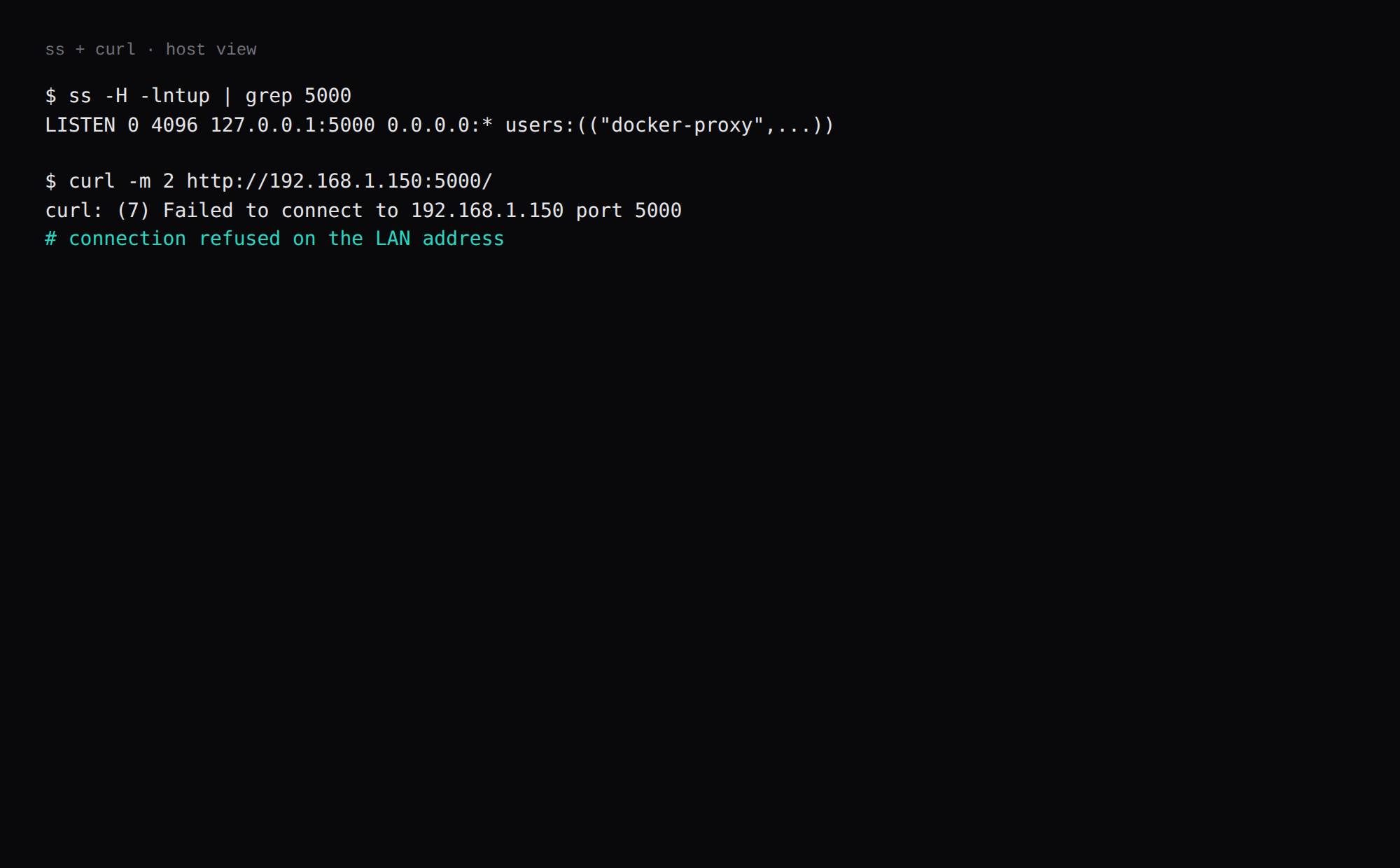
Changedetection holds every URL you watch, plus diffs and an API token. Anyone who can reach an open UI can read that list.
ss -H -lntup | grep 5000On this host that printed 127.0.0.1:5000. Curl to 192.168.1.150:5000 failed with connection refused. Leave 5000 closed in the panel firewall. Open 80 and 443 for Caddy. Docker published ports often bypass UFW inside the guest, so the loopback bind is what kept the LAN address quiet. The public-address case is in provider-side firewall.
On a Mac guest the upstream compose notes port 5050 because AirPlay grabs 5000. On a Linux VPS, 5000 on loopback is fine.
How do you prove the password gate?
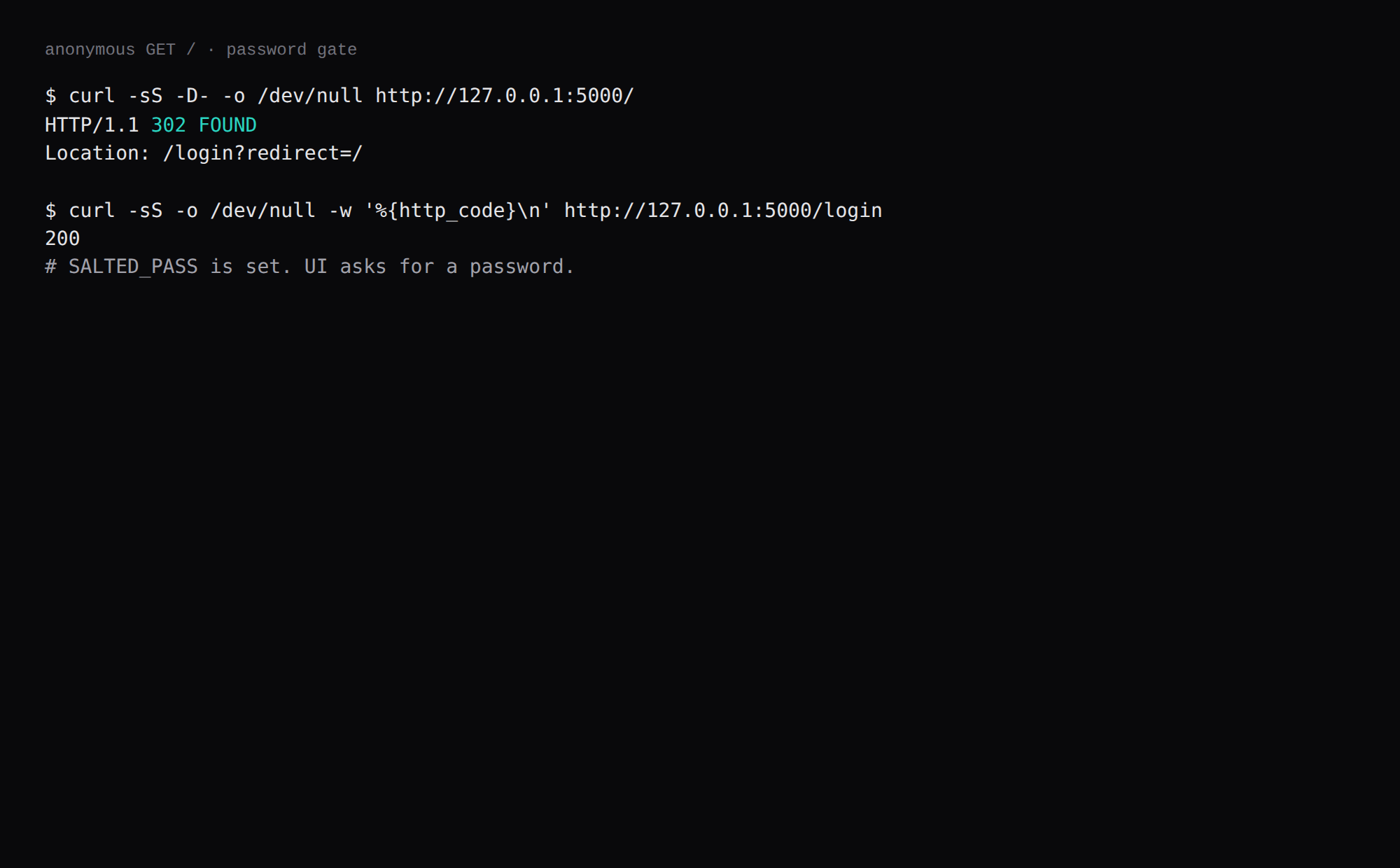
With SALTED_PASS set, Changedetection redirects an anonymous request to /login.
curl -sS -D- -o /dev/null http://127.0.0.1:5000/This lab returned HTTP 302 with Location: /login?redirect=/. /login itself returned 200 and a password form. Crop the password from any screenshot.
Open a tunnel if you are not on the guest.
ssh -N -L 15000:127.0.0.1:5000 user@YOUR_VPS_IPThen sign in at http://127.0.0.1:15000/login with the plaintext password you hashed.
How do you add one watch?
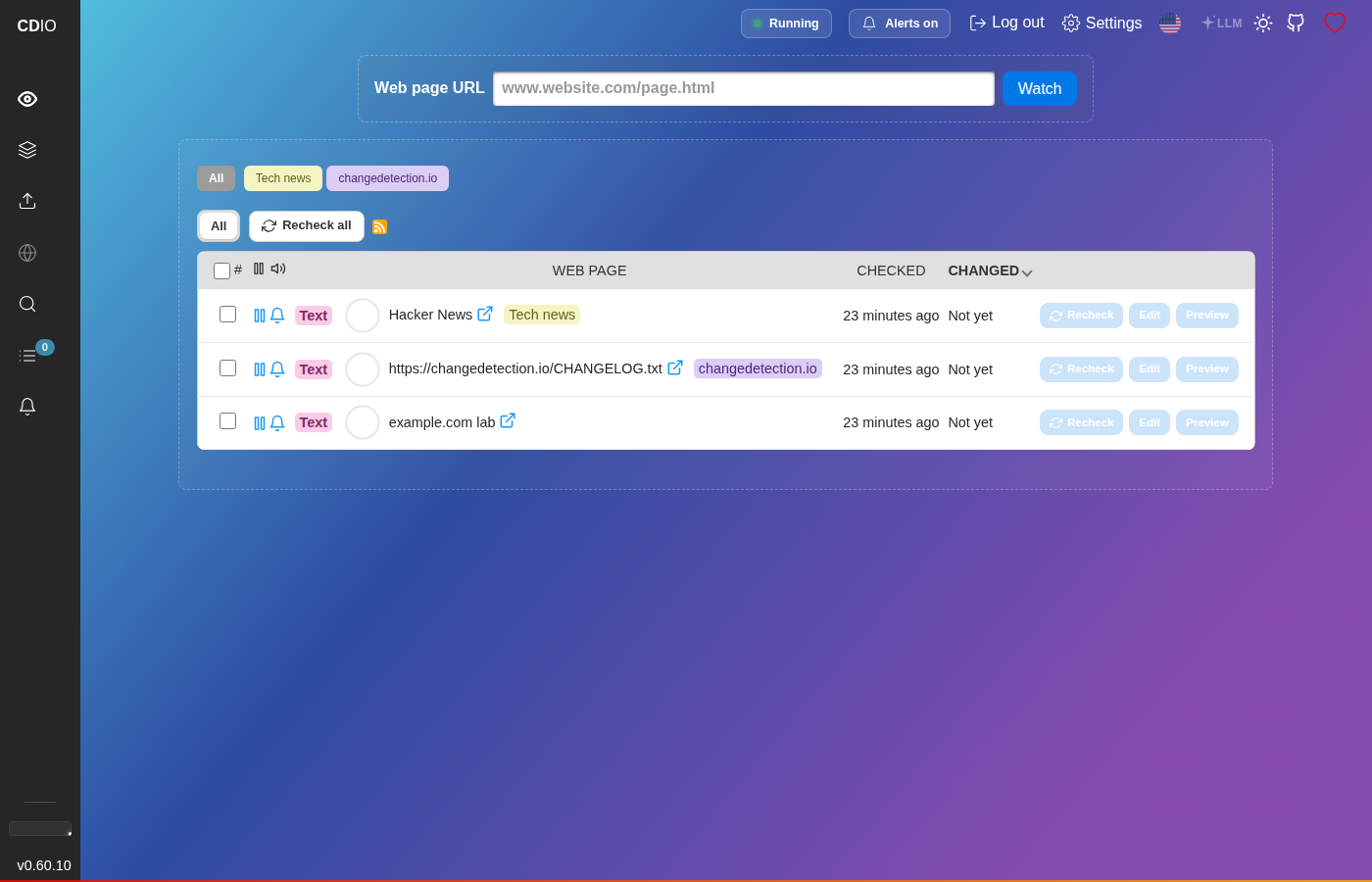
A fresh install ships with a couple of example watches. Add your own in the UI or through the API. The API access token lives under Settings and in datastore/changedetection.json as api_access_token.
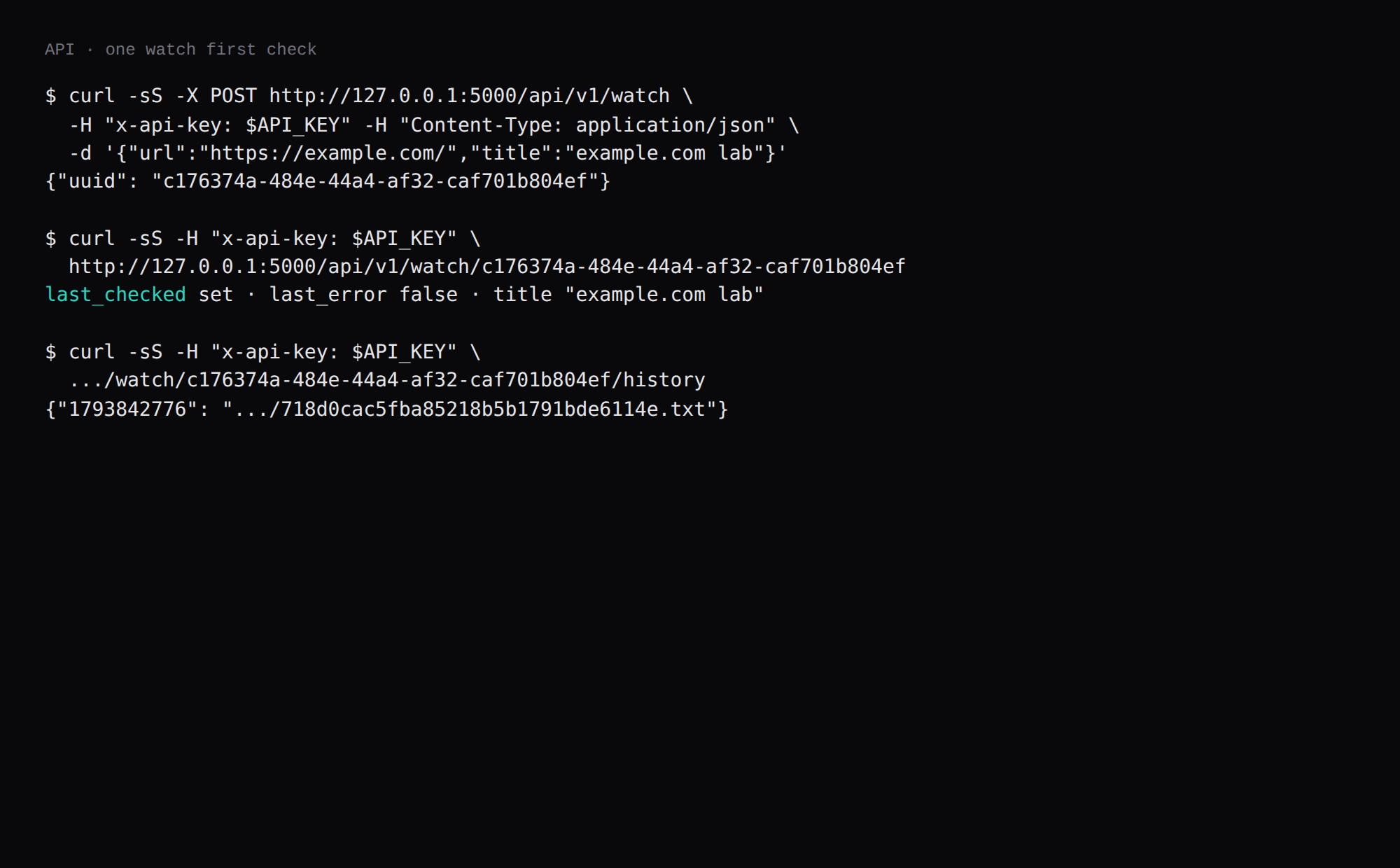
curl -sS -X POST http://127.0.0.1:5000/api/v1/watch \
  -H "x-api-key: YOUR_API_KEY" \
  -H "Content-Type: application/json" \
  -d '{"url":"https://example.com/","title":"example.com lab"}'
This lab returned {"uuid":"c176374a-484e-44a4-af32-caf701b804ef"}. A few seconds later the same UUID showed a non-zero last_checked and a history file under the datastore. Crop the API key.
curl -sS -H "x-api-key: YOUR_API_KEY" \
  http://127.0.0.1:5000/api/v1/watch/c176374a-484e-44a4-af32-caf701b804ef
For phone alerts, an Apprise notification URL can point at your ntfy topic. You can skip that for the loopback proof.
Where does Caddy go?
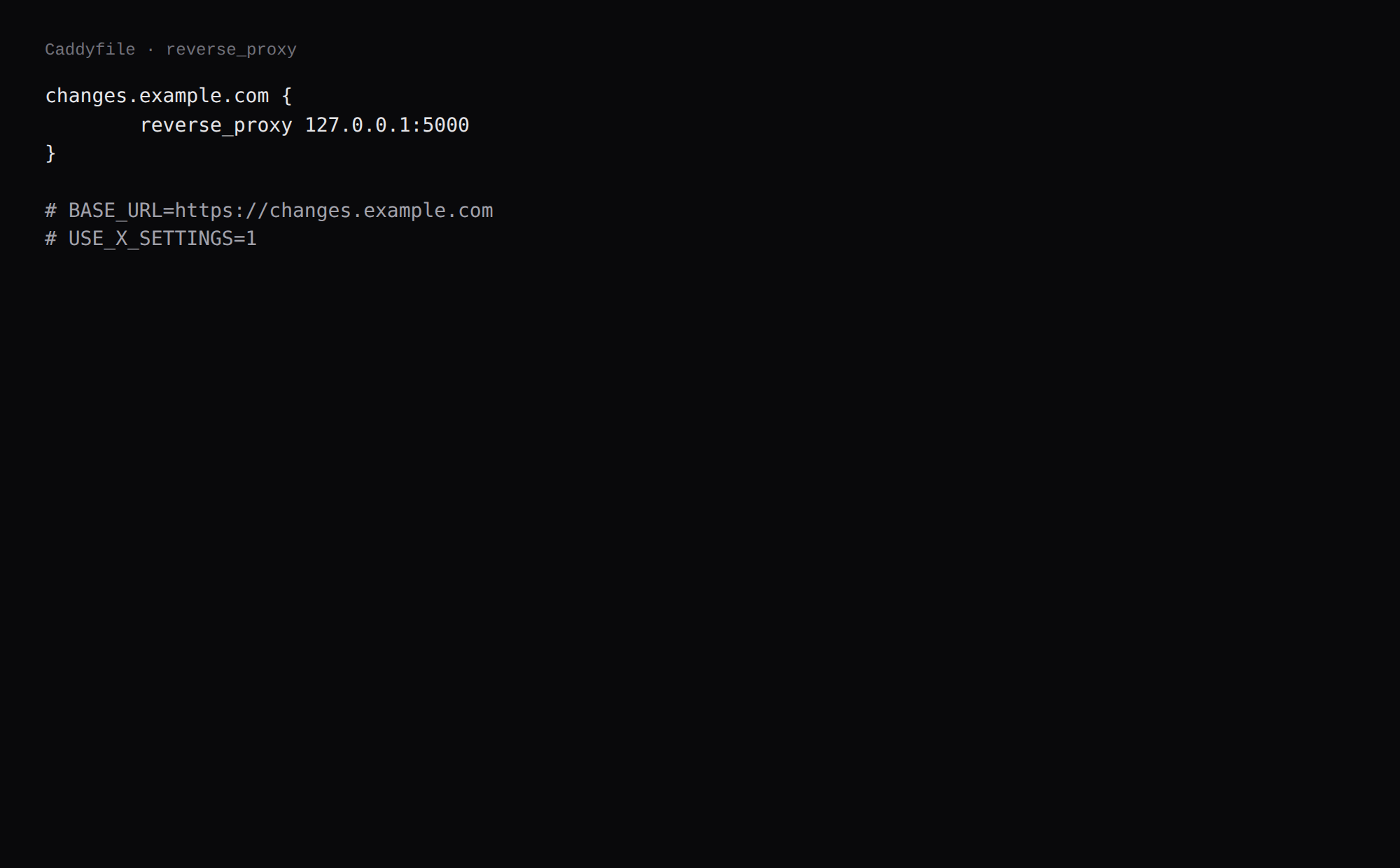
changes.example.com {
	reverse_proxy 127.0.0.1:5000
}
Set BASE_URL to that same https://changes.example.com (no trailing slash). USE_X_SETTINGS=1 makes Changedetection respect proxy Host and prefix headers. TLS setup is in the Caddy HTTPS post.
How do you back up the datastore?
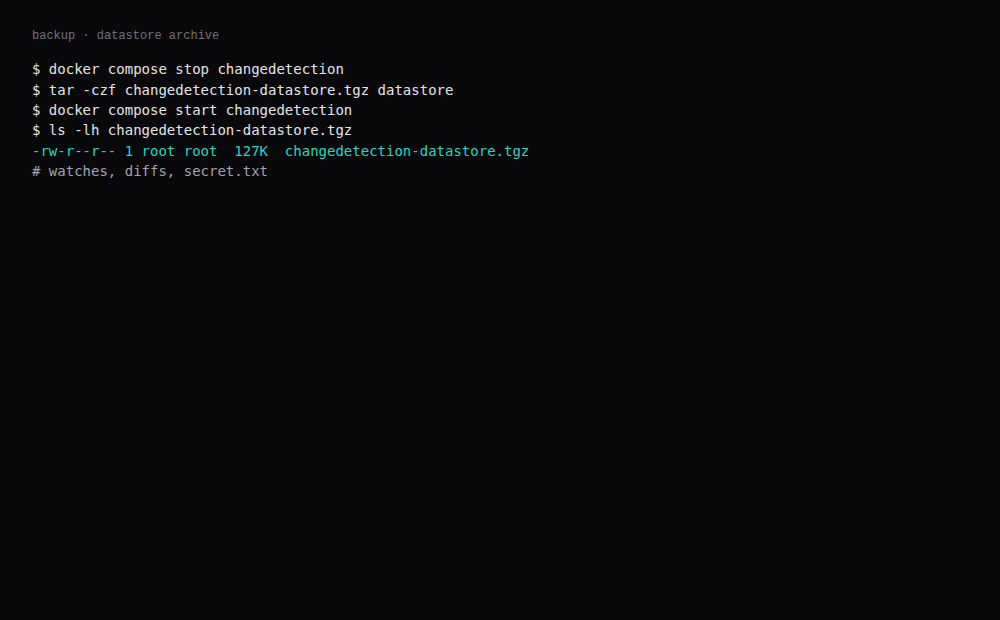
Watches, diffs, the secret key, and settings live under ./datastore. Stop the container, archive the directory, start again:
docker compose stop changedetection
tar -czf changedetection-datastore.tgz datastore
docker compose start changedetection
On this lab the archive was about 127 KB after the stock examples plus one example.com watch. Point Restic at that tarball.
How do you keep watches useful?
Retire watches that only change boilerplate. Use screenshots/visual modes sparingly; they cost more CPU. Group watches by vendor. When a site blocks datacenter IPs, you may need a residential proxy or to accept defeat. Notifications should include the diff URL so you can verify before acting on a price.
FAQ
Why set SALTED_PASS before the first request? If 5000 is reachable before you click through Settings, the UI is open. The env var is set before the first request.
Playwright? JS-heavy sites need a browser sidecar (PLAYWRIGHT_DRIVER_URL). This idle number is the core app only, so budget more RAM when you add Chrome.
Does UFW block a published 5000? Often not inside the guest. Bind 127.0.0.1:5000:5000 and leave 5000 closed on the panel firewall.
Mac AirPlay on 5000? Upstream suggests 127.0.0.1:5050:5000. On a Linux VPS, keep 5000 on loopback.
ALLOW_FILE_URI? Leave it off unless you deliberately watch file:// paths and understand the risk.
Version check? This lab set DISABLE_VERSION_CHECK=true so the container does not phone home for updates. Pin digests yourself.