

Enzonix
Shared Compute - General Compute
$5.00/mo
1 vCPU · 1 GB · 20 GB
Choose location
Ashburn, United States
| Provider | Plan | vCPU | RAM | Disk | Regions | Billing | Price |
|---|---|---|---|---|---|---|---|
| Enzonix | Shared Compute - General Compute | 1 | 1 GB | 20 GB | Ashburn, United States | Fixed price | $5.00/mo |
| Enzonix | Shared Compute - General Compute | 1 | 1 GB | 20 GB | Amsterdam, Netherlands | Fixed price | $5.00/mo |
| Enzonix | Shared Compute - General Compute | 2 | 4 GB | 80 GB | Amsterdam, Netherlands | Fixed price | $9.00/mo |
| Enzonix | Shared Compute - General Compute | 2 | 4 GB | 80 GB | Ashburn, United States | Fixed price | $9.00/mo |
| Enzonix | Shared Compute - General Compute | 4 | 8 GB | 160 GB | Amsterdam, Netherlands | Fixed price | $16.00/mo |
| Enzonix | Shared Compute - General Compute | 4 | 8 GB | 160 GB | Ashburn, United States | Fixed price | $16.00/mo |
| Enzonix | Shared Compute - General Compute | 8 | 16 GB | 320 GB | Amsterdam, Netherlands | Fixed price | $32.00/mo |
| Enzonix | Shared Compute - General Compute | 8 | 16 GB | 320 GB | Ashburn, United States | Fixed price | $32.00/mo |
| Enzonix | Shared Compute - General Compute | 1 | 1 GB | 20 GB | Ashburn, United States | Hourly | $0.007/hr |
| Enzonix | Shared Compute - General Compute | 1 | 2 GB | 40 GB | Ashburn, United States | Hourly | $0.01/hr |
| Enzonix | Shared Compute - General Compute | 2 | 4 GB | 80 GB | Ashburn, United States | Hourly | $0.015/hr |
| Virtualized | Shared Compute - General Compute | 2 | 4 GB | 40 GB | Phoenix, United States | Fixed price | $12.49/mo |
| Virtualized | Shared Compute - General Compute | 3 | 6 GB | 60 GB | Phoenix, United States | Fixed price | $17.49/mo |
| Virtualized | Shared Compute - General Compute | 4 | 8 GB | 80 GB | Phoenix, United States | Fixed price | $22.99/mo |
| Virtualized | Shared Compute - General Compute | 8 | 16 GB | 160 GB | Phoenix, United States | Fixed price | $44.99/mo |
| Virtualized | Shared Compute - General Compute | 16 | 32 GB | 320 GB | Phoenix, United States | Fixed price | $79.99/mo |
| Virtualized | Shared Compute - General Compute | 32 | 64 GB | 640 GB | Phoenix, United States | Fixed price | $139.99/mo |
Flowise Instant App
Flowise is an open-source visual builder for LLM chatflows and agents. Compare live VPS prices, CPU, RAM, disk and regions, launch Flowise on the plan you choose, and keep root access so flows and keys stay on your server.

Flowise
Instant App on marketplace VPS
Live marketplace offers
Choose billing and size, compare providers side by side, pick a location, then launch.
Shared Compute - General Compute
$5.00/mo
1 vCPU · 1 GB · 20 GB
Choose location
Ashburn, United States
1 provider
Flowise is a self-hosted canvas for LangChain-style chatflows and agents. Sign in as admin, connect model providers, and publish prediction endpoints from the VPS you control. No Instant App form fields are required at create time.
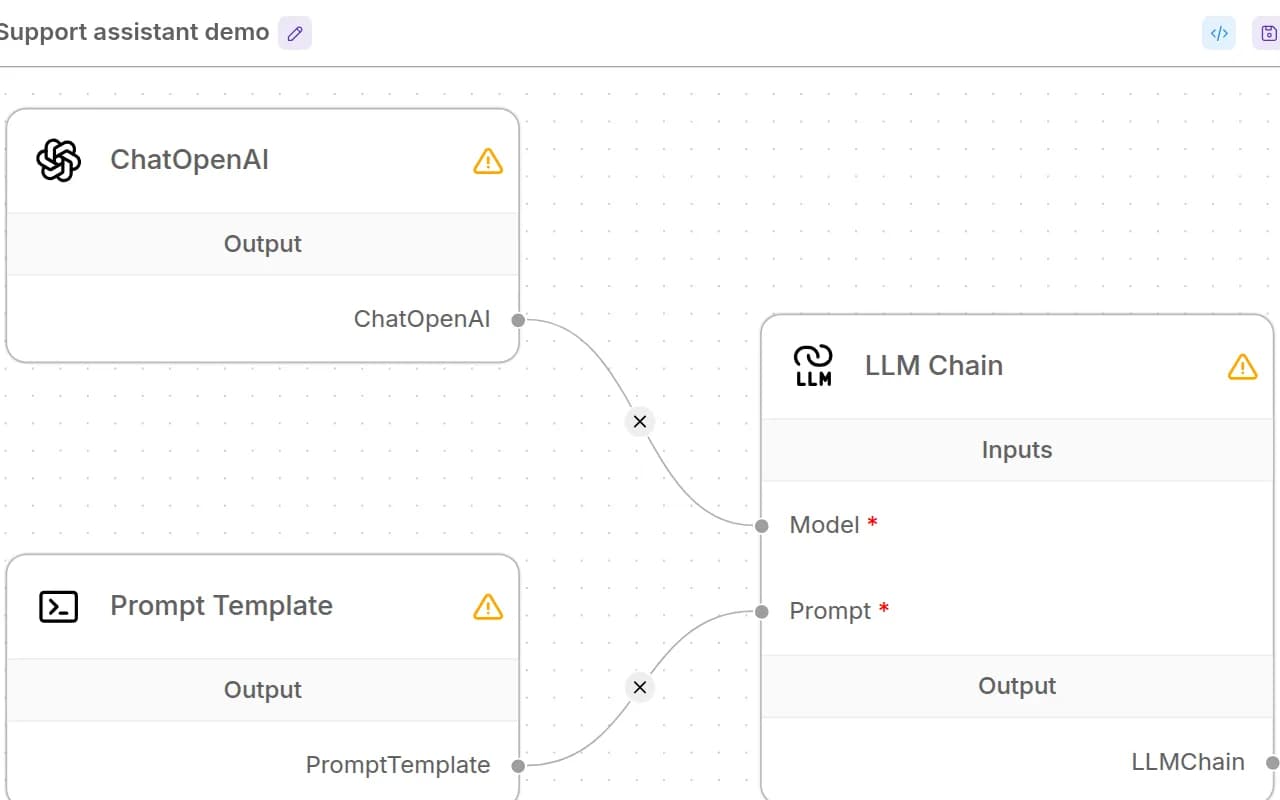
Drag nodes for prompts, tools and memory. Build LLM workflows without shipping a custom UI for every experiment.
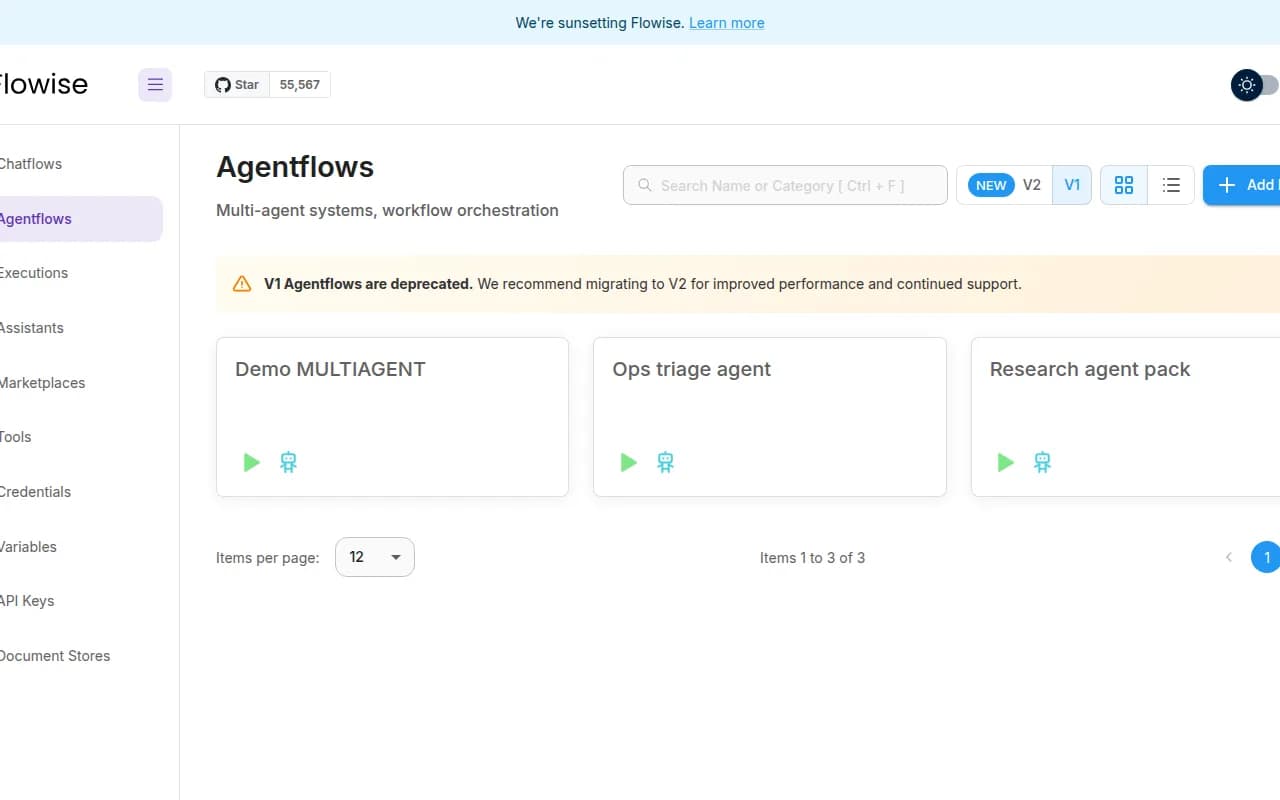
Compose agent flows that call tools and APIs. Keep orchestration on your VPS while models stay on hosted APIs or another host.
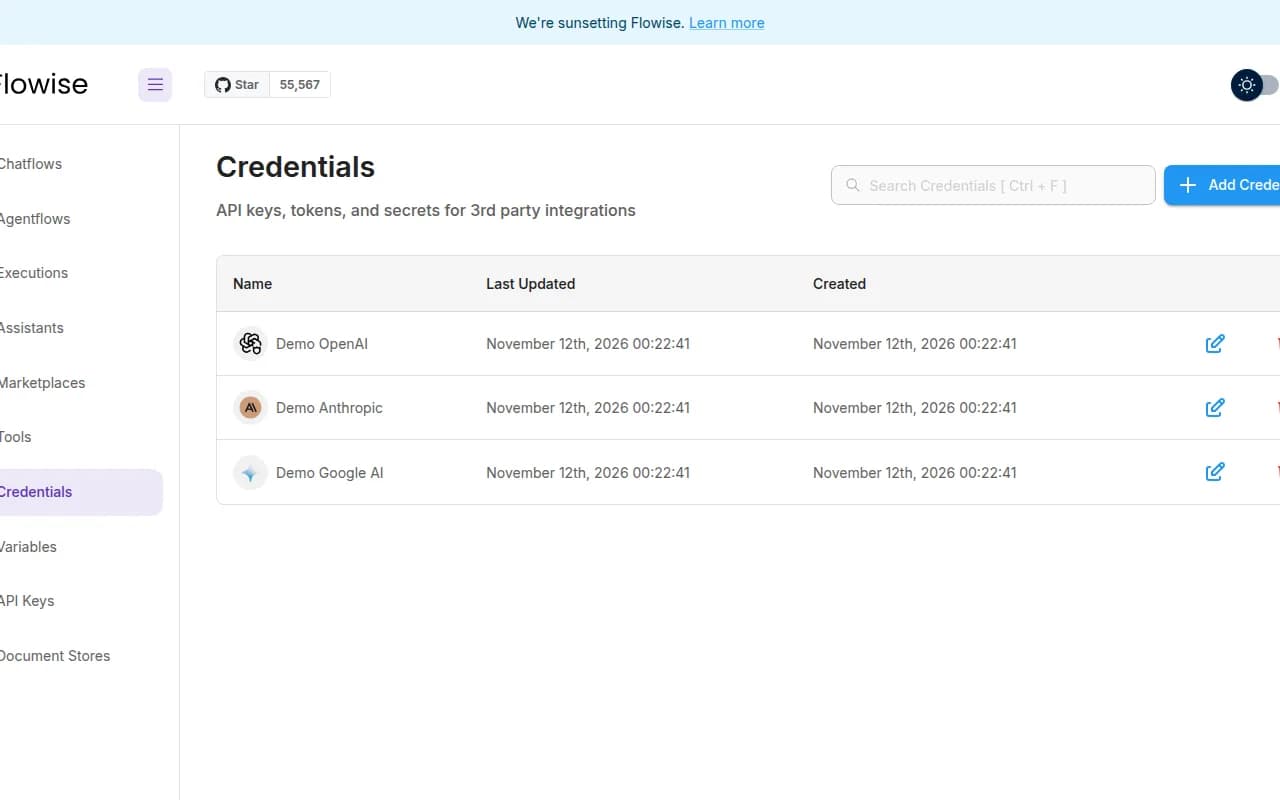
Store OpenAI, Anthropic and other provider keys on the instance. Point flows at cloud models or an OpenAI-compatible gateway.
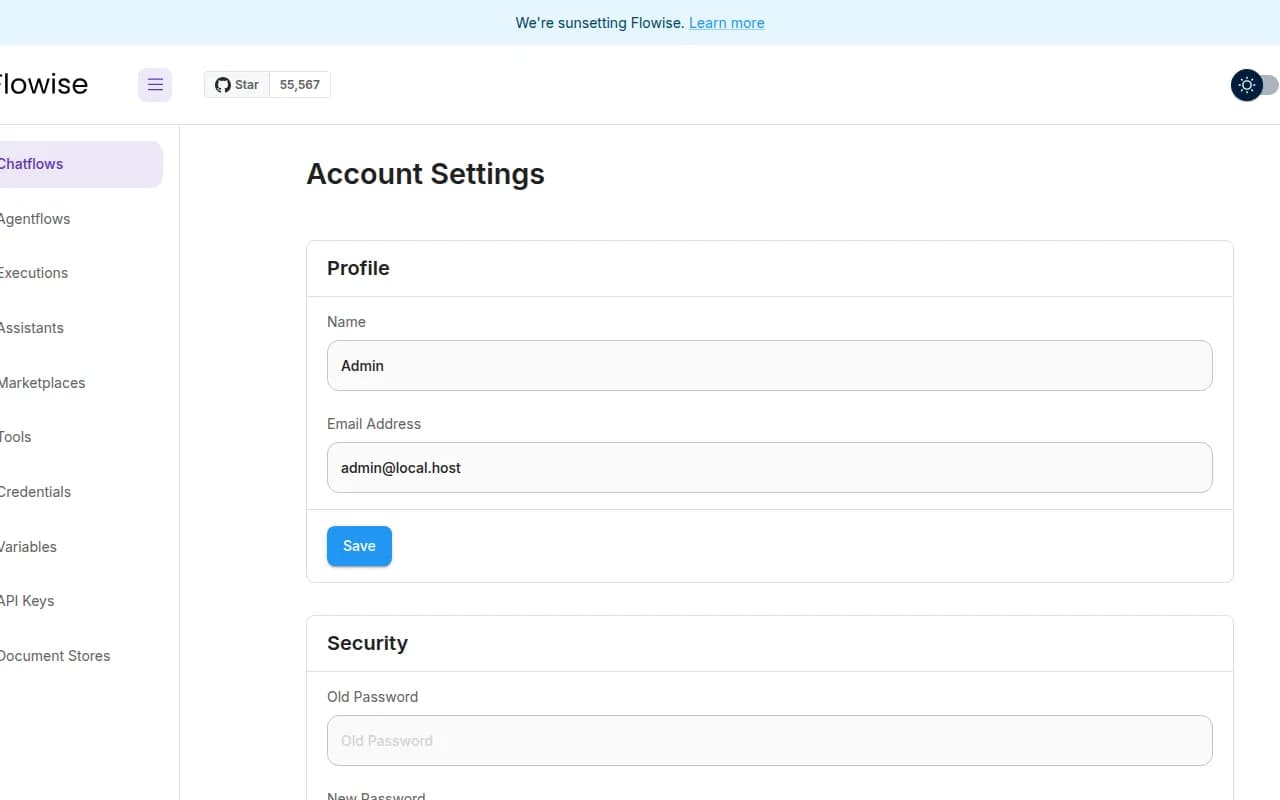
The first admin user is created for you. Sign in with the email and password from your server notes, then invite others if you want.
Compare live Flowise VPS plans from independent providers, then self-host a visual LLM workflow builder on the offer you pick.
See live prices, regions and plan sizes before you buy. Shop self-hosted LLM builder hosts across independent providers, from a quiet 2 GB box upward.
Pick a plan and Flowise is prepared on that VPS for you, including the admin account. You still get root access for backups and custom nodes.
Compatible offers list cities and countries. Latency to the editor and prediction endpoints follows the region you pick.
Flows, agents and stored keys live on your VPS volume. You control SSH, DNS and which model APIs Flowise may call.
Most Flowise VPS pages sell one company's servers. NodeRings lists Compute Instance plans from independent providers so you can compare self-hosted LLM builder offers by price, size and region, then launch on the one that fits.
Flowise Instant App prepares Flowise on the provider VPS you selected. NodeRings does not operate that hardware or sell its own VPS fleet.
Compare plans, pick a provider offer, and launch Flowise on that server.
01
Browse live offers below. Every general-compute plan is listed. Sort by provider, size, price and region the way you would for any production VPS.
02
Choose the provider plan and region. There are no Instant App form fields to fill for Flowise. Add model API keys after the server is up.
03
Confirm checkout and wait for the server. Then open the site URL and sign in with the admin email and password from your server notes. You keep root SSH.
Flowise itself is a Node.js UI with Postgres on this Instant App. A quiet 2 vCPU and 2 GB box is a common start when model inference lives off-box. Large embeddings or same-box Ollama change the floor. These are starting points, not guarantees.
| Workload | Illustrative starting point | Note |
|---|---|---|
| Personal chatflows, models off-box | 2 vCPU / 2 GB RAM / 40+ GB disk | Suggested start for Flowise pointed at cloud model APIs or a remote gateway. |
| Team builders plus more flows | 2 to 4 vCPU / 4 GB RAM | Extra headroom for concurrent editors, more credentials and document loaders. |
| Heavy retrieval or large uploads | Often 4+ GB RAM and more disk | Vector stores and file ingestion grow with your corpora. Size for the worst flow. |
| Same-box local models (Ollama) | Often 8+ GB RAM, sometimes a GPU host | Model size sets the floor. Keep Flowise and the model server sized together. |
These are starting points, not guarantees. Needs depend on providers, document loaders, local models and how long history stays on disk.
This is self-hosted Flowise on a provider VPS, not managed AI hosting. You pick the plan. Flowise is prepared on that server. Day-to-day care stays with you.
Flowise is prepared on the VPS with no Instant App form variables. The admin account is created for you.
Root SSH on the VPS. You own DNS, TLS, model API spend, provider keys, OS updates and backups unless a provider product says otherwise.
Managed model billing, automatic provider onboarding and hands-off OS patching are not bundled in. Complete those in Flowise and on the server after it is up.
NodeRings helps with marketplace, billing and console. Provider hardware issues go to that provider. Looking after Flowise on the server is yours.
Flowise is an open-source visual builder for LLM chatflows and agents. You connect model APIs, tools and memory on a canvas and run predictions from your own server.
No. Flowise Instant App asks for no form variables at create time. After the VPS is ready, sign in with the admin email and password from your server notes.
No. NodeRings is a marketplace. Independent providers list VPS plans. You pick a plan, Flowise is prepared on that provider server, and you manage flows from there.
No. You get a virtual machine with Flowise prepared for you, plus root access. That is different from a managed product that owns updates and support for you.
It prepares Flowise on the VPS you choose so you skip hunting through install guides by hand. It is still your self-hosted server, not a separate managed hosting brand.
Open the site URL from your server notes and sign in with flowise_admin_email and flowise_admin_pass from /root/.noderings_password. Nothing was collected from you at checkout for Flowise.
A common starting point for API-backed chatflows is about 2 vCPU, 2 GB RAM and 40 GB disk. Document-heavy or same-box local models usually need more. Use the sizing guide above and compare plans in the list.
Not for normal cloud-model chatflows. Flowise calls remote APIs. Local model inference is a different sizing problem and often wants more RAM or a GPU host.
You confirm the plan and finish checkout. When the server is ready, open the site URL and sign in with the admin credentials from your server notes.
Yes. Each compatible plan lists available regions. Pick the city or country that matches latency and compliance needs.
You do, unless you add backup tooling yourself or a provider product explicitly includes it. Treat the VPS volume as the source of truth and back it up regularly.
You can move to a larger plan from the same or another marketplace provider when load grows. Exact options depend on the provider. Compare offers again when you need more capacity.