
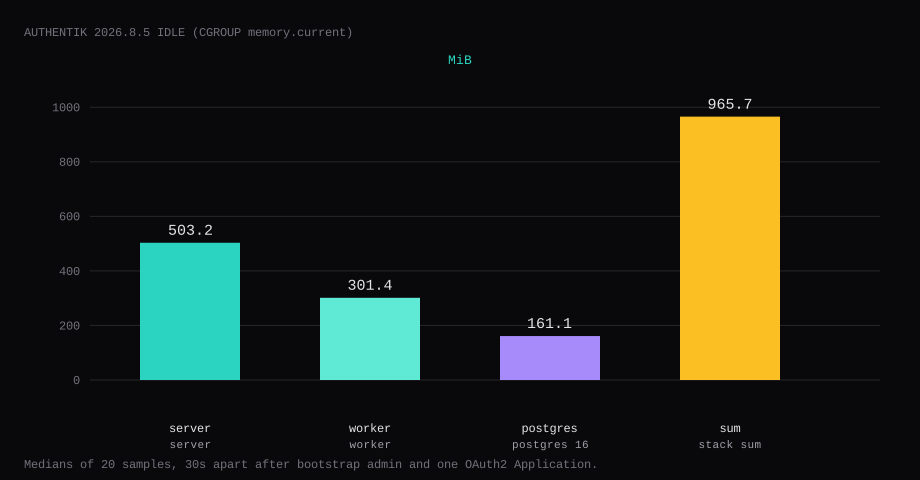
Authentik 2026.8.5 held 965.7 MiB idle on this lab host after a bootstrap admin and one OAuth2 Application (Lab App). That is the sum of cgroup memory.current for server, worker, and Postgres 16. Each reading is the median of twenty samples taken 30 seconds apart, while the Admin UI was quiet. Server was 503.2 MiB, worker 301.4 MiB, and Postgres 161.1 MiB. Port 9000 listened on 127.0.0.1 only. A curl to the guest's LAN address on 9000 was refused. Once bootstrap had created akadmin, /if/flow/initial-setup/ returned 404.
Authentik is an open-source identity provider: SSO, OAuth2/OIDC, SAML, LDAP, and proxy outpost flows so many self-hosted apps share one login. Flows and stages let you require MFA, email verification, or invitation-only enrollment. On a VPS it replaces “a different password per container UI” with one IdP, at the cost of more RAM than a single app.
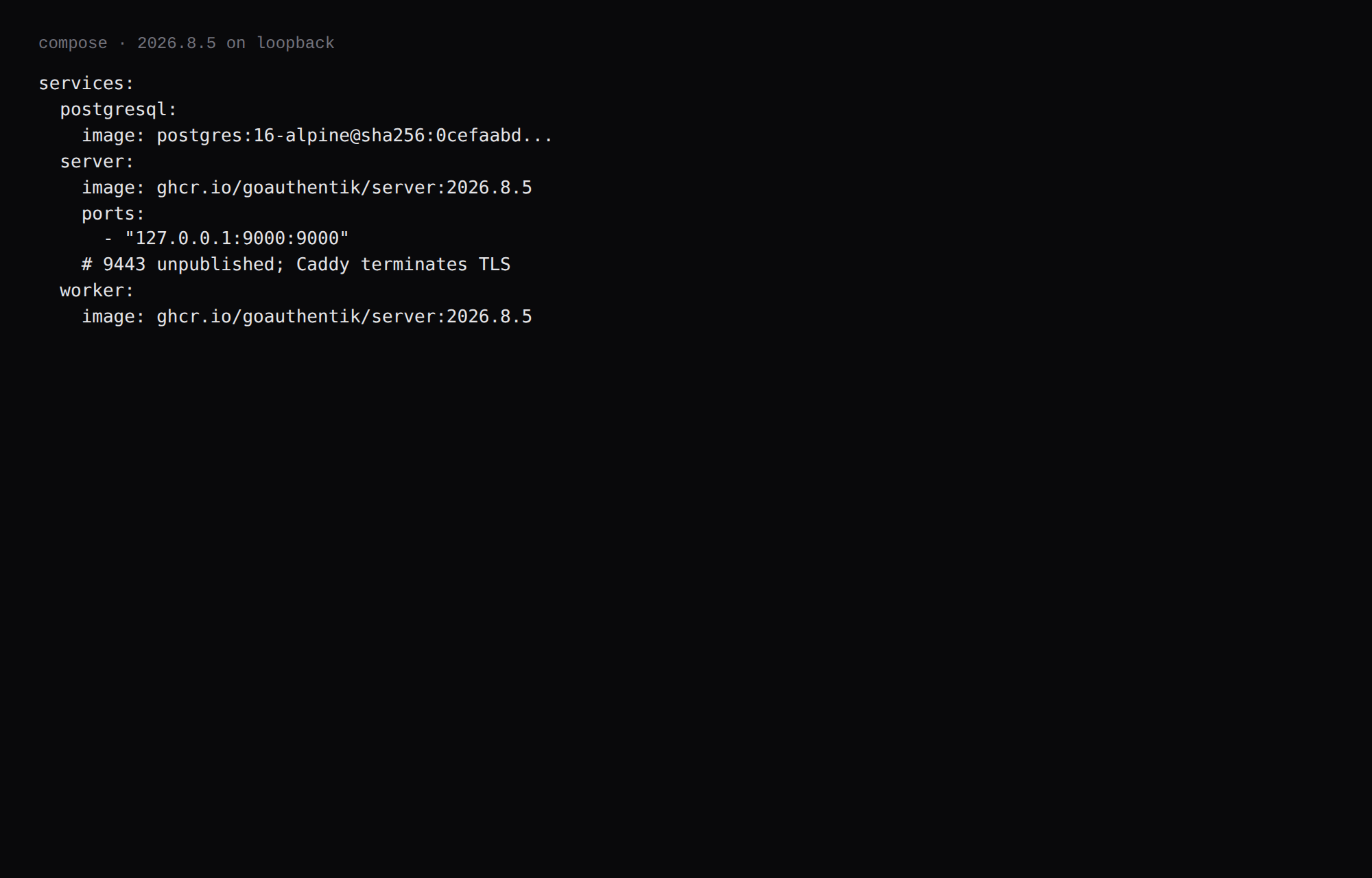
The official compose downloads compose.yml for postgresql, server, and worker (ghcr.io/goauthentik/server:2026.8.5) and publishes 9000 and 9443. Competing guides leave those ports on every interface. Generate PG_PASS and AUTHENTIK_SECRET_KEY, bind HTTP to loopback, and set the bootstrap email and password before the first request. Create one Application and keep Caddy as the only public path. The 2026.8 compose dropped Redis.
| Reading | server | worker | postgres |
|---|---|---|---|
cgroup memory.current | 503.2 MiB | 301.4 MiB | 161.1 MiB |
docker stats | 503.2 MiB | 301.3 MiB | 78.2 MiB |
| CPU percent | 0.46 | 0.11 | 0.09 |
| Host listener | 127.0.0.1:9000 | unpublished | unpublished |
Stack sum (cgroup) is 965.7 MiB.
| Skip this | What this run did |
|---|---|
9000:9000 on every interface | Published 127.0.0.1:9000:9000 |
| Publishing 9443 next to Caddy | Left 9443 unpublished |
| Empty secrets until "later" | openssl rand into mode 600 .env |
| Manual initial-setup on a public IP | AUTHENTIK_BOOTSTRAP_* before first boot |
| Stopping at an empty IdP | One OAuth2 Provider + Application |
How do you install Authentik on Docker?
mkdir -p ~/authentik && cd ~/authentik
wget https://docs.goauthentik.io/compose.yml
Patch the server ports so only loopback HTTP is published. Caddy terminates TLS, so leave host 9443 unpublished:
    ports:
      - "127.0.0.1:9000:9000"
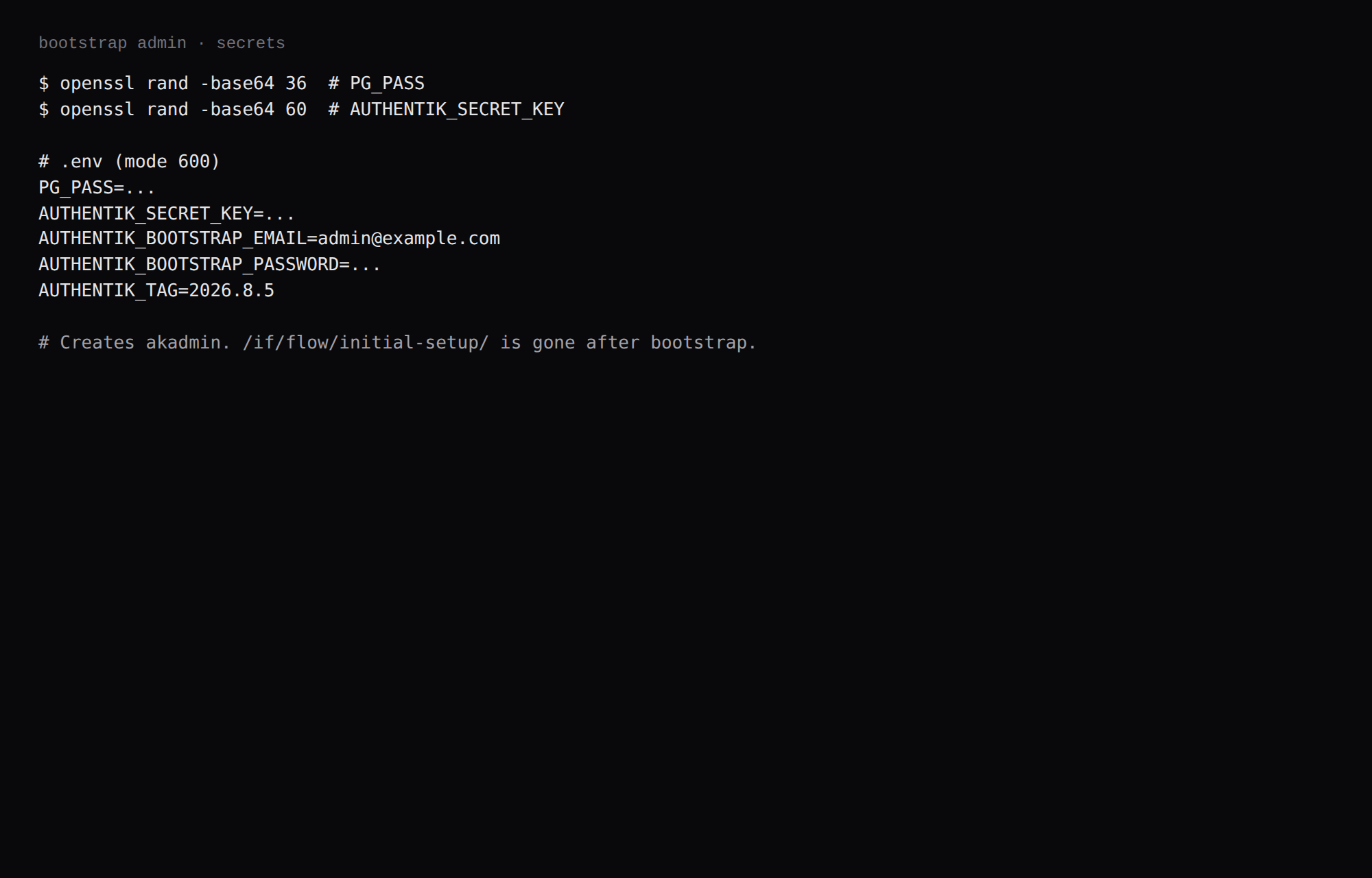
Generate secrets and a bootstrap admin:
echo "PG_PASS=$(openssl rand -base64 36 | tr -d '\n')" >> .env
echo "AUTHENTIK_SECRET_KEY=$(openssl rand -base64 60 | tr -d '\n')" >> .env
echo "[email protected]" >> .env
echo "AUTHENTIK_BOOTSTRAP_PASSWORD=YOUR_LONG_PASSWORD" >> .env
echo "AUTHENTIK_TAG=2026.8.5" >> .env
chmod 600 .env
This lab pinned ghcr.io/goauthentik/server:2026.8.5 (registry index digest sha256:602227a86455d6772e3d16b7d852713c4f864f40df5df894abd1285bb53979a5) and postgres:16-alpine@sha256:0cefaabd882e42bcb2a2f3dc56d3ce4770560ba62fd7f197f1a2e008fd5731ab. Log rotation matches the Compose checklist.
docker compose pull
docker compose up -d
curl -sS -o /dev/null -w '%{http_code}\n' http://127.0.0.1:9000/-/health/live/
You want 200. After bootstrap, /if/flow/initial-setup/ returns 404. Sign in as akadmin with the bootstrap password at /if/flow/default-authentication-flow/, then open /if/admin/.
If you keep the official ./custom-templates:/templates mount, the directory has to be readable by the server user. An empty root-only directory produced PermissionError on /templates/if/error.html in this lab. Drop the mount until you have real templates.
How do you fine-tune Authentik for a small stack?
Create an OAuth2/OIDC Provider with a confidential client, exact redirect URI, and a signing key, then link an Application (first steps, Vultr’s Authentik OAuth2 guide). Add MFA stages before you put finance or admin tools behind it. Outposts (proxy/LDAP/RADIUS) are separate containers; the stock Compose mounts the Docker socket on the worker for auto-deployed outposts. Prefer a socket proxy or manual outpost Compose if you do not want that mount (install docs). Do not bind-mount host /etc/localtime into Authentik; it breaks OAuth/SAML time checks.
Secrets: rotate AUTHENTIK_SECRET_KEY only with a plan; treat Postgres dumps as credential material. Size the guest for ~1 GB idle for server+worker+db before OS. Back up Postgres on a schedule. Keep the admin interface on HTTPS only (COMPOSE_PORT_HTTP=127.0.0.1:9000).
Why must 9000 stay on loopback?
Authentik is the login for the rest of the stack. Anyone who can reach the Admin UI can mint tokens and change providers.
ss -H -lntup | grep 9000On this host that printed 127.0.0.1:9000. Curl to 192.168.1.150:9000 failed with connection refused. Leave 9000 closed in the panel firewall. Open 80 and 443 for Caddy. Docker published ports often bypass UFW inside the guest, so the loopback bind is what kept the LAN address quiet. From a laptop, forward the Admin UI over SSH.
ssh -N -L 19000:127.0.0.1:9000 user@YOUR_VPS_IP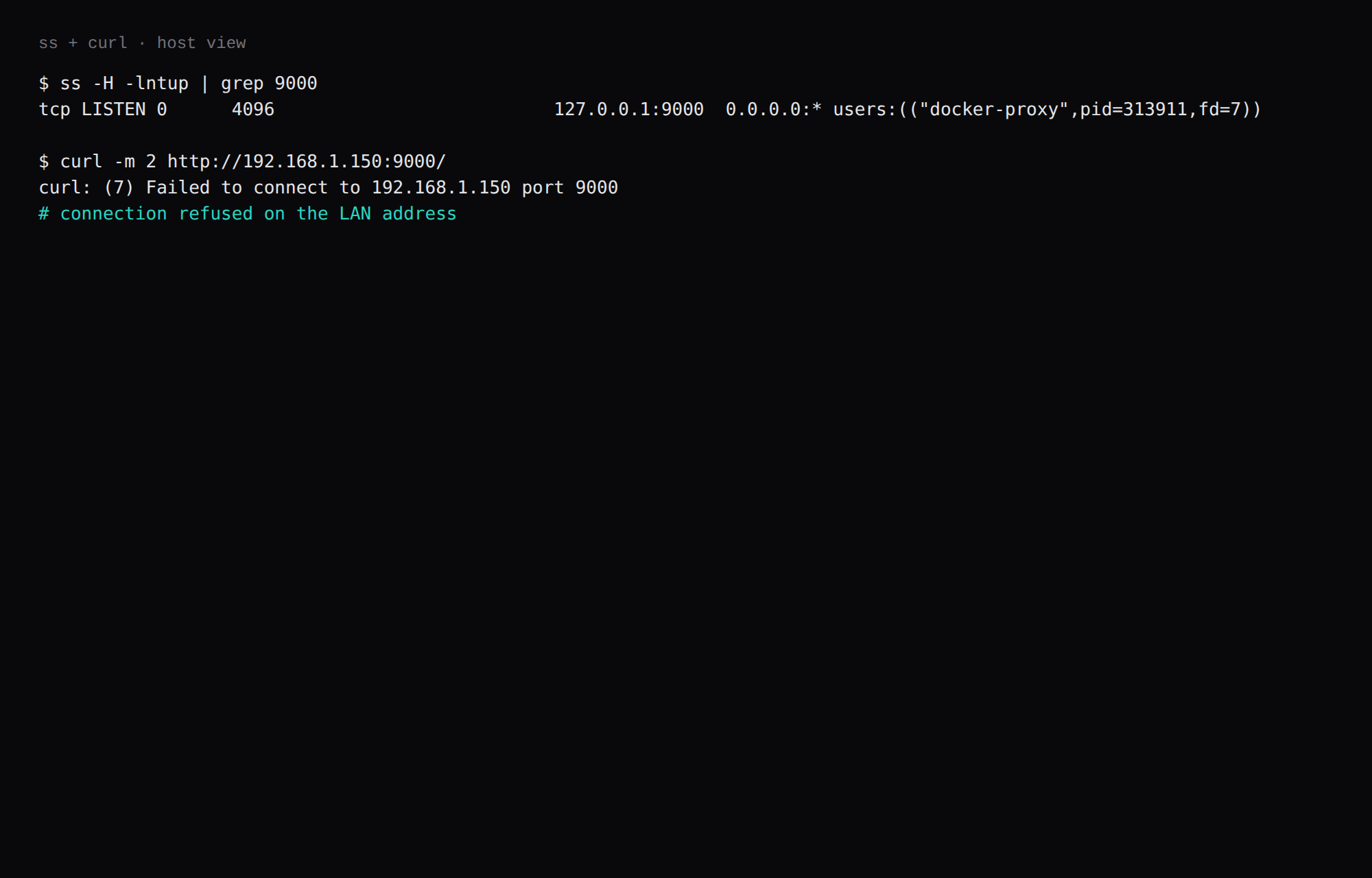
How do you add one Application?
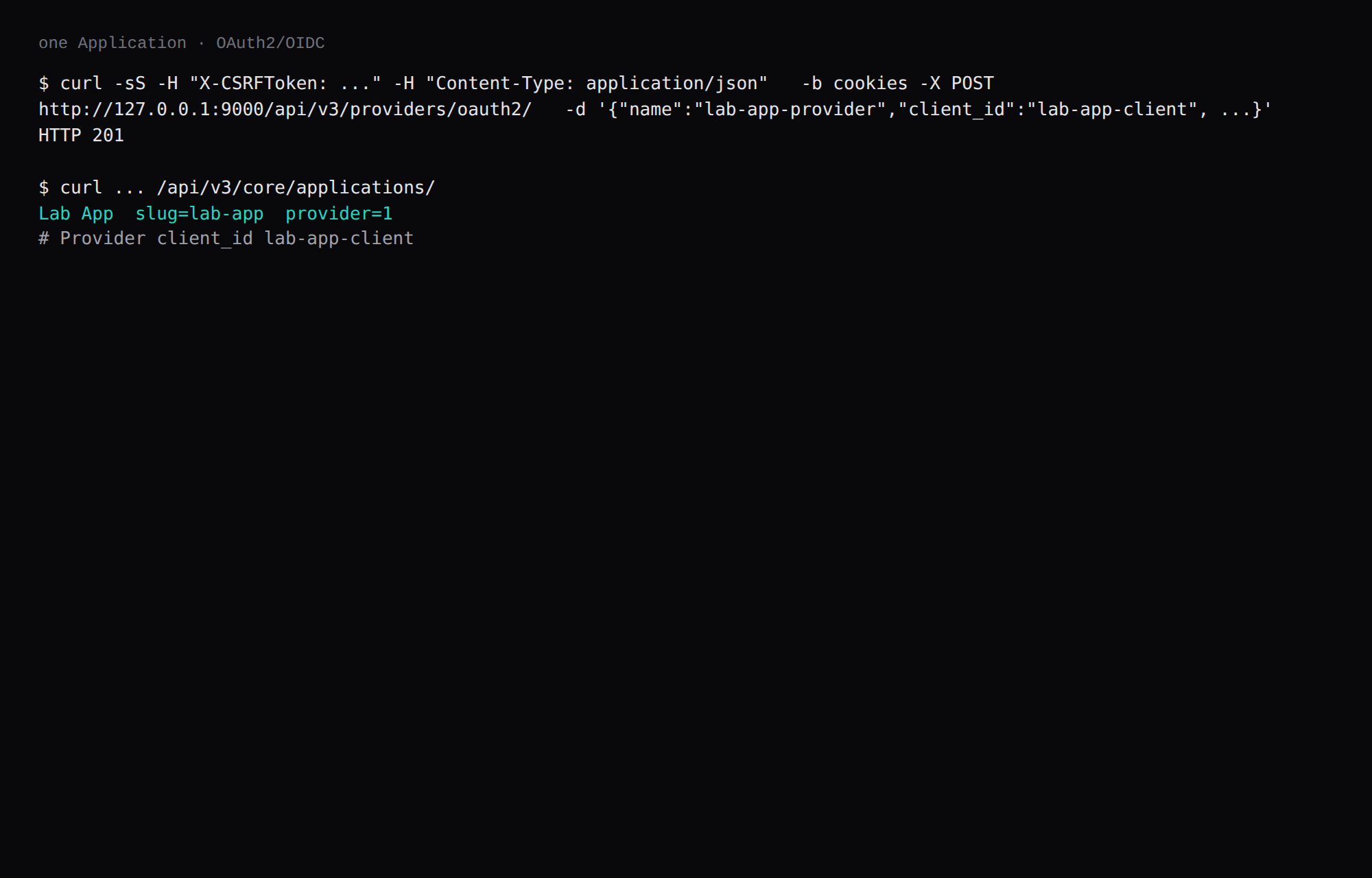
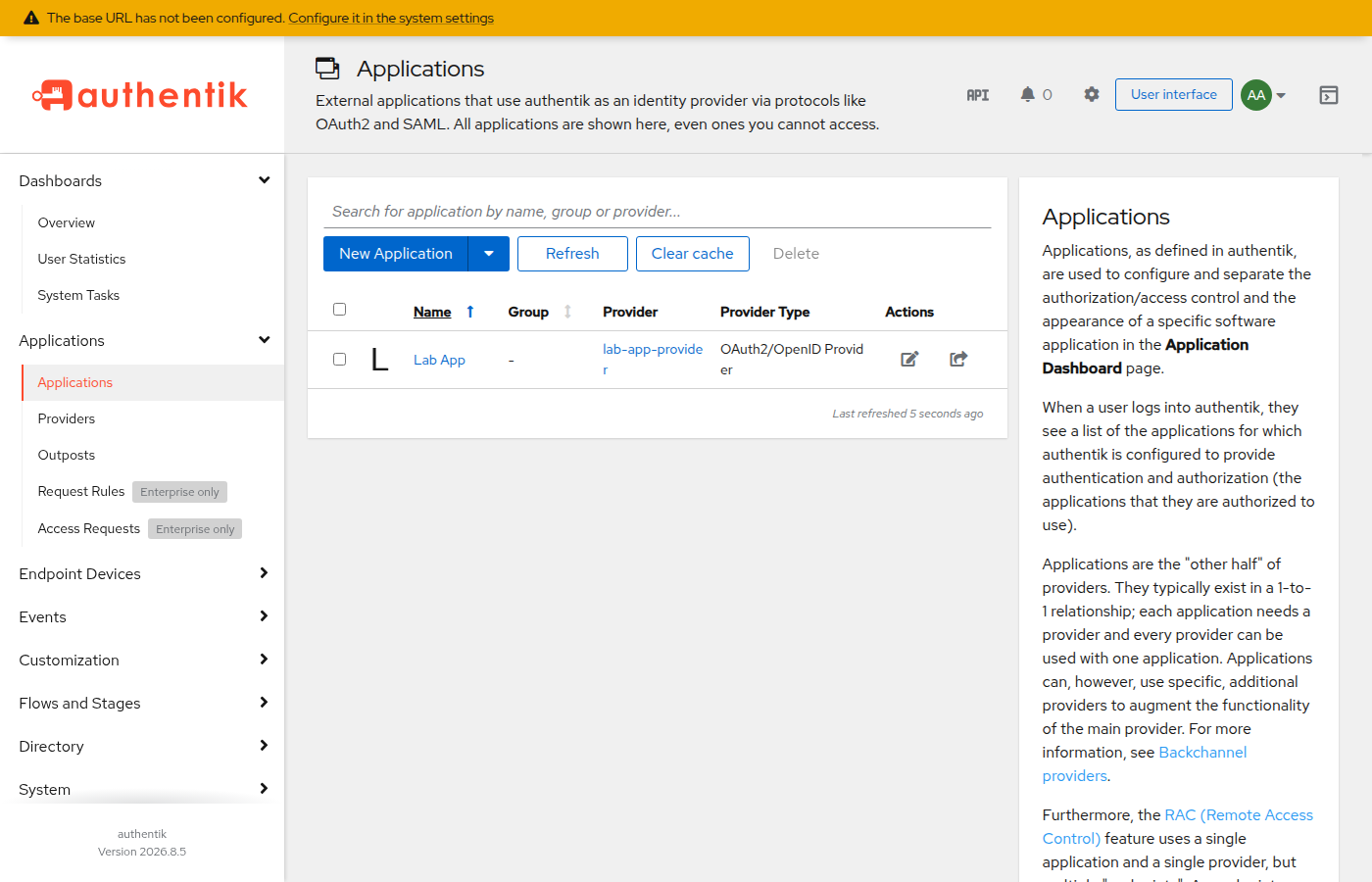
After login, open Applications and create one, or use the API with a session cookie and a CSRF header. This lab created an OAuth2/OpenID Provider named lab-app-provider (client_id lab-app-client) and an Application named Lab App (slug lab-app) pointed at https://app.example.com. Crop client secrets.
Wire Vaultwarden, Grafana, or GitLab when each app is ready. Forward-auth outposts are optional. Official compose mounts docker.sock on the worker for outpost management, and this lab kept that mount. Remove it if you are not deploying outposts from this host.
Where does Caddy go?
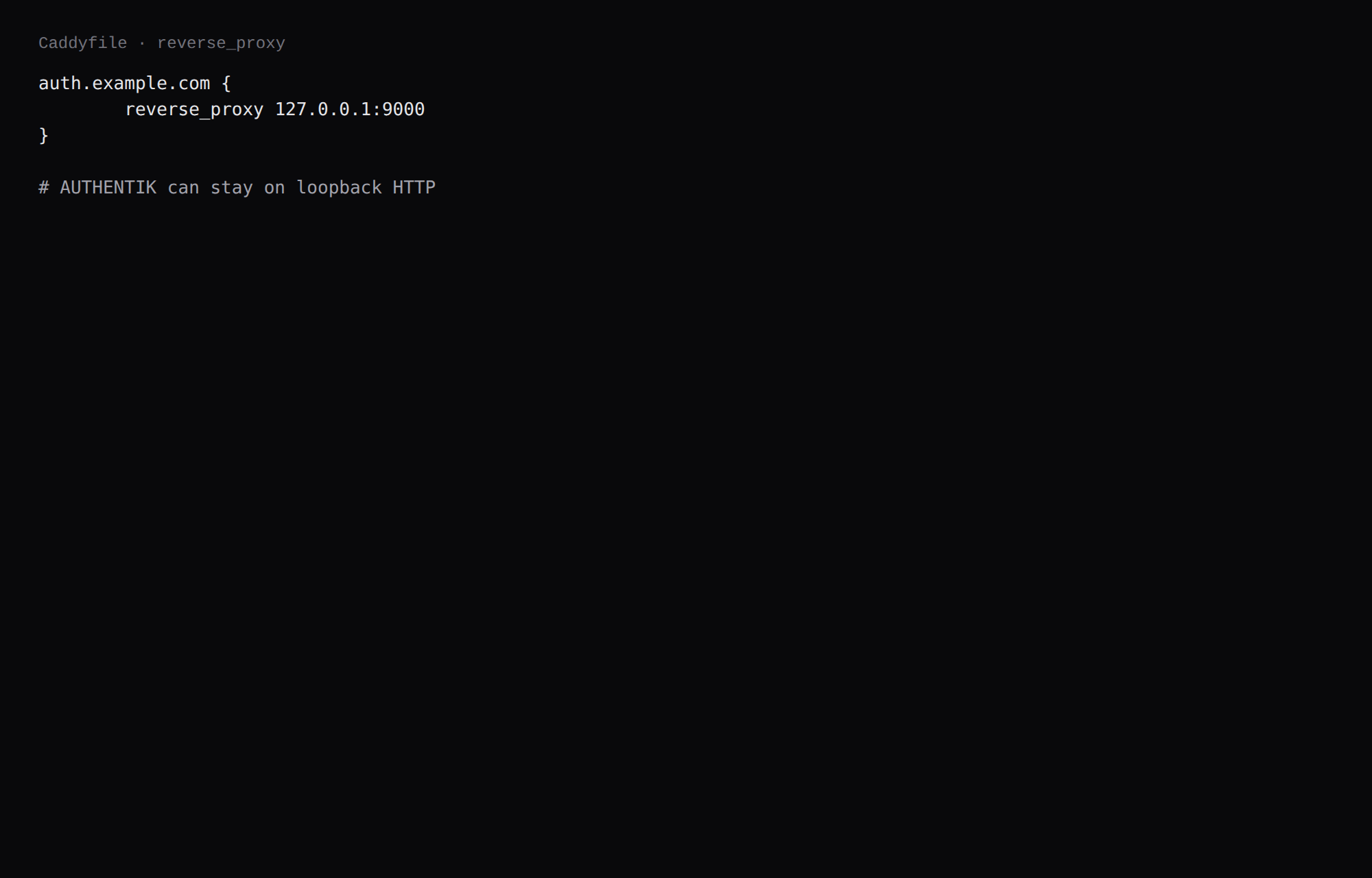
auth.example.com {
	reverse_proxy 127.0.0.1:9000
}
Once DNS is ready, point the brand's external hostnames and the application launch URLs at that HTTPS name. TLS setup is in the Caddy HTTPS post. Authentik's reverse-proxy notes cover X-Forwarded-* when Caddy terminates TLS.
How do you back up Postgres?
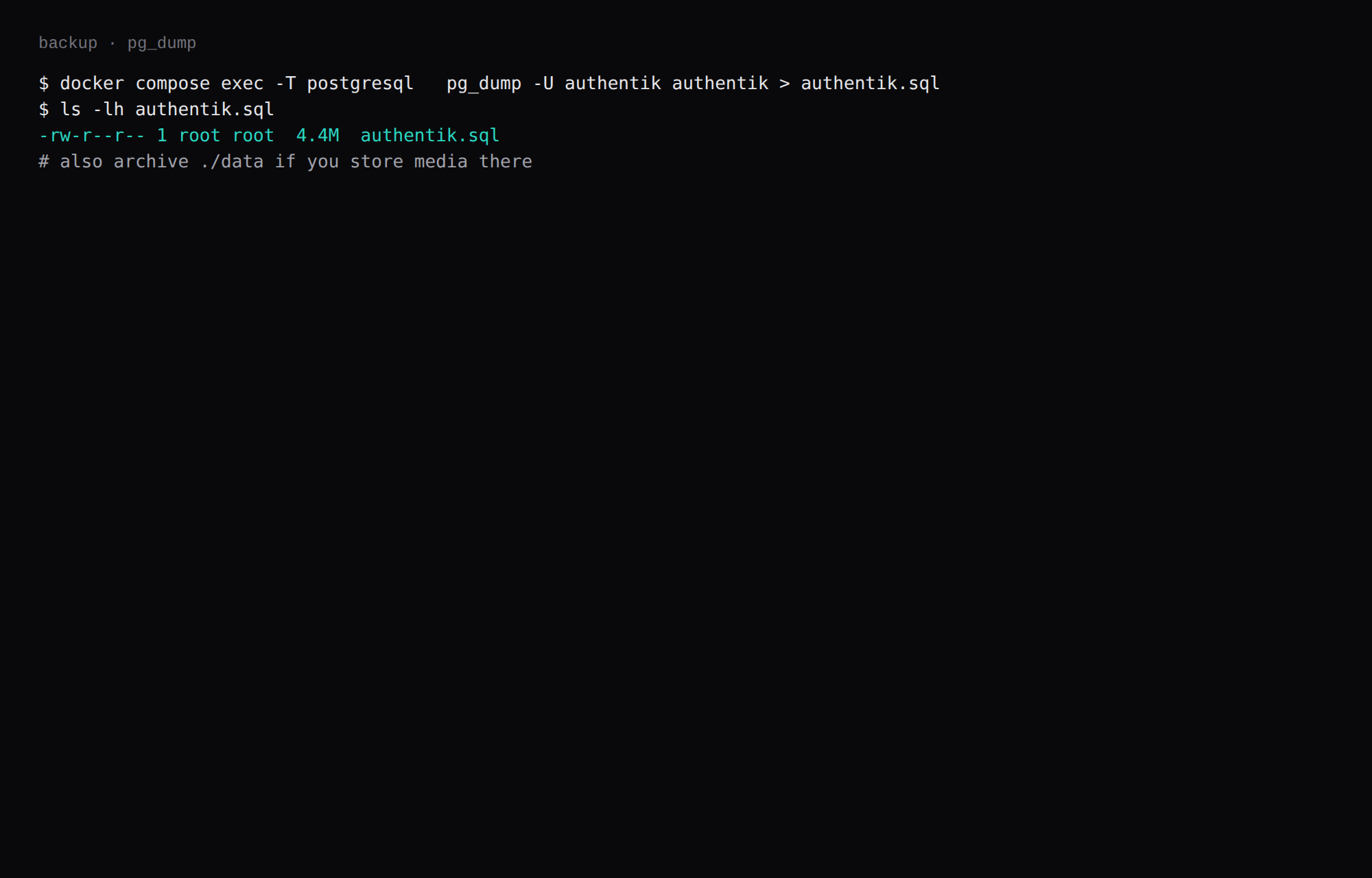
docker compose exec -T postgresql \
  pg_dump -U authentik authentik > authentik.sql
On this lab the dump was about 4.4 MB after bootstrap and one Application. Archive ./data too if you store media there. Point Restic at both.
How do you roll Authentik out to more apps?
One Application per app, shared or separate providers as the docs suggest. Start with a low-risk app (Dozzle, Dockge) before the password manager. Document the callback URLs. Test logout and token refresh. Keep a break-glass local admin on apps that support it while SSO is new. Monitor worker queue if enrollments spike.
FAQ
Bootstrap or initial-setup? Bootstrap env vars create akadmin before the UI is reachable. That fits a VPS where 9000 stays off the public interface during first boot.
Worker docker.sock? Official compose mounts it for outpost management. This lab kept it. Remove the mount if you deploy outposts another way.
9443? That port is Authentik's internal HTTPS. With Caddy in front, leave 9443 unpublished.
Authelia or Keycloak? Authelia is lighter for forward-auth only. Keycloak is heavier JVM territory. For OIDC, SAML, and a flows UI on one VPS, use Authentik.
Email? Optional for a lab. Add SMTP when you need recovery and invitations.