
Self-hosted Sentry 26.10.1 from getsentry/self-hosted came up with 53 running containers and a docker stats sum of about 12901 MiB (~12.6 GiB) before anyone sent traffic. Sentry’s own minimum is 4 CPU cores, 16 GB RAM plus 16 GB swap, and 20 GB free disk. A quiet 4 GB or 8 GB VPS sits under that floor. Two hundred capture_exception calls through a local DSN completed on the client; the stack moved to about 12988 MiB afterward. Almost all of the bill is idle compose, with only a small bump from the first burst.
| Reading | Value |
|---|---|
| Release | self-hosted 26.10.1 |
| Running containers | 53 |
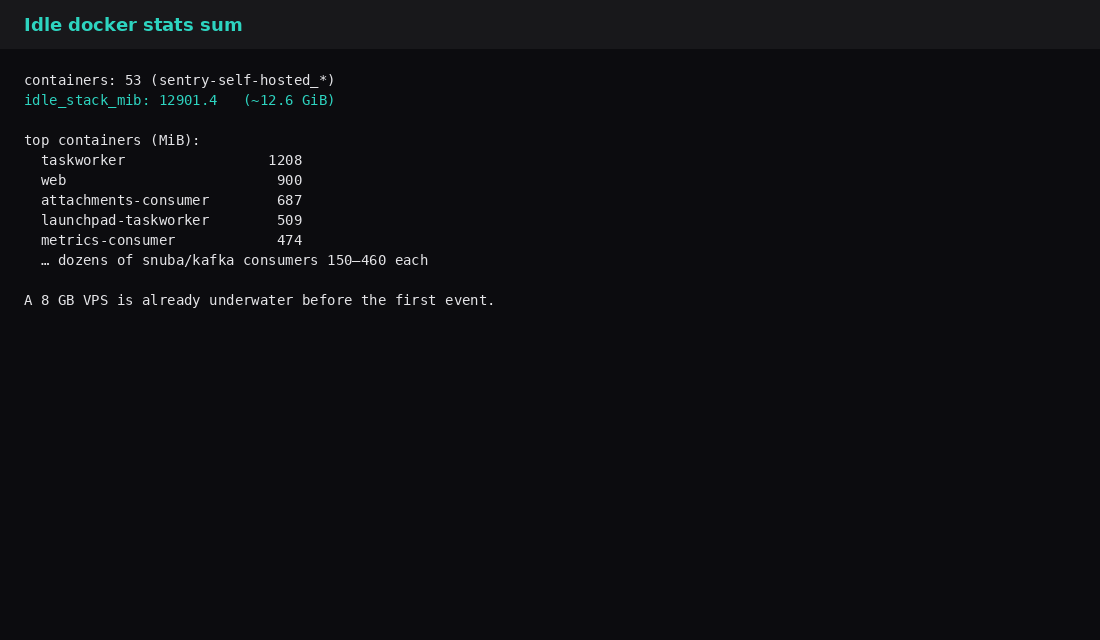
| Idle docker stats sum | ~12901 MiB (~12.6 GiB) |
| After 200 SDK exceptions | ~12988 MiB |
| Docs minimum RAM | 16 GB (+ 16 GB swap) |
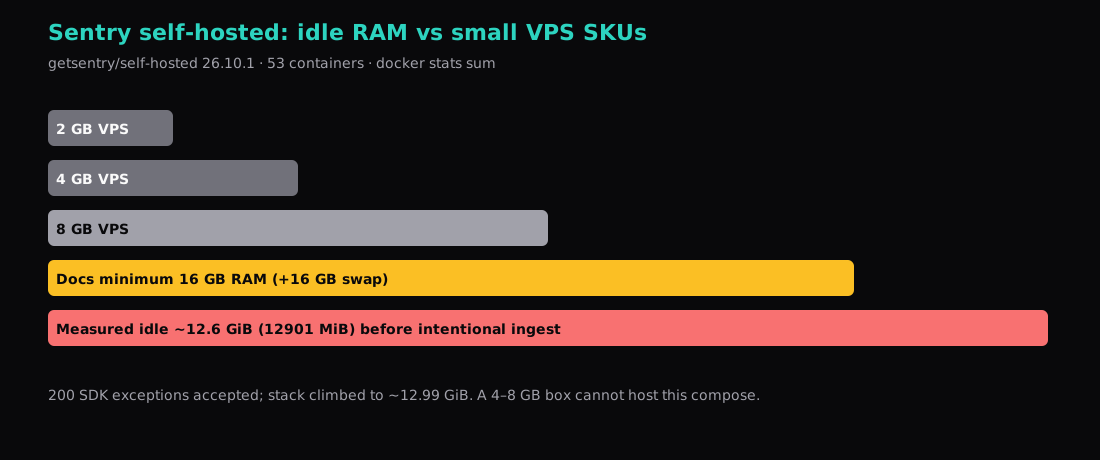
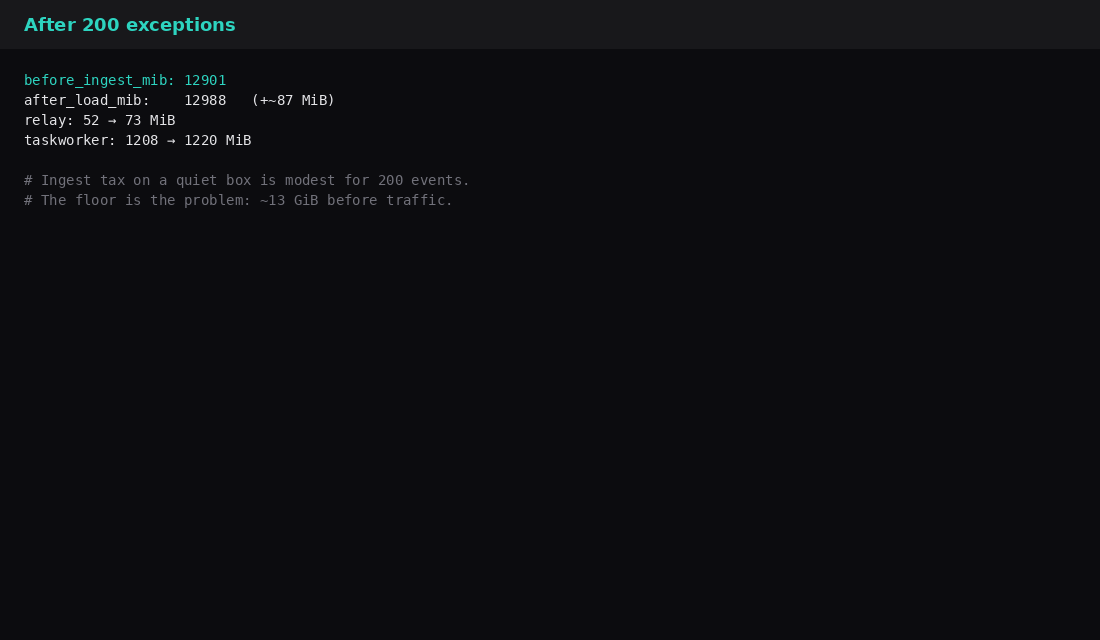
“Ingest tax” here means RAM and CPU the compose spends when events hit Relay and the Kafka consumers. That is separate from the SaaS error quota. On this lab the first 200 exceptions added roughly 87 MiB. You still needed ~13 GiB free before that.
Why the compose is so heavy
One box runs the web UI, workers, Relay, Kafka, ClickHouse, Snuba consumers, Redis, Postgres, symbolicator, nginx, and a pile of ingest/post-process services. That is the reference architecture for “feature-complete on one machine,” not a trimmed error sink. Search posts that imply 4–8 GB “works for a hobby Sentry” usually describe an older build, a trimmed compose, or optimism.
Install on a host that can actually hold it
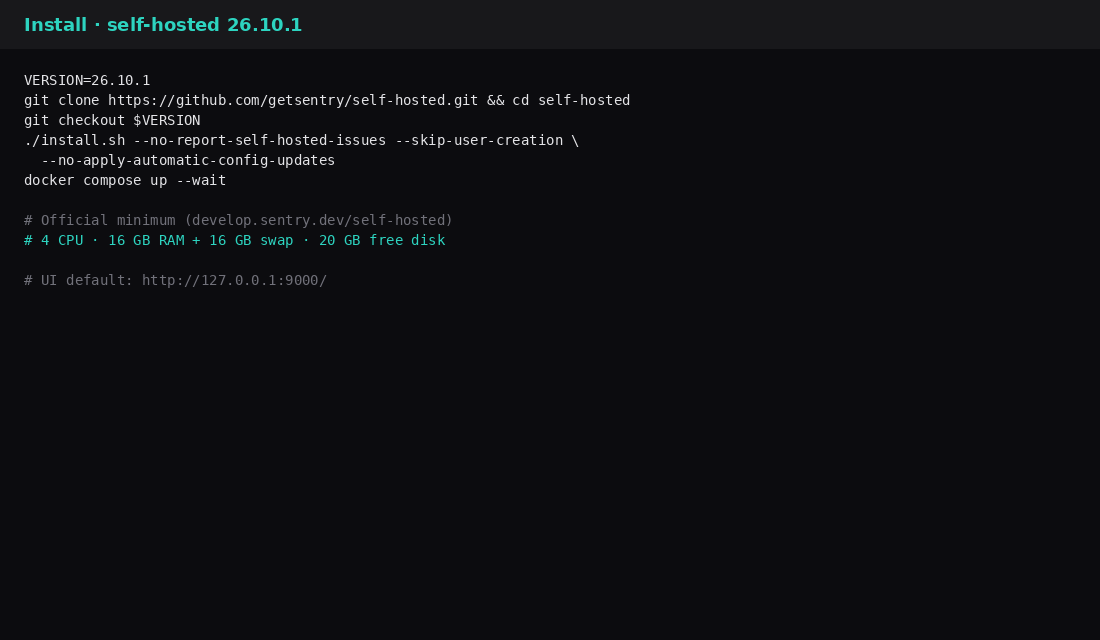
VERSION=26.10.1
git clone https://github.com/getsentry/self-hosted.git
cd self-hosted
git checkout "$VERSION"
./install.sh --no-report-self-hosted-issues --skip-user-creation \
  --no-apply-automatic-config-updates
docker compose up --wait
# UI: http://127.0.0.1:9000/
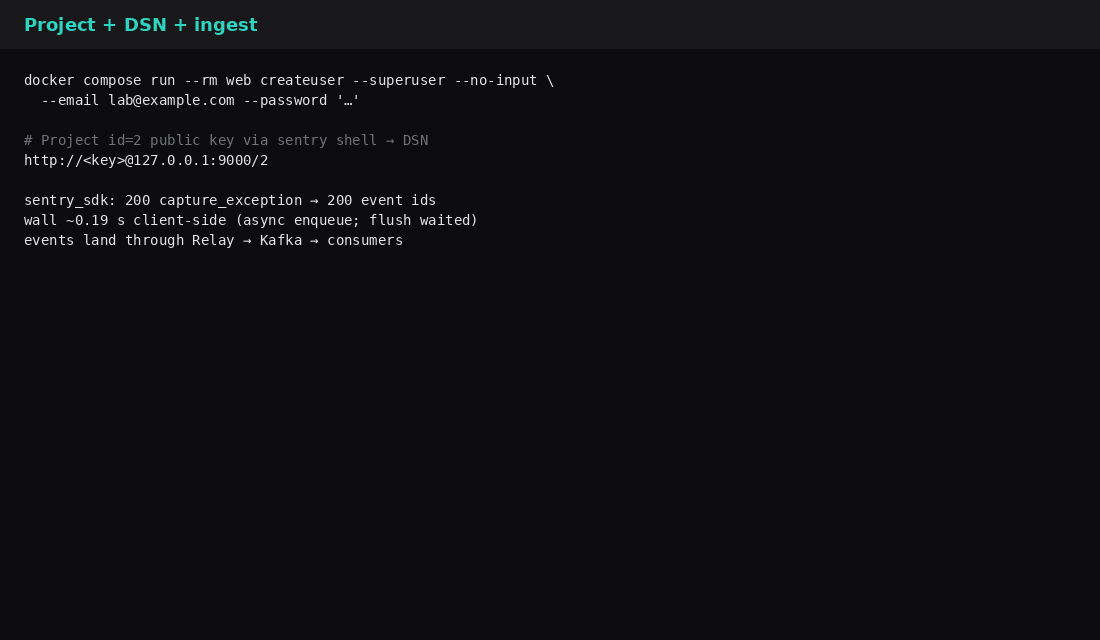
docker compose run --rm web createuser --superuser --no-input \
--email [email protected] --password 'choose-a-long-one'Pin the release tag. Prefer loopback (or Tailscale) for :9000 until Caddy terminates TLS. This lab skipped the optional SeaweedFS/S3 nodestore bootstrap (Alpine apk/s3cmd could not reach the network from the container) and kept the default Postgres nodestore. Idle RAM was still ~13 GiB.
Idle: where the memory went
| Container (top of docker stats) | ~MiB idle |
|---|---|
| taskworker | 1208 |
| web | 900 |
| attachments-consumer | 687 |
| launchpad-taskworker | 509 |
| metrics-consumer | 474 |
| Several events/transactions/post-process workers | ~460 each |
| Kafka | ~419 |
| ClickHouse | ~225 |
| Many Snuba consumers | ~150–260 each |
| Relay | ~52 |
| Stack sum | ~12901 |
Sending events (the cheap part of the tax)
Create an organization project and DSN (UI or sentry shell), then point an SDK at http://<key>@127.0.0.1:9000/<project_id>.
import sentry_sdk
from sentry_sdk import capture_exception, flush

sentry_sdk.init(dsn="http://[email protected]:9000/2", traces_sample_rate=0.0)
for i in range(200):
    try:
        raise RuntimeError(f"lab-ingest-{i}")
    except Exception as e:
        capture_exception(e)
flush(timeout=60)| Ingest check | Result |
|---|---|
| Events with IDs | 200 / 200 |
| Stack before | ~12901 MiB |
| Stack after | ~12988 MiB |
| Relay | ~52 → ~73 MiB |
What to buy (or not)
| SKU idea | Honest lean |
|---|---|
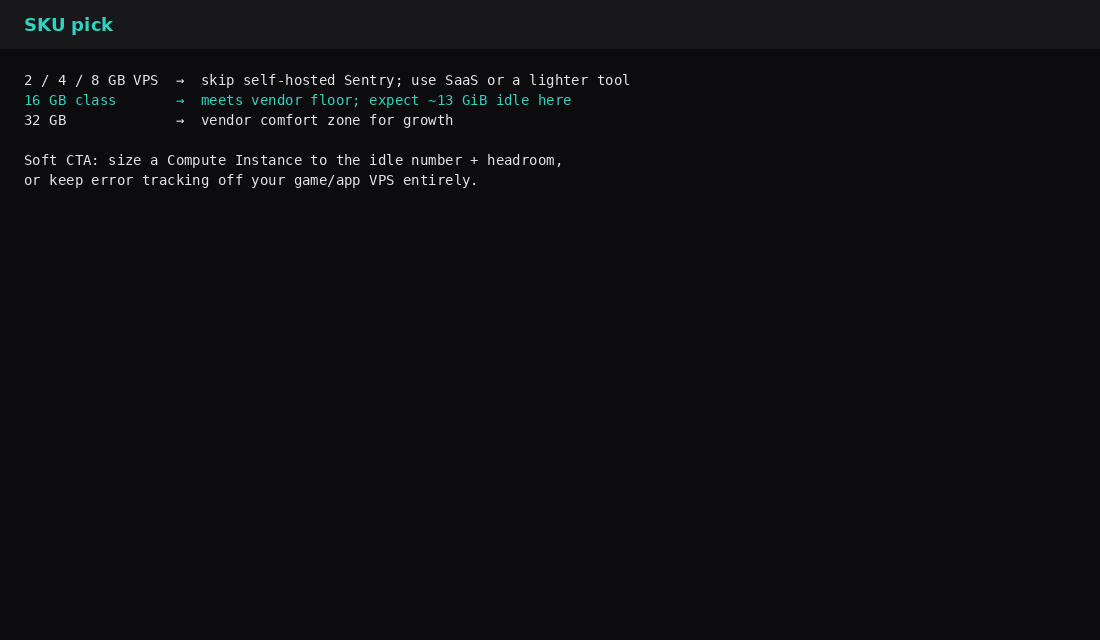
| 2 / 4 / 8 GB VPS | Skip self-hosted Sentry. SaaS or a lighter self-host tool. |
| 16 GB | Matches the documented floor; expect ~13 GiB idle on this shape. |
| 32 GB | Closer to Sentry’s comfort note for growth. |
| App VPS already full | Keep Sentry elsewhere; keep Sentry off the game/panel box. |
| Skip this | What this lab did |
|---|---|
| Installing on 4–8 GB “to try” | Measured ~13 GiB idle on a host that meets docs |
| Treating SaaS quotas as the self-host RAM bill | Separated ingest MiB from the compose floor |
Publishing :9000 on every interface | Used loopback for the UI/DSN |
| Assuming SeaweedFS nodestore is free | Skipped offline; Postgres nodestore still left a 13 GiB floor |
| Equating “containers healthy” with “fits my VPS” | Summed docker stats |
Installer floors and the errors-only escape hatch
getsentry/self-hosted still documents Docker Engine 19.03.6+, Compose 2.32.2+, and a full-stack floor of 4 CPU cores with 16 GB RAM plus 16 GB swap (32 GB recommended) and about 20 GB free disk. The installer hard-checks roughly 14 GB visible RAM and 4 CPUs for the default profile, plus SSE 4.2 for ClickHouse. Disk I/O dominates feel: the docs call out iowait above ~10% of CPU time as a sign the single machine cannot keep Kafka, ClickHouse, Postgres, and friends happy. Since 24.8.0, COMPOSE_PROFILES=errors-only drops traces, profiles, replays, crons, and user feedback and lowers the installer’s bar to about 2 CPUs and 7 GB RAM. Monthly CalVer upgrades expect downtime while ./install.sh migrates; skip listed hard-stop versions in order. Bind SENTRY_BIND to loopback and put TLS on Caddy in front, the same pattern as other heavy panels on this site.
FAQ
Can I trim the compose? Yes, in theory (drop profiling, uptime, some consumers). You are then maintaining a fork of the reference stack. This post measures the stock install people actually run.
GlitchTip / other light forks? Fine for tiny boxes when you accept a different product. This post is about upstream self-hosted Sentry.
Disk? Docs want 20 GB free for install. Images and volumes here ate far more than a 20 GB cloud volume once everything was pulled. Plan disk the same way you plan RAM.
Swap instead of RAM? Docs allow 16 GB RAM + 16 GB swap. Expect pain on disk-backed swap under Kafka/ClickHouse I/O. Prefer real RAM for anything you care about.
What to run on the VPS
If you still want the full product under your own roof, size a Compute Instance from the idle number: plan 16 GB minimum, prefer more, keep :9000 private behind Caddy, and re-check docker stats after a real traffic day. For a small app on a cheap VPS, pay SaaS or pick a lighter error tracker and spend the RAM on the app. Compose habits for smaller stacks live in Docker Compose on a VPS; for privacy analytics that fit 1 GB, see Plausible vs Umami on 1 GB.