
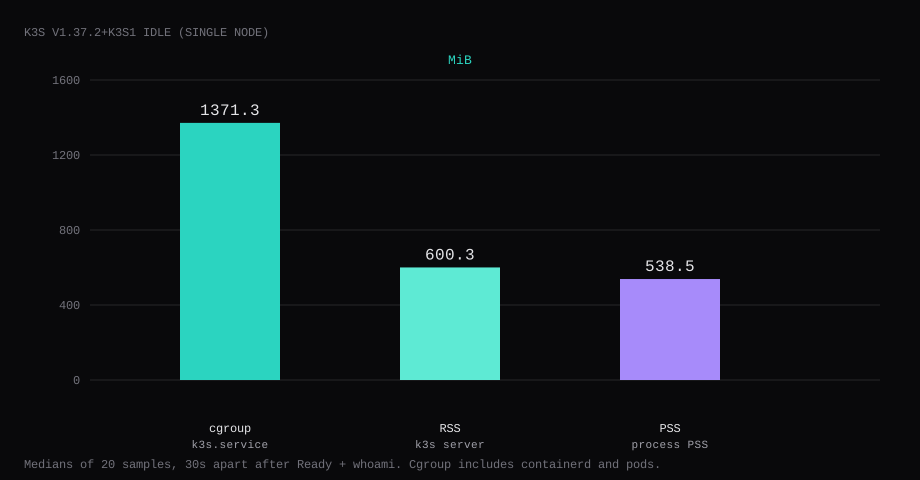
k3s v1.37.2+k3s1 held 1371.3 MiB idle on this lab host after the node was Ready and one whoami pod answered on NodePort 30080. That is cgroup memory.current for k3s.service, the median of twenty samples taken 30 seconds apart. The cgroup includes containerd and the running pods (CoreDNS, metrics-server, local-path, whoami). The k3s server process itself showed 600.3 MiB RSS and 538.5 MiB PSS, and CPU for that process sat at 4.8 percent median. Traefik was not installed. /etc/rancher/k3s/k3s.yaml was mode 600.
k3s is a lightweight Kubernetes distribution from Rancher: one binary (or install script) that brings up a control plane and kubelet suitable for edge and single-node labs. You get Deployments, Services, and the usual kubectl workflows without a full kubeadm control plane footprint. On one VPS it is useful for learning or hosting a few workloads; it is still Kubernetes, so RAM starts near a gigabyte before your apps.
The quick-start path is curl | sh with Traefik on 80/443 and the API on every interface at 6443. Competing guides stop at kubectl get nodes. Pin INSTALL_K3S_VERSION and pass --disable traefik, so host Caddy keeps 80 and 443. Deploy one workload, measure the unit, and close 6443 and 30080 on the panel firewall.
| Reading | Value |
|---|---|
k3s.service memory.current | 1371.3 MiB, median of 20 |
k3s server RSS | 600.3 MiB |
k3s server PSS (smaps) | 538.5 MiB |
CPU percent (k3s server) | 4.8, median |
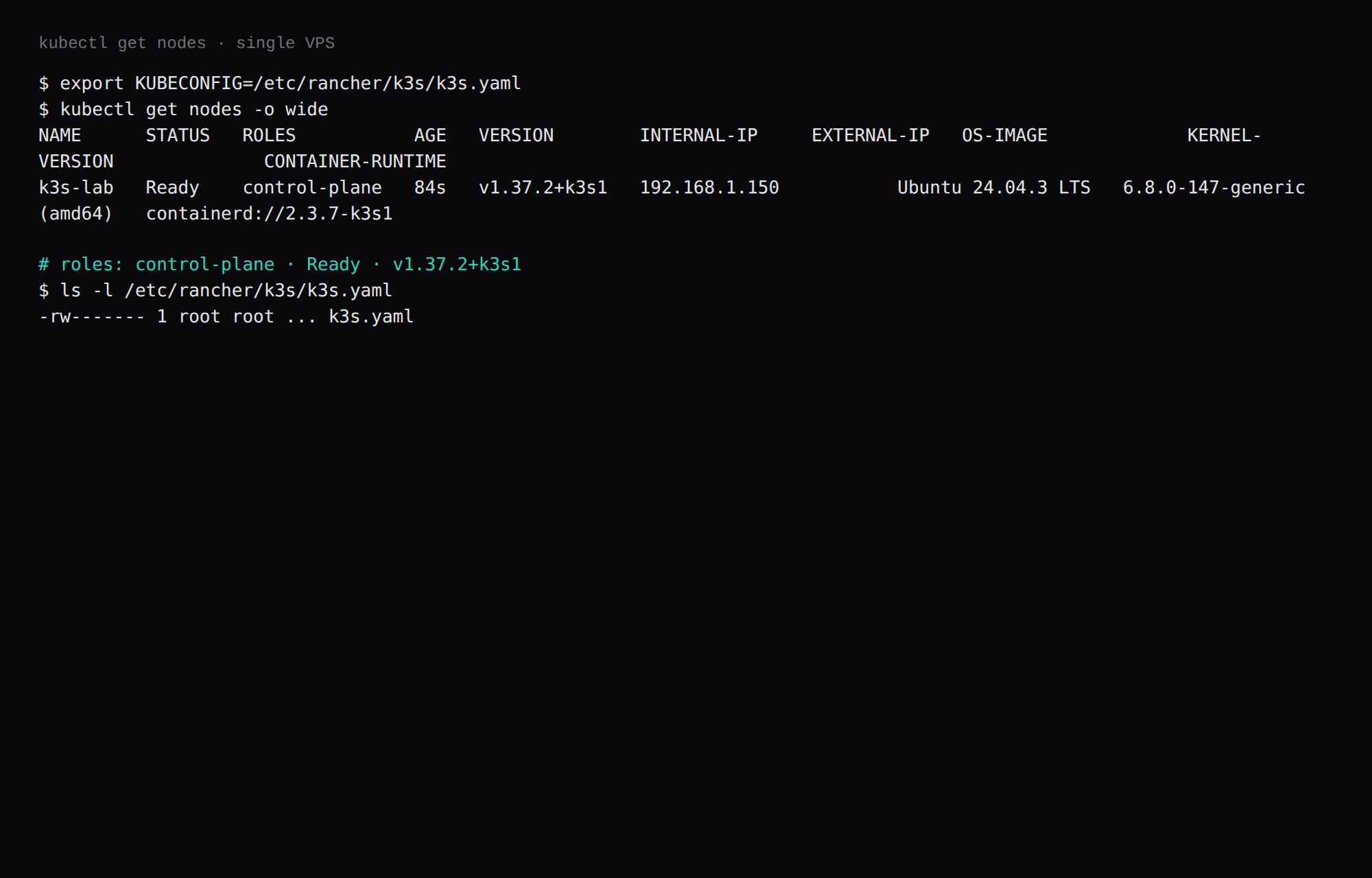
| Node | Ready, role control-plane |
| Traefik pods / Services | none |
| whoami | HTTP 200 on 127.0.0.1:30080 |
| Skip this | What this run did |
|---|---|
| Floating install channel | INSTALL_K3S_VERSION=v1.37.2+k3s1 |
| Default Traefik on 80/443 | --disable traefik |
| World-readable kubeconfig | --write-kubeconfig-mode 600 |
Stopping at get nodes | One Deployment + NodePort proof |
| Opening 6443 and 30080 on the panel | Left both closed; Caddy on 80/443 |
How do you operate a single-node cluster day to day?
Disable Traefik when the host already runs Caddy or another ingress. Expose apps with NodePort or hostPort and proxy from Caddy, or install an Ingress controller deliberately later. Keep k3s.yaml mode 600 and copy it only over SSH. Prefer local-path PVCs on the VPS disk; treat the node as cattle only if you have etcd/datastore backups. kubectl upgrades follow the k3s version pin; do not float INSTALL_K3S_VERSION.
Single-node has no HA: a reboot is a control-plane outage. That is acceptable for a lab or a personal app tier. For production HA you need three nodes and a different post. Close 6443 on the panel firewall when you only administer via SSH tunnel.
How do you install k3s on one VPS?
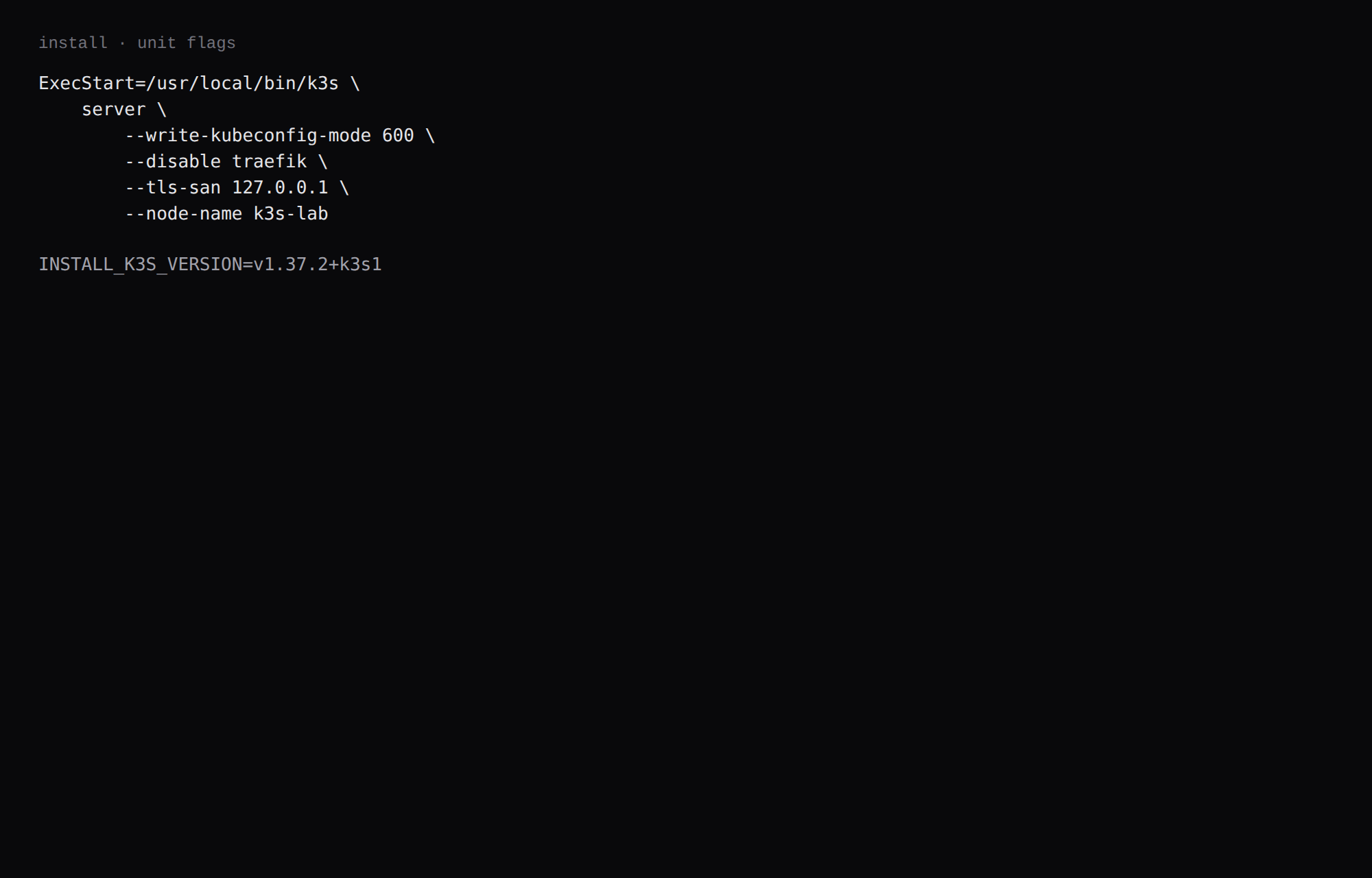
curl -sfL https://get.k3s.io | INSTALL_K3S_VERSION=v1.37.2+k3s1 sh -s - \
  --write-kubeconfig-mode 600 \
  --disable traefik \
  --tls-san 127.0.0.1
This lab also set --node-name k3s-lab. The installer writes /etc/systemd/system/k3s.service with those flags and starts the unit. The binary should print the pinned version:
k3s -v
# k3s version v1.37.2+k3s1 (...)
export KUBECONFIG=/etc/rancher/k3s/k3s.yaml
kubectl get nodes -o wideYou want Ready and role control-plane. ls -l /etc/rancher/k3s/k3s.yaml should show -rw-------.
Why turn Traefik off?
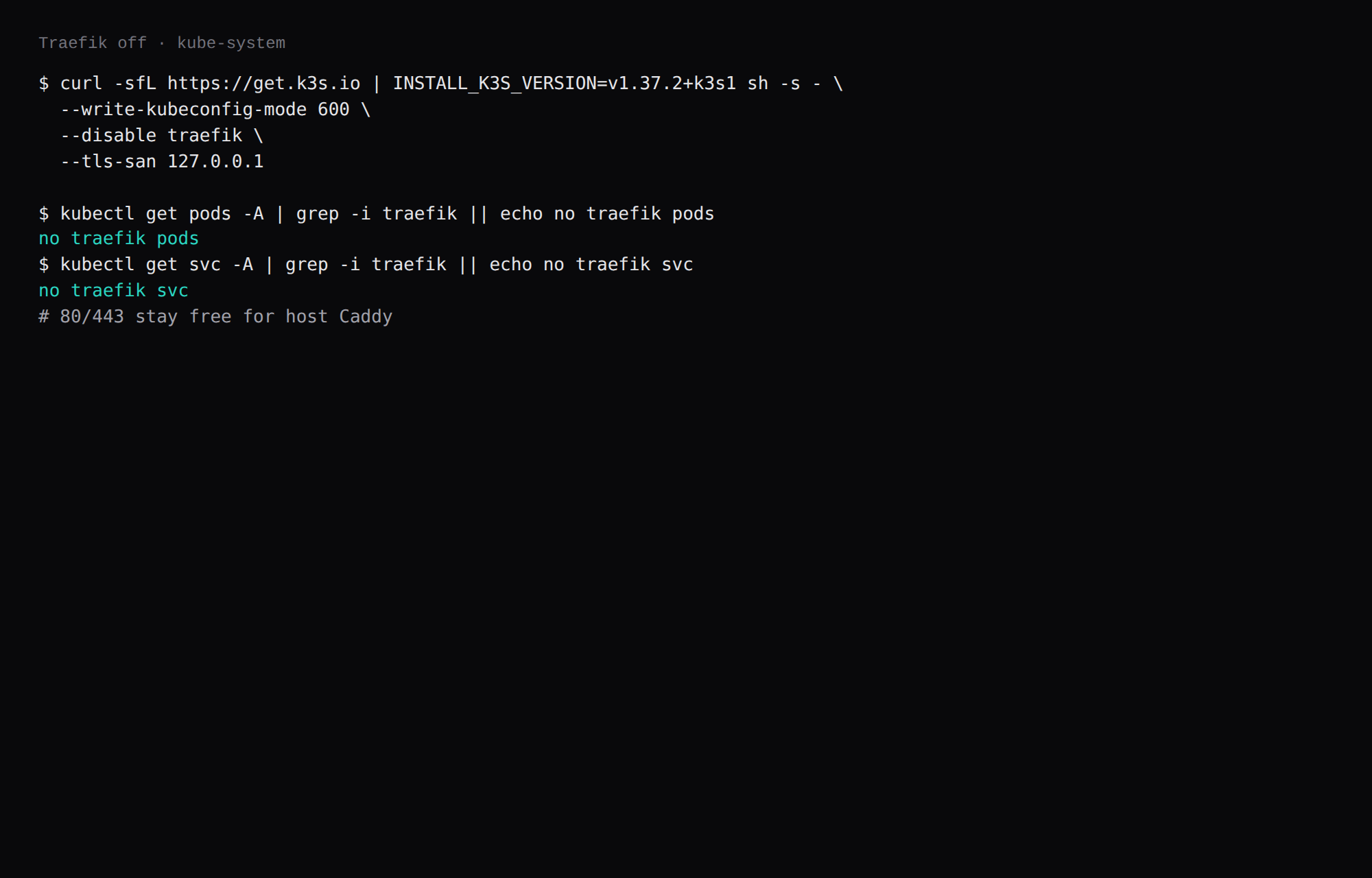
Traefik and Caddy both want 80 and 443. If the host already runs Caddy, or you are about to install it, the two servers collide on those ports. Disable Traefik at install time and keep Flannel, CoreDNS, metrics-server, and local-path.
kubectl get pods -A | grep -i traefik || echo no traefik pods
kubectl get svc -A | grep -i traefik || echo no traefik svc
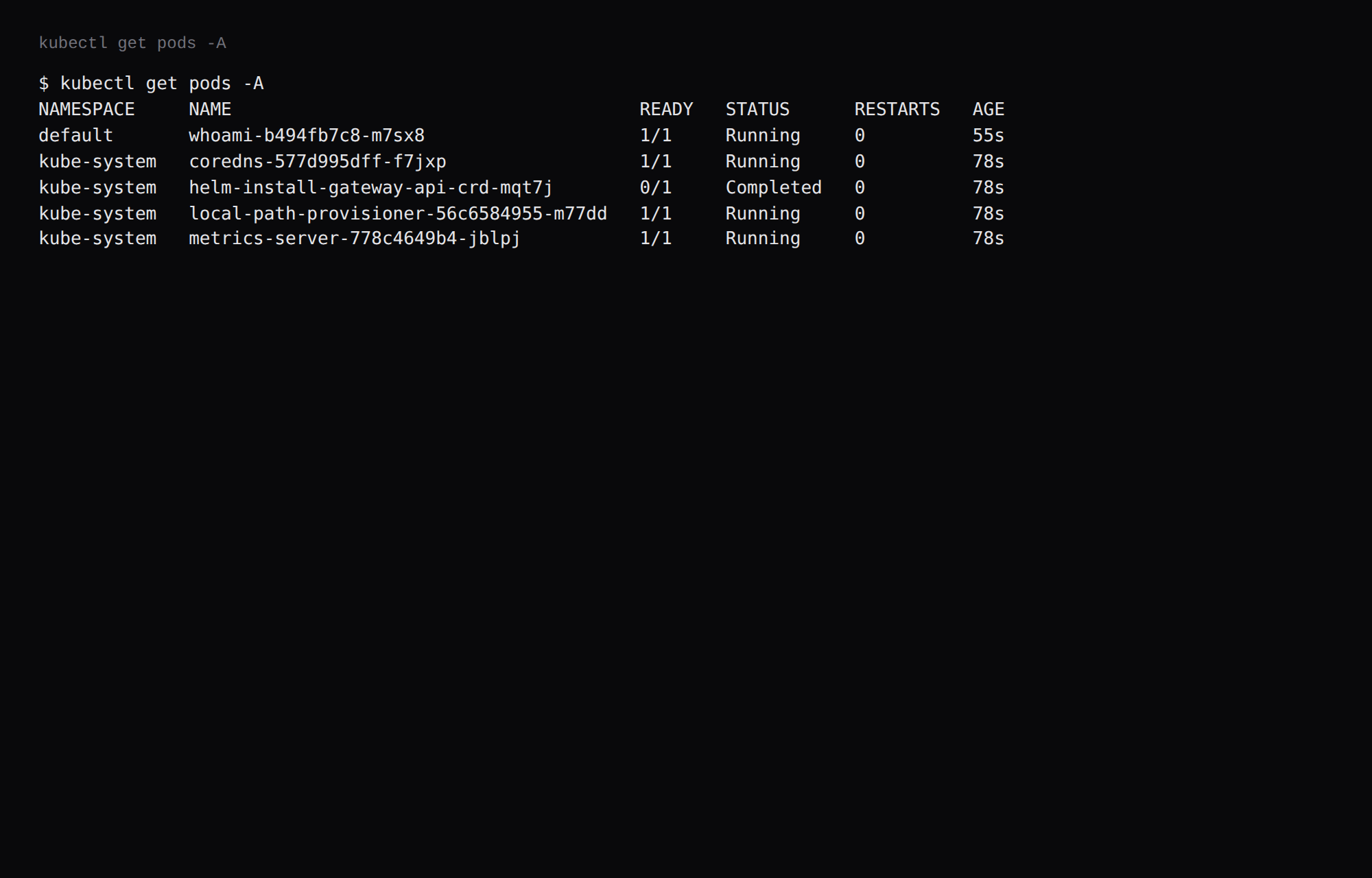
This lab printed no traefik pods and no traefik svc. kube-system still had CoreDNS, metrics-server, local-path-provisioner, and a completed gateway-api CRD helm job.
How do you prove one Deployment?
apiVersion: apps/v1
kind: Deployment
metadata:
  name: whoami
spec:
  replicas: 1
  selector:
    matchLabels:
      app: whoami
  template:
    metadata:
      labels:
        app: whoami
    spec:
      containers:
      - name: whoami
        image: traefik/whoami:v1.11.0
        ports:
        - containerPort: 80
---
apiVersion: v1
kind: Service
metadata:
  name: whoami
spec:
  type: NodePort
  selector:
    app: whoami
  ports:
  - port: 80
    targetPort: 80
    nodePort: 30080
kubectl apply -f whoami.yaml
kubectl rollout status deploy/whoami
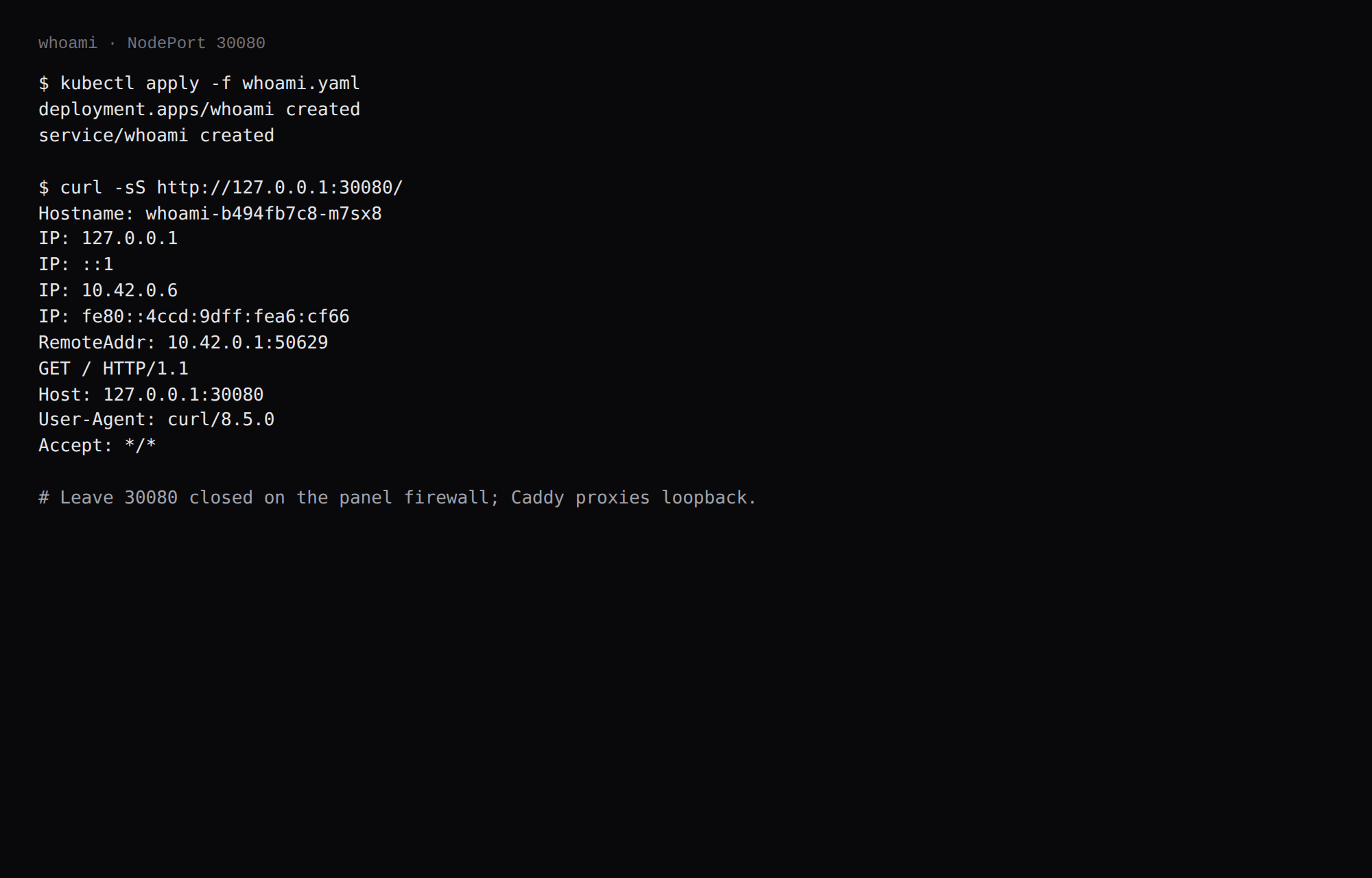
curl -sS http://127.0.0.1:30080/This lab returned a whoami body with Hostname: whoami-… and HTTP 200. NodePort is DNAT through kube-proxy, so ss may not show a process on 30080 even when curl works. Leave 30080 closed on the panel firewall. Open 80 and 443 for Caddy only, and keep 6443 closed unless you have a separate admin path.
Where does Caddy go?
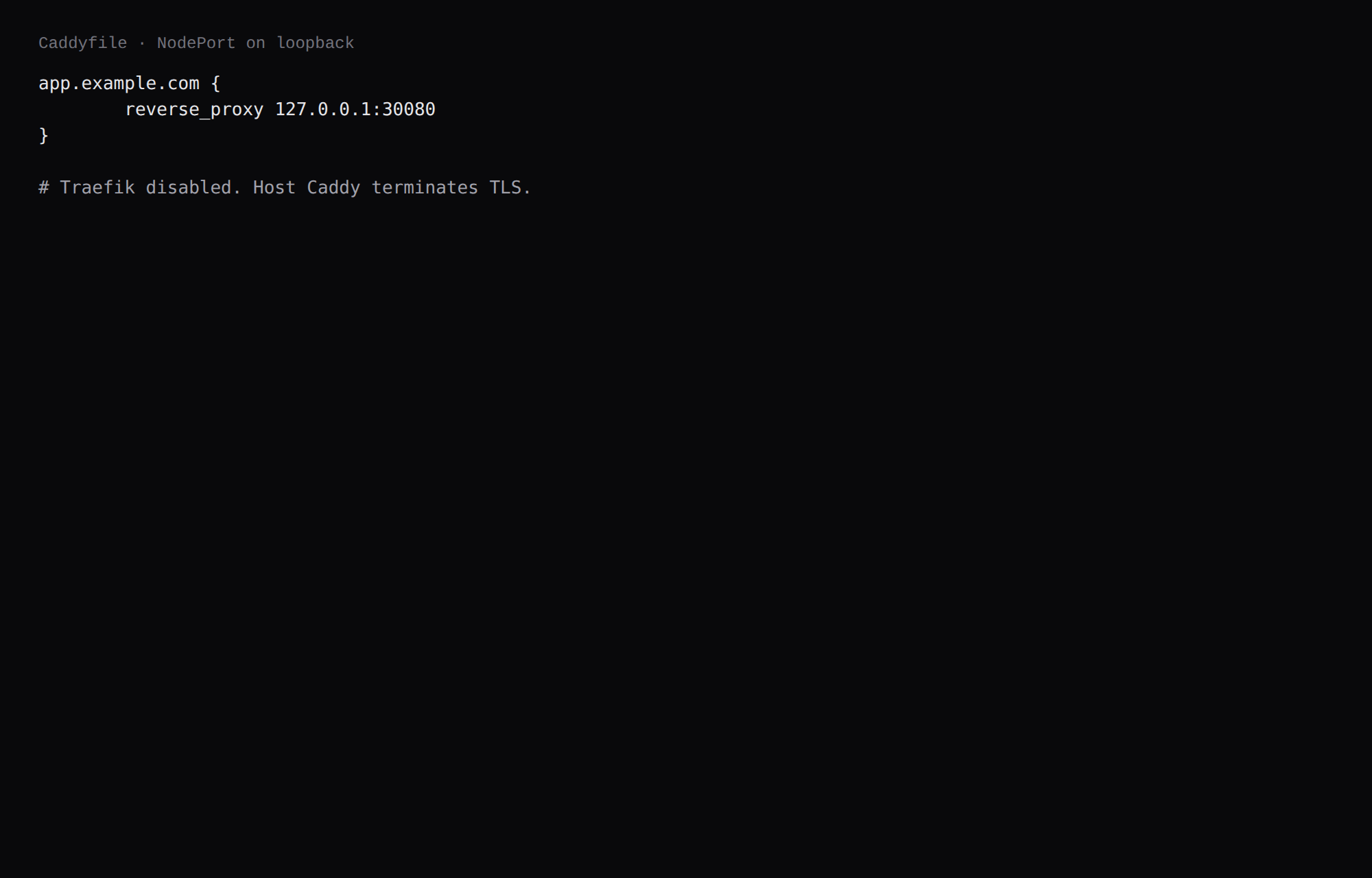
app.example.com {
	reverse_proxy 127.0.0.1:30080
}
Host Caddy terminates TLS and proxies to the NodePort on loopback. TLS setup is in the Caddy HTTPS post. Ingress and Traefik stay out of this install.
How do you back up the datastore?
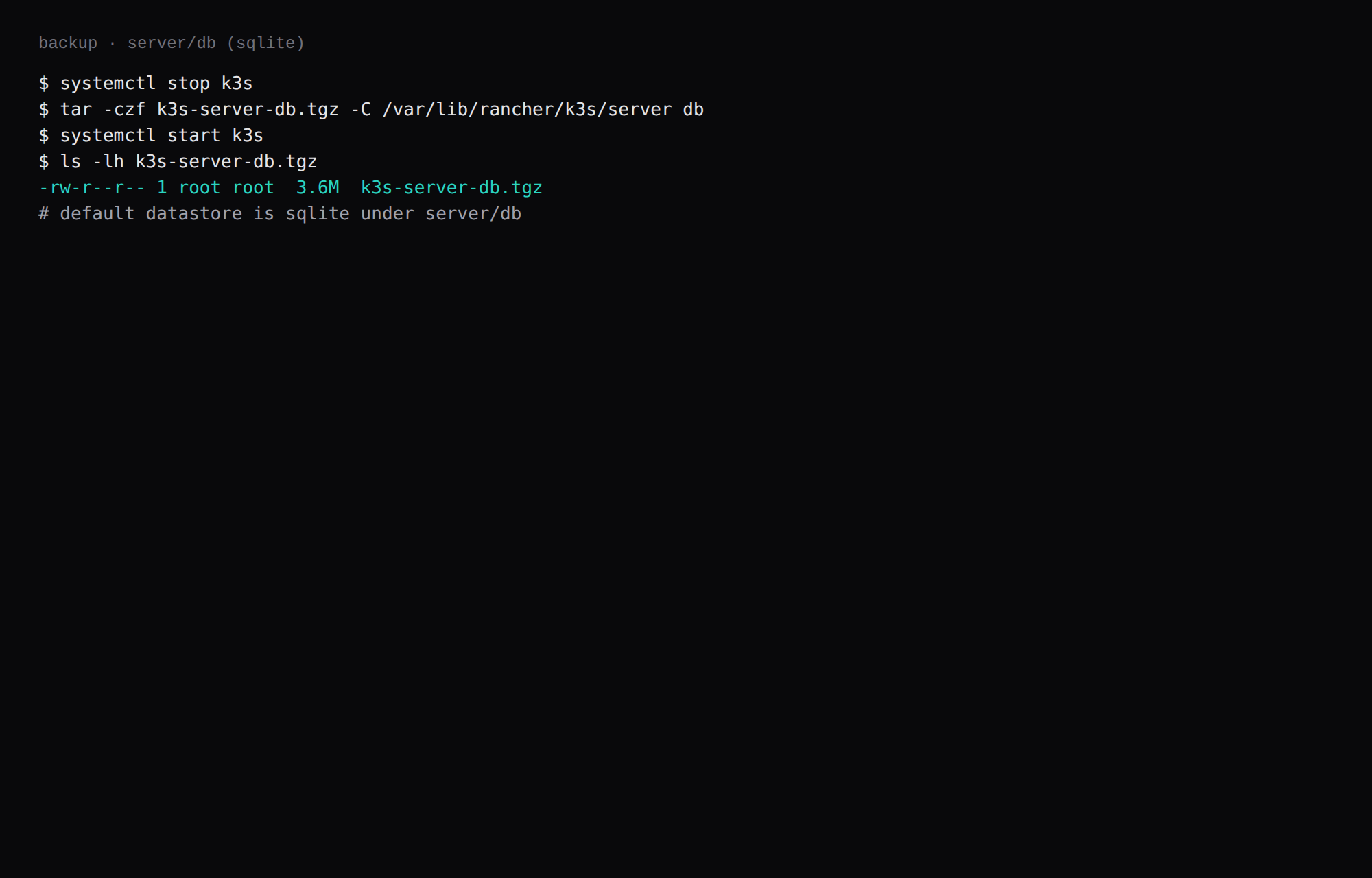
Default k3s uses sqlite under /var/lib/rancher/k3s/server/db. Stop the unit, archive db, start again:
systemctl stop k3s
tar -czf k3s-server-db.tgz -C /var/lib/rancher/k3s/server db
systemctl start k3s
On this lab the archive was about 3.6 MB after Ready plus one whoami Deployment. Point Restic at that tarball. If you later enable embedded etcd, use k3s etcd-snapshot instead.
When is one-node k3s the wrong tool?
If you only need Compose, use Compose. k3s pays for itself when you want Kubernetes manifests, Helm charts, or a path to more nodes later. On a 2 GB VPS the idle tax is large relative to a single binary app. Keep kubeconfig private. Upgrade k3s with the install script and the same flags you used on day one (--disable traefik here so host Caddy keeps 80/443). If you later keep Traefik but put MetalLB or hostNetwork ingress in front, also pass --disable=servicelb; otherwise ServiceLB claims 80/443 on every node (k3s networking, hilars.dev). Persist flags in /etc/rancher/k3s/config.yaml so reinstalls match. On a true single-node box, remove the control-plane NoSchedule taint if workloads stay Pending after install.
FAQ
Why is the cgroup larger than process RSS? k3s.service includes the server process, containerd, and the pods it runs. The RSS and PSS numbers are the k3s server process.
Docker on the same host? Possible. This lab already had Compose stacks, and k3s uses its own containerd. Do not point both at the same containerd socket.
Multi-node? This run is one VPS and one control-plane node.
ServiceLB / svclb? LoadBalancer Services use Klipper. This proof used NodePort only.
Uninstall? /usr/local/bin/k3s-uninstall.sh removes the unit and data. Run it only when you mean it.
6443? The API listens on *:6443. Restrict it on the panel firewall, and crop the kubeconfig contents in any screenshot.