
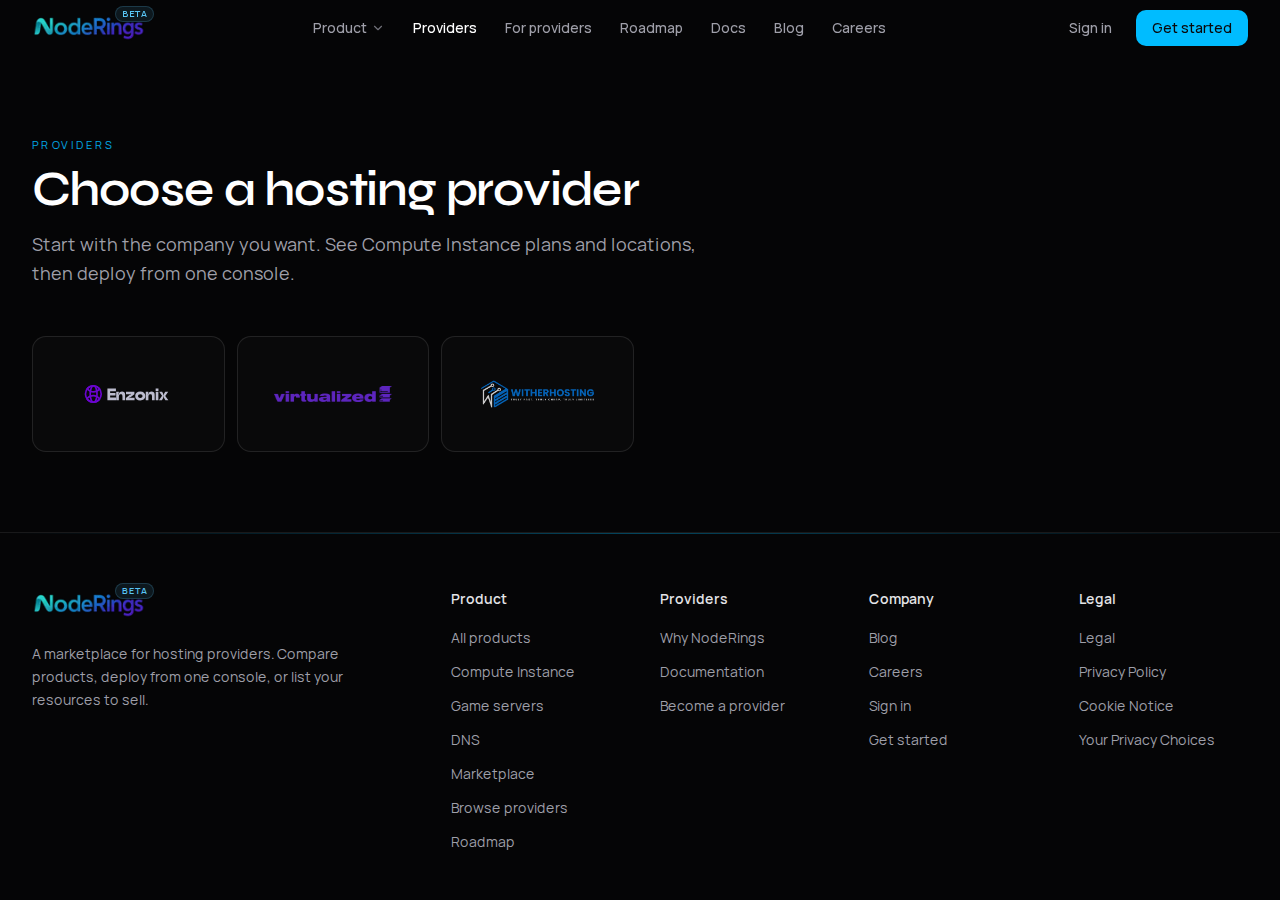
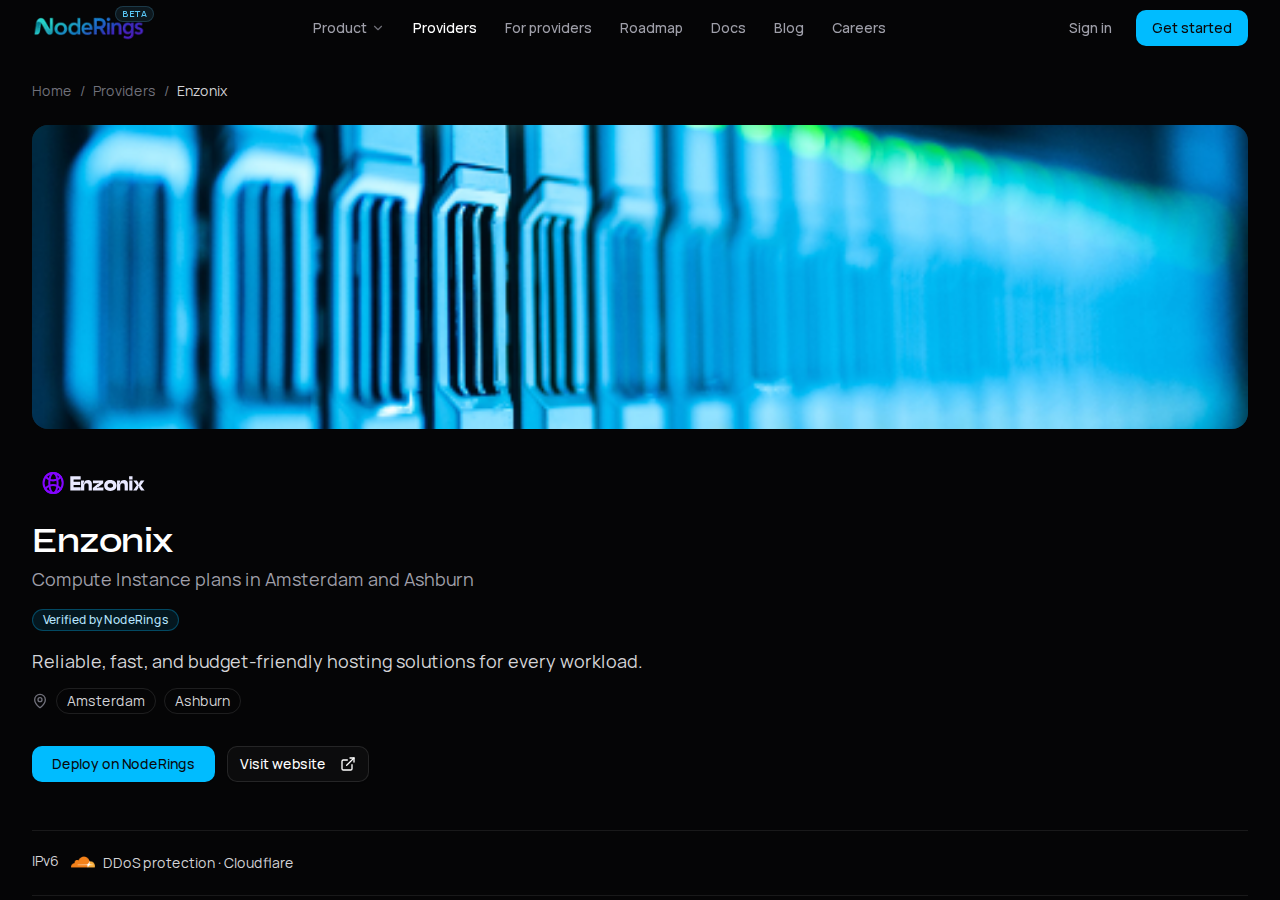
Scrapling 0.5.1 on an Ubuntu 24.04 VPS walked https://noderings.com/providers, followed the three provider links, and parsed every Deploy button aria-label into plan code, region, and monthly price. That pass returned 34 offers: Enzonix Compute from $5.00/mo, Virtualized from $12.49/mo, witherhosting game servers from $4.00/mo. Provider pages answered in about 140 to 180 ms each. The same guest also hit the homepage in 324.6 ms and wrote a 4803-byte Markdown dump with scrapling extract.
That is the shape of the library: HTTP with TLS impersonation, optional Playwright stealth when JS is required, CSS/XPath selectors, and a CLI. The main lab target is our own marketplace HTML (legal because we own it). Sandbox pages (quotes.toscrape.com, httpbin.org) only show up as secondary checks.
| Target | Tool | Status | Wall time | What we took |
|---|---|---|---|---|
| /providers → 3 provider pages | Fetcher | 200 | 140–181 ms each | 34 plan offers + prices |
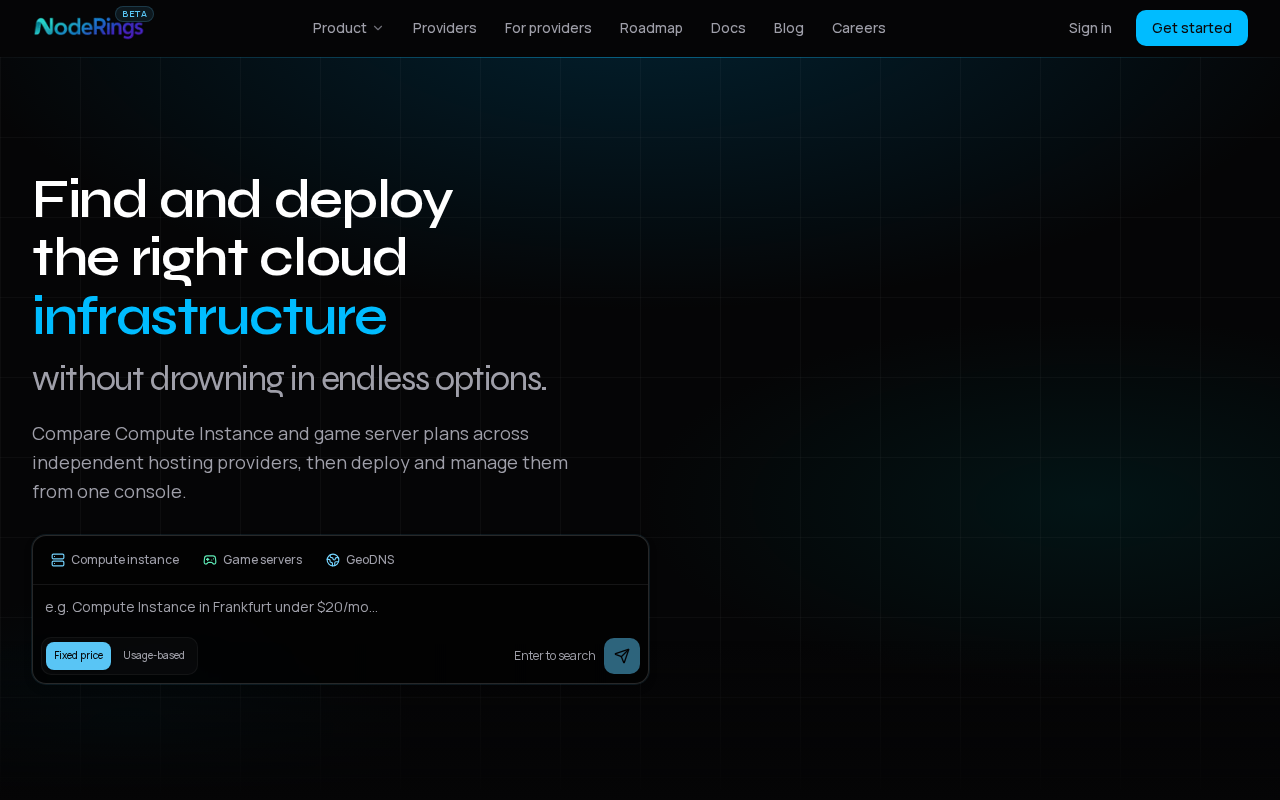
| noderings.com | Fetcher | 200 | 324.6 ms | title, h1, 53 links |
| httpbin.org/get | Fetcher | 200 | 456.3 ms | origin + Chrome UA |
| quotes.toscrape.com/js/ | StealthyFetcher | 200 | 3520.1 ms | 10 JS-rendered quotes |
| noderings.com (CLI) | scrapling extract | 200 | (CLI) | 4803-byte .md |
The guest was Ubuntu 24.04.5, 2 vCPU, 1.9 GiB RAM, at 185.247.224.191. Scrapling ran in a venv under /root/lab/scrapling. Browser binaries from scrapling install fit after clearing a 3.2 GiB Jellyfin transcode cache; plan a few gigabytes of free disk before you pull Chromium.
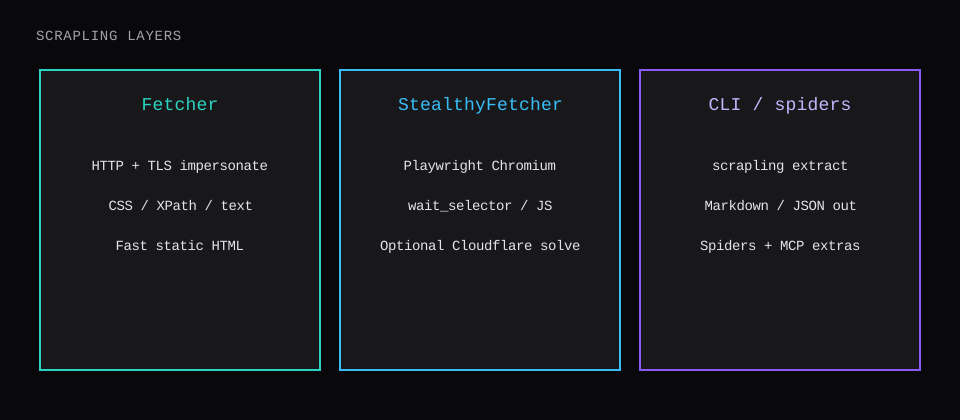
What Scrapling is
Scrapling is a BSD-3-Clause Python framework (Python 3.10+) from D4Vinci/Scrapling. The core Selector parses HTML you already have. The optional fetchers extra adds:
Fetcher/AsyncFetcher: HTTP viacurl_cffi, withimpersonatefor browser TLS fingerprints andstealthy_headersfor browser-like headers (on by default).StealthyFetcher: Chromium through Playwright/Patchright with stealth patches,wait_selector, ad/resource blocking, and optional Cloudflare Turnstile handling viasolve_cloudflare=True.- Spiders for concurrent crawls with pause/resume and proxy rotation (separate from this single-page lab).
- CLI (
scrapling extract,scrapling shell) when you install theshellextra. - Optional MCP / AI extras (
scrapling[ai]) if you want the agent-facing server.
The pitch that keeps showing up on OSS Radar and the docs is adaptive selection after layout changes, anti-bot fetchers, and one toolkit from a one-off GET to a crawl. This post measures the install path and the first useful scrapes, then stops before proxy farms and production spider ops.
Install on Ubuntu
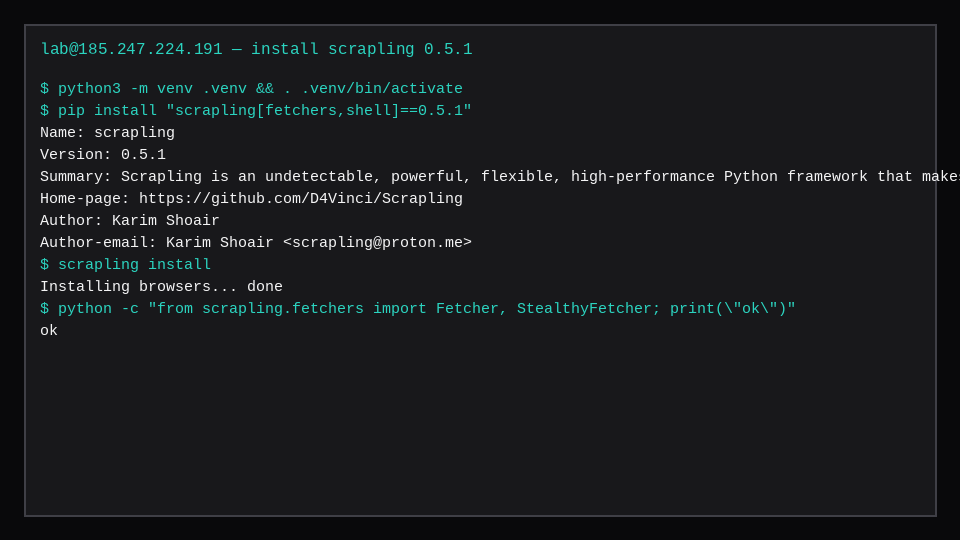
Python 3.12 on this guest. A venv keeps system packages clean:
sudo apt update
sudo apt install -y python3-venv python3-pip
mkdir -p ~/lab/scrapling && cd ~/lab/scrapling
python3 -m venv .venv
source .venv/bin/activate
pip install -U pip
pip install "scrapling[fetchers,shell]==0.5.1"
scrapling install
pip install scrapling alone ships the parser. Importing scrapling.fetchers without the extra raises ModuleNotFoundError. scrapling install downloads browsers and system libraries for StealthyFetcher. HTTP-only work can skip that step and still use Fetcher.
This lab pinned 0.5.1. pip show scrapling printed that version and the project homepage.
Docker is an alternative if you want the author's prebuilt image (pyd4vinci/scrapling or ghcr.io/d4vinci/scrapling:latest) instead of a venv. This lab stayed on the host Python path so the commands match a plain VPS.
Configure a scrape
Configuration is mostly call arguments, not a central YAML file.
For HTTP:
from scrapling.fetchers import Fetcher

page = Fetcher.get(
    "https://noderings.com/",
    impersonate="chrome",
    # stealthy_headers=True is the default
    # proxy="http://user:pass@host:port",  # optional
)
Useful knobs from the docs and this run:
| Knob | Where | Lab note |
|---|---|---|
impersonate="chrome" | Fetcher.* | TLS fingerprint; httpbin saw a Chrome 152 UA from this guest |
stealthy_headers | Fetcher.* | Default on; Google referer appeared in fetch logs |
proxy | Fetcher.* | Unused here |
wait_selector | StealthyFetcher.fetch | Used on the JS sandbox check |
disable_resources / block_ads | StealthyFetcher.fetch | Kept on for that check |
solve_cloudflare | StealthyFetcher.fetch | Left off; NodeRings provider HTML needs no captcha solve |
Scraping someone else's shop without permission is a legal problem. This lab scrapes NodeRings pages we publish. Sandbox sites are for the JS side demo only.
How scraping works in practice
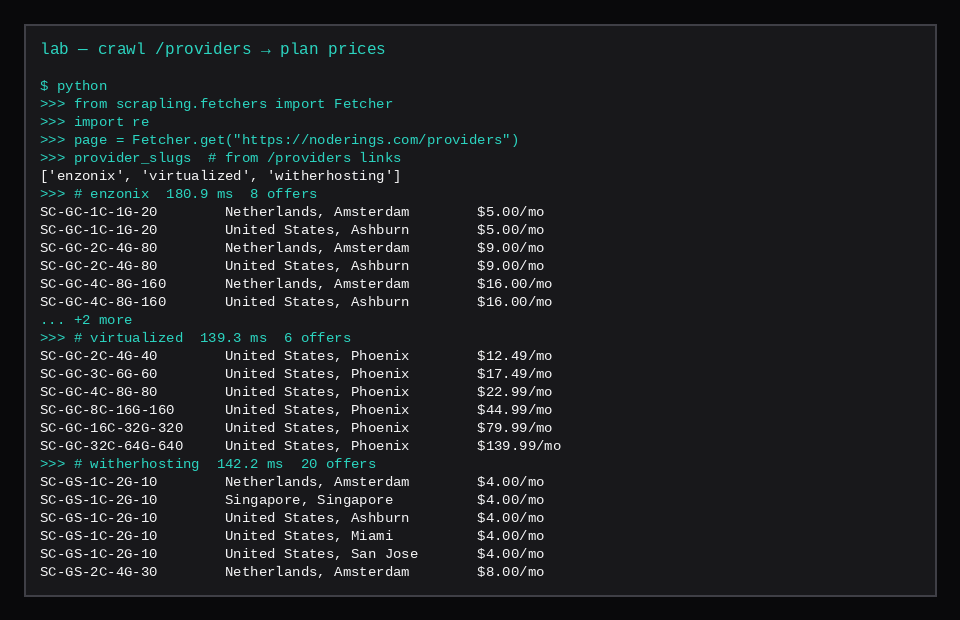
Crawl providers, then read plan prices
Fetcher.get("https://noderings.com/providers")and collect/providers/{slug}links.- Fetch each provider page with the same chrome impersonation.
- Select
button[aria-label^="Deploy "](or every button and filter). - Parse
Deploy SC-GC-1C-1G-20 in Netherlands, Amsterdam for $5.00/mowith a small regex into plan, region, and price.
import re
from scrapling.fetchers import Fetcher

DEPLOY_RE = re.compile(
    r"Deploy\s+(\S+)\s+in\s+(.+?)\s+for\s+\$([\d.]+)/(\w+)",
    re.I,
)

index = Fetcher.get("https://noderings.com/providers", impersonate="chrome")
slugs = []
for href in index.css("a::attr(href)").getall():
    if href and href.startswith("/providers/") and href.count("/") == 2:
        slugs.append(href.rsplit("/", 1)[-1])
# lab: ['enzonix', 'virtualized', 'witherhosting']

offers = []
for slug in sorted(set(slugs)):
    page = Fetcher.get(f"https://noderings.com/providers/{slug}", impersonate="chrome")
    for btn in page.css("button"):
        label = btn.attrib.get("aria-label") or ""
        m = DEPLOY_RE.search(label)
        if not m:
            continue
        code, region, price, unit = m.groups()
        offers.append({
            "provider": slug,
            "plan": code,
            "region": region,
            "price": f"${price}/{unit}",
        })
On this guest that produced 34 region-priced offers. Compacted to one row per plan code (cheapest region shown):
| Provider | Kind | Plan | From | Price |
|---|---|---|---|---|
| enzonix | Compute Instance | SC-GC-1C-1G-20 | Amsterdam | $5.00/mo |
| enzonix | Compute Instance | SC-GC-2C-4G-80 | Amsterdam | $9.00/mo |
| enzonix | Compute Instance | SC-GC-4C-8G-160 | Amsterdam | $16.00/mo |
| enzonix | Compute Instance | SC-GC-8C-16G-320 | Amsterdam | $32.00/mo |
| virtualized | Compute Instance | SC-GC-2C-4G-40 | Phoenix | $12.49/mo |
| virtualized | Compute Instance | SC-GC-3C-6G-60 | Phoenix | $17.49/mo |
| virtualized | Compute Instance | SC-GC-4C-8G-80 | Phoenix | $22.99/mo |
| virtualized | Compute Instance | SC-GC-8C-16G-160 | Phoenix | $44.99/mo |
| virtualized | Compute Instance | SC-GC-16C-32G-320 | Phoenix | $79.99/mo |
| virtualized | Compute Instance | SC-GC-32C-64G-640 | Phoenix | $139.99/mo |
| witherhosting | Game servers | SC-GS-1C-2G-10 | Amsterdam | $4.00/mo |
| witherhosting | Game servers | SC-GS-2C-4G-30 | Amsterdam | $8.00/mo |
| witherhosting | Game servers | SC-GS-4C-8G-60 | Amsterdam | $16.00/mo |
| witherhosting | Game servers | SC-GS-6C-16G-100 | Amsterdam | $32.00/mo |
Enzonix also lists Ashburn at the same four Compute prices. witherhosting repeats the four game tiers across Amsterdam, Singapore, Ashburn, and more regions (that is why the raw offer count is 34). Prices are whatever the public provider HTML showed during the lab crawl; re-run the script when you need a fresh list.
Homepage sanity check on the same stack:
page = Fetcher.get("https://noderings.com/", impersonate="chrome")
page.status                    # 200
page.css("title::text").get()  # Cloud VPS, Game Servers, and DNS | NodeRings
len(page.css("a::attr(href)")) # 53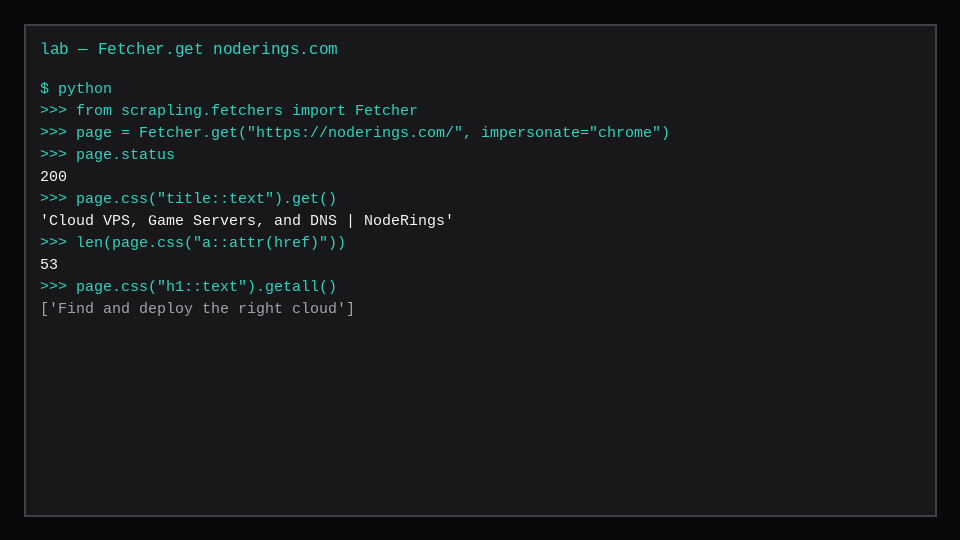
httpbin confirmed the outbound story: origin 185.247.224.191 and a Chrome desktop User-Agent under impersonation.
Browser path (StealthyFetcher)
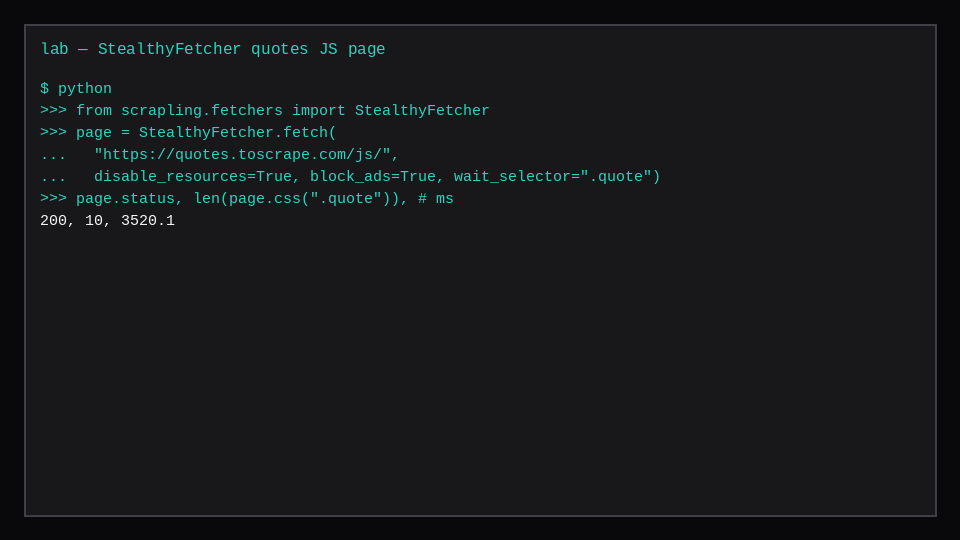
The static quotes URL is enough for Fetcher. The /js/ variant injects quotes in the browser. That is where Chromium earns the disk:
from scrapling.fetchers import StealthyFetcher

page = StealthyFetcher.fetch(
    "https://quotes.toscrape.com/js/",
    disable_resources=True,
    block_ads=True,
    wait_selector=".quote",
)
page.status, len(page.css(".quote"))  # 200, 10
Wall time here was 3.52 s, about an order of magnitude above the static Fetcher call, which matches "start a browser, wait for nodes, scrape."
CLI extract
Without writing a .py file:
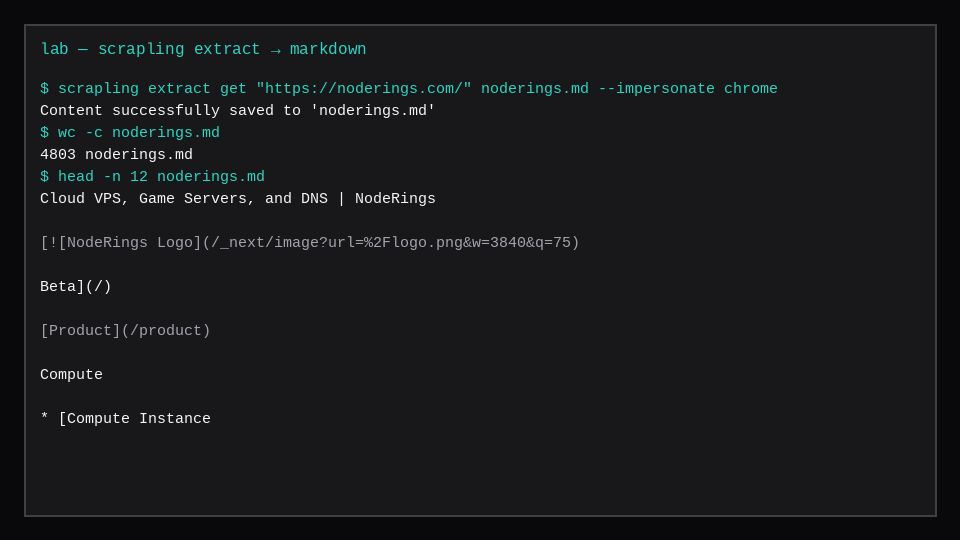
scrapling extract get "https://noderings.com/" noderings.md --impersonate chrome
wc -c noderings.md   # 4803
The Markdown head carried the document title, logo alt text, and the Product nav tree. Good for RAG ingestion or a quick archive. For agent pipelines the project docs recommend --ai-targeted on extract commands to reduce prompt-injection junk in the saved text.
Advantages that showed up in the lab
- Structured fields from real marketplace HTML. Provider pages expose plan, region, and price in
aria-labeltext Scrapling can select without a private API key. - One import surface. HTTP and browser results both expose
.css()/.xpath(). - TLS impersonation without a separate stack.
impersonate="chrome"plus default stealthy headers was enough for NodeRings and httpbin. - JS when you need it. The provider crawl stayed on
Fetcher. StealthyFetcher only entered for the JS sandbox check (~3.5 s). - CLI for zero-code grabs.
scrapling extractarchived the homepage as Markdown in one shot.
Tradeoffs the same lab makes obvious: Chromium cost (disk and RAM), slower JS fetches, and the usual scraping ethics. Adaptive relocation and full spider pause/resume are documented strengths; this guest did not stress-test layout drift or multi-hour crawls.
When to pick which mode
| Situation | Start with |
|---|---|
| Public HTML, known CSS | Fetcher.get + .css() |
| Content appears after JS | StealthyFetcher.fetch + wait_selector |
| One-off archive / Markdown | scrapling extract get |
| Many URLs, sessions, proxies | Spiders (next step past this post) |
| AI agent needs a tool | scrapling[ai] MCP extra |
A marketplace Compute Instance is enough hardware for Fetcher. Budget RAM and disk before you lean on StealthyFetcher all day. Pair scrapes with something you own (changedetection watches pages; this post is about pulling structured fields once).
StealthyFetcher is still a browser budget
Scrapling’s Fetcher path stays light: HTTP requests and parsing on a small VPS. StealthyFetcher pulls in a real browser automation stack, so idle RAM and CPU jump the moment you open pages that need JS. Pin the package version, run under a dedicated user, and keep outbound scraping polite (rate limits, robots where they apply, and a clear User-Agent policy). A 1 GB guest can host Fetcher jobs; budget 2 GB+ once StealthyFetcher and Chromium share the box with anything else. Store results on disk or object storage, not in the scraper process.
FAQ
Do I need scrapling install for every project?
Only when you call browser fetchers (StealthyFetcher and related). Pure Fetcher HTTP work runs after pip install "scrapling[fetchers]" without the browser download.
Is Scrapling a Scrapy replacement?
For many one-page and small crawl jobs it covers the same ground with less ceremony. Scrapy's middleware ecosystem and long-running crawl culture still matter at large scale. Scrapling's own docs include a migration angle if you are coming from BeautifulSoup or Scrapy.
Can I scrape any site because StealthyFetcher exists?
Capability is separate from permission. This lab scrapes NodeRings pages we publish, plus a small sandbox check. Keep concurrency polite on anything you do not own.
What RAM does the idle VPS need?
The 1.9 GiB guest ran HTTP scrapes comfortably. StealthyFetcher needs headroom for Chromium; expect to keep other heavy services off the box while you profile, or move up a plan when browser workers stay resident.