
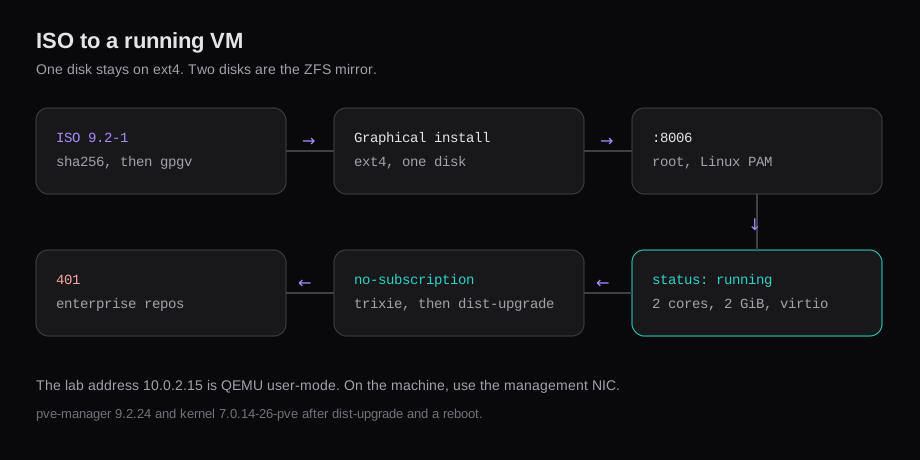
The amd64 image is proxmox-ve_9.2-1.iso. SHA256 4e88fe416df9b527624a175f24c9aa07c714d3332afb1ee3dbf3879573ef2c6c. The graphical installer defaults to ext4 on LVM. One disk stays on that default. Two disks are the case for a ZFS mirror.
This install used a 40 GiB disk, the hostname pve.example-hosting.com, and one IPv4 address. The first boot was pve-manager 9.2.2 on kernel 7.0.2-6-pve. apt-get update then exited 100, with 401 Unauthorized from both enterprise repositories. Enabled: no on those two files, plus a pve-no-subscription source for trixie, let apt-get dist-upgrade install pve-manager 9.2.24 and kernel 7.0.14-26-pve. The reboot is what made that kernel the running one. The UI is https://<address>:8006, user root, realm Linux PAM. The certificate warning and the "No valid subscription" dialog both show up on a node that has no subscription key.
| What | This install |
|---|---|
| ISO | proxmox-ve_9.2-1.iso, 1,706,178,560 bytes |
pveversion on the ISO | proxmox-ve: 9.2.0, manager 9.2.2, kernel 7.0.2-6-pve |
| Filesystem | ext4, LVM, one disk |
After dist-upgrade and a reboot | manager 9.2.24, kernel 7.0.14-26-pve |
| UI | https://<address>:8006, root, Linux PAM |
| First VM | Ubuntu 26.04.1, 2 cores, 2 GiB, virtio, status: running |
The screenshots are a nested QEMU guest: 4 vCPU, 8 GiB RAM, one 40 GiB disk. 10.0.2.15/24 is QEMU user-mode networking, gateway 10.0.2.2, DNS 10.0.2.3. On the machine in the rack, those three fields are the management NIC.
Check the Proxmox VE 9.2 ISO
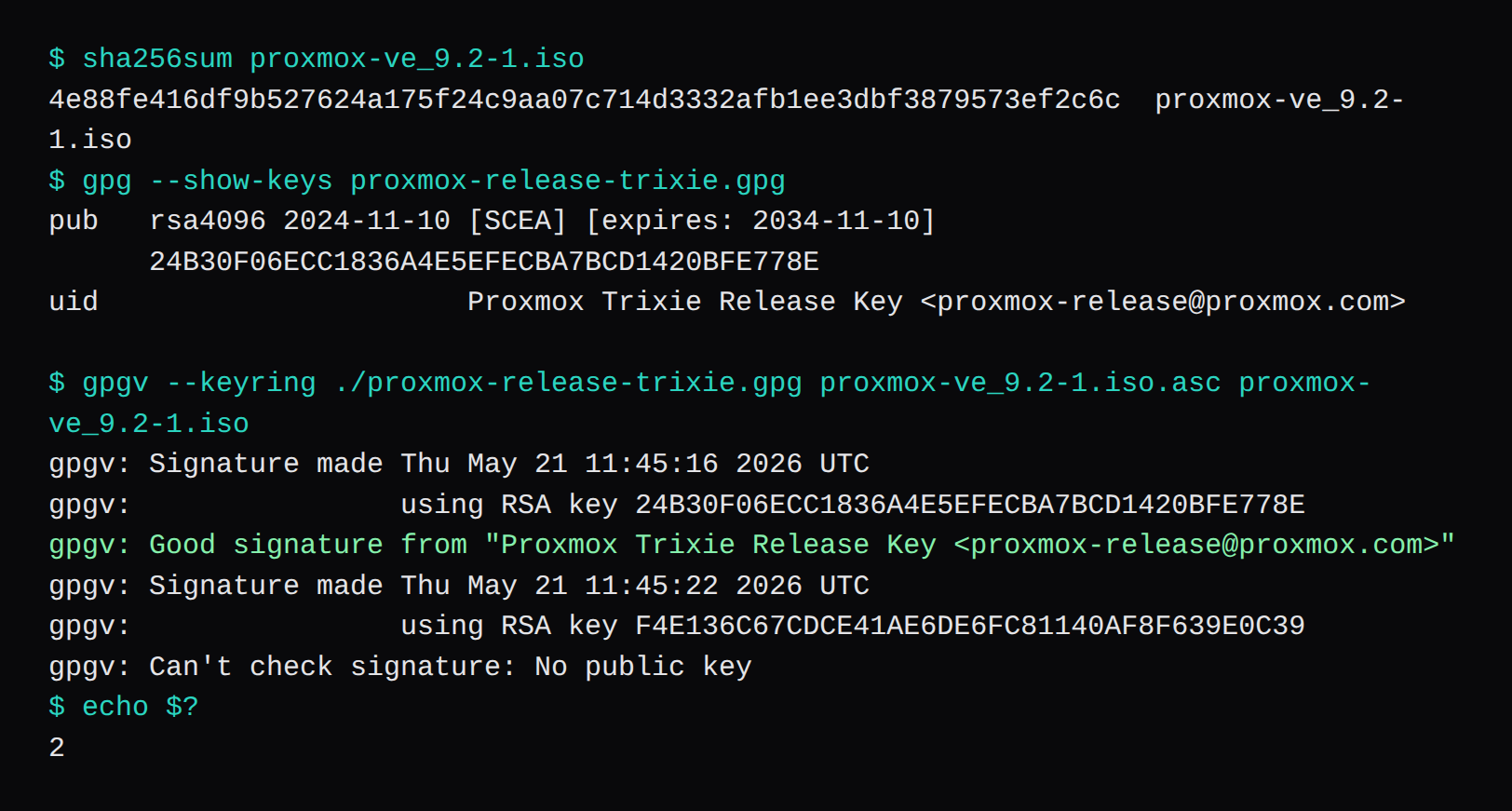
The download page publishes the SHA256. The file used here came from https://enterprise.proxmox.com/iso/proxmox-ve_9.2-1.iso. A request to download.proxmox.com presented a certificate whose names are enterprise.proxmox.com and the CDN hosts, so the hostname check failed. The bytes from the enterprise host matched the published hash. Compare the file you downloaded with that hash, and keep the TLS check on.
The trixie release key is https://enterprise.proxmox.com/debian/proxmox-release-trixie.gpg. Fingerprint 24B30F06ECC1836A4E5EFECBA7BCD1420BFE778E.
wget https://enterprise.proxmox.com/debian/proxmox-release-trixie.gpg
wget https://enterprise.proxmox.com/iso/proxmox-ve_9.2-1.iso.asc
wget https://enterprise.proxmox.com/iso/proxmox-ve_9.2-1.iso
sha256sum proxmox-ve_9.2-1.iso
gpgv --keyring ./proxmox-release-trixie.gpg proxmox-ve_9.2-1.iso.asc proxmox-ve_9.2-1.iso
sha256sum printed 4e88fe416df9b527624a175f24c9aa07c714d3332afb1ee3dbf3879573ef2c6c. gpgv reported a good signature from the Proxmox Trixie Release Key, then a second signature from F4E136C67CDCE41AE6DE6FC81140AF8F639E0C39. That second key is not in the trixie keyring, so gpgv exits 2. The trixie signature is the one that matched.
Start the graphical installer
The system requirements ask for Intel VT or AMD-V on x86. The recommended memory line is 2 GB for the OS and the Proxmox services, plus whatever the guests need. Ceph and ZFS want about 1 GB more per TB of used storage. The evaluation minimum on the same page is 1 GB plus the guests. This nested node had 8 GB so the installer and one small guest would both fit.
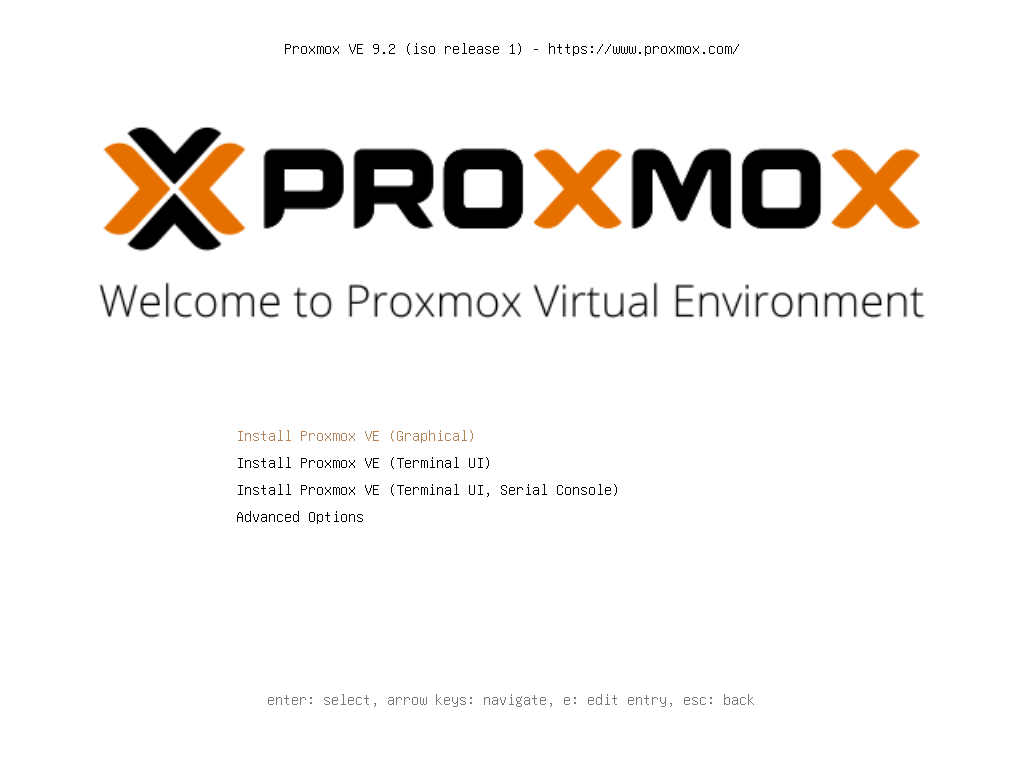
The boot menu has Graphical, Terminal UI, and a serial Terminal UI. Graphical is the selected entry. The screen stayed black while the ramdisk loaded, then the installer opened. If it stays black, the next entry is Terminal UI. The installation page says to add nomodeset when the boot hangs, and it says a failed install leaves its errors on the second TTY, Ctrl+Alt+F2.
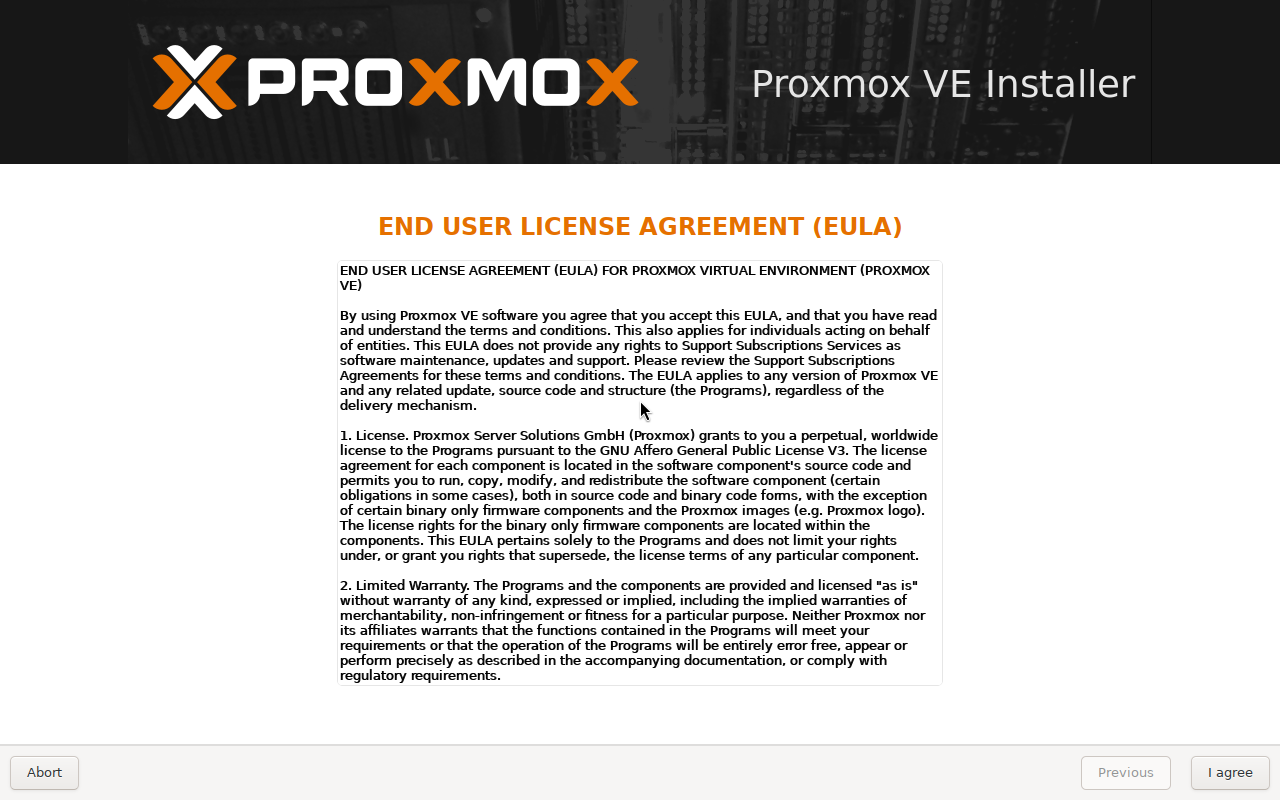
The first installer page is the EULA. I agree, then the target disk.
Choose the disk and the filesystem
The target line showed /dev/vda (40.00GiB). On bare metal that line is the real disk, and the installer erases it. Options defaults to ext4, hdsize equal to the whole disk, and blank fields for swapsize, maxroot, minfree, and maxvz. Those blanks mean the defaults. ext4 and XFS both land on LVM. The volume group is pve, with logical volumes root, data, and swap.
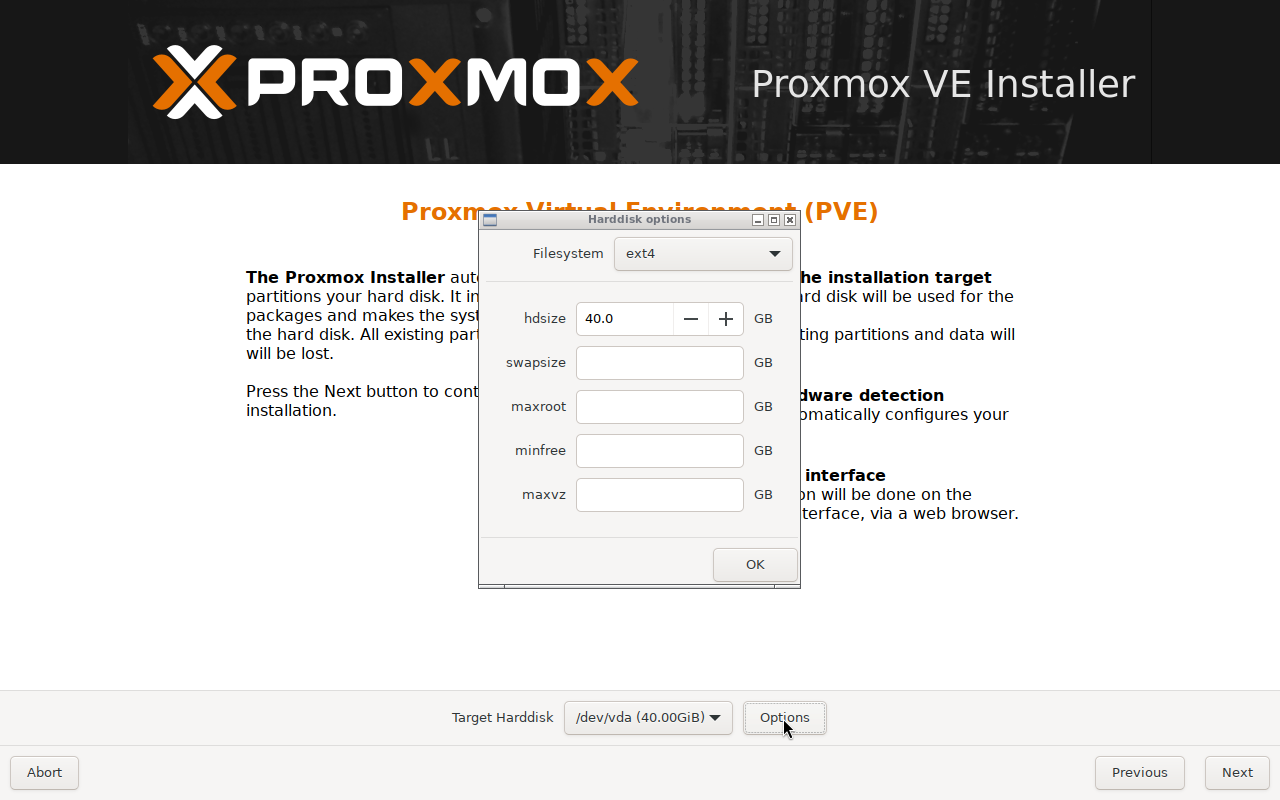
The installation page sets the swap default to the installed RAM, at least 4 GB and at most 8 GB, and never more than one eighth of the disk. This node had 8 GB of RAM on a 40 GiB disk, so the cap is one eighth. lvs afterwards showed swap at <4.88g, root at <17.31g, and a thin pool data at 10.43g. The same page creates that data pool only when the leftover is bigger than 4 GB. maxvz set to 0 skips it, and then local-lvm is absent. ZFS on a hardware RAID card is the combination that page calls unsupported.
Two disks are where the Options dialog grows a ZFS mirror. The filesystem choice after that, including what a dead disk takes with it, is what survives a dead disk.
Set the country, the timezone, and the keyboard
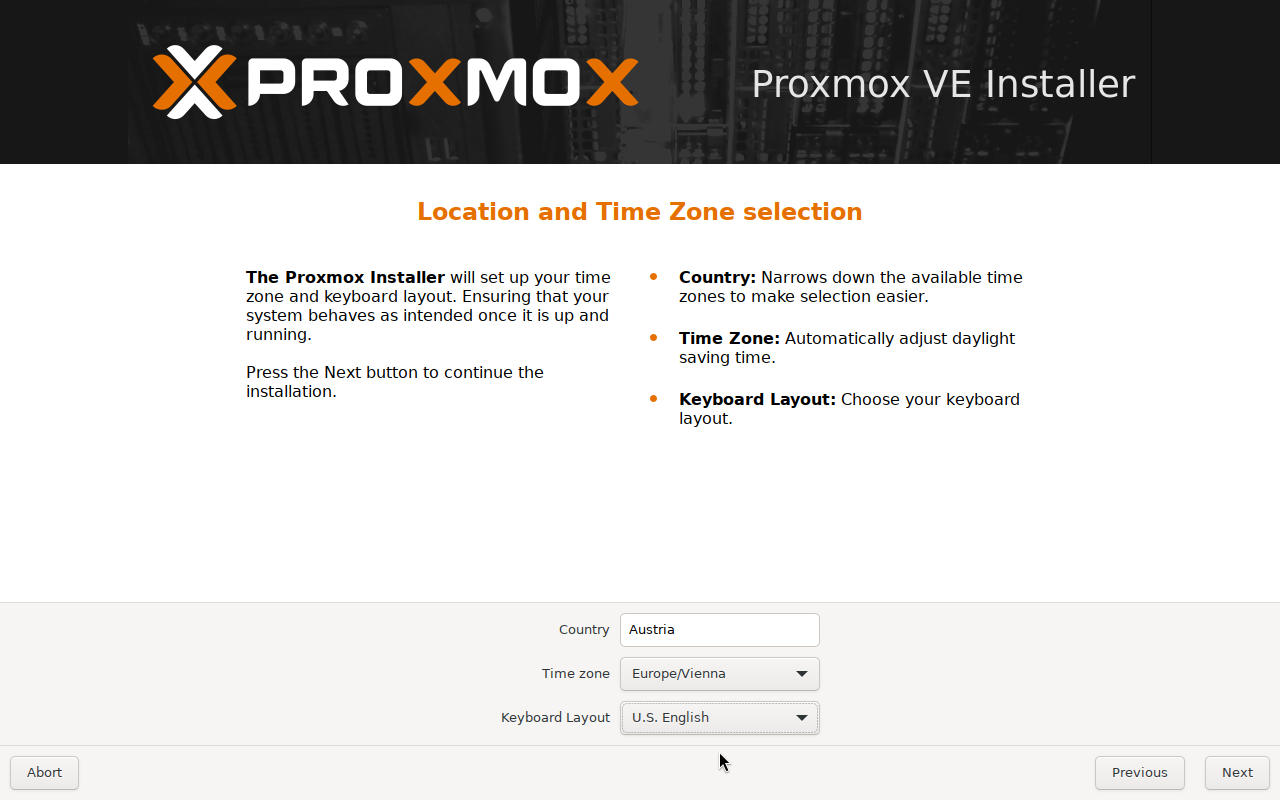
Next refused to continue while Country was empty. The message was "Please select a country first." Time zone was already Europe/Vienna. Typing Austria filled the country and switched Keyboard Layout to German. The keyboard on this machine is U.S. English, so the layout went back to that. Pick the country you are in, and the layout you are actually typing on. The country also chooses a nearby download server for later updates.
Set the root password and the email
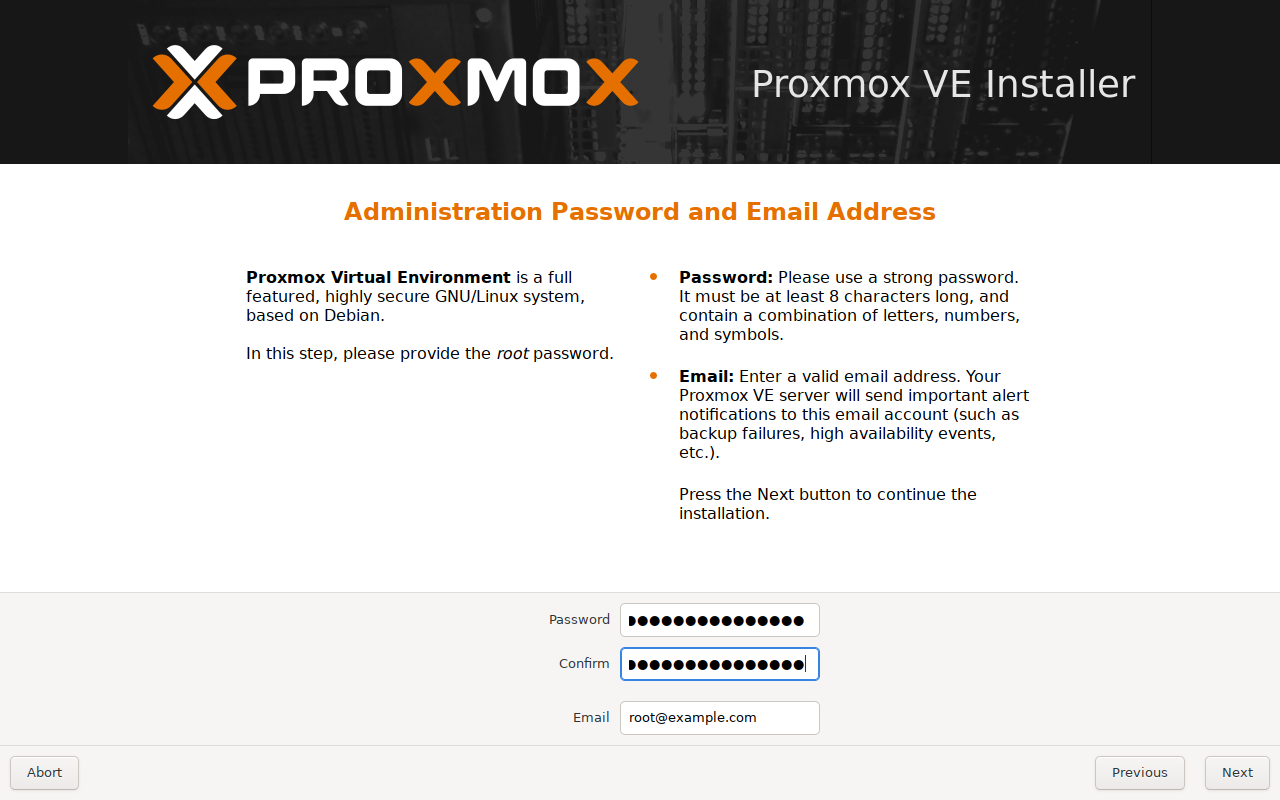
The password field wants at least 8 characters. The installation page recommends 12, with mixed case, numbers, and a symbol. The field is masked. The email is where the node sends update notices and cron errors. This run used [email protected].
Set the hostname and the address
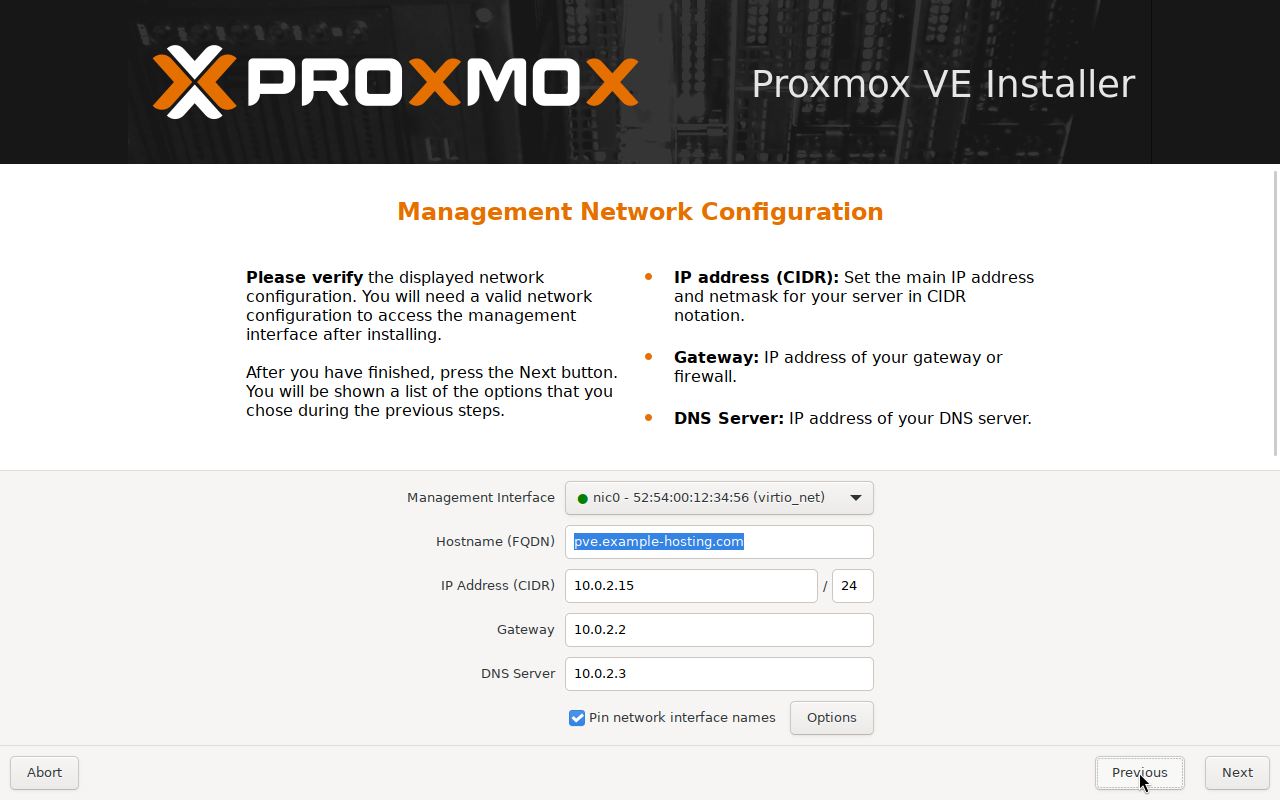
The management NIC had a filled circle and the name nic0, a virtio device. Interfaces that are up get that circle. The hostname field wants the FQDN. This one is pve.example-hosting.com. The address row was 10.0.2.15/24, gateway 10.0.2.2, DNS 10.0.2.3, because that is what QEMU user-mode networking hands out. On the bare-metal box, type the management address, its gateway, and a DNS resolver that the NIC can reach. "Pin network interface names" was already checked, and it stayed checked.
The installation page takes one address family in this step. This page only had the IPv4 fields. Add the other family after the node is up.
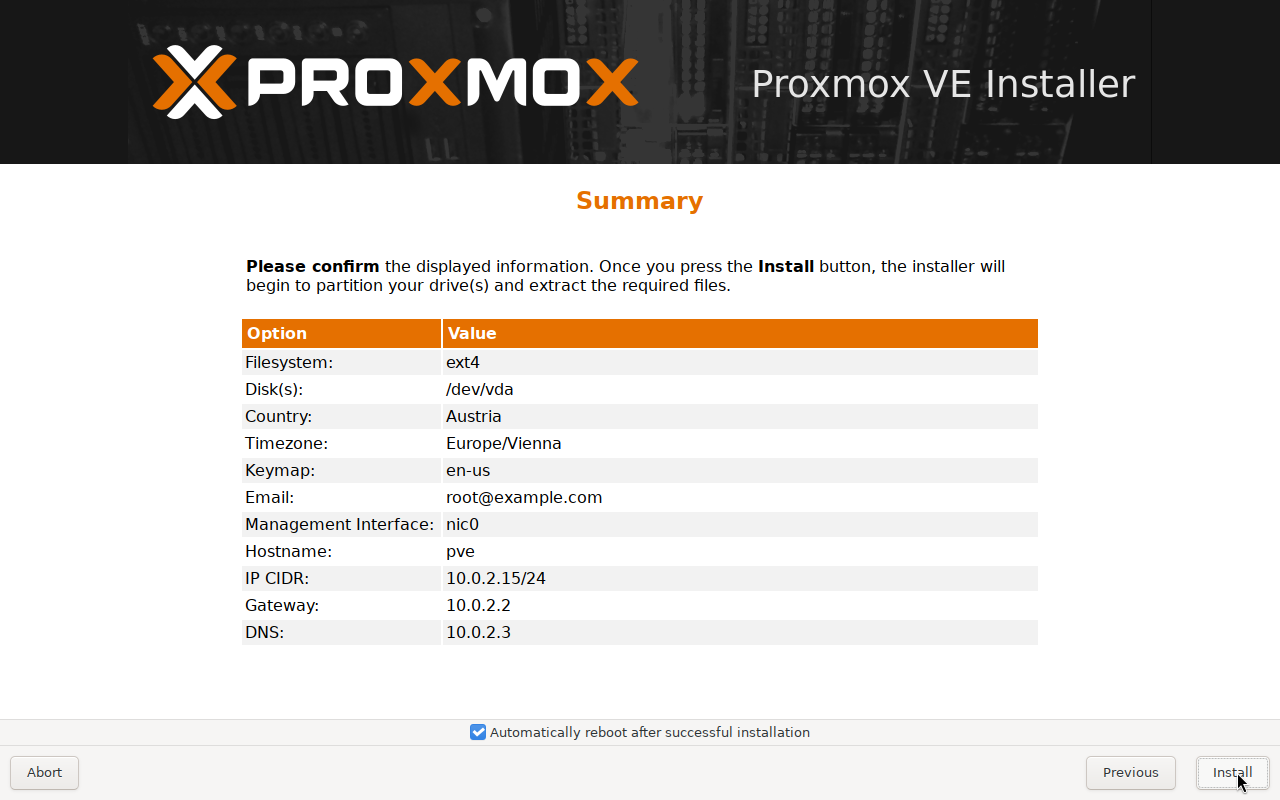
The summary is the last page before Install. Filesystem ext4, disk /dev/vda, country Austria, timezone Europe/Vienna, keymap en-us, email [email protected], interface nic0, address 10.0.2.15/24. The Hostname row printed pve, the short name, while the field on the previous page held the FQDN.
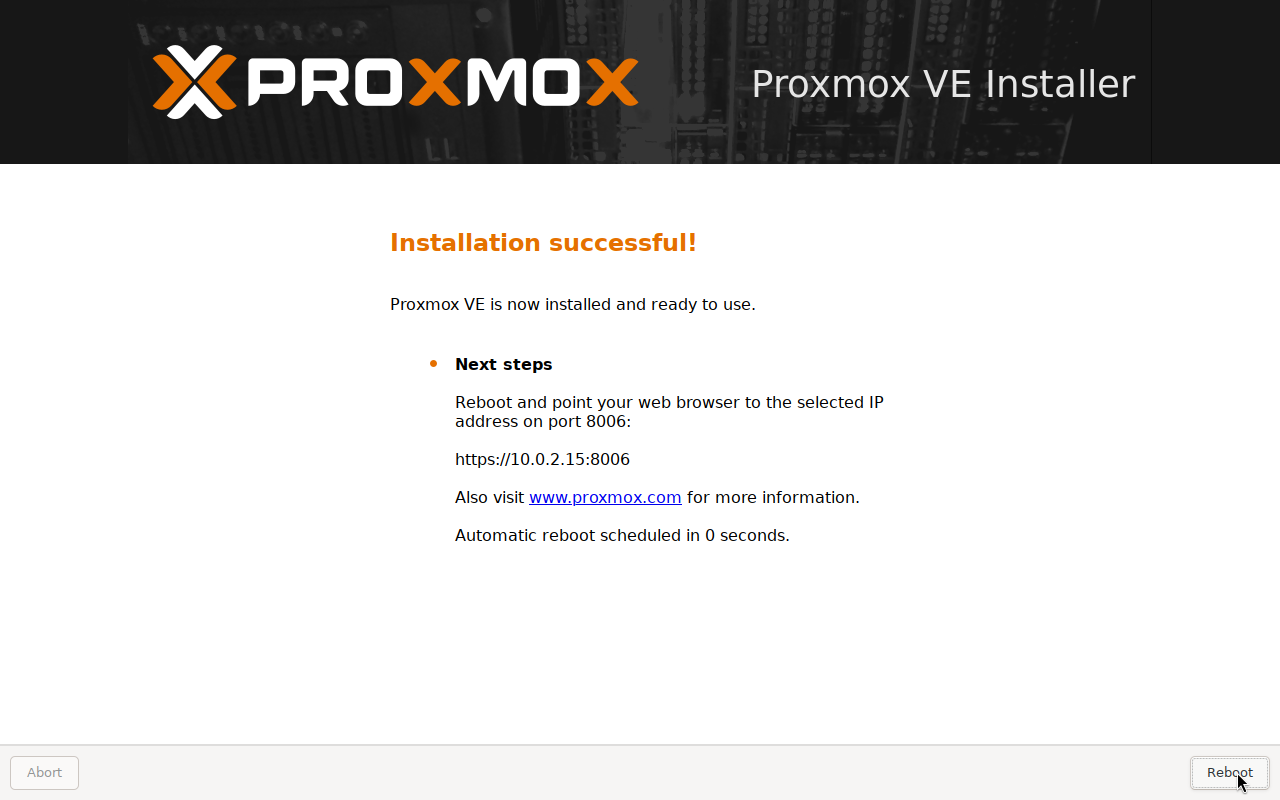
From the Install button until port 8006 returned a page was 151 seconds on this qcow2. A USB stick or a slower disk takes longer. The installation page says the copy usually takes several minutes and depends on the disk. Take the ISO out before the reboot. Left in the drive, the machine comes back to the installer menu.
Open https://the-address:8006
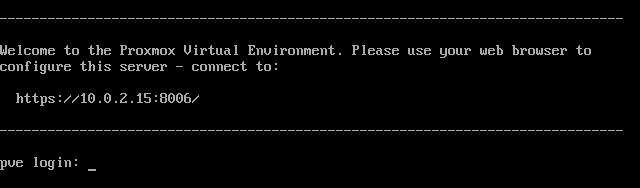
After the reboot the console banner is the same URL, and the login prompt is pve login. hostname -f printed pve.example-hosting.com. /etc/hosts contained:
10.0.2.15 pve.example-hosting.com pveThe certificate subject was CN = pve.example-hosting.com, issued by PVE Cluster Manager CA. hostname -f, that CN, and /etc/hosts all carried the FQDN.
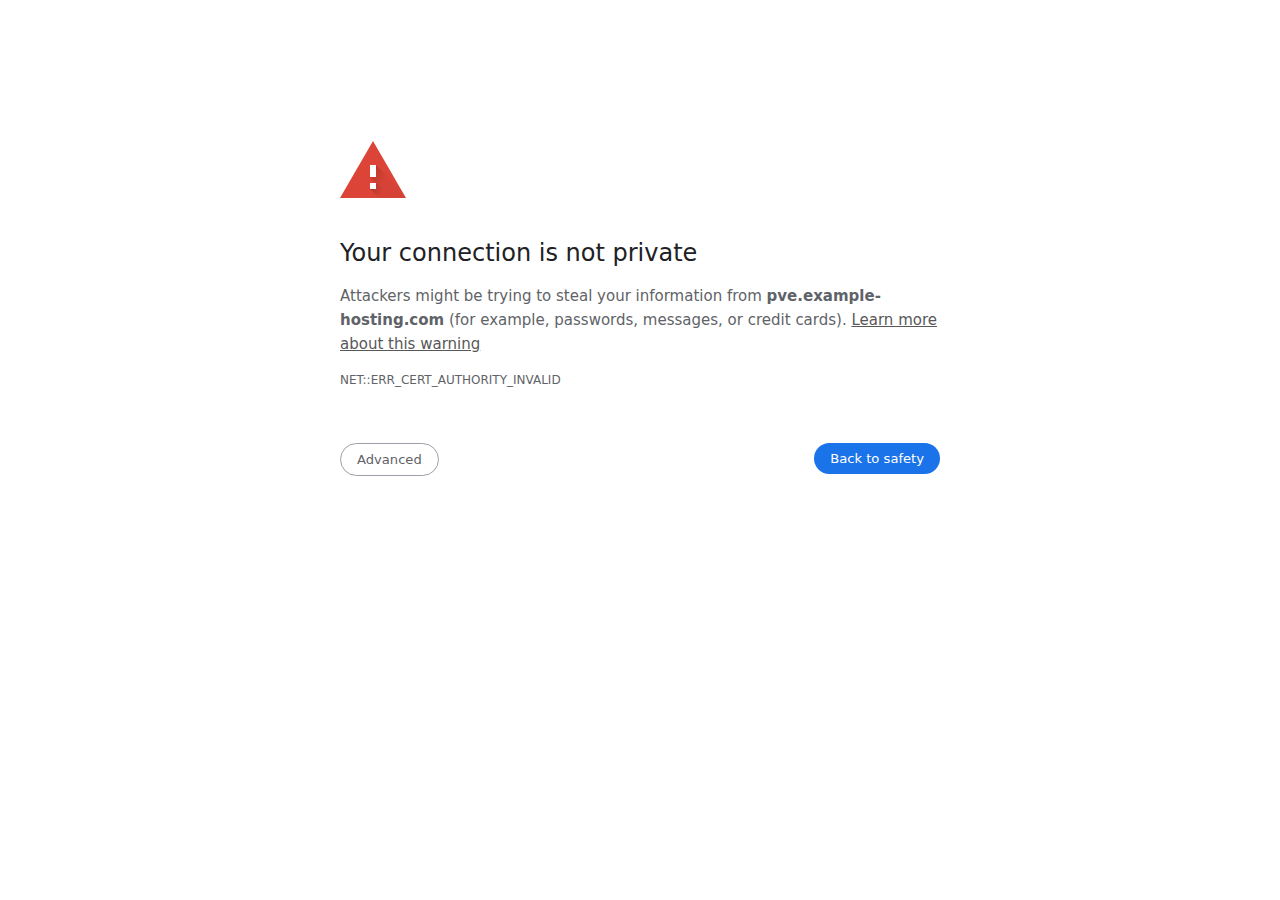
Chrome stops on NET::ERR_CERT_AUTHORITY_INVALID. The issuer is the Proxmox CA, which the browser has never seen. Advanced, then proceed. A replacement certificate can wait until after the login.
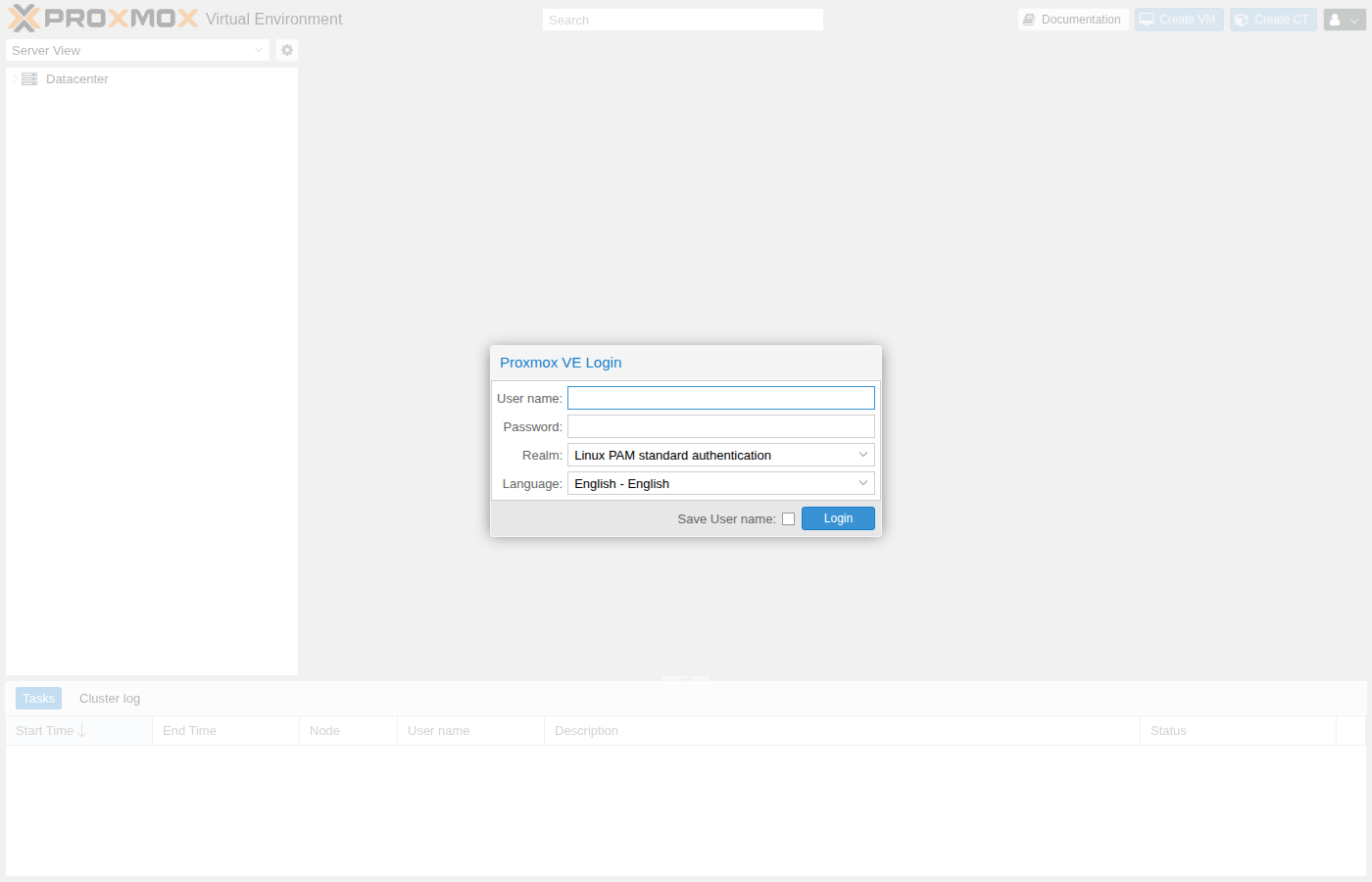
The login box wants root and the password from the installer. Realm stays on Linux PAM.
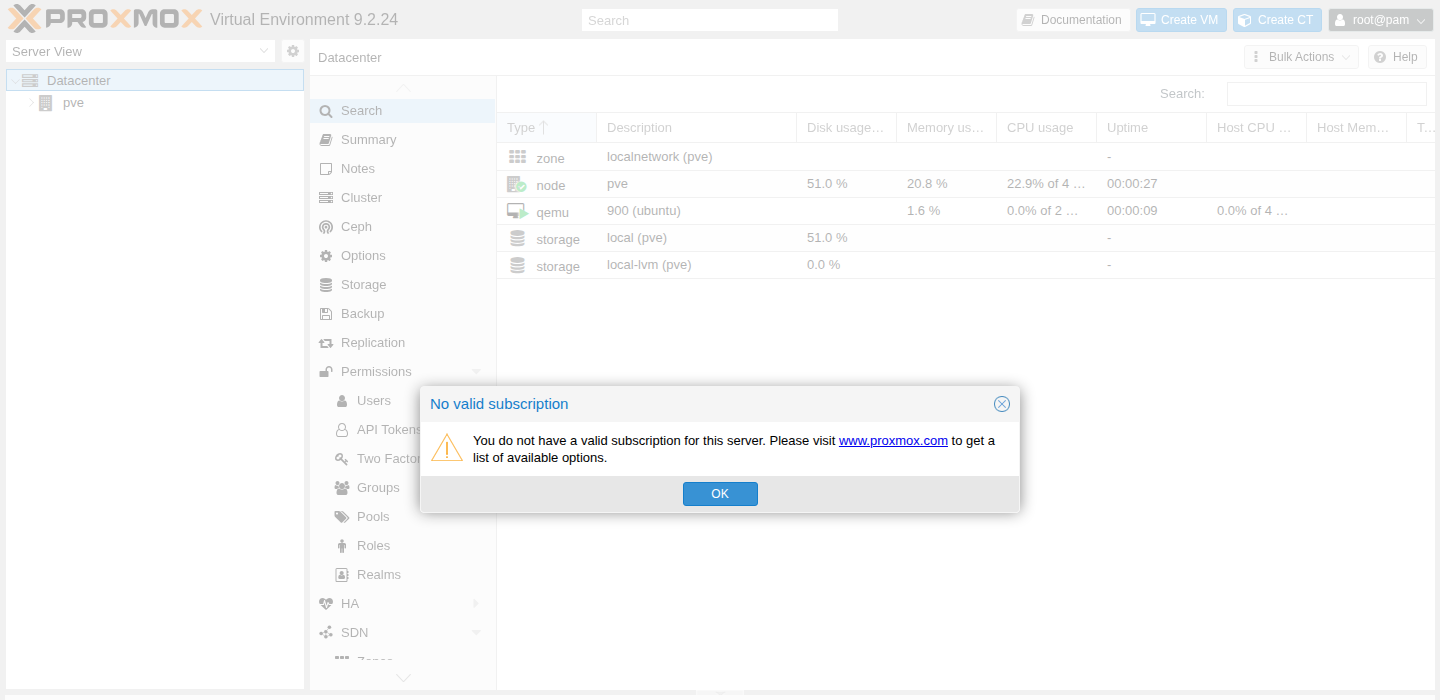
The first screen after login says "No valid subscription". That is the missing key, and the node behind the dialog is up. A login before dist-upgrade showed Virtual Environment 9.2.2. The frame here is a later login, so the header reads 9.2.24 and VM 900 is already in the tree. The dialog text is the same.
Stop the enterprise repository 401
A fresh install enables the enterprise repository and the Ceph enterprise repository. Neither accepts an anonymous apt-get update. This node had no sources.list. The definitions are deb822 files under /etc/apt/sources.list.d/.
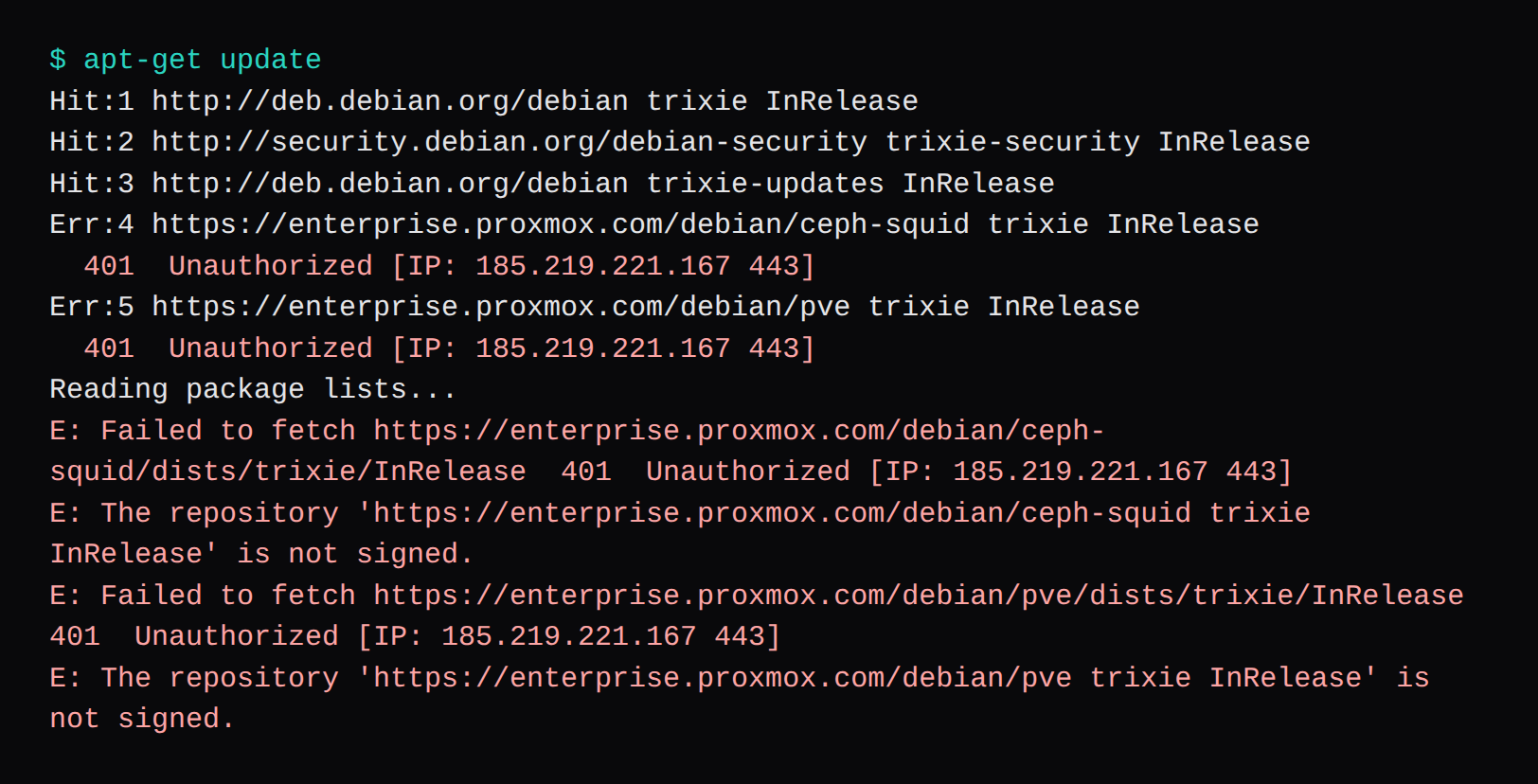
pve-enterprise.sources pointed at https://enterprise.proxmox.com/debian/pve, suite trixie, component pve-enterprise. ceph.sources pointed at https://enterprise.proxmox.com/debian/ceph-squid, component enterprise. Both returned 401, and apt said the repositories were not signed, which is what a 401 looks like when the file never arrives. Exit code 100.
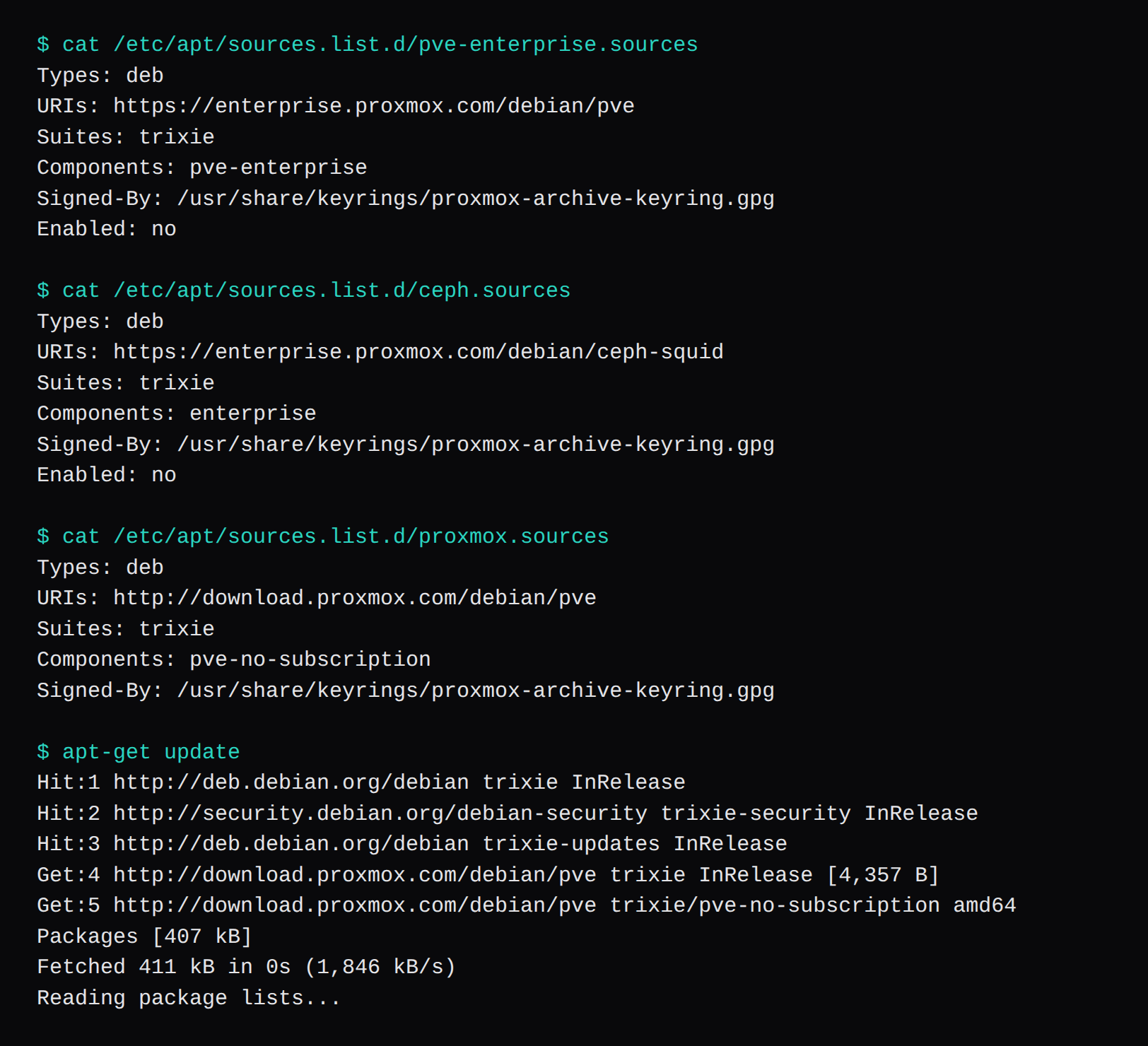
The repository page disables an enterprise entry with Enabled: no, and it puts the no-subscription repository in proxmox.sources. Proxmox calls that repository the testing and non-production one. The Ceph file got the same Enabled: no. Nothing on this node uses Ceph, so that file stayed disabled and no Ceph no-subscription source was added.
# /etc/apt/sources.list.d/pve-enterprise.sources
Types: deb
URIs: https://enterprise.proxmox.com/debian/pve
Suites: trixie
Components: pve-enterprise
Signed-By: /usr/share/keyrings/proxmox-archive-keyring.gpg
Enabled: no
# /etc/apt/sources.list.d/ceph.sources
Types: deb
URIs: https://enterprise.proxmox.com/debian/ceph-squid
Suites: trixie
Components: enterprise
Signed-By: /usr/share/keyrings/proxmox-archive-keyring.gpg
Enabled: no# /etc/apt/sources.list.d/proxmox.sources
Types: deb
URIs: http://download.proxmox.com/debian/pve
Suites: trixie
Components: pve-no-subscription
Signed-By: /usr/share/keyrings/proxmox-archive-keyring.gpgapt-get update then fetched the trixie InRelease and 407 kB of pve-no-subscription packages, 411 kB in all, and exited 0.
apt-get dist-upgrade is the step the download page asks for on a fresh ISO. It moved the manager from 9.2.2 to 9.2.24 and installed kernel 7.0.14-26-pve beside the ISO kernel 7.0.2-6-pve. pveversion kept printing proxmox-ve: 9.2.0 and the old running kernel until the reboot. After the reboot the running kernel was 7.0.14-26-pve. That is the build covered in the Proxmox kernel to boot. The ISO kernel is older than that line, so the reboot is the step that leaves the 401 behind and lands on the kernel you meant to run.
apt-get update
apt-get dist-upgrade
reboot
pveversion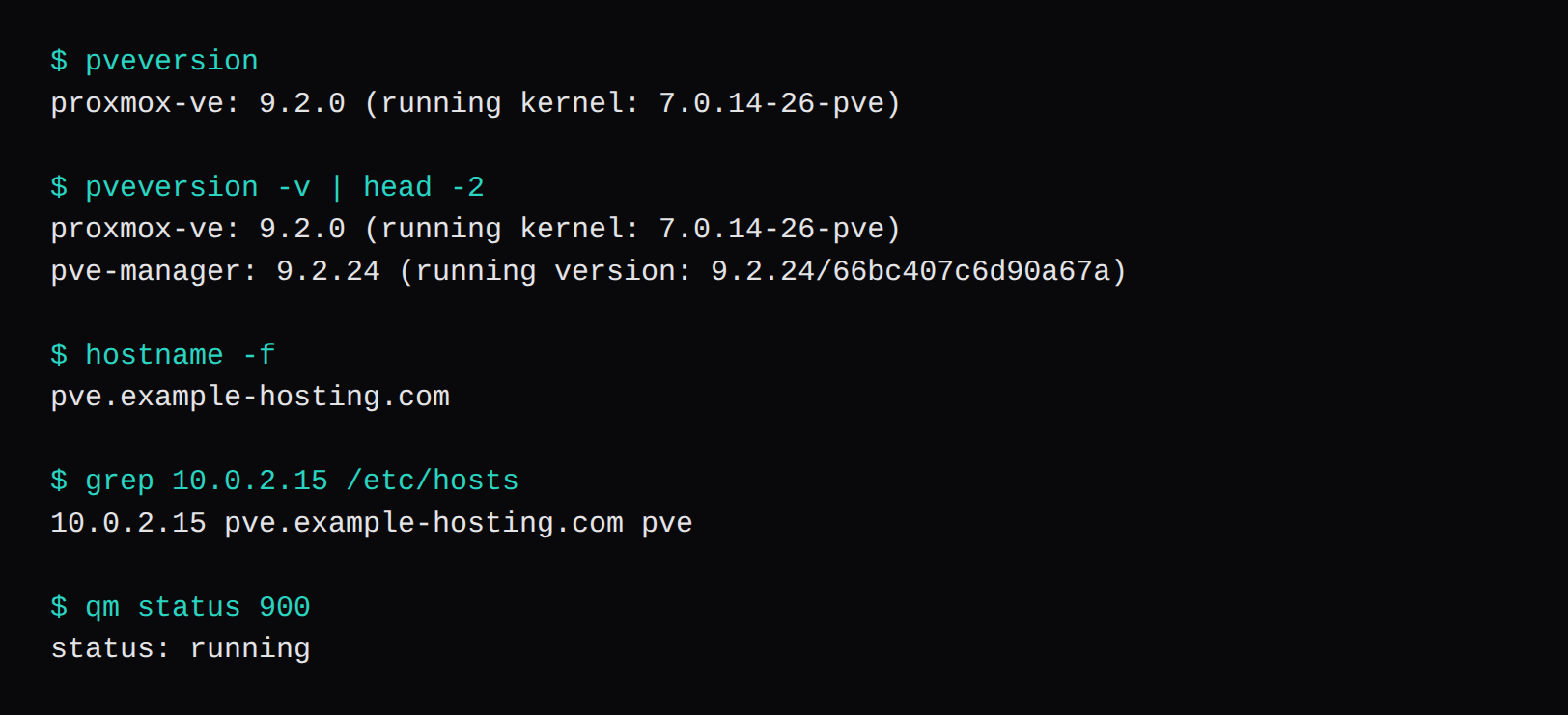
Create the first virtual machine
The guest ISO was ubuntu-26.04.1-live-server-amd64.iso. SHA256 cc8a95cde20f6ced61a322420de00f10cc3c90ced545daa46cb9c1a117f1d927. It went in /var/lib/vz/template/iso/, which is the local storage. The disk is an 8 GiB virtio volume on local-lvm. Two cores, CPU type host, 2 GiB of RAM, a virtio NIC on vmbr0.
qm create 900 --name ubuntu --memory 2048 --cores 2 --cpu host \
  --net0 virtio,bridge=vmbr0 \
  --virtio0 local-lvm:8 \
  --ostype l26 \
  --ide2 local:iso/ubuntu-26.04.1-live-server-amd64.iso,media=cdrom \
  --boot order=ide2
qm start 900
qm status 900
qm status 900 printed status: running. Inside the node, /dev/kvm existed and the CPU flag was vmx, which is what a nested guest needs before qm start can do anything. A task that dies with /usr/bin/kvm failing is a machine whose VT-x or AMD-V is off, or a hypervisor that did not pass the flag through.
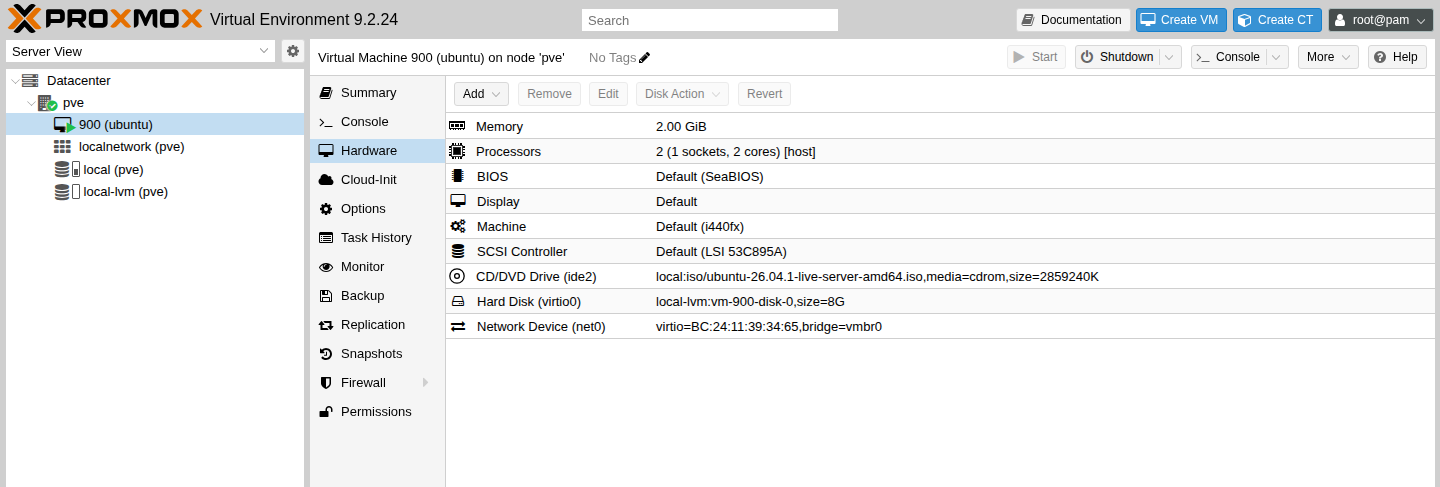
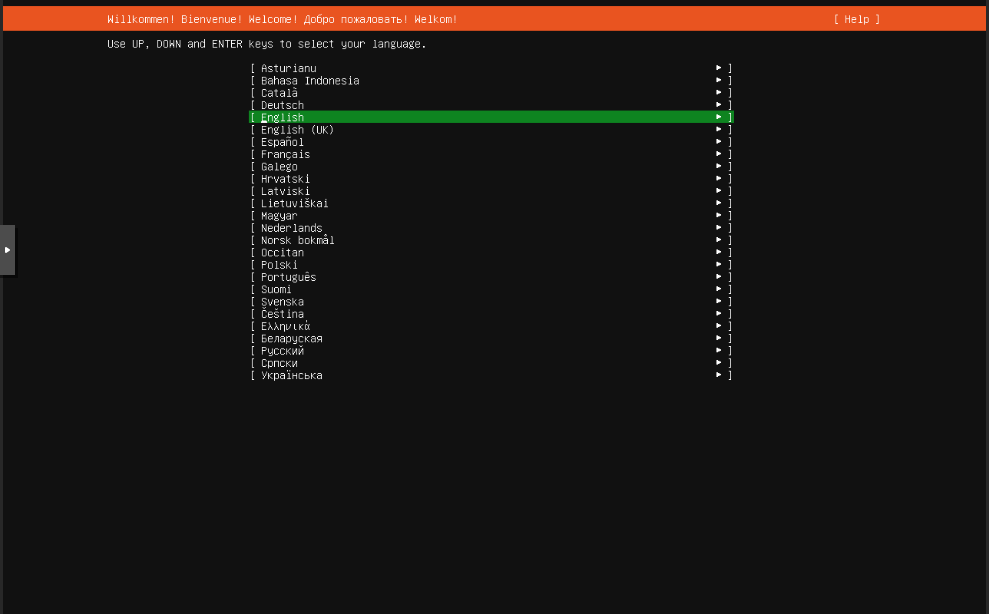
The console opened on the Ubuntu language list, English highlighted. That is as far as this node needed to go. The guest is running, and the installer is on the screen.
A node that is going to be added to a fleet uses the Proxmox provider guide after this. The guide starts from a node that already answers on port 8006.
Questions that come up on the first boot
Does Proxmox VE 9 require a subscription?
The node installs and boots without one. The "No valid subscription" dialog and the 401 are the same missing key. Updates on this node came from pve-no-subscription after the enterprise files were disabled. Proxmox describes that repository as the testing and non-production one.
Should the installer use ZFS?
On one disk, ext4 is the default and it is what this install kept. A ZFS mirror needs the disks selected in Options. ZFS on a hardware RAID card is unsupported. The RAM note for ZFS and Ceph is about 1 GB per TB, on top of the 2 GB the OS wants.
Why is apt update returning 401?
pve-enterprise.sources and ceph.sources are enabled on a fresh install, and both want a subscription. Add Enabled: no to each, write proxmox.sources with component pve-no-subscription and suite trixie, then run apt-get update again.
The screen is black after the menu. What now?
Give the ramdisk a moment. This run was black, then the EULA appeared. If the picture never comes, boot Terminal UI from the same menu. A hang during boot is the case for nomodeset on the installation page. Installer errors also land on TTY2.
The summary shows a short hostname. Did the FQDN get dropped?
The summary printed pve. hostname -f printed pve.example-hosting.com, the certificate CN was that name, and /etc/hosts mapped the address to the FQDN and the short name. Tasks that look up the node name need that hosts line. The installer wrote it.