
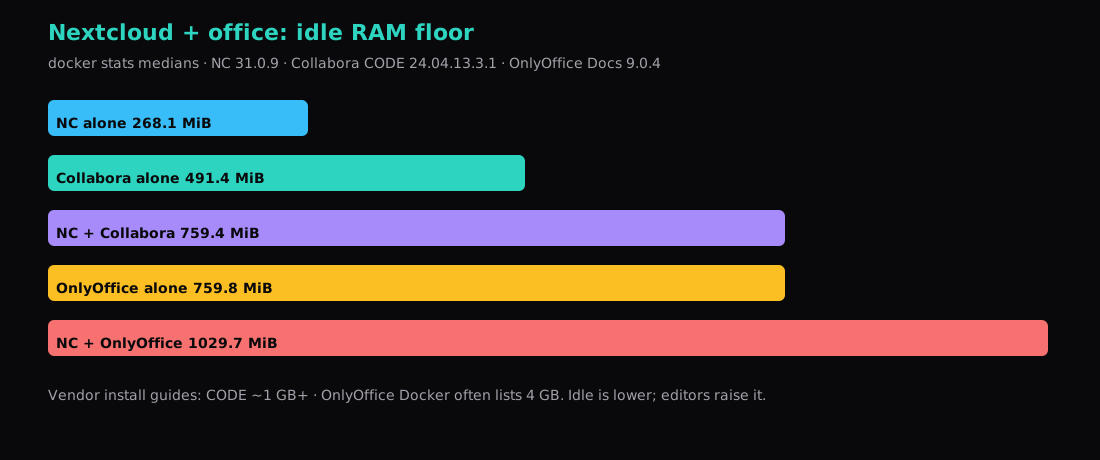
Nextcloud 31.0.9 with MariaDB and Redis sat at about 268 MiB quiet on this host. Adding Collabora Online Development Edition (collabora/code:24.04.13.3.1) brought the combined stack to about 759 MiB (Collabora itself ~491 MiB). Swapping the office engine for OnlyOffice Document Server 9.0.4 landed near 1030 MiB total (OnlyOffice alone ~760 MiB). Collabora answered /hosting/discovery with HTTP 200; OnlyOffice returned true on /healthcheck and served /web-apps/apps/api/documents/api.js.
Vendor pages still talk in round numbers: CODE around 1 GB plus per-user, OnlyOffice’s Docker install guide often 4 GB. Quiet containers here were lighter than those install floors. Concurrent editors are not idle. Budget the spike when someone opens a spreadsheet.
| Stack | Median idle (docker stats) |
|---|---|
| Nextcloud + MariaDB + Redis | ~268 MiB |
| Collabora CODE alone | ~491 MiB |
| NC + Collabora | ~759 MiB |
| OnlyOffice Docs alone | ~760 MiB |
| NC + OnlyOffice | ~1030 MiB |
Why this post exists next to the PHP one
Nextcloud on a VPS: 2 GB floor, PHP tuning leaves Collabora off on purpose. This post is the office tax: which engine you wire in, and how much RAM it holds before anyone edits. Fidelity (especially .docx/.xlsx quirks) is a product preference; RAM is a VPS SKU decision.
Nextcloud baseline
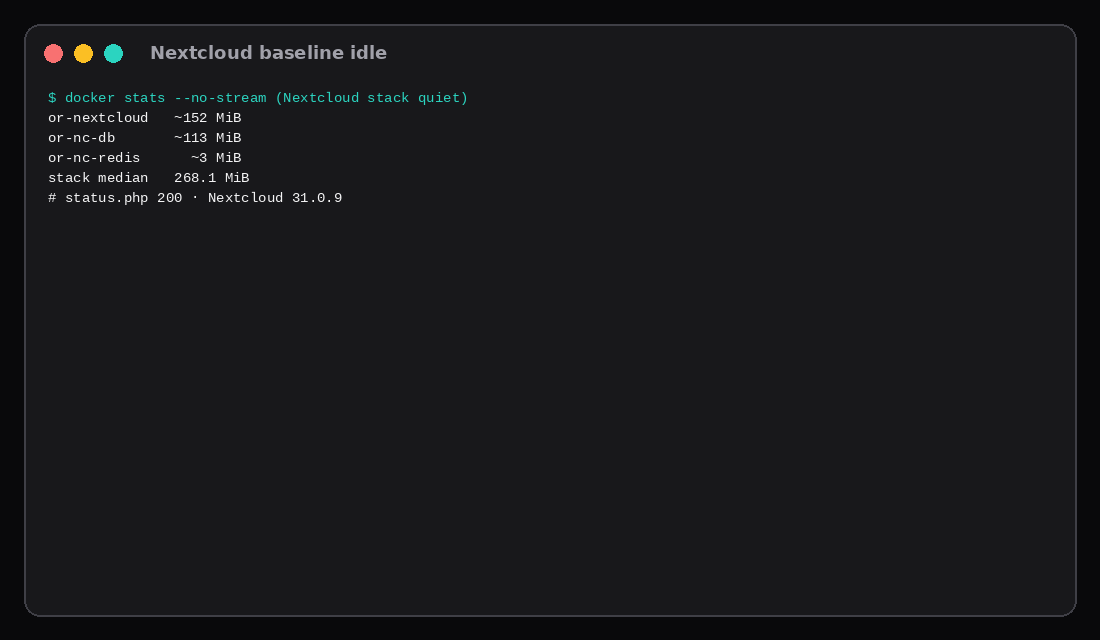
# nextcloud:31.0.9-apache + mariadb:11.4 + redis:7-alpine
# NEXTCLOUD_TRUSTED_DOMAINS=127.0.0.1
# publish 127.0.0.1:8087:80
curl -s http://127.0.0.1:8087/status.php
# installed true · versionstring 31.0.9| Container | ~MiB |
|---|---|
| nextcloud | 152 |
| mariadb | 113 |
| redis | 3 |
| Stack | 268 |
Collabora CODE
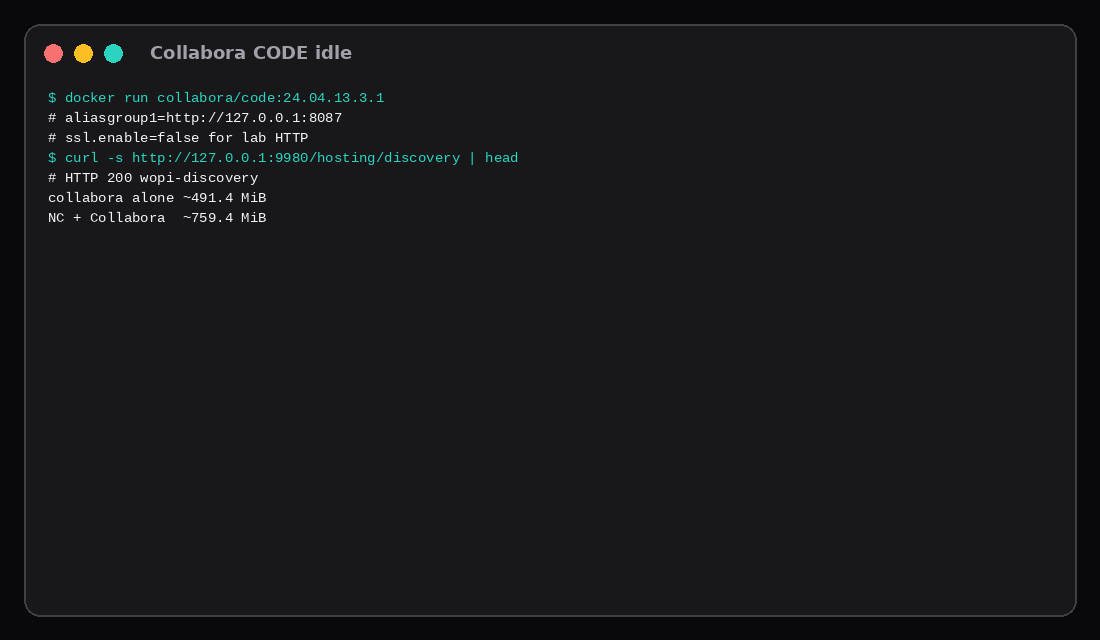
docker run -d --name collabora \
  -p 127.0.0.1:9980:9980 \
  -e "aliasgroup1=http://127.0.0.1:8087" \
  -e "extra_params=--o:ssl.enable=false --o:ssl.termination=true" \
  -e DONT_GEN_SSL_CERT=1 \
  collabora/code:24.04.13.3.1
curl -s http://127.0.0.1:9980/hosting/discovery | head
# wopi-discovery …In Nextcloud, install the richdocuments / Nextcloud Office app and point it at the Collabora URL. Production wants HTTPS and a real aliasgroup hostname, not loopback.
| Reading | ~MiB |
|---|---|
| Collabora alone | 491 |
| NC + Collabora | 759 |
OnlyOffice Document Server
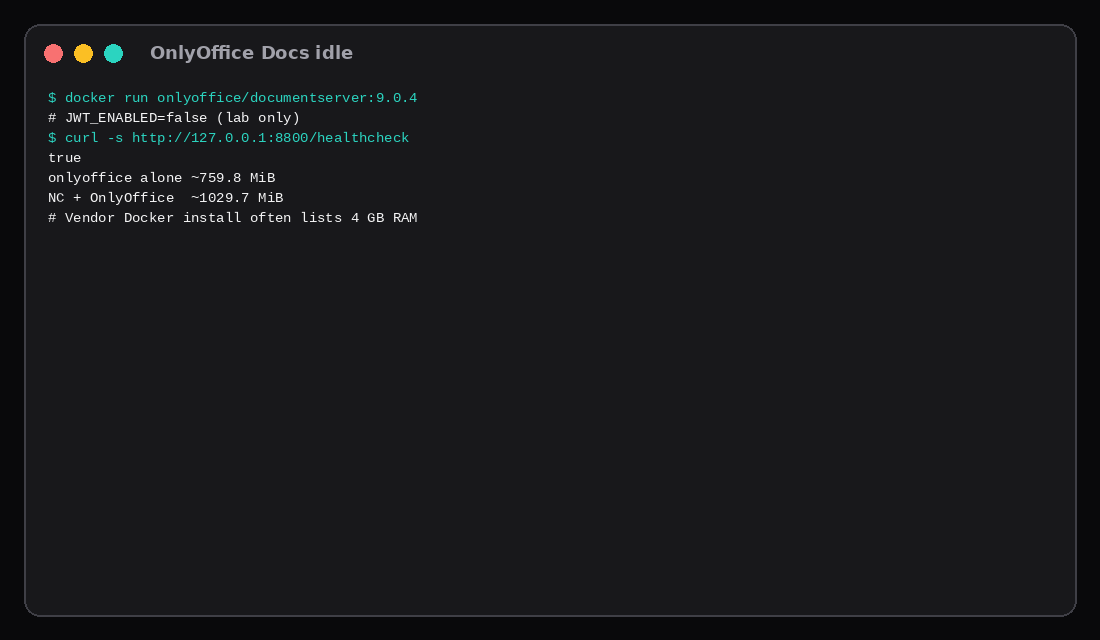
docker run -d --name onlyoffice \
  -p 127.0.0.1:8800:80 \
  -e JWT_ENABLED=false \
  onlyoffice/documentserver:9.0.4
Lab disabled JWT for a quick health check. Turn JWT on before the connector faces the internet.
curl -s http://127.0.0.1:8800/healthcheck
# true| Reading | ~MiB |
|---|---|
| OnlyOffice alone | 760 |
| NC + OnlyOffice | 1030 |
The Docker system-requirements page still lists about 4 GB RAM for Docs. That is sizing guidance for real use, not a claim that the container idles at 4 GB. Here it held ~760 MiB with nothing open.
Connectors and the concurrent caveat
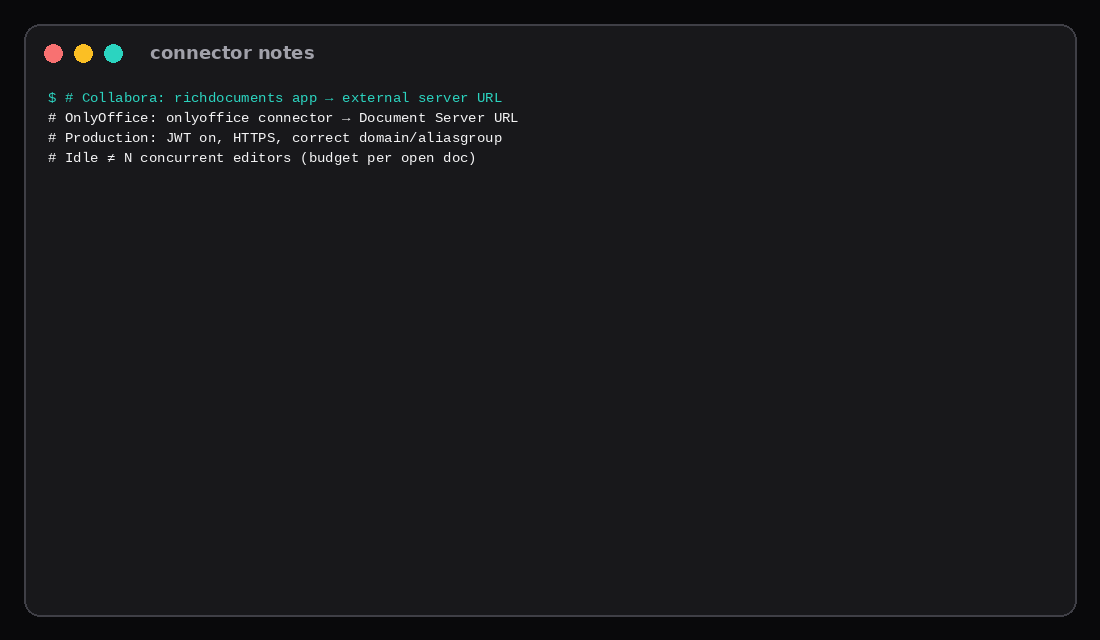
| Engine | Nextcloud side | Server URL shape |
|---|---|---|
| Collabora | richdocuments / Office | WOPI / hosting/discovery |
| OnlyOffice | onlyoffice connector | Document Server base URL |
# Production checklist (both)
# - HTTPS end-to-end or terminated at Caddy
# - JWT / WOPI proof keys set
# - Domain allowlists match the public hostname
# - Do not publish 9980/80 on all interfaces
Idle RAM is the floor. Collabora forks per document; OnlyOffice still grows with conversions and co-editing. A “2 GB VPS with office” is a bet on few concurrent editors.
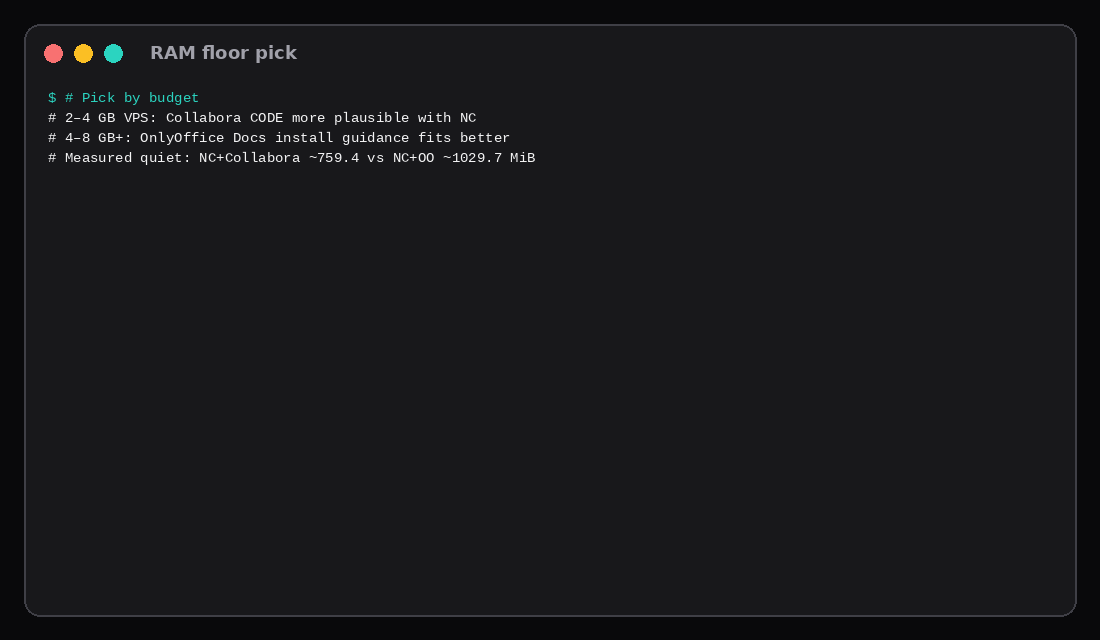
Which floor to buy
| VPS budget | Practical lean |
|---|---|
| ~2 GB | Nextcloud alone (PHP post); office is tight |
| ~4 GB | NC + Collabora plausible for light use |
| ~4–8 GB | Room for OnlyOffice’s install guidance + NC |
| Many simultaneous editors | Size above idle; consider split hosts |
| Skip this | What this lab did |
|---|---|
| Enabling office on 2 GB without measuring | Separate NC / +CODE / +OO idles |
| Treating 4 GB vendor text as idle usage | Compared guide vs docker stats |
| Leaving JWT off in production | Lab-only disable noted |
Publishing editors on 0.0.0.0 | Loopback binds |
| Calling idle “capacity for the whole team” | Concurrent caveat |
Vendor floors before you open a document
ONLYOFFICE Docs Community’s Docker sysreqs still list about 4 GB RAM, 4 GB swap, and 40 GB free disk for the document server alone, with concurrent-editor tables that stay at 4 GB until you cluster past a few hundred users. Collabora CODE’s commonly cited FAQ budget is roughly 1 GB plus on the order of 50–100 MB per concurrent editor (figures drift by release). Those are planning floors, not idle docker stats. Collabora grows with open documents because each editor is a server-side process; ONLYOFFICE pushes more layout work into the browser and coordinates co-editing on the server. DocSpace is a different product with double-digit GB install scripts and should not be confused with Docs beside Nextcloud. On a shared guest, add Nextcloud’s PHP-FPM workers and database on top of whichever office container you pick, then re-measure with one real .docx open the way this lab does.
Community editions also cap concurrent connections (often around twenty). Past that you are shopping Enterprise licences, not another gigabyte of RAM. Prefer Collabora when ODF and LibreOffice fidelity matter; prefer ONLYOFFICE when round-trip .docx / .xlsx fidelity is the daily pain.
FAQ
Built-in CODE app vs collabora/code container? The AppImage-in-Nextcloud path avoids a second compose service but still needs RAM and FUSE/unpack quirks. This lab measured the standalone container.
DocSpace? A different OnlyOffice product with a much higher published minimum. Not this post.
Can both run at once? Technically yes; you pay both floors. Pick one connector for users.
What to run on the VPS
Plan a Compute Instance from the combined quiet number plus editor headroom: roughly 0.75–1 GiB quiet for NC+Collabora on this lab, about 1 GiB quiet for NC+OnlyOffice, then add for open documents. Prefer Collabora when the SKU is tight; prefer OnlyOffice when you want that editor and can afford the Docker install guidance (often 4 GB class). Keep office ports on loopback behind Caddy, enable JWT, and prove discovery/health before inviting the team.